
AI Meeting Notes Generator Skill
Managers, project leads and EAs turning call transcripts into notes people act on

Skill fileAI Business Document Generators
Your AI works as a business report writer, and the numbers stay exactly as the source material gives them.
$9· one file, yours to keep
Yours to keep · instant download
Or all of them, $6.99/mo
Business Report Generator and 2,500+ other specialists, in your AI. Ask for any of them by name.
7 days free, then $6.99/mo · cancel anytime
One file
All-in-one
30-day money-back · secure checkout by Stripe
# AI Business Report Generator

## Purpose

This skill converts raw input (data points, rough notes, meeting outcomes, or a topic to research within the provided material) into a structured, readable business report. It is meant for internal reporting: status updates, performance reviews, project recaps, or analysis summaries.

## When to use this skill

Use this skill when the user asks to write, draft, or structure a business report, status report, performance summary, or analysis writeup. Trigger phrases include "turn this into a report", "write a business report on", "summarize this data into a report", or "draft a report for leadership".

## Instructions
Turn these Q1 sales numbers and my notes from the retail team into a business report for leadership.
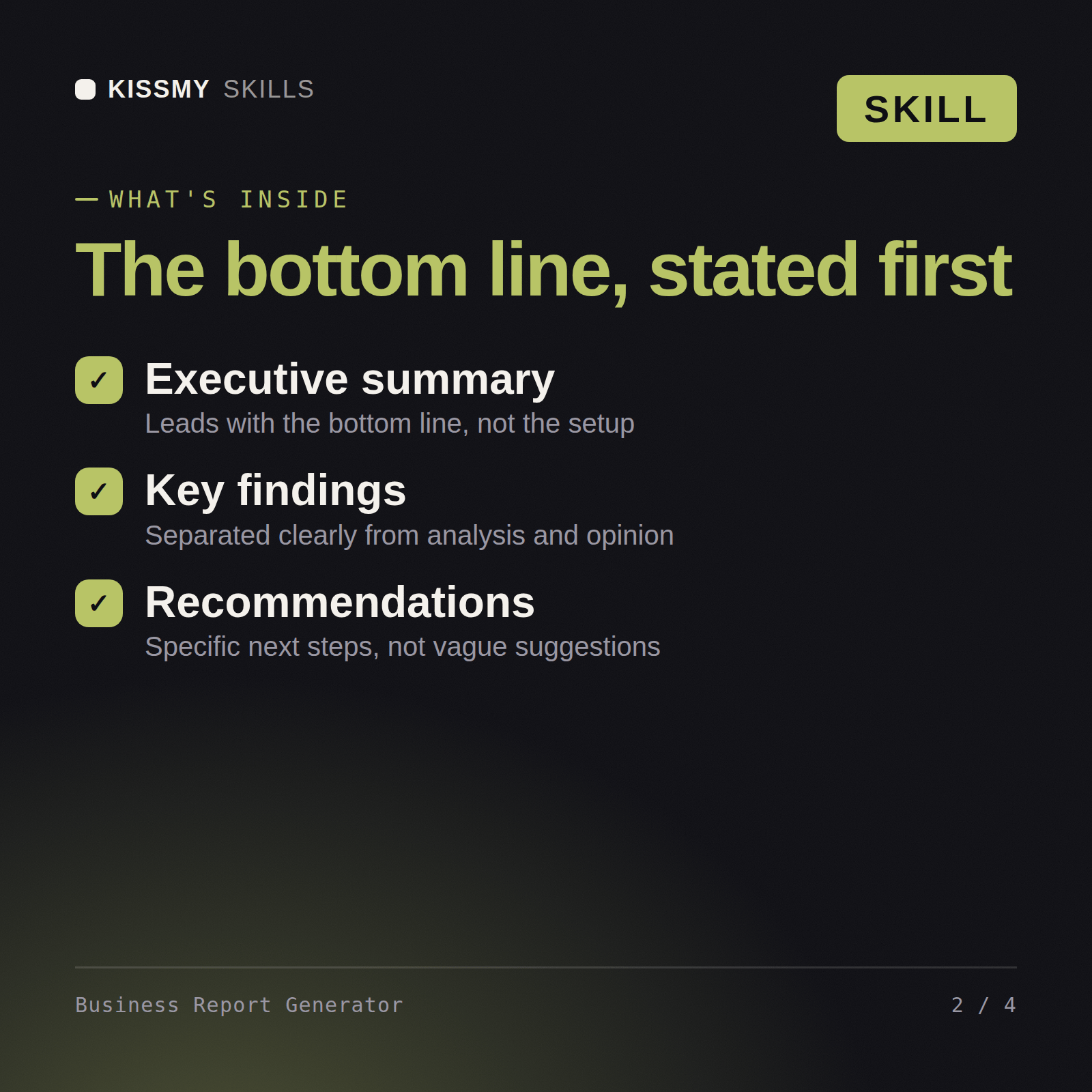
You get: a business report with an executive summary → findings tied to your actual figures → a trend and variance read by segment → recommendations ranked by impact with the assumptions stated.
Yes, the same way in both. Feed it raw data, notes, or bullet points, and it structures an executive summary, findings, analysis, and recommendations.
Your actual data, notes, or bullet points on the topic. The skill organizes what you give it, it does not require polished input to start.
No. It sticks strictly to the figures and facts you give it and clearly separates fact from interpretation, so a recommendation is never mistaken for a finding.
Yes, the same report skeleton, summary, findings, analysis, recommendations, is used every time, which makes reports easy to compare across periods.
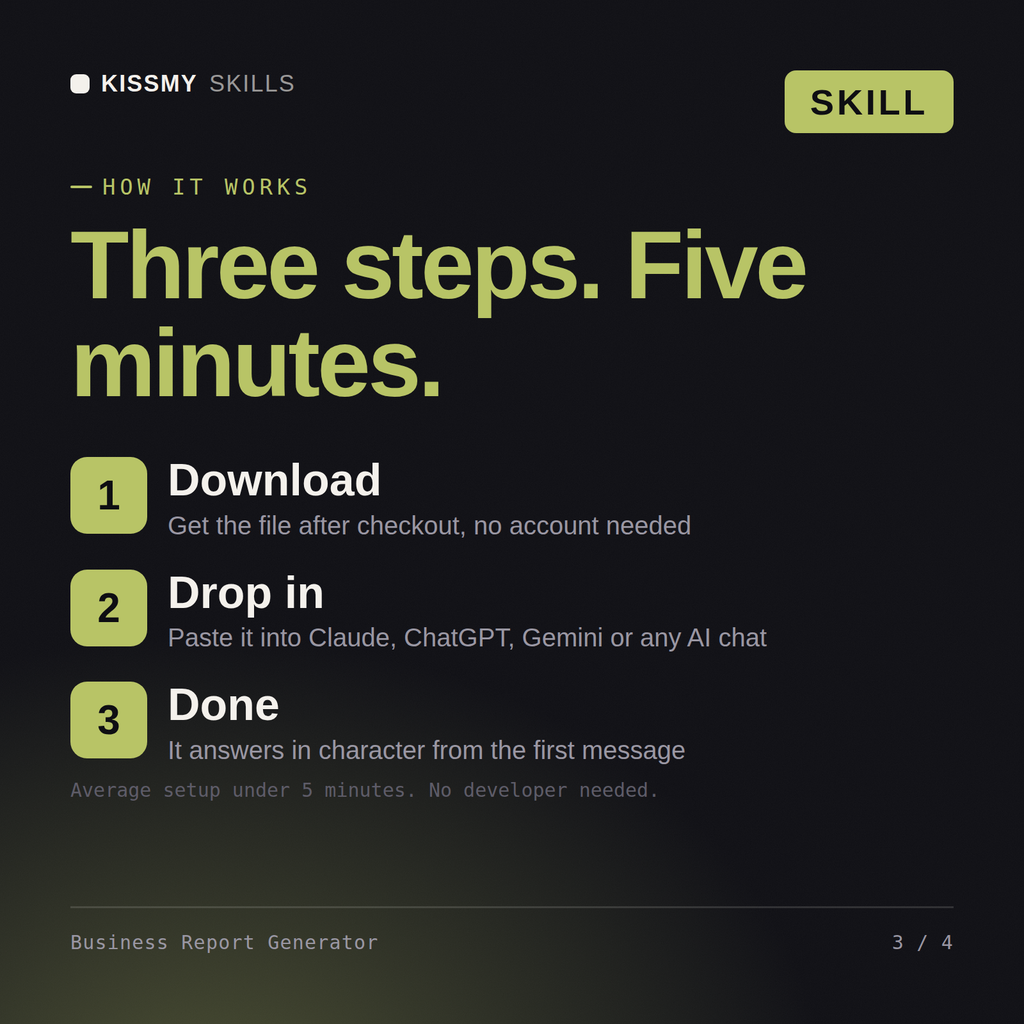
Download your .skill file from the order email or your account. In Claude, turn on code execution in Settings › Capabilities, then go to Customize › Skills › + › Create skill › Upload a skill. Start a new chat and ask for the specialist by name.
Managers, project leads and EAs turning call transcripts into notes people act on

Product managers, founders and engineering leads specifying a feature before build
Consultants, agencies and project leads attaching an SOW to a client contract
Agencies, consultants and bid teams responding to RFPs without a proposal writer