
AI Statement of Work Generator Skill
Consultants, agencies and project leads attaching an SOW to a client contract
Skill fileAI Business Document Generators
Your AI works as a product requirements writer who turns a feature idea into user stories and numbers every functional…
$9· one file, yours to keep
Yours to keep · instant download
Or all of them, $6.99/mo
PRD Generator and 2,500+ other specialists, in your AI. Ask for any of them by name.
7 days free, then $6.99/mo · cancel anytime
One file
All-in-one
30-day money-back · secure checkout by Stripe
# AI PRD Generator

## What this skill does

This skill converts a raw feature idea or product concept, however loosely described, into a structured Product Requirements Document (PRD) in markdown that a product, design, and engineering team could use to scope and build the feature.

## When to use this skill

Use this skill when the user describes a product or feature idea and wants it formalized into a document for a team to review, including:
- A quick feature idea from a founder or PM that needs to become a real spec
- Notes from a customer request that need to be turned into requirements
- An early concept that needs problem framing before engineering can size it
Write the PRD for an in-app referral feature in our meal planning app for iOS and Android.
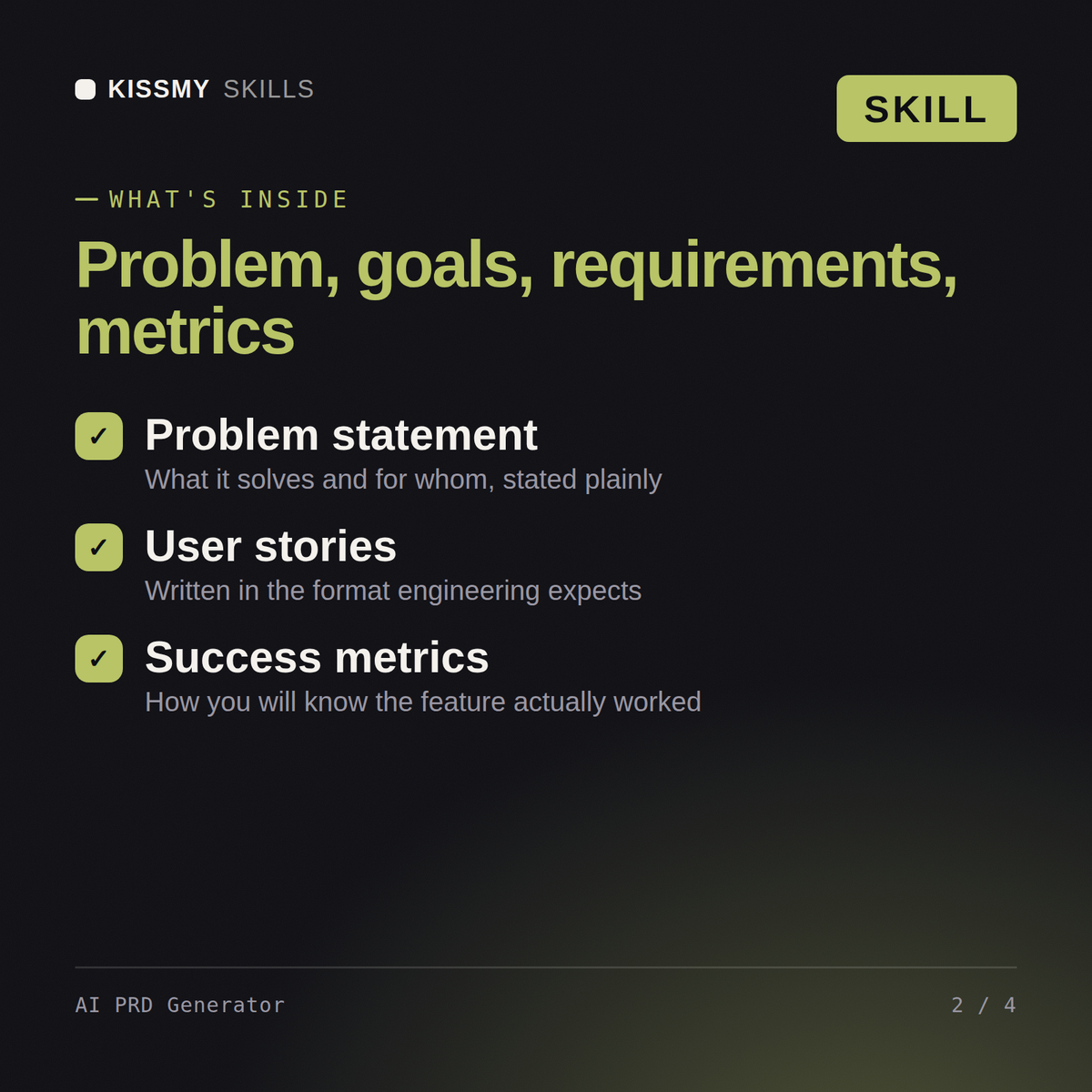
You get: a PRD with a problem statement and goals → user stories with acceptance criteria → functional and non-functional requirements → success metrics, out-of-scope items and an open questions list.
Yes, the same way in both. Describe your product idea, the problem it solves, and who it's for, and get back a complete PRD with problem statement, goals, and requirements.
The core idea, the problem it addresses, your target user, and any known constraints or must-have features. The skill structures it into a real PRD from there.
Yes, both are generated as standard sections, written the way product and engineering teams expect, alongside the problem statement, goals, and requirements.
Yes, it's built for solo founders and indie builders as much as PMs, anyone who needs a real PRD to hand to a developer or an AI coding tool without staring at a blank page.
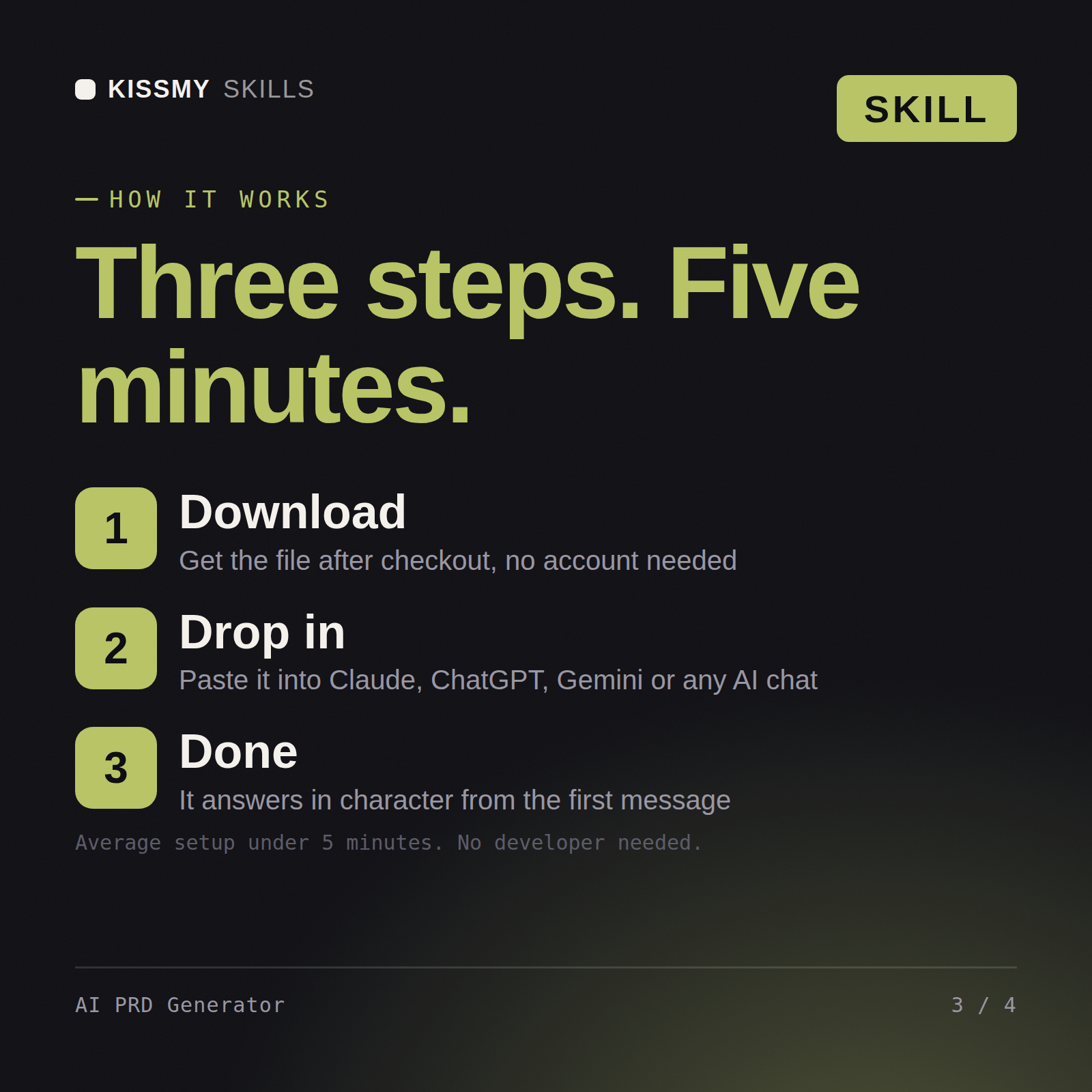
Download your .skill file from the order email or your account. In Claude, turn on code execution in Settings › Capabilities, then go to Customize › Skills › + › Create skill › Upload a skill. Start a new chat and ask for the specialist by name.
Consultants, agencies and project leads attaching an SOW to a client contract
Agencies, consultants and bid teams responding to RFPs without a proposal writer
Employees, contractors and office managers filing expenses for reimbursement
Founders, freelancers and bookkeepers building a P&L without accounting software