
AI Image Prompt Pack (Nano Banana, GPT Image, Midjourney, Ideogram)
Store owners, marketers and creators who use Nano Banana, ChatGPT images, Midjourney, Ideogram, Leonardo or similar tools and want usable images on the first few tries.
Prompt setAI Image & Design Prompt Packs
Gets a complete brand and UI color system with roles, scales, dark mode and tokens from your AI chat.
$9· one file, yours to keep
Yours to keep · instant download
Or all of them, $6.99/mo
Color Palette Generator and 2,500+ other specialists, in your AI. Ask for any of them by name.
7 days free, then $6.99/mo · cancel anytime
One file
All-in-one
30-day money-back · secure checkout by Stripe
================================================================================
  KISSMYSKILLS.COM
  AI Color Palette Generator
  Prompt Pack - Instant Use
================================================================================


WHAT YOU JUST BOUGHT
--------------------------------------------------------------------------------
A copy-paste library of prompts that turn any AI chat (ChatGPT, Claude,
Gemini, Copilot) into a color palette generator that thinks like a product
designer: it gives every color a job, builds full tint and shade scales,
Our logo is #F2A900 and must stay. Build a palette for a bike repair app with dark mode, tell me if white text works on the yellow, and export Tailwind v4 tokens.
You get: a palette built around #F2A900 with secondary, accent and a warm-tinted neutral ramp → an honest note that white text on that yellow falls well short of 4.5:1, with a darker shade of the same hue proposed for buttons → semantic success, warning, error and info colors → dark-mode surfaces and tuned accents → a table of text pairs with luminance math and a reminder to confirm in a checker → Tailwind v4 @theme tokens.
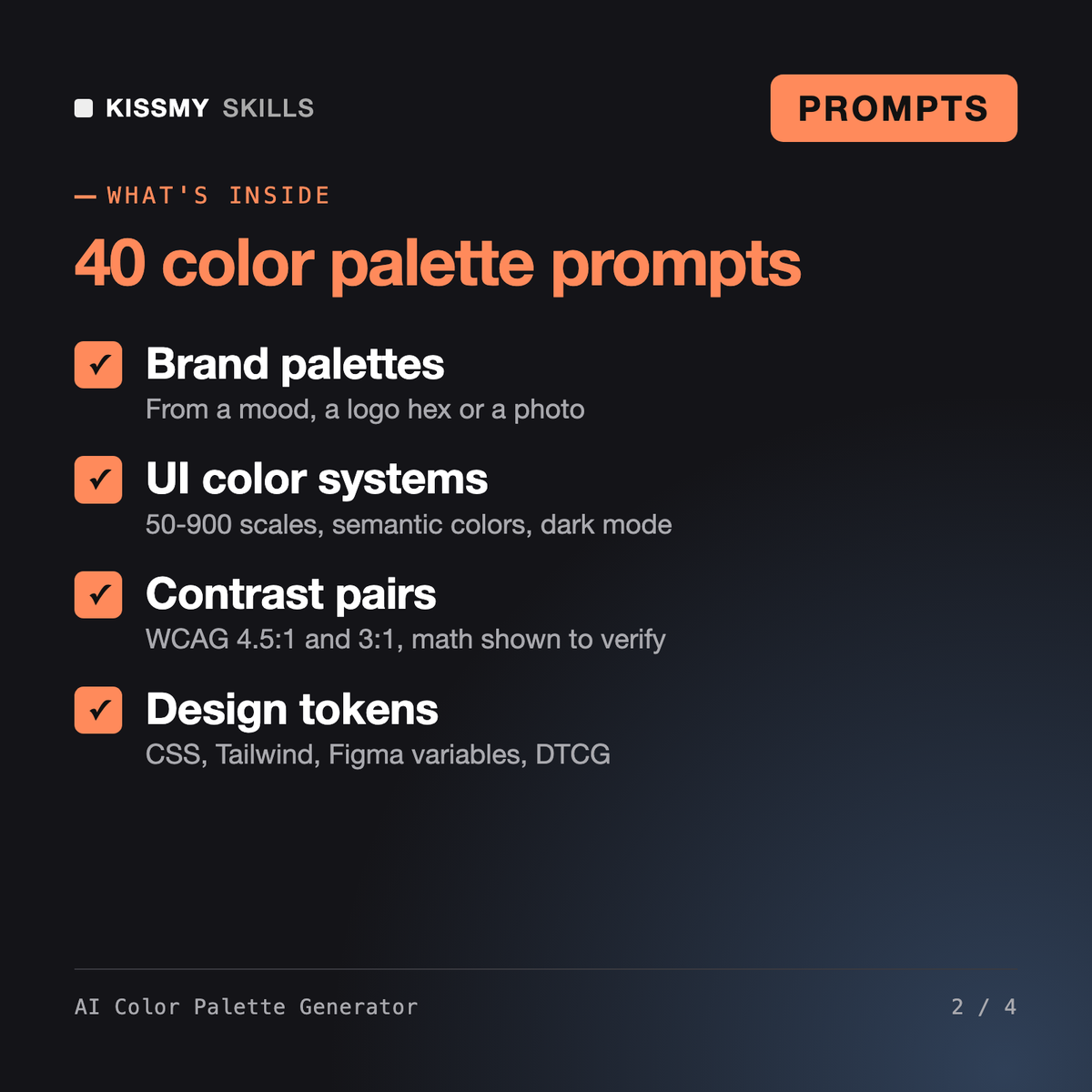
It gives you 40 ready prompts, a master formula and an assistant prompt that turn any AI chat into a color palette generator. You get brand palettes from a mood, logo color or photo, UI systems with 50-900 scales and semantic colors, dark mode, chart palettes, contrast-checked text pairs, and exports as CSS variables, Tailwind config, Figma variables JSON or DTCG tokens.
The AI Interior Color Palette Generator plans wall and room paint schemes for homes. Ophira - Brand Identity Designer AI Skill builds a whole brand identity: positioning, logo direction, type and voice. This pack covers only screen color systems, in depth: roles, scales, dark mode, contrast pairs, chart palettes and design tokens for code and Figma.
It can estimate. Chat models compute contrast ratios from hex values and can be wrong near a threshold. The prompts make the model show relative luminance and the WCAG formula, calculate with code when your chat can run it, and flag close calls. Confirm final pairs in a dedicated contrast checker before you ship.
ChatGPT, Claude, Gemini, Copilot and any other AI chat that accepts text. The prompt that extracts a palette from a photo needs a chat that accepts image uploads. The export prompts produce text you paste into your CSS, Tailwind setup or a Figma variables plugin.
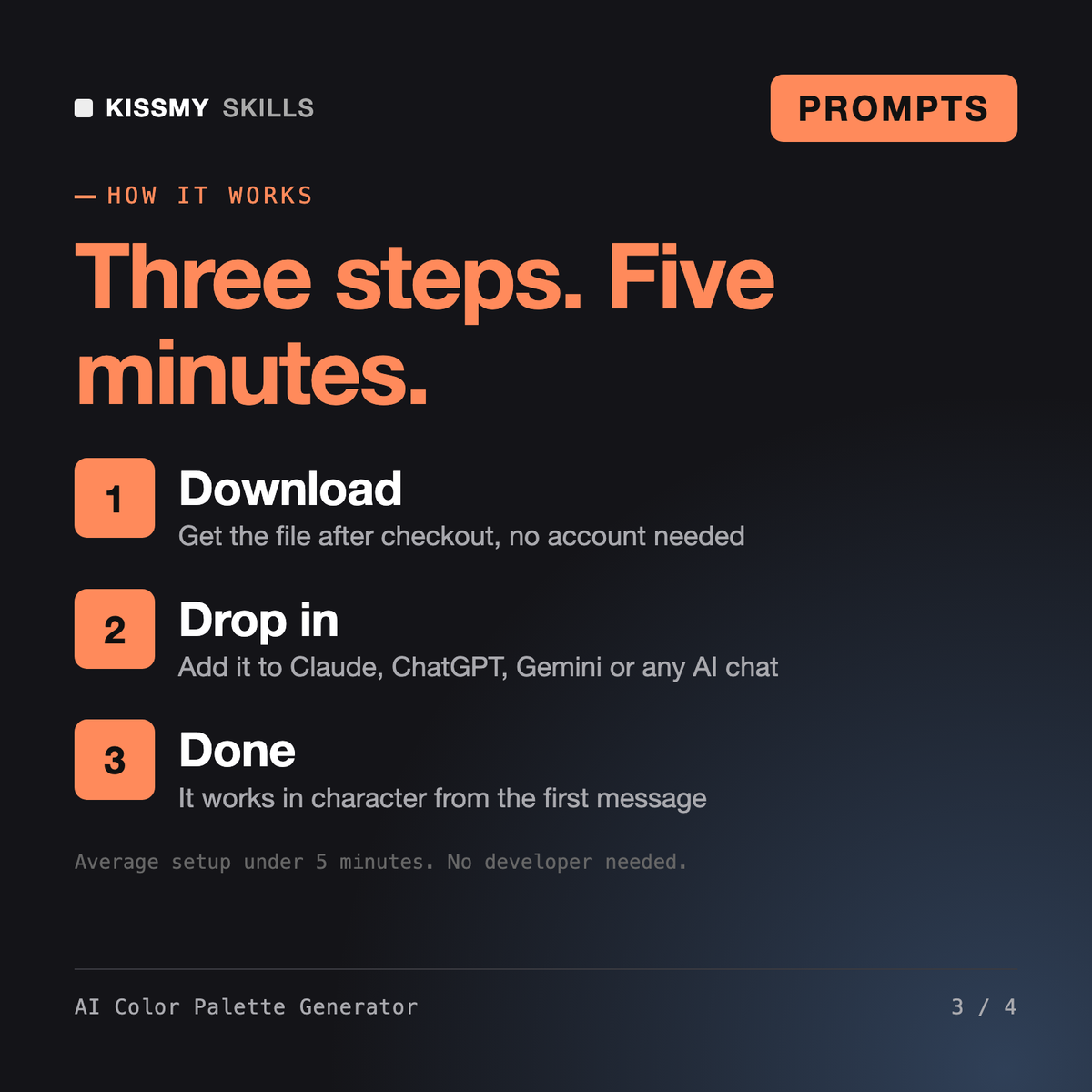
Download your .skill file from the order email or your account. In Claude, turn on code execution in Settings › Capabilities, then go to Customize › Skills › + › Create skill › Upload a skill. Start a new chat and ask for the specialist by name.
Store owners, marketers and creators who use Nano Banana, ChatGPT images, Midjourney, Ideogram, Leonardo or similar tools and want usable images on the first few tries.
Authors, editors and self-publishers who need prompts for drafting and revision.
YouTubers, content creators, and small teams who need a finished script fast instead of staring at a blank page.
