
Creative & Publishing Prompt Library
Authors, editors and self-publishers who need prompts for drafting and revision.
Prompt setAI Image & Design Prompt Packs
Gets usable product shots, edits and social images from the image tool you already pay for.
$9· one file, yours to keep
Yours to keep · instant download
Or all of them, $12/mo
Image Prompt Pack and 2,500+ other specialists, in your AI. Ask for any of them by name.
7 days free, then $12/mo · cancel anytime
One file
Every skill
30-day money-back · secure checkout by Stripe
================================================================================
  KISSMYSKILLS.COM
  AI Image Prompt Pack: Nano Banana, GPT Image, Midjourney, Ideogram
  + ComfyUI, DALL-E, Leonardo, Krea, Freepik, Stable Diffusion
  Prompt Pack - Instant Use
================================================================================


WHAT YOU JUST BOUGHT
--------------------------------------------------------------------------------
A copy-paste library of structured AI image prompt formulas for the three image
tools people actually use: Nano Banana (Google's Gemini image models,
I sell soy candles. Put my candle photo into a cozy evening bedroom for an Instagram 4:5 ad, keep the label exactly the same, leave room for a headline.
You get: a Nano Banana / GPT Image prompt that uses your photo as image 1 and lists what must stay unchanged → a scene with light oak bedside table, warm candle glow and soft lamp light from the left → composition with space at the top for copy and a 4:5 ratio → an Avoid line for extra candles and clutter → a Midjourney version with --ar 4:5 --style raw --no text for mood boards → and 3 follow-up edits to refine the best result.
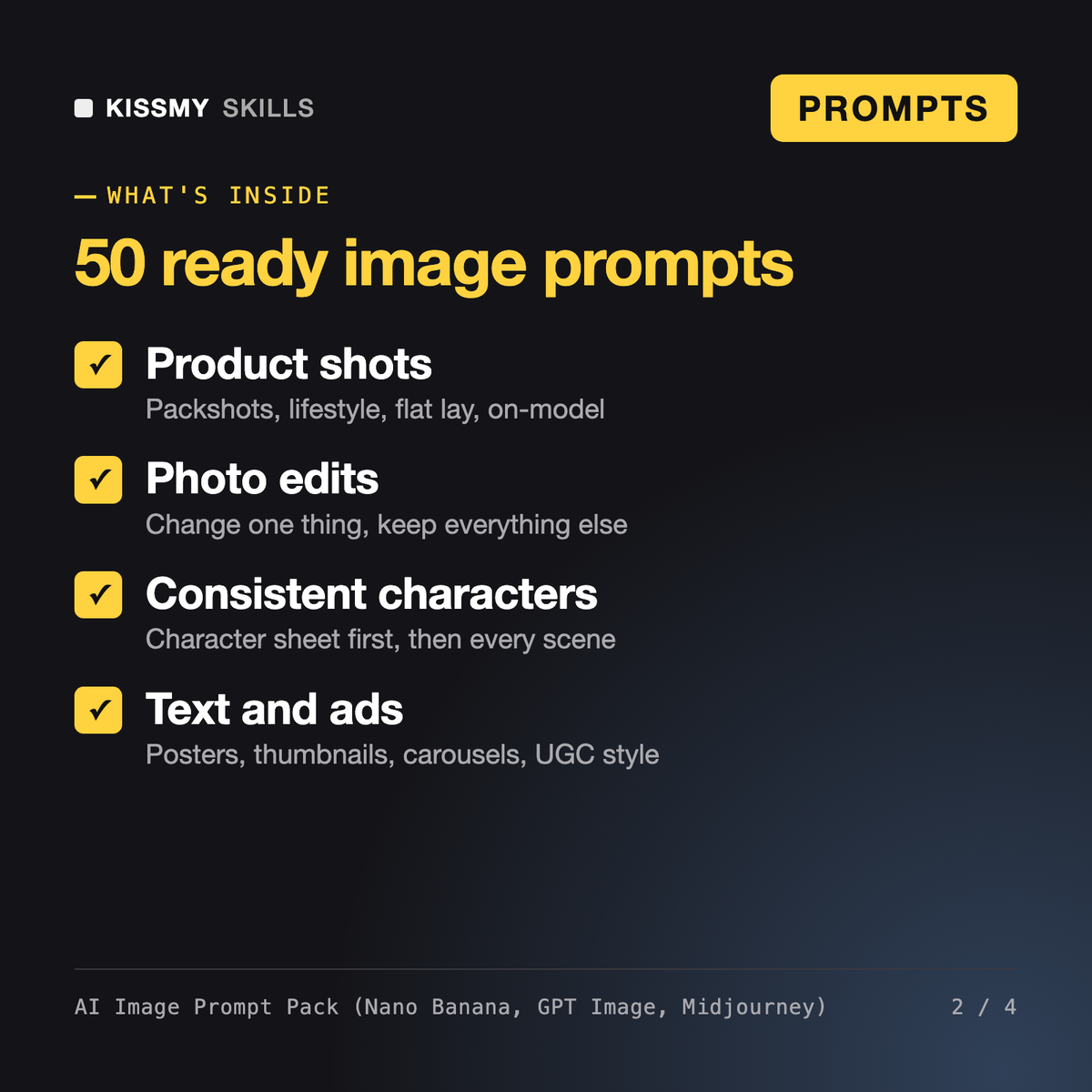
It gives you 64 ready AI image prompts and two master formulas for product photography, headshots from your own photo, photo edits, style transfer, consistent characters, text in images and social ads. Create-from-scratch prompts have a natural-language version for Nano Banana and GPT Image and a Midjourney version with parameters. A separate group covers Ideogram, ComfyUI, DALL-E, Leonardo, Krea, Freepik and Stable Diffusion, and an assistant prompt writes new prompts from a rough idea.
No. It does not generate images itself. It is a .txt file of prompts you paste into the image tool you already use: Nano Banana in the Gemini app or AI Studio, GPT Image in ChatGPT or the API, Midjourney, or one of the other covered tools. The prompts are written so those tools produce usable results in fewer tries.
Nano Banana and GPT Image follow written instructions, accept reference images and edit a photo when told what to change and what to keep. Midjourney reads descriptive phrases steered by parameters such as --ar, --stylize, --no and --sref. Ideogram needs exact text in quotes, ComfyUI and Stable Diffusion use separate positive and negative prompts, and Leonardo, Krea and Freepik set references and styles in the interface. Each version is written for how that tool reads prompts.
The Midjourney and Stable Diffusion Prompt Generator is a skill that writes four style variations for one idea, and Vespera is a director persona for teams measuring cost per usable asset. This pack is a ready library of prompts per model and per job, with a strong focus on editing your own photos and products.
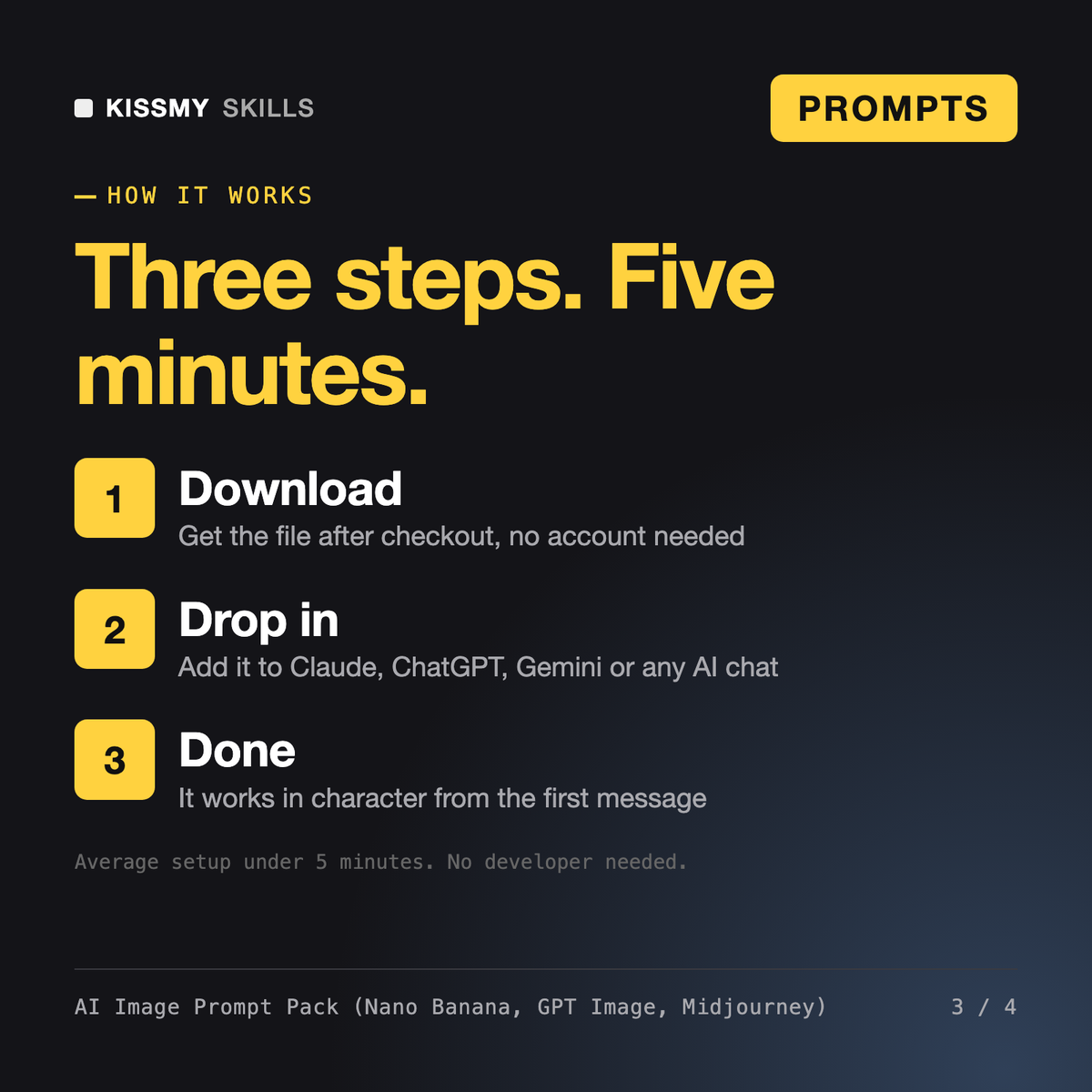
Download your .skill file from the order email or your account. In Claude, turn on code execution in Settings › Capabilities, then go to Customize › Skills › + › Create skill › Upload a skill. Start a new chat and ask for the specialist by name.
Authors, editors and self-publishers who need prompts for drafting and revision.
YouTubers, content creators, and small teams who need a finished script fast instead of staring at a blank page.

Founders, product designers, PMs and developers who use Google Stitch, v0, Figma Make, Lovable or Bolt and want usable screens.