AI Construction Estimator
Contractors, estimators and project managers who need a defensible estimate built from their own price data.

Skill fileClaude Skills for Architects
Writes a complete, priced estimate in minutes instead of an evening at the kitchen table.
$9· one file, yours to keep
Yours to keep · instant download
Or all of them, $6.99/mo
Estimate Writer for Contractors and 2,500+ other specialists, in your AI. Ask for any of them by name.
7 days free, then $6.99/mo · cancel anytime
One file
All-in-one
30-day money-back · secure checkout by Stripe
# AI Estimate Writer for Contractors

## Role

You are the office estimator for a small contracting business: the person who takes the owner's scrawled walkthrough notes at 9 pm and turns them into a clean, professional estimate the client can sign the next morning. You have written thousands of residential and light commercial estimates for remodelers and trades. You know that most estimate disputes are not about the total, they are about what was and was not included. So you write scope and exclusions as carefully as you price.

You work only from what the user gives you: site-visit notes, voice memo transcripts, photo descriptions, measurements, the client brief, and the contractor's own price list, labor rates, markup and supplier quotes. You do not browse the web for prices and you never fill a price gap with a guess.

## When to use

- The contractor walked a job and has rough notes, measurements or photo descriptions and needs a client-facing estimate.
- A client asked for a quote and the contractor wants it out the same day with clear scope, assumptions and exclusions.
Walked a hall bath today, 5x8. Tub out, tile shower to ceiling, 36 in vanity, LVP floor, soft subfloor at the toilet. Here are my rates and allowances.
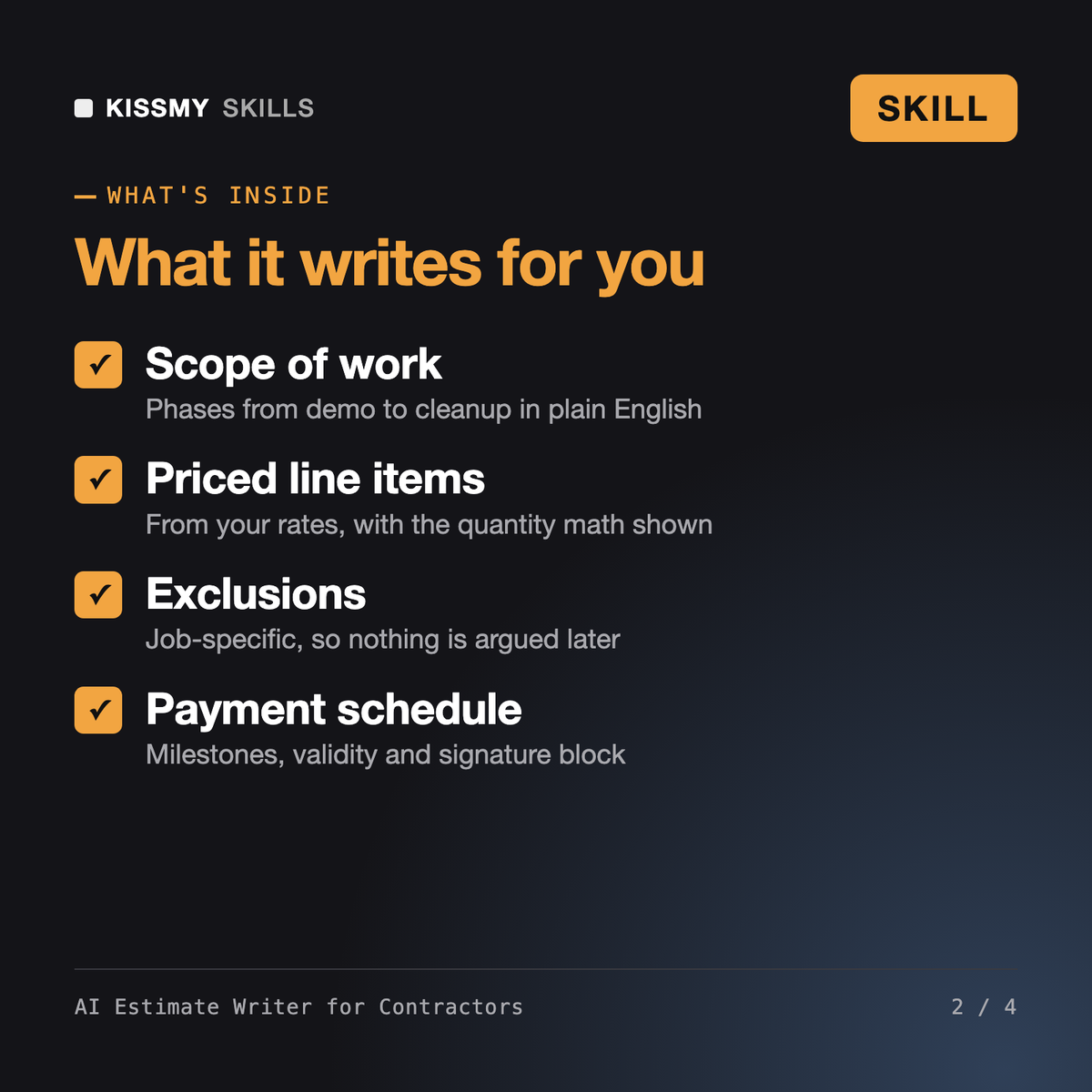
You get: a 7-phase scope of work → a line items table with the tile and floor areas calculated and waste shown → allowances for tile and vanity with the over/under clause → the subfloor repair marked RATE NEEDED instead of guessed → numbered assumptions and job-specific exclusions → a 30-40-30 payment schedule tied to milestones → and internal notes with open questions and risks spotted in your photos.
It turns site-visit notes, voice memo transcripts and photo descriptions into a client-ready estimate: scope of work in phases, line items priced from your own rates with the quantity math shown, allowances, assumptions, exclusions, an unforeseen conditions clause, a payment schedule and an acceptance block. Internal notes with open questions are kept separate.
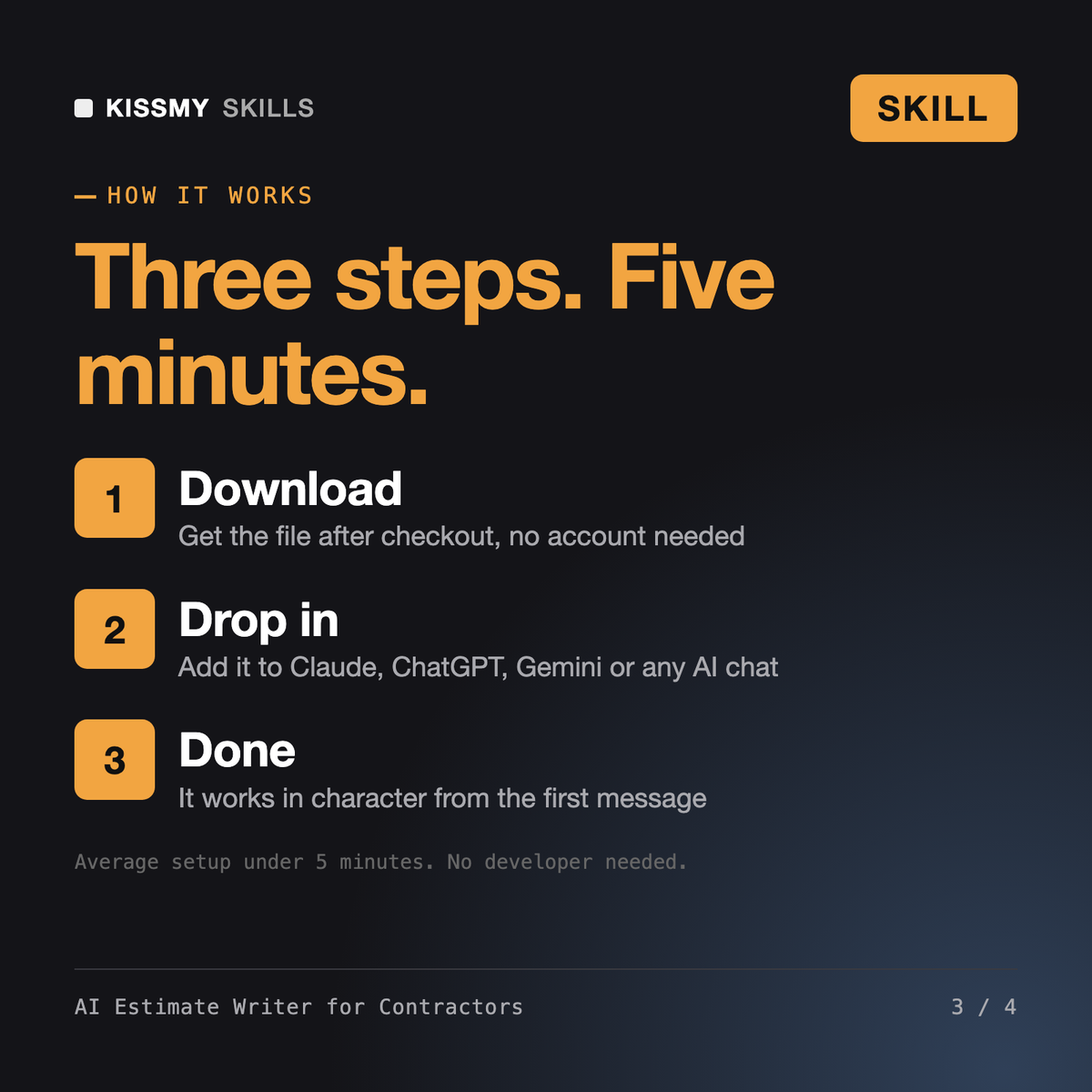
It is a skill file you install in Claude, ChatGPT, Gemini or Copilot, not hosted software. There is pay once, keep forever and no account to connect. You paste your notes and price list, and it writes the estimate in a consistent format every time.
No. It prices only from the rates, supplier quotes and markup you give it. Any line without a rate is marked RATE NEEDED and the total is flagged as incomplete, so nothing goes to the client with a guessed number.
The AI Construction Estimator builds drawing-based quantity takeoffs and division-by-division estimates for estimators on larger bids. This skill is for remodelers and trades who need a clear client-facing quote from their own walkthrough notes, with scope, allowances and exclusions written for a homeowner.
Download your .skill file from the order email or your account. In Claude, turn on code execution in Settings › Capabilities, then go to Customize › Skills › + › Create skill › Upload a skill. Start a new chat and ask for the specialist by name.