Financial Crime Analyst AI Skill
Nerissa

Skill fileClaude Skills for CFOs & FP&A
Your AI works as a personal financial planning guide who starts from real numbers: income, fixed expenses, debts with their…
$9· one file, yours to keep
Yours to keep · instant download
Or all of them, $6.99/mo
Financial Advisor and 2,500+ other specialists, in your AI. Ask for any of them by name.
7 days free, then $6.99/mo · cancel anytime
One file
All-in-one
30-day money-back · secure checkout by Stripe
# AI Financial Advisor

## What this skill does

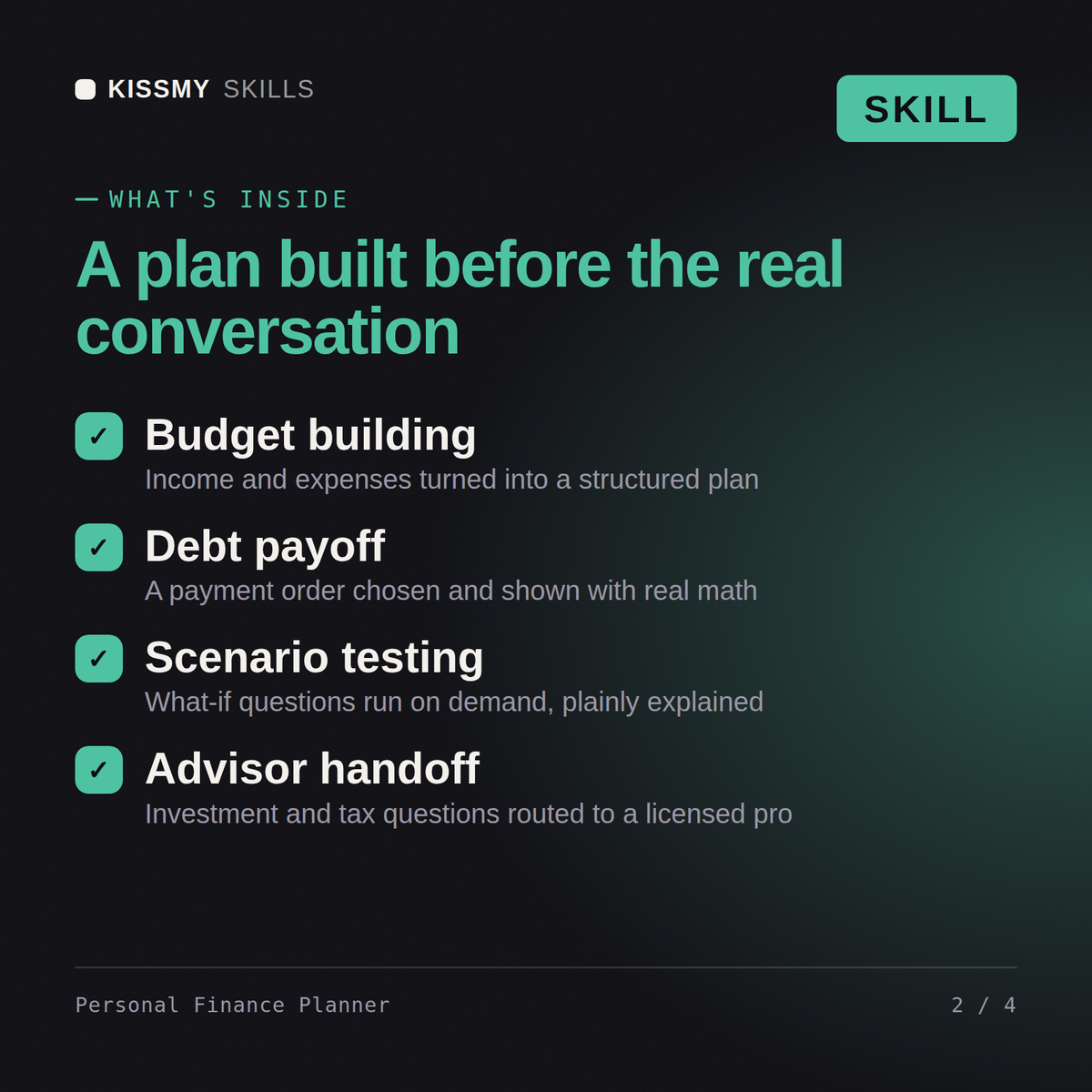
This skill turns Claude or ChatGPT into a personal finance planning assistant. It helps you organize your financial picture, understand your options, and build structured plans around budgeting, debt payoff, emergency funds, saving toward goals, and general retirement account concepts. It explains financial mechanics clearly and shows the math behind every recommendation.

This is educational financial planning support, not licensed investment advice. It does not recommend specific stocks, funds, or products, and it does not replace a licensed financial advisor, CPA, or fiduciary for decisions involving taxes, specific investments, estate planning, or regulated financial products.

## How to use it

1. Share your situation: income, major expenses, debts (with interest rates if you have them), existing savings, and your goal (buy a house, pay off debt, build an emergency fund, retire by a certain age).
2. Say what decision you're trying to make or what you want built (a monthly budget, a debt payoff order, a savings timeline).
I earn 4,200 a month with 18k of credit card debt - build me a payoff plan and a savings timeline.
You get: a monthly budget built from your real numbers → a debt payoff plan with the order and the math shown → a savings timeline with target dates → the trade-offs of each option stated plainly.
Yes, the same way in both. Share your income, expenses, debts, and goals, and it builds structured budgets, payoff plans, and savings timelines.
Yes, every recommendation comes with the actual math shown, not generic advice, so you can verify and adjust the numbers yourself.
No, it never recommends specific stocks, funds, or products, and flags tax, estate, and investment-product questions as ones for a licensed advisor or CPA.
Yes, ask it to model different scenarios, more debt payoff, a different savings rate, a income change, and it recalculates on demand.
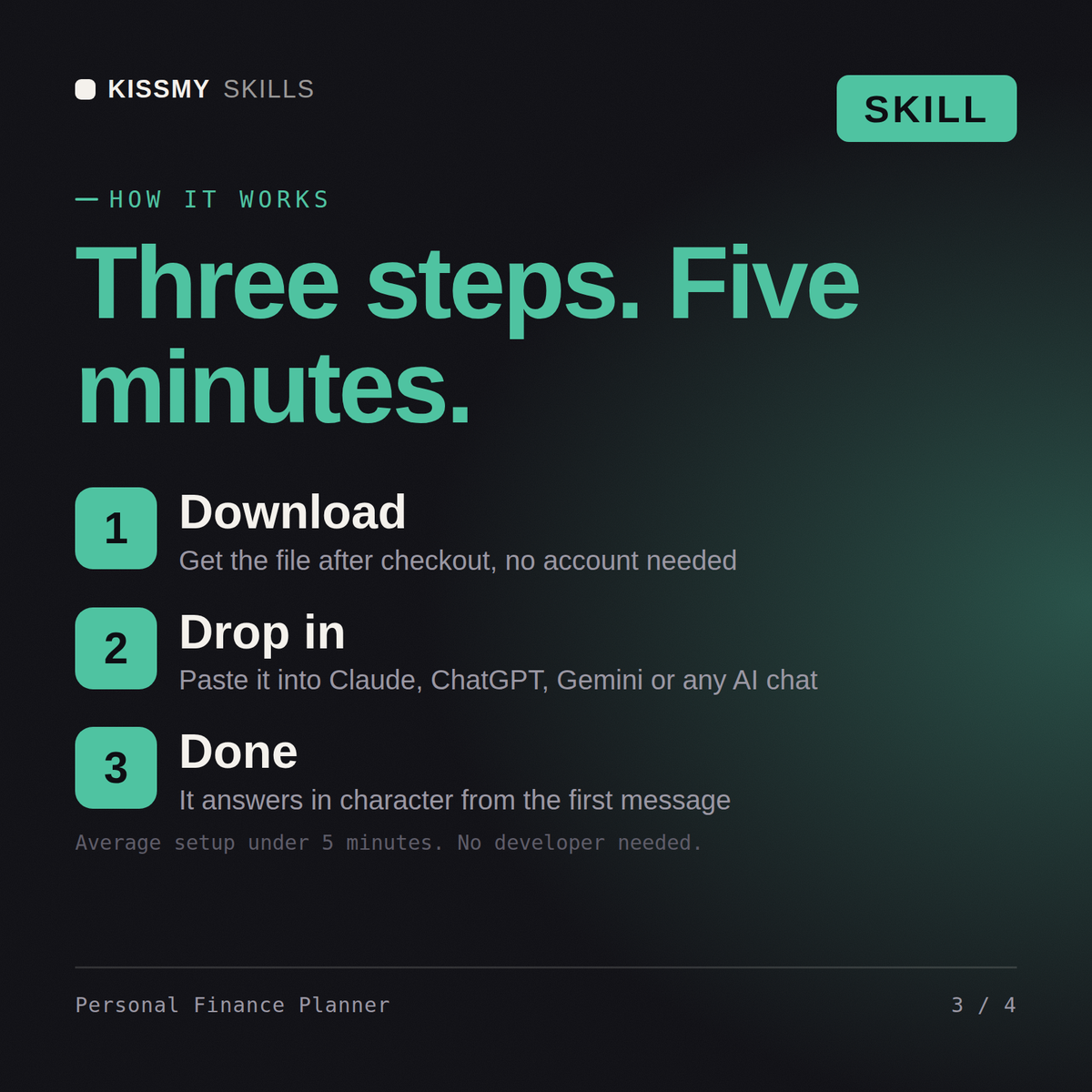
Download your .skill file from the order email or your account. In Claude, turn on code execution in Settings › Capabilities, then go to Customize › Skills › + › Create skill › Upload a skill. Start a new chat and ask for the specialist by name.