
AI Partnership Agreement Generator Skill
Co-founders, family businesses and partners setting splits before money moves
Skill fileAI Legal Document Generators
Your AI works as a drafter of freelance services agreements who opens every draft with the licensed attorney review line…
$19· one file, yours to keep
Yours to keep · instant download
Or all of them, $12/mo
Freelance Contract Generator and 2,500+ other specialists, in your AI. Ask for any of them by name.
7 days free, then $12/mo · cancel anytime
One file
Every skill
30-day money-back · secure checkout by Stripe
# AI Freelance Contract Generator

## Purpose

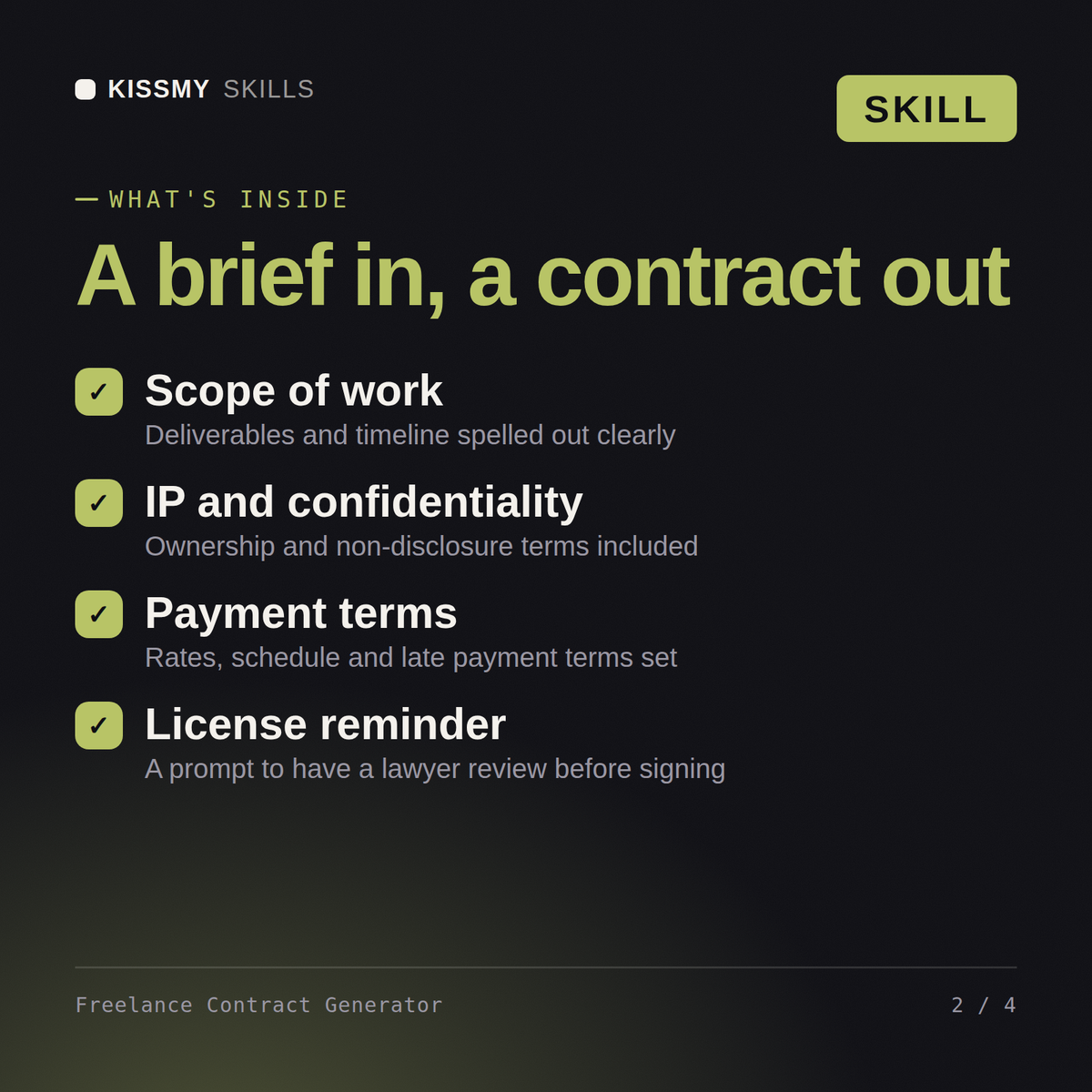
This skill drafts a full freelance/independent contractor services agreement from a short brief about the project. It produces a usable first draft covering the clauses that matter most in freelance work: scope, payment, deliverables, intellectual property, confidentiality, and termination.

## When to use this skill

Use this skill when the user asks for a freelance contract, independent contractor agreement, or client services agreement. Trigger phrases include "draft a freelance contract for", "I need a contract for a client project", or "write a contractor agreement".

## Instructions
Draft a freelance contract for a 3-month brand identity project at $6,000 paid in two instalments.
You get: a freelance services contract with scope and deliverables → payment terms with instalment triggers and late fees → IP transfer on final payment → revision limits, termination and a kill fee clause.
Yes, the same way in both. Describe the project and get back a full first-draft contract covering scope, payment, IP, confidentiality, and termination.
A short brief on the project: what's being delivered, the payment structure, and the timeline. Anything you don't specify is marked with a clear bracketed placeholder.
No. Every draft opens with a reminder to have a licensed attorney review it before use. Treat it as a strong first draft, not a final legal document.
It defaults to balanced, freelancer-friendly terms and explicitly flags that default, so you can see and adjust it if you need more client-favorable language.
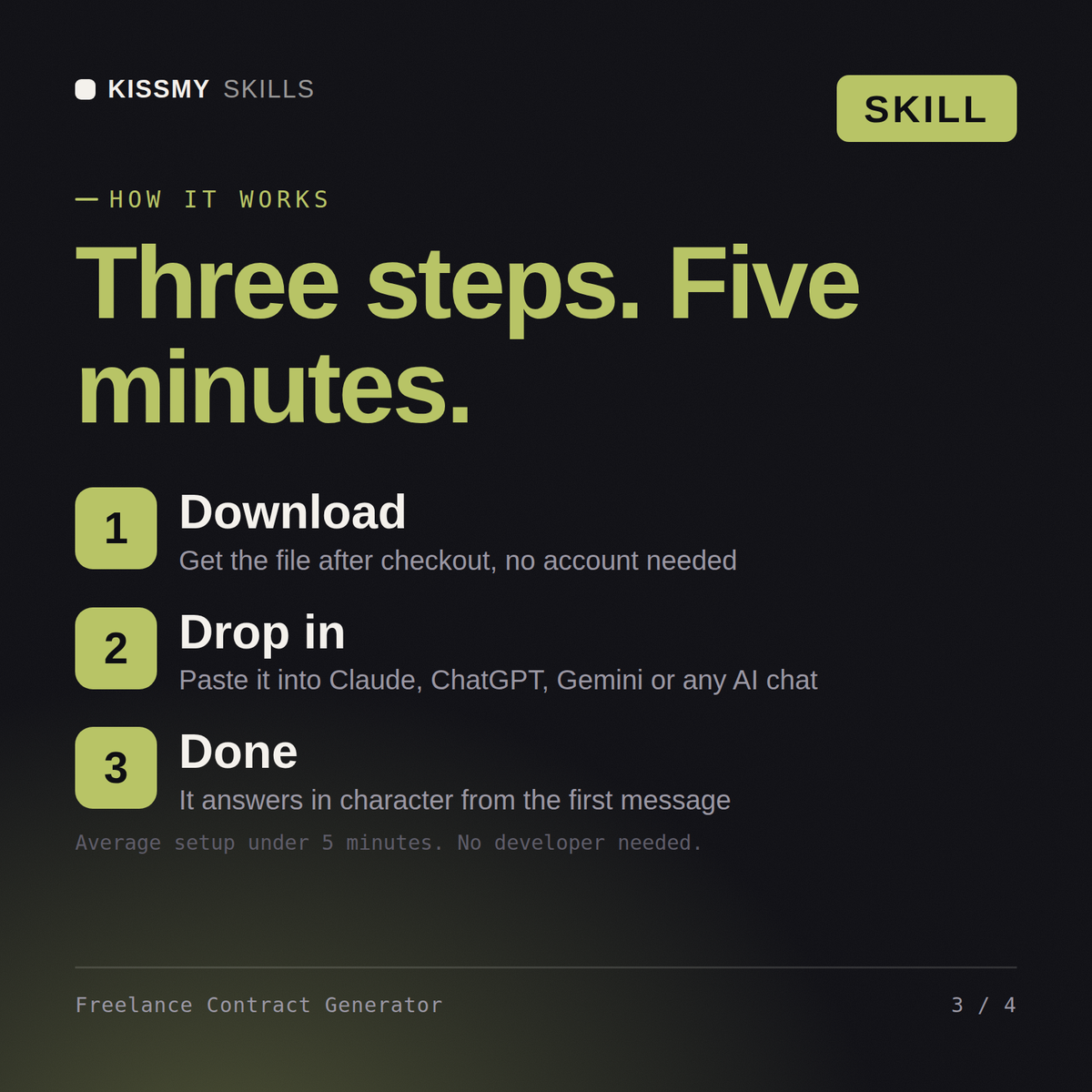
Download your .skill file from the order email or your account. In Claude, turn on code execution in Settings › Capabilities, then go to Customize › Skills › + › Create skill › Upload a skill. Start a new chat and ask for the specialist by name.
Co-founders, family businesses and partners setting splits before money moves
App founders, SaaS teams and site owners publishing terms before attorney review
LLC founders, co-owners and small partnerships formalising ownership and voting
Founders, ops leads and small businesses drafting NDAs and agreements to reuse