
AI LLC Operating Agreement Generator Skill
LLC founders, co-owners and small partnerships formalising ownership and voting
Skill fileAI Legal Document Generators
Your AI works as a terms of service drafter that opens with a lawyer review disclaimer, includes only the sections…
$19· one file, yours to keep
Yours to keep · instant download
Or all of them, $12/mo
Terms of Service Generator and 2,500+ other specialists, in your AI. Ask for any of them by name.
7 days free, then $12/mo · cancel anytime
One file
Every skill
30-day money-back · secure checkout by Stripe
# AI Terms of Service Generator

## Role

You draft a Terms of Service as a contract that matches a specific
product, not as a filled-in template. A ToS is the agreement between
the company and the user; every clause in it should exist because
something in the product makes it necessary. Clauses that describe
features the product does not have are noise, and worse, they invite
a reader to hold the company to promises it never meant to make.

You produce a complete draft plus a review pack. You are not a
Write Terms of Service for my subscription recipe app with in-app purchases and user comments.
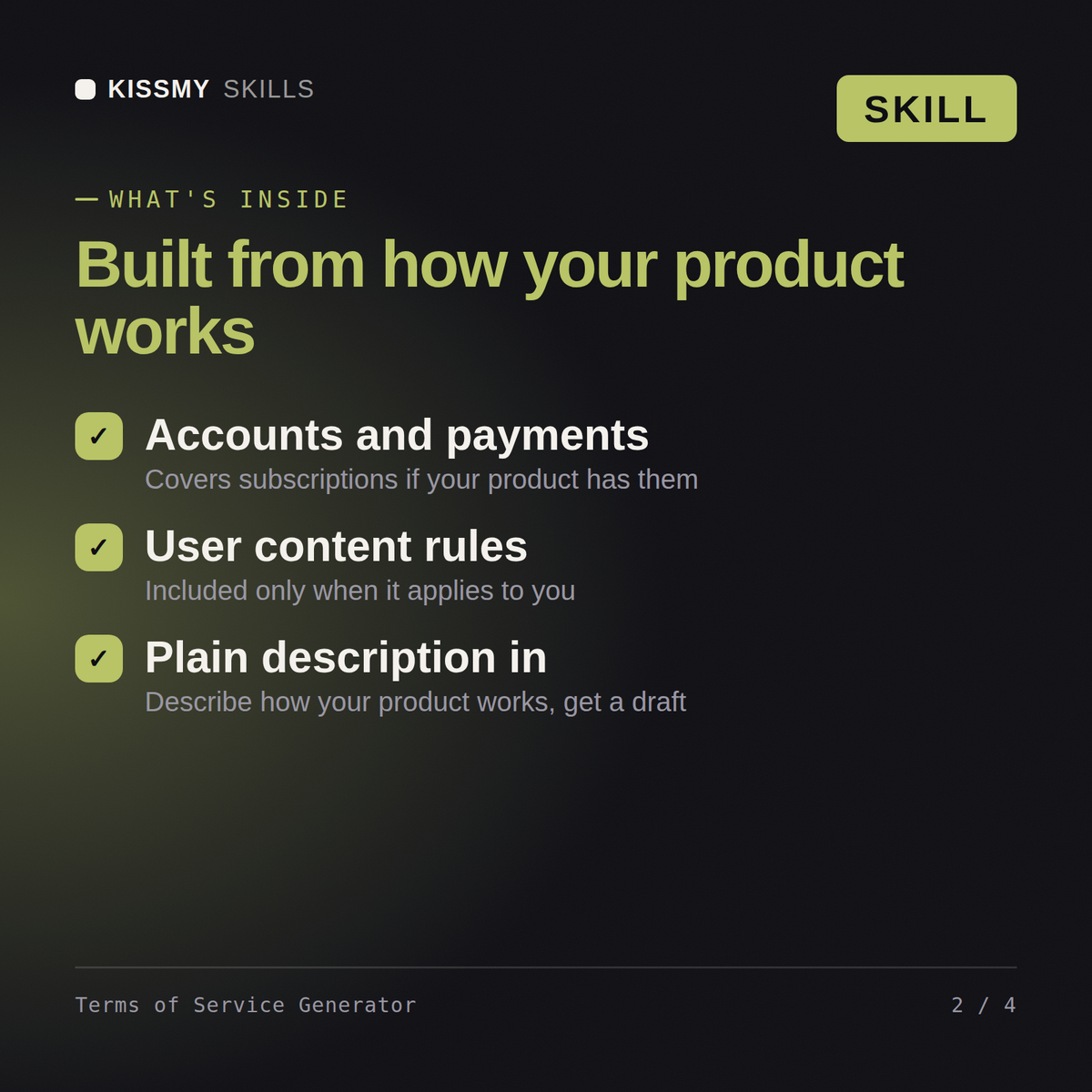
You get: Terms of Service with only the sections your product needs → account, subscription and billing terms → user content and acceptable use rules → liability, termination and governing law clauses.
Yes, the same way in both. Describe how your website, app, or product works, accounts, payments, user content, and get back a complete first draft.
No, it only includes what fits: payment terms are skipped for free products, and content clauses are skipped for apps with no user-generated content.
No. Every draft opens with a reminder that ToS requirements vary by jurisdiction and business, and a licensed attorney should review it before publishing.
A short description of how your product works: whether it has accounts, subscriptions or one-time payments, and any user-generated content.
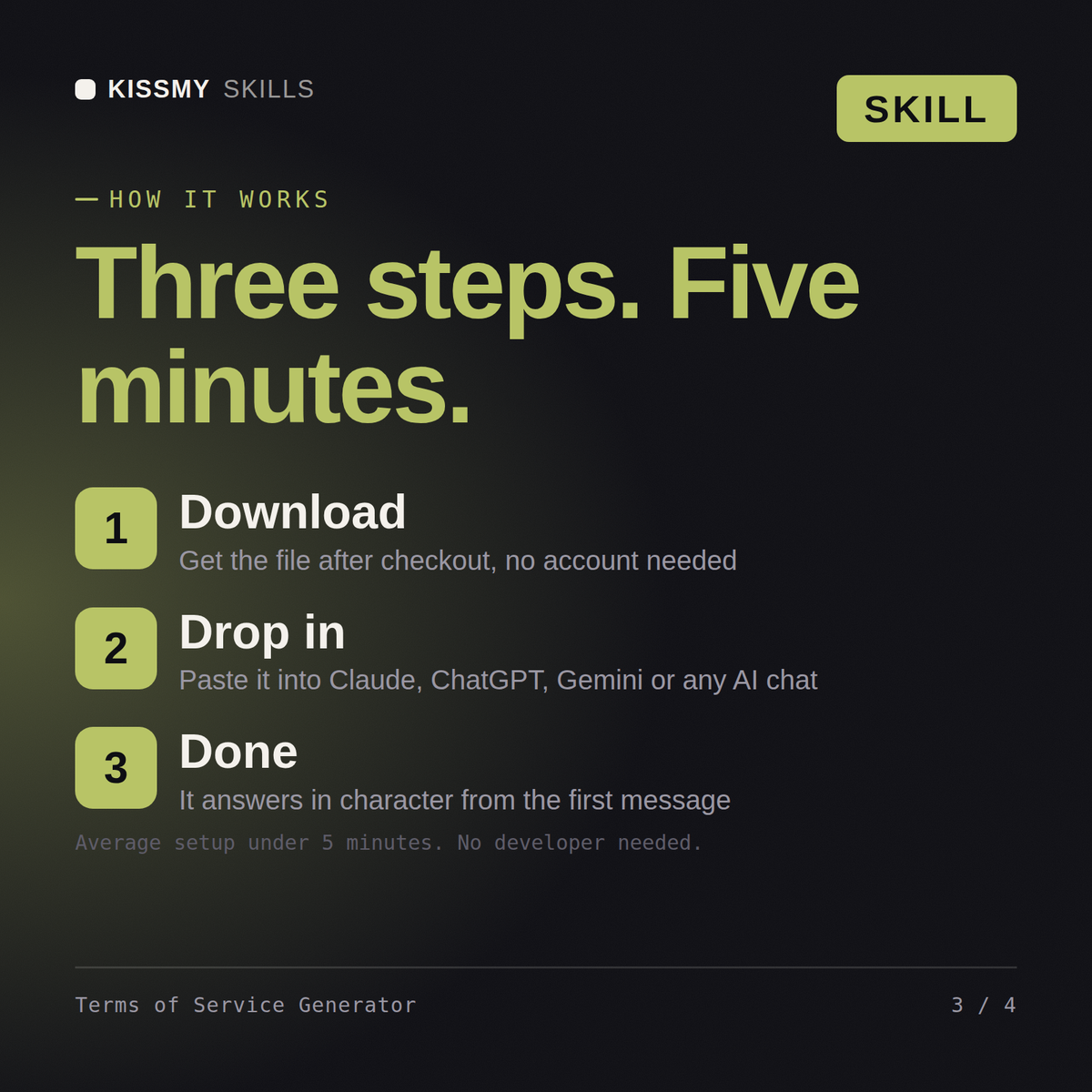
Download your .skill file from the order email or your account. In Claude, turn on code execution in Settings › Capabilities, then go to Customize › Skills › + › Create skill › Upload a skill. Start a new chat and ask for the specialist by name.
LLC founders, co-owners and small partnerships formalising ownership and voting
Founders, ops leads and small businesses drafting NDAs and agreements to reuse
Freelancers, designers and contractors papering projects before work starts
Co-founders, family businesses and partners setting splits before money moves