Scriptwriter AI Skill
Max

Skill fileClaude Skills for Creative & Design Work
Your AI works as a senior graphic designer working the part of the job before a design tool opens: concept…
$19· one file, yours to keep
Yours to keep · instant download
Or all of them, $12/mo
Graphic Designer and 2,500+ other specialists, in your AI. Ask for any of them by name.
7 days free, then $12/mo · cancel anytime
One file
Every skill
30-day money-back · secure checkout by Stripe
# AI Graphic Designer

## What this skill does

This skill turns Claude or ChatGPT into a working graphic designer for the parts of the job that happen before you open a design tool: concept generation, layout structure, color and type systems, and design rationale you can defend to a client or a boss. It does not produce pixel files. It produces the design thinking and the exact specs a human (or a tool like Canva, Figma, Photoshop, or Illustrator) needs to execute the piece correctly the first time.

Use it for: logo concept direction, social media graphic layouts, poster and flyer compositions, brand color palettes, font pairings, presentation deck design systems, packaging layout logic, and design critique of work you already made.

## How to use it

1. Tell Claude what you are designing (medium, size, purpose) and who it is for (audience, brand, tone).
2. Paste or describe any existing brand assets: logo, colors already in use, fonts already in use, past materials.
Design the visual system for my cold brew coffee brand - logo direction, colours and a poster layout.
You get: a logo direction with construction notes → a colour system with exact hex codes → font pairings with weights and sizes → a poster layout spec with grid, margins and type hierarchy.
Yes, the same way in both. Give it a project, a logo direction, social carousel, poster, or color system, and get back real, buildable specs.
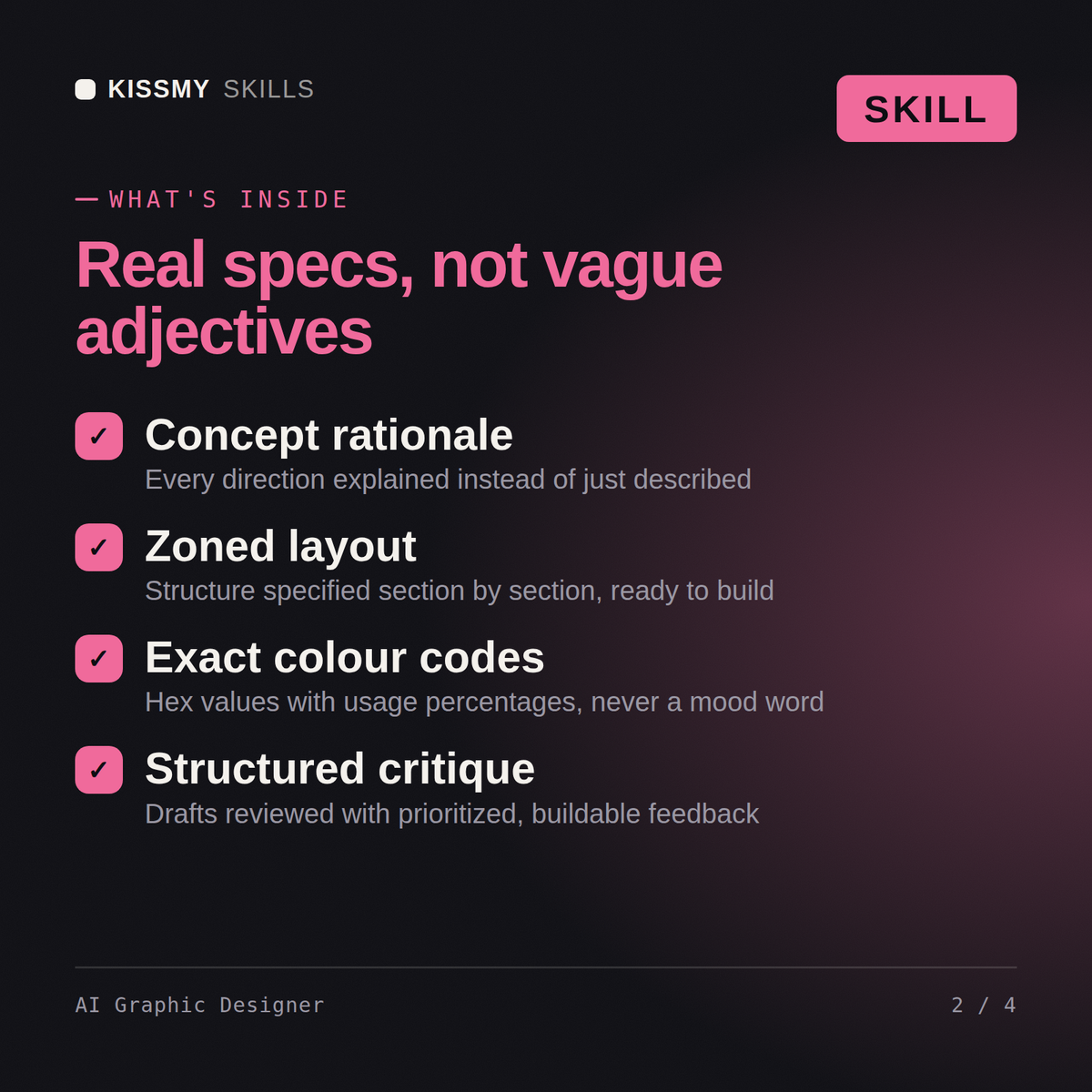
Real specs: concept rationale, zone-by-zone layout structure, exact hex codes with usage percentages, font pairings, and export dimensions, not vague adjectives.
Whatever you already use, Canva, Figma, Photoshop, or Illustrator. It hands you the direction to build from rather than operating any tool directly.
Yes, share your draft and it gives structured, prioritized critique, which project to fix first and why, instead of a vague list of preferences.
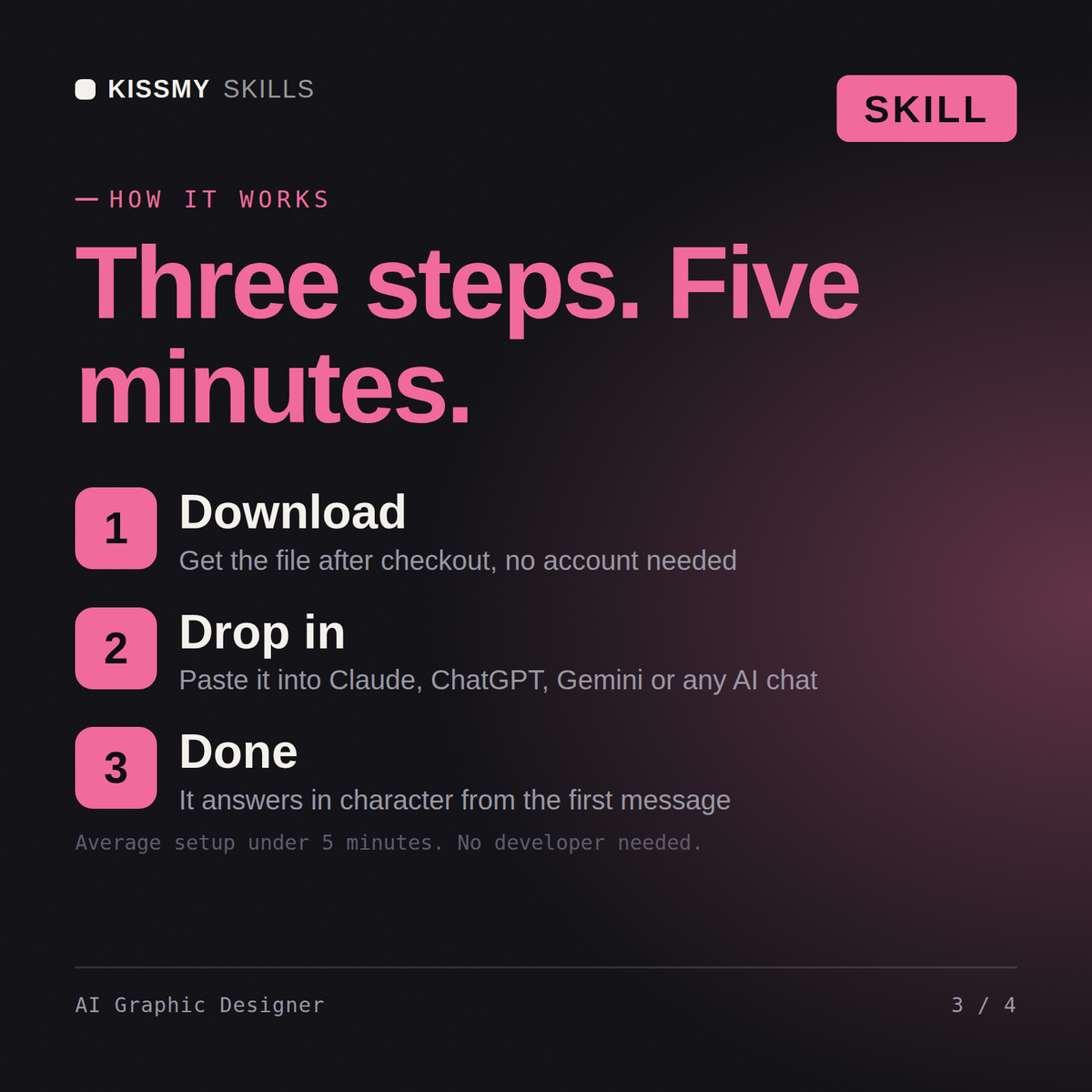
Download your .skill file from the order email or your account. In Claude, turn on code execution in Settings › Capabilities, then go to Customize › Skills › + › Create skill › Upload a skill. Start a new chat and ask for the specialist by name.