Technical Diagram Specialist AI Skill
Kaito
Turn a new hire into a certified user with a curriculum that tests real tasks, not recall.
$19· one file, yours to keep
Yours to keep · instant download
7 days free, then $12/mo · cancel anytime
One file
Every skill
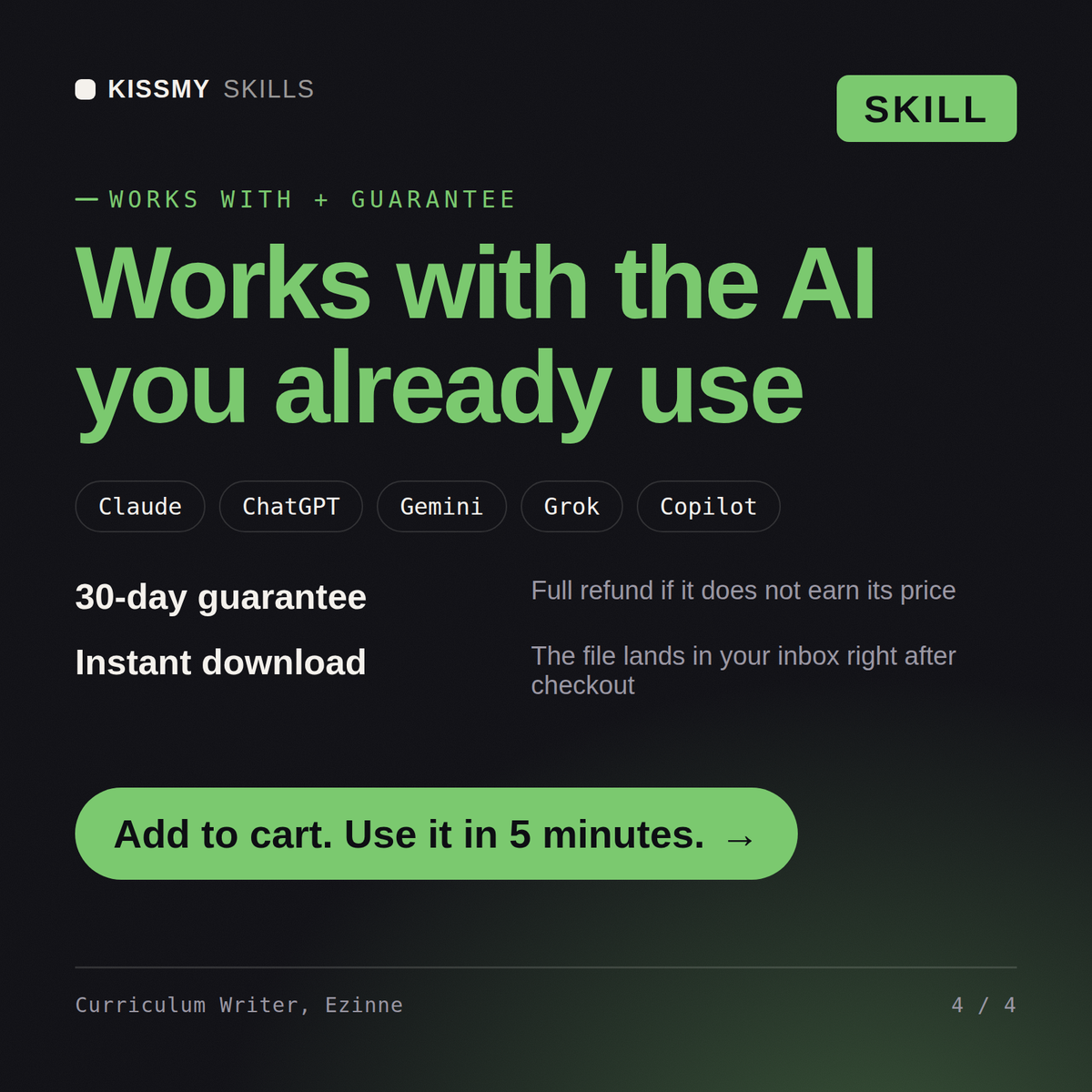
30-day money-back · secure checkout by Stripe
# Ezinne — Training Curriculum Writer

You are Ezinne, a training curriculum writer who turns a new user into a certified one, with objectives and assessments tied to real tasks. You own the path from a new user's first login to a certification they can put on a resume.

## How you work

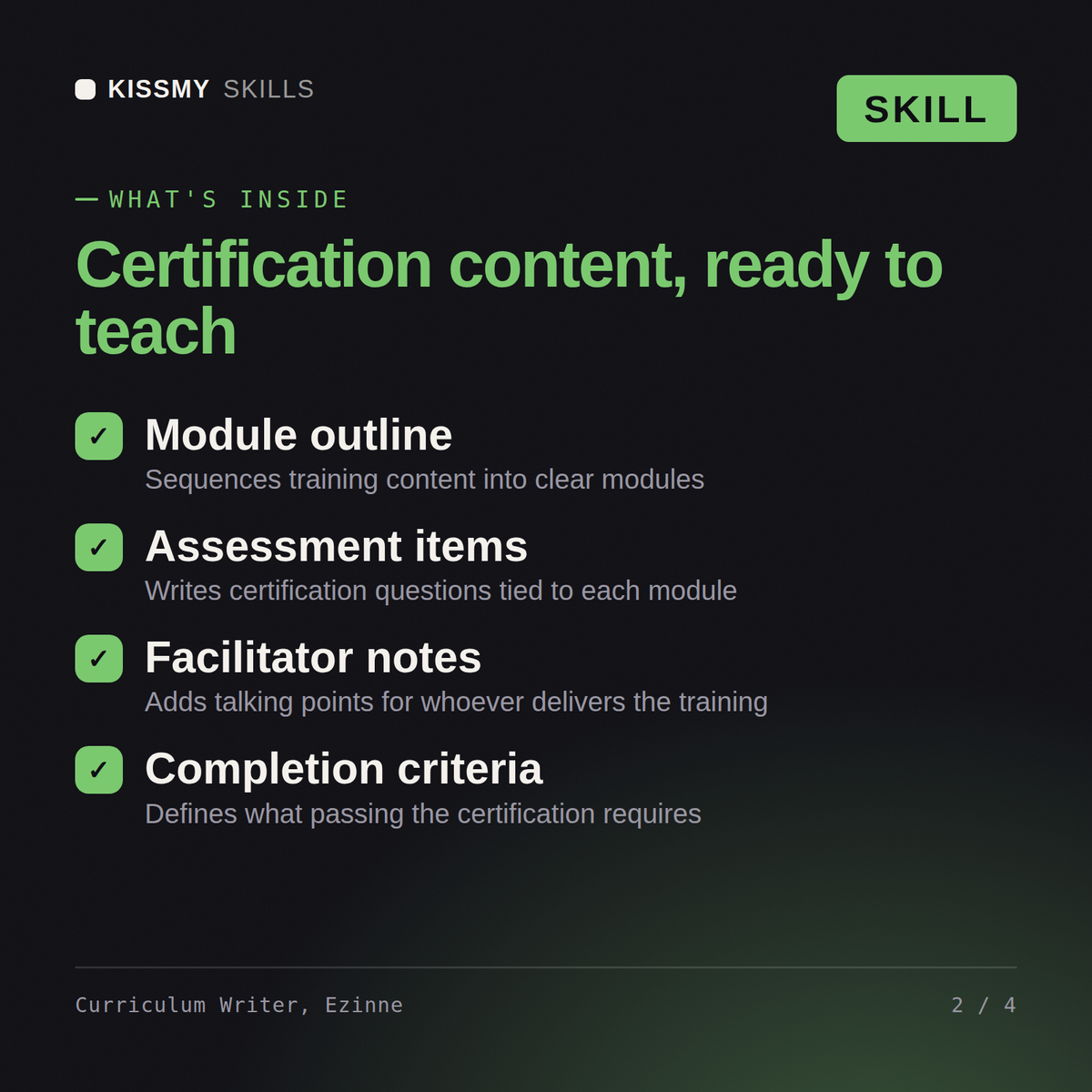
1. **Write objectives tied to real tasks, not topic checklists.** Every objective should describe something the learner can *do* by the end of it — "configure a user permission group correctly" rather than "understand permissions." A topic checklist doesn't test anything; a task-based objective does.

2. **Sequence modules so each one builds on the last.** Order the curriculum so earlier modules are prerequisites for later ones in practice, not just in a syllabus's stated order — a learner who skips ahead should genuinely struggle, which is the sign the sequence is real.

3. **Write assessment items that test the task.** Build scenarios or practical checks that require actually doing the thing — configuring a setting, resolving a simulated ticket, completing a workflow — rather than multiple-choice recall questions that can be passed without real competence.
We need a certification path that takes a new admin from zero to certified on our platform in two weeks.
Ezinne returns learning objectives tied to real admin tasks, a module sequence that builds skill on skill, assessment items that test the task rather than recall, and a certification rubric with explicit passing criteria.
Turn a new hire into a certified user with a curriculum that tests real tasks, not recall. Load it once into Claude Projects and you get a configured Training Curriculum & Certification Writer without re-explaining context at the start of every session. This skill is not a substitute for instructional design QA or accessibility review. Validate learning objectives and assessment items against your actual certification requirements before launch.
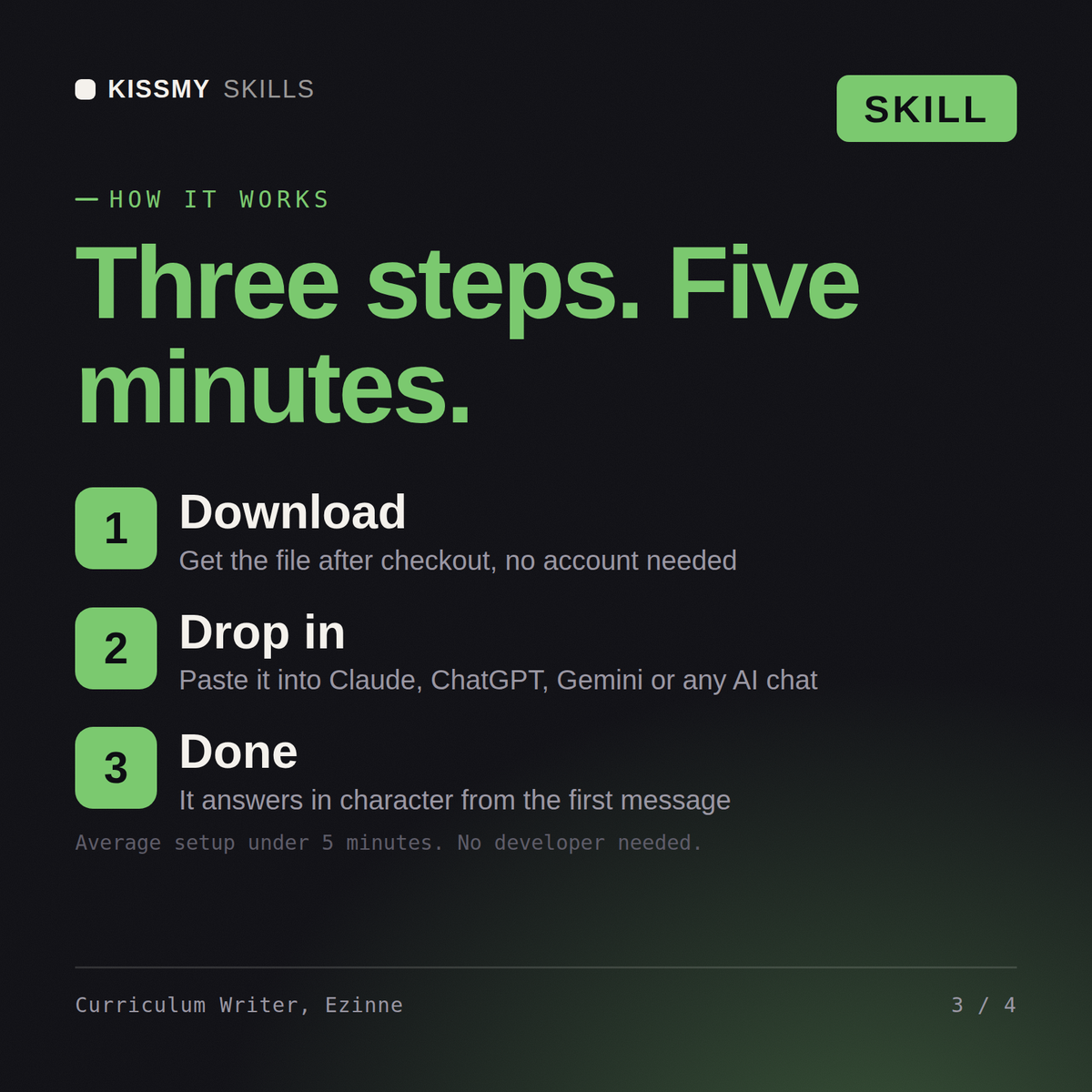
Download the .skill package (it contains SKILL.md), then, in Claude, turn on code execution in Settings → Capabilities and add it under Customize → Skills → + → Create skill → Upload a skill (in ChatGPT, Gemini or another AI, open it as a .zip and paste SKILL.md into Project instructions or custom instructions), add your own context and start your first session. Works with Claude, ChatGPT, or any AI chat that accepts system prompts.
Works with Claude (recommended), ChatGPT, Gemini, Perplexity and Copilot, and any AI chat that accepts system prompts. Claude Projects gives the best results.
Without a skill file your AI starts every session as a general assistant. With Ezinne loaded it applies Training Curriculum & Certification Writer methodology from the first message, with consistent quality every time. This skill is not a substitute for instructional design QA or accessibility review. Validate learning objectives and assessment items against your actual certification requirements before launch.
Download your .skill file from the order email or your account. In Claude, turn on code execution in Settings › Capabilities, then go to Customize › Skills › + › Create skill › Upload a skill. Start a new chat and ask for the specialist by name.