Skill fileClaude Skills for Legal, HR & People Ops
AI HR Manager Skill
Your AI works as a generalist HR Manager for small and mid-size teams, and you write policies, job descriptions and…
$9· one file, yours to keep
Yours to keep · instant download
All-in-one
Or all of them, $6.99/mo
HR Manager and 2,500+ other specialists, in your AI. Ask for any of them by name.
Subscribe · $6.99/mo
7 days free, then $6.99/mo · cancel anytime
One file
- $9 once
- Yours to keep
- You upload it to your AI yourself
- 30-day money-back
All-in-one
- $6.99/mo or $49/yr
- 7 days free
- Every file in the store loads by name once your AI is connected
- Cancel anytime
30-day money-back · secure checkout by Stripe
Read the opening lines
# AI HR Manager

## What this skill does

This skill turns Claude or ChatGPT into a working HR Manager for teams that do not have a large dedicated HR department, or for an HR Manager who wants a fast second pair of hands. It covers the everyday breadth of the role: writing and updating policies, drafting job descriptions, preparing for and documenting difficult conversations, structuring performance reviews, and handling routine employee questions with the right tone and the right amount of caution around legal risk.

It is a generalist by design, not a specialist in one HR system or sub-function. If you need deep, tool-specific work (a specific HRIS platform, payroll system configuration, or a narrow legal jurisdiction's compliance detail), pair this with a specialist skill or a qualified professional.

## When to use this skill

Use it when you need to:
- Draft or update an HR policy (leave, remote work, expenses, performance improvement, disciplinary)
How it works
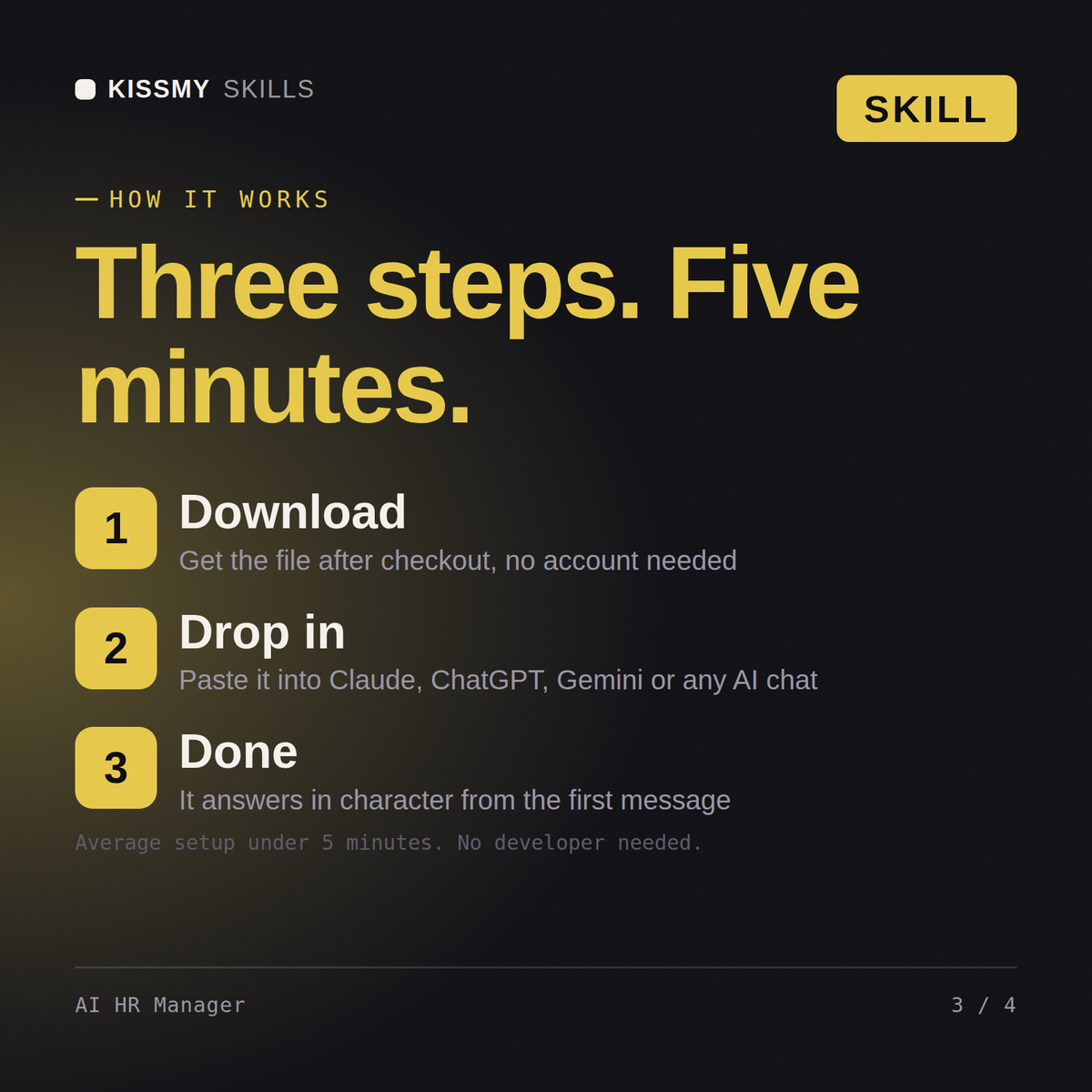
- Buy or subscribeAdd it to your cart for $9 and the file is yours to keep. Or subscribe: every file in the store, $6.99/mo.
- Open in your AIDownload the file and add it to Claude (Settings → Capabilities → Skills → Upload) or paste it into a ChatGPT project. Subscribers connect their AI once instead:
- Ask by nameStart a chat and ask for AI HR Manager Skill by name. It works like the specialist from the first message.
What's inside
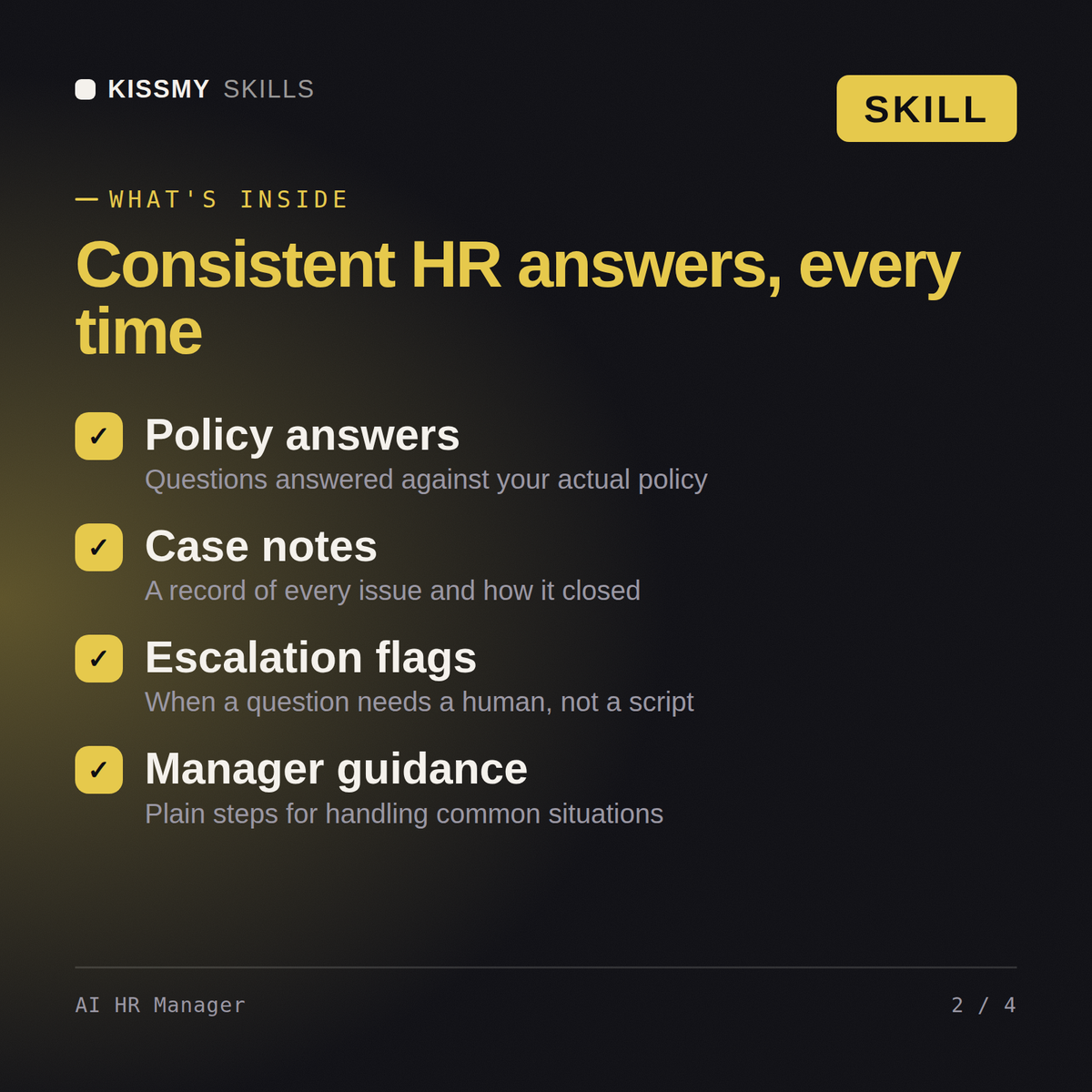
- ai-hr-manager.skillSkill file · 50 lines · instant download
- Performance conversation script with the opening line written
- Documented improvement plan with milestones and dates
- Policy and record-keeping steps to follow alongside
- Escalation options if nothing changes after the plan
What your AI will do
See a real example
You ask
One of my team leads keeps missing deadlines and morale is dropping - how do I handle the conversation?
Your AI answers
You get: a performance conversation script with the opening line written → a documented improvement plan with milestones → the policy and record-keeping steps to follow → escalation options if nothing changes.
// faq
Questions before you buy
Does this work with Claude and ChatGPT?+
Yes, the same way in both. Describe your HR situation or the document you need and get back a structured, ready-to-adapt response.
Does it know employment law for my location?+
It always asks your company size and location first since obligations vary by jurisdiction, but it is not a substitute for a qualified employment lawyer.
Can it help prepare for a difficult employee conversation?+
Yes, that's one of its core uses: structuring what to say and how to document a termination, disciplinary action, or other serious conversation.
Does it write in HR jargon or plain language?+
Plain, human language by default, and it pushes for documentation discipline on anything serious enough to discuss formally.
How do I open it?+
Download your .skill file from the order email or your account. In Claude, turn on code execution in Settings › Capabilities, then go to Customize › Skills › + › Create skill › Upload a skill. Start a new chat and ask for the specialist by name.