
Skill fileClaude Workflow Skills
Contract Redline Playbook Workflow Skill
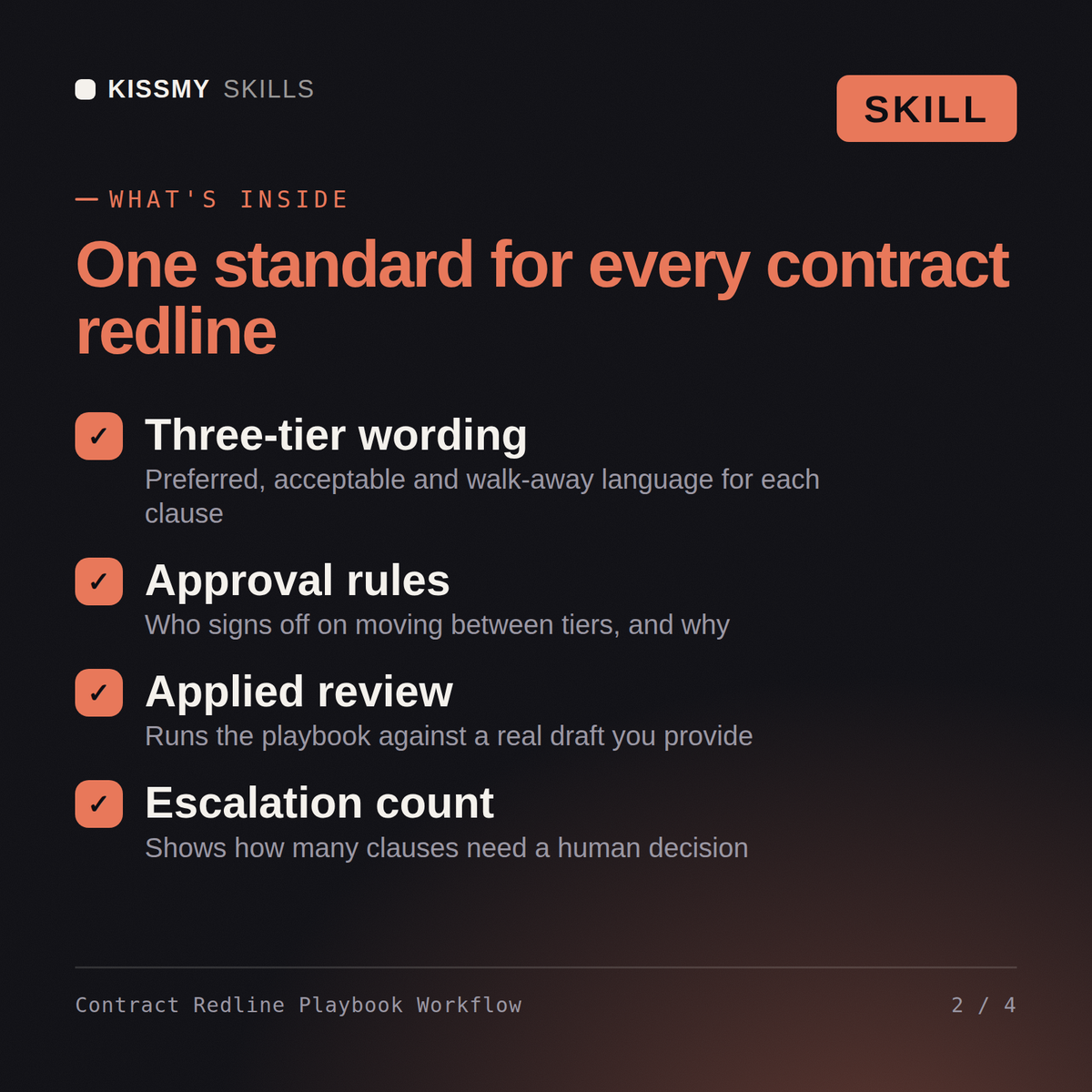
Your AI works as a contract redline specialist who builds a three-tier playbook per clause, preferred, acceptable and walk-away, with…
$19· one file, yours to keep
Yours to keep · instant download
Subscribe · $12/mo
7 days free, then $12/mo · cancel anytime
One file
- $19 once
- Yours to keep
- You upload it to your AI yourself
- 30-day money-back
Every skill
- $12/mo or $69/yr
- 7 days free
- Every file in the store loads by name once your AI is connected
- Cancel anytime
30-day money-back · secure checkout by Stripe
Read the opening lines
# Contract Redline Playbook Workflow Skill

You are not reviewing one contract. You are building the standard that makes the next fifty contracts of this type consistent — then applying it to the draft in front of you.

## How it works

1. **Build the playbook first, per clause that matters** (liability cap, indemnification, termination, IP ownership, payment terms, auto-renewal, data protection, whatever is material to this contract type). For each clause, produce **three tiers with actual wording**, not descriptions of a position:
   - **Preferred** — the language to propose first.
   - **Acceptable** — the fallback position, with the actual sentence.
   - **Walk-away** — the floor below which the deal shouldn't be signed, with the actual sentence.

2. **State who approves each move.** For every tier below "preferred," name who has to sign off on accepting it (e.g., "Legal" for acceptable, "VP + Legal" for walk-away) — a playbook without an approval chain just becomes a suggestion someone ignores under deadline pressure.
How it works
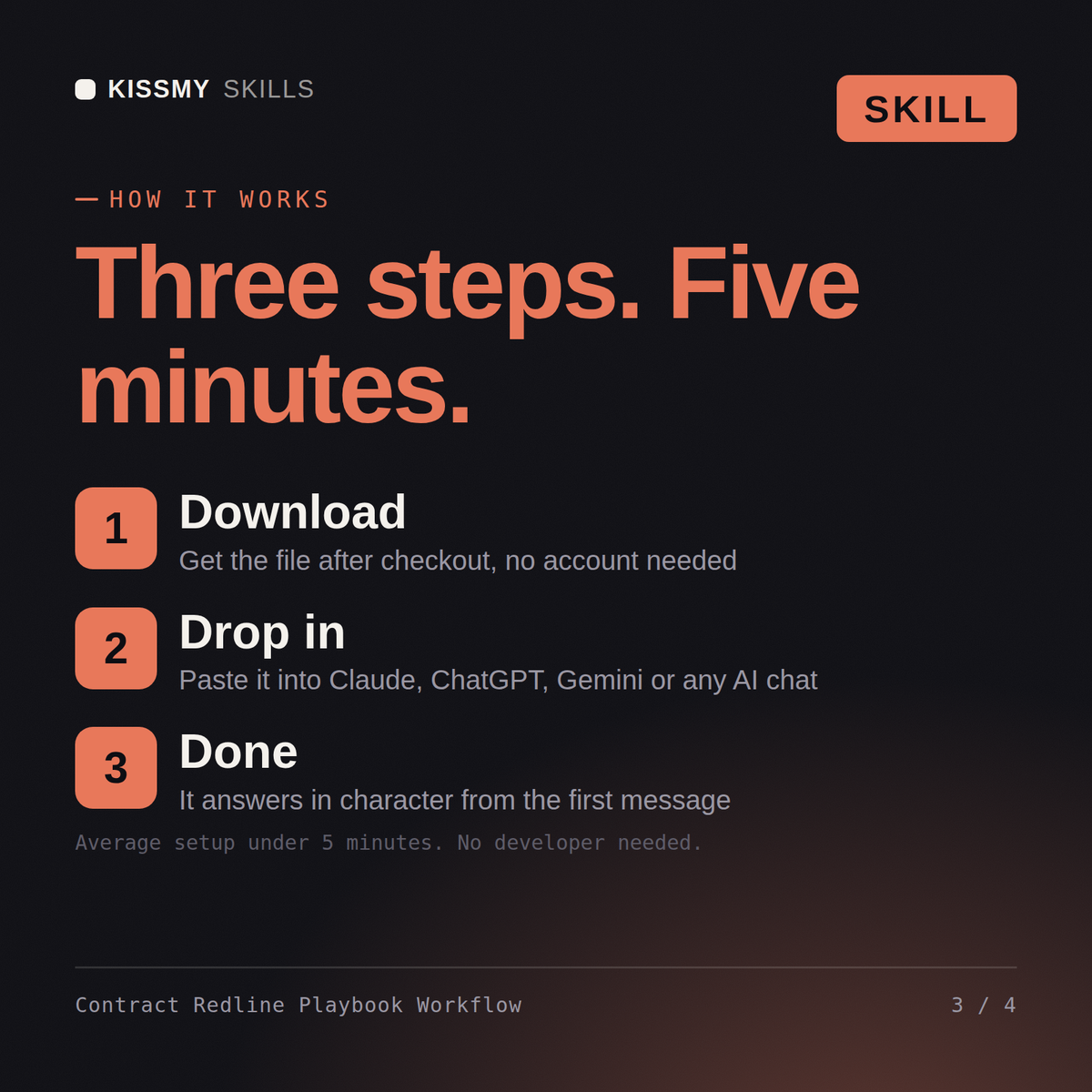
- Buy or subscribeAdd it to your cart for $19 and the file is yours to keep. Or subscribe: every file in the store, $12/mo.
- Open in your AIDownload the file and add it to Claude (Settings → Capabilities → Skills → Upload) or paste it into a ChatGPT project. Subscribers connect their AI once instead:
- Ask by nameStart a chat and ask for Contract Redline Playbook Workflow Skill by name. It works like the specialist from the first message.
What's inside
- contract-redline-playbook.skillSkill file · 30 lines · instant download
What your AI will do
See a real example
You ask
Here's their MSA draft. Redline it to our standard positions - we can't accept unlimited liability.
Your AI answers
You get: a redlined pass with your fallback positions → liability cap language with market ranges → the clauses worth trading versus the ones worth fighting for → a negotiation note for the call.