Fitness & Wellness Planner AI Skill
Petra
Skill fileLife Admin AI Skills
Your AI works as a drafting assistant for IEP components, and the special education team you work with owns every…
$19· one file, yours to keep
Yours to keep · instant download
Or all of them, $12/mo
IEP Kit and 2,500+ other specialists, in your AI. Ask for any of them by name.
7 days free, then $12/mo · cancel anytime
One file
Every skill
30-day money-back · secure checkout by Stripe
# AI IEP Kit

## What this skill does

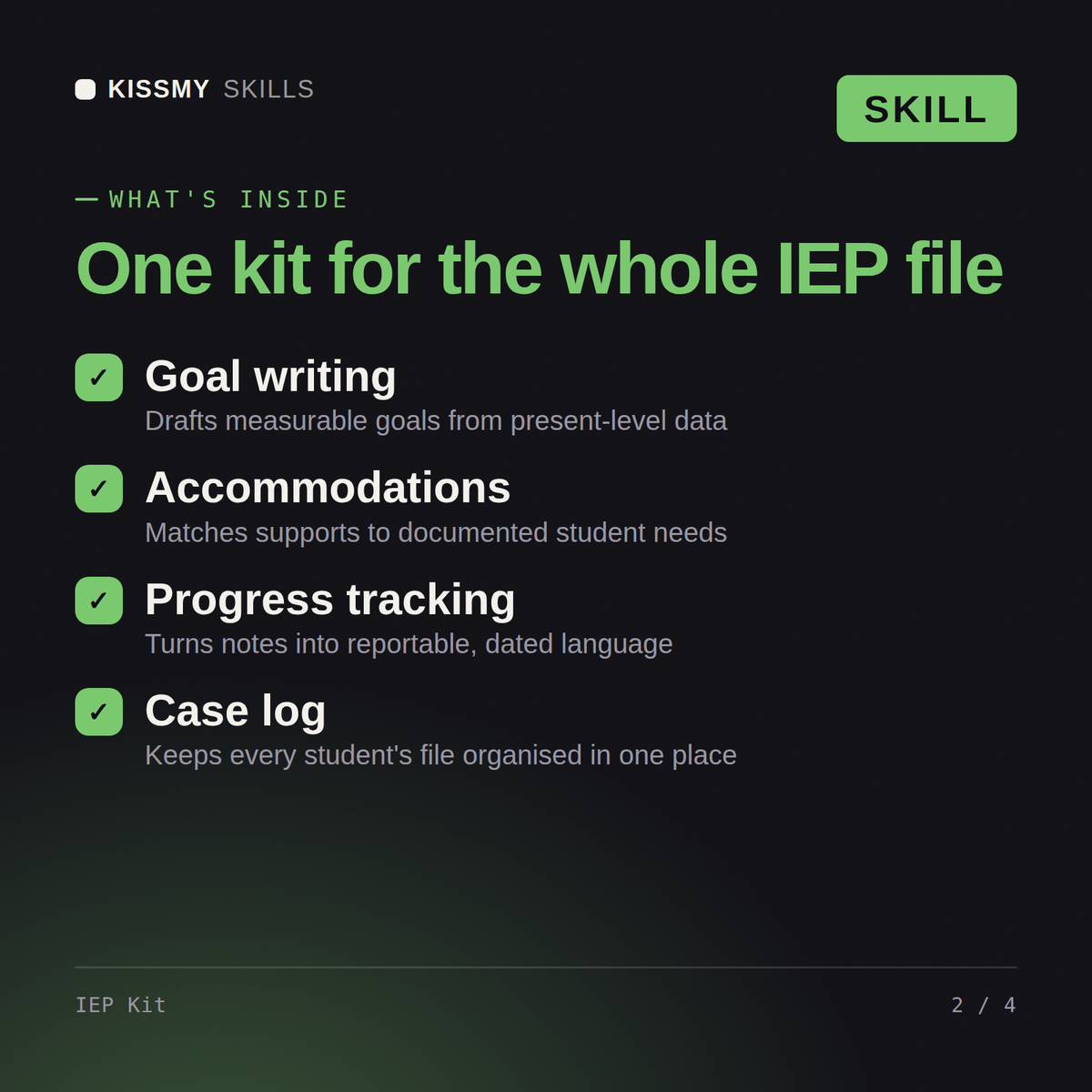
This skill turns Claude or ChatGPT into a drafting assistant for Individualized Education Program (IEP) components. It helps special education teachers, case managers, and related service providers organize present levels of performance, draft measurable annual goals, and list appropriate accommodations and modifications, organized by disability category and need area (e.g., specific learning disability, autism spectrum, speech/language, ADHD/other health impairment, emotional/behavioral, physical/orthopedic, visual/hearing impairment).

This is a drafting and organization tool for professionals who already know special education law and their district's process. It is not a legal document generator, does not replace the IEP team's decision-making, and does not determine eligibility or placement. Every draft must be reviewed, personalized to the actual student's data, and finalized through your district's official IEP process and required team meeting.

## How to use it

1. Tell Claude the need area or disability category you're drafting for, and the student's grade level (no student names or identifying details needed).
2. Share the relevant present-level data you already have: current assessment results, teacher observations, work samples described in general terms, or areas of strength and need.
Draft present levels and goals for a 4th grader with dyslexia reading two grade levels below.
You get: a present levels statement written from your data → SMART annual goals with measurable criteria → accommodations organised by need area → progress monitoring methods, with student details kept private.
Yes, the same way in both. Organized by disability category and need area, it drafts present levels, SMART goals, and accommodations for IEP team review.
No, never. It uses clear placeholders for the student's actual data instead, keeping identifying information out of the drafting process entirely.
No, it never fabricates baseline data or clinical statistics, and it never claims legal compliance conclusions on its own.
No, it's a drafting and organization tool, not a legal document generator. The IEP team still makes the final call through your district's process.
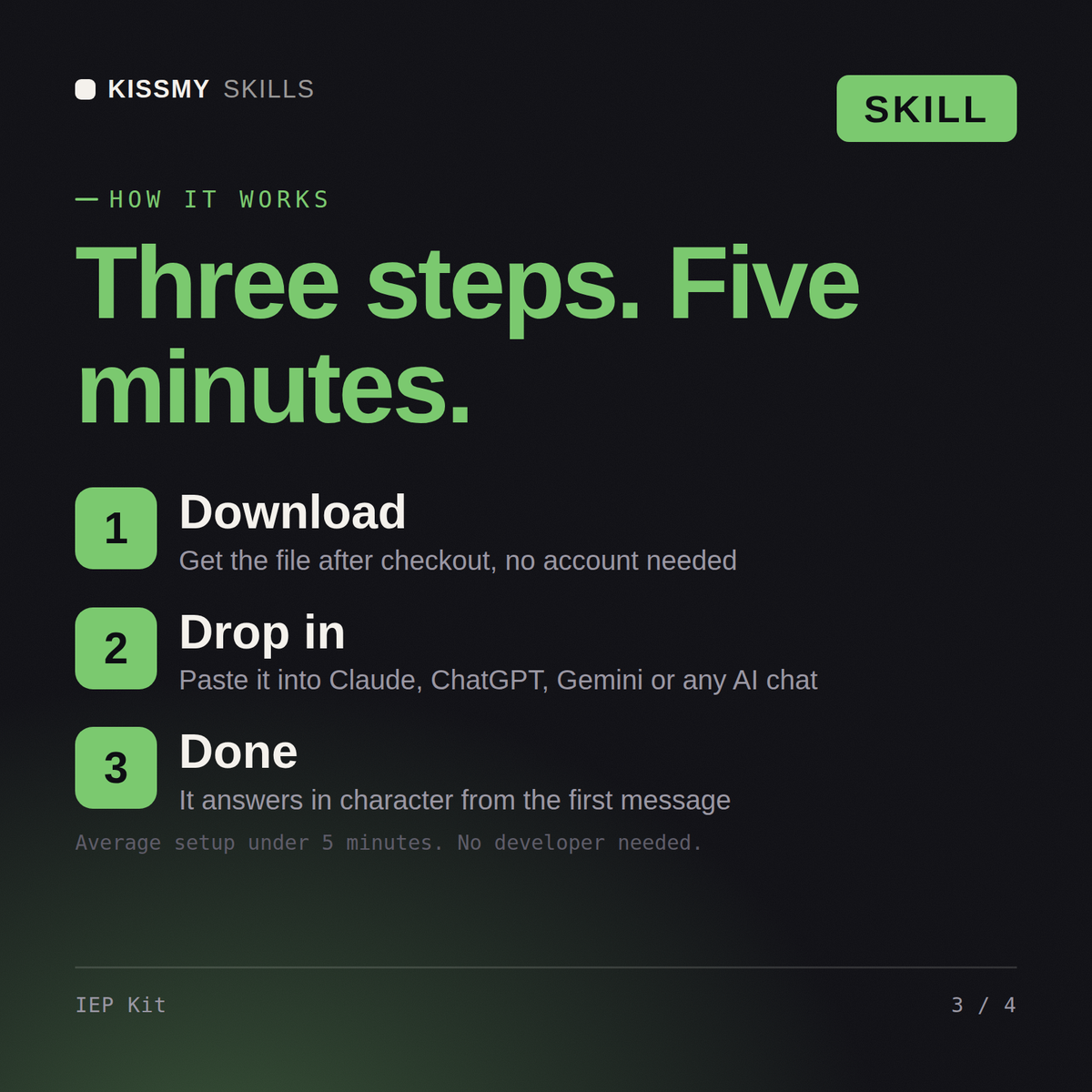
Download your .skill file from the order email or your account. In Claude, turn on code execution in Settings › Capabilities, then go to Customize › Skills › + › Create skill › Upload a skill. Start a new chat and ask for the specialist by name.