
AI Code Explainer Prompt Pack: Explain Any Code in Plain English
Non-developers who need to understand code, students learning to program, and developers reading an unfamiliar codebase or language.
Prompt setAI Coding & Development Prompts
Gets specific, on-brand UI screens out of Google Stitch, v0 or Figma Make instead of generic templates.
$9· one file, yours to keep
Yours to keep · instant download
Or all of them, $12/mo
UI Design Prompt Generator and 2,500+ other specialists, in your AI. Ask for any of them by name.
7 days free, then $12/mo · cancel anytime
One file
Every skill
30-day money-back · secure checkout by Stripe
================================================================================
  KISSMYSKILLS.COM
  AI UI Design Prompt Generator: Google Stitch, v0, Figma Make
  Prompt Pack - Instant Use
================================================================================


WHAT YOU JUST BOUGHT
--------------------------------------------------------------------------------
A copy-paste library of structured prompts for AI UI generators: Google
Stitch (Google Labs), v0 (Vercel), Figma Make, and app builders in the same
family such as Lovable and Bolt. The goal is real, editable UI screens and
I am building a running app for beginners training for a first 5K. Give me a Google Stitch prompt for the home screen, then the same idea for v0 with React and Tailwind.
You get: a style block with hex colors, Inter at a 16px base, an 8px grid and 4.5:1 text contrast → a Stitch screen prompt naming the user, the one job and the 'Start workout' button → sections top to bottom with real sample content → an Avoid line against gradients, emoji icons and fake stats → a v0 version with stack, mock data constant, loading, empty and error states and visible focus → and iteration prompts with keep-lists for the next fixes.
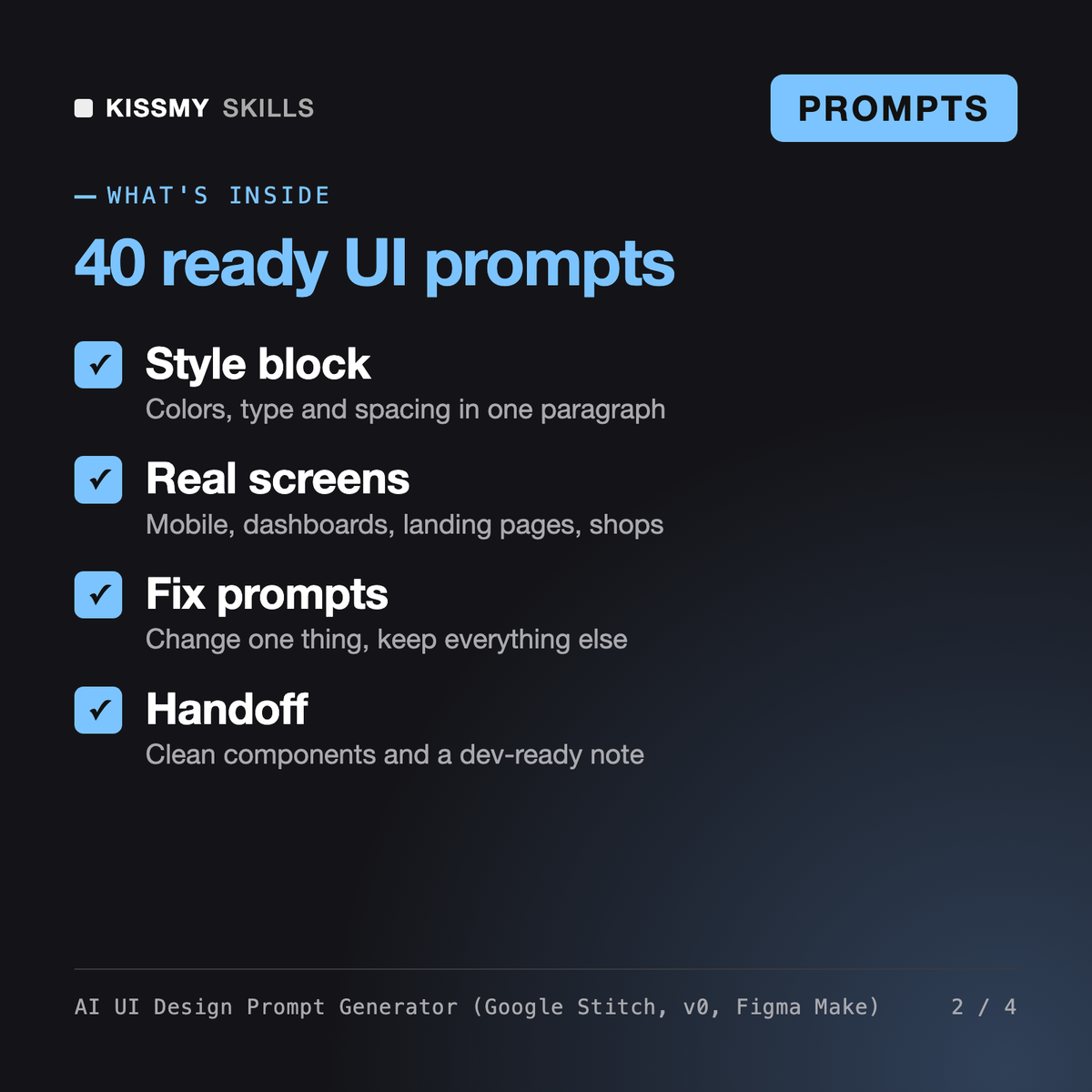
It gives you 40 ready prompts and 5 formulas for AI UI generators such as Google Stitch, v0, Figma Make, Lovable and Bolt: mobile screens, SaaS dashboards, landing pages, e-commerce, components with all states, iteration fixes, sketch-to-screen and developer handoff. A style block and a design spec cheat-sheet keep every screen consistent, and an assistant prompt plans your whole app screen by screen.
The v0.dev and Lovable skills are Claude or ChatGPT skills that write prompts for one specific tool, and Denholm is a UX/UI designer persona that plans flows and reviews design decisions. This pack is a ready library you paste directly into whichever UI generator you use, with fix prompts that change one thing and keep the rest.
The prompts are plain text and do not depend on a plan. What each tool offers, including limits, models and export options, changes often, so check the current Google Stitch, v0 or Figma Make docs. The pack does not list prices or limits for any tool and works with any UI generator that takes a text prompt.
Yes. Group 10 has 3 optional prompts for image models such as Nano Banana, GPT Image and Midjourney that place your exported screens on phones and laptops for decks and portfolio covers. For screens you will actually build, use the UI generator prompts in groups 1 to 9.
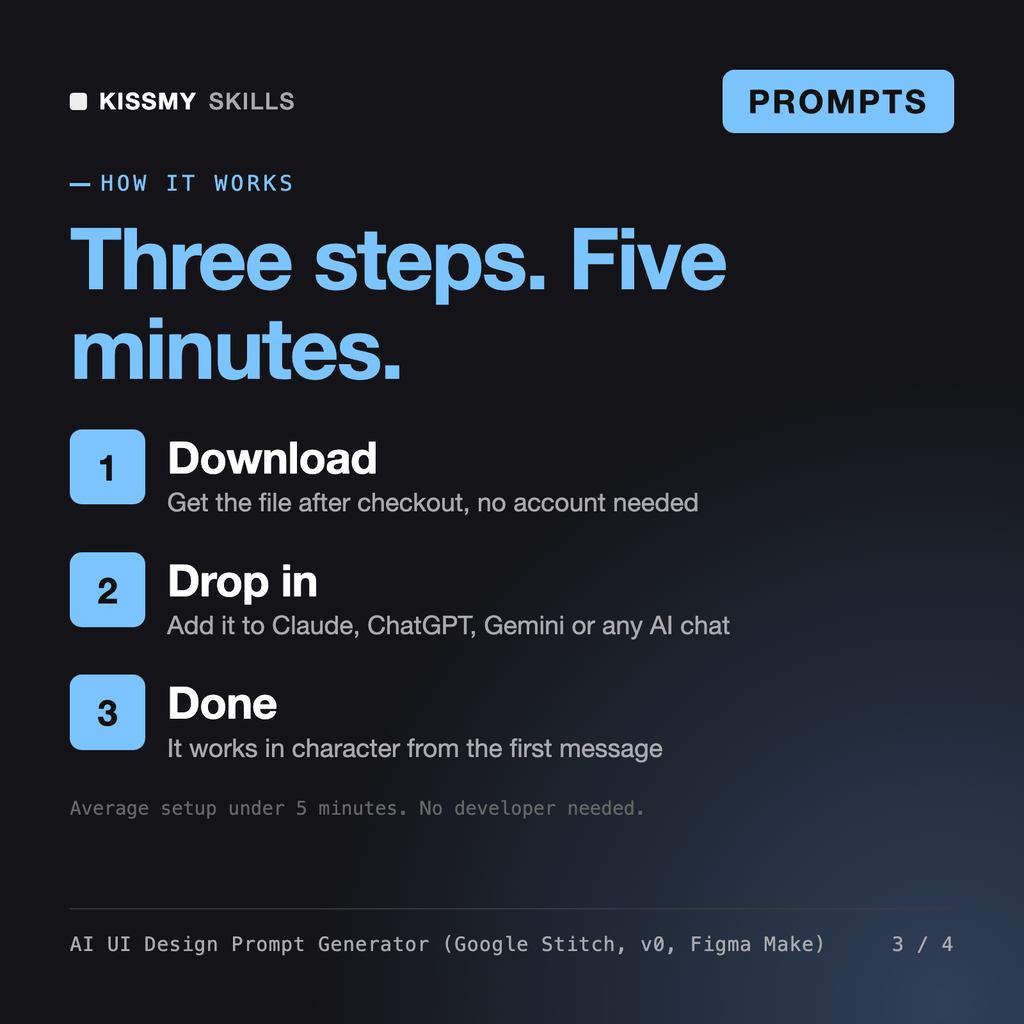
Download your .skill file from the order email or your account. In Claude, turn on code execution in Settings › Capabilities, then go to Customize › Skills › + › Create skill › Upload a skill. Start a new chat and ask for the specialist by name.
Non-developers who need to understand code, students learning to program, and developers reading an unfamiliar codebase or language.
40 Reasoning Prompts for DeepThink, Coding and Math
Microsoft 365 & GitHub Copilot Prompts for Word, Excel, Outlook, Teams and Code
On-call engineers, SREs, IT leads, ops and safety managers who must write an incident report or postmortem from scattered notes.