
AI Cash Flow Statement Template Skill
Consultants, founders and bookkeepers producing a cash flow statement quarterly

Skill fileAI Business Document Generators
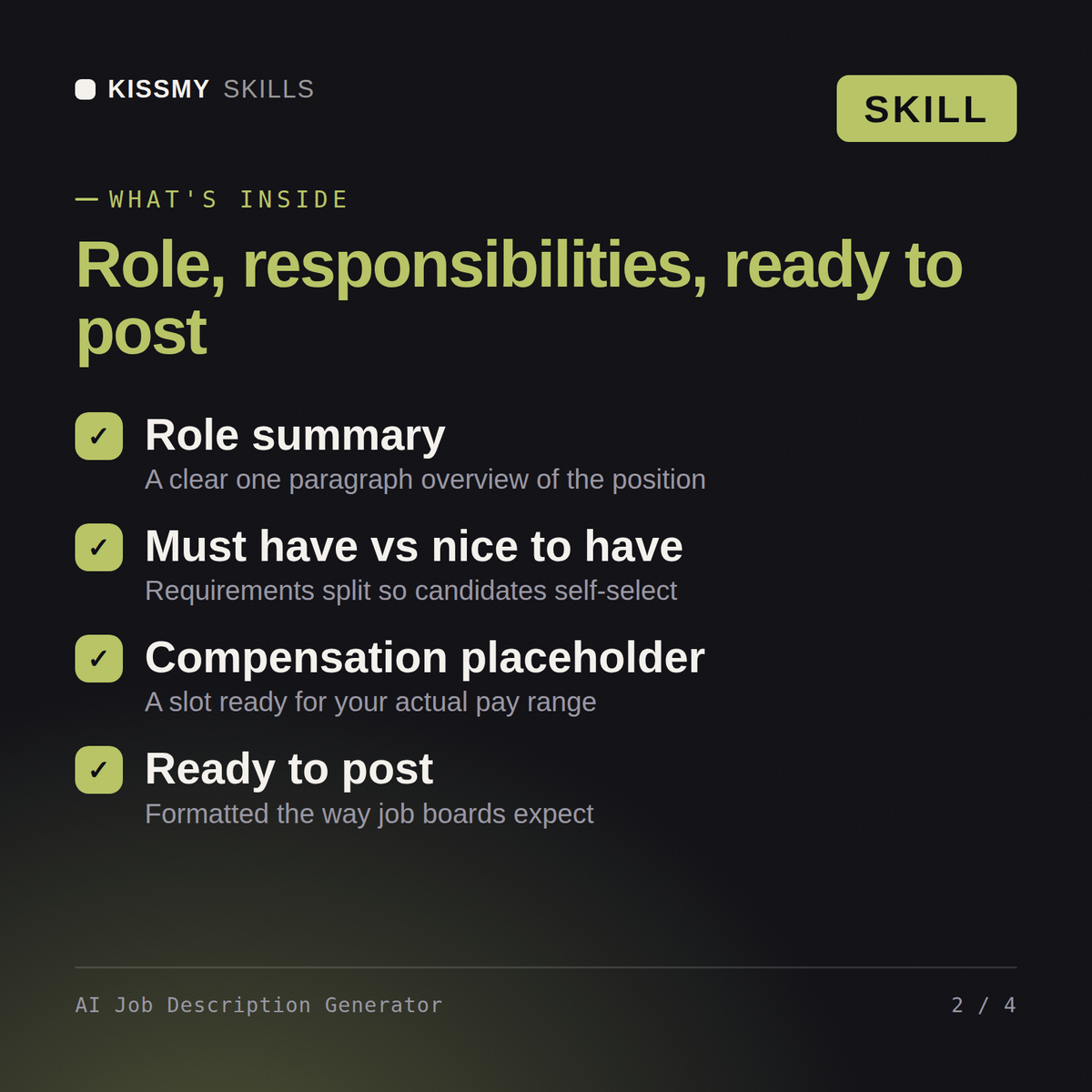
Your AI works as a job description generator that splits required qualifications from nice to have ones and leaves bracketed…
$19· one file, yours to keep
Yours to keep · instant download
Or all of them, $12/mo
Job Description Generator and 2,500+ other specialists, in your AI. Ask for any of them by name.
7 days free, then $12/mo · cancel anytime
One file
Every skill
30-day money-back · secure checkout by Stripe
# AI Job Description Generator

## Purpose

This skill turns a short brief (job title, a few bullet points, or a rough description) into a complete, professional job description ready to post. It produces consistent sections every time and avoids biased or exclusionary language.

## When to use this skill

Use this skill when the user asks to write, draft, or improve a job description, job posting, or job ad. Trigger phrases include "write a job description for", "draft a JD for", "I need a posting for a [role]", or "help me write a job ad".

## Instructions
Write a job description for a remote mid-level backend engineer working in Go, hiring across the EU.
You get: a job description with a role summary and team context → responsibilities written as the real work → must-have versus nice-to-have requirements separated → an inclusive benefits and application section.
Yes, the same way in both. Give it a job title, seniority level, and a few bullets on responsibilities, and get back a complete, publish-ready posting.
The job title, seniority level, and rough notes on what the role actually does day to day. The skill structures it into a full posting from there.
Yes, by default. It also skips buzzword-heavy corporate tone and keeps required qualifications genuinely essential instead of padding the list with soft preferences.
It's built specifically to avoid that: only truly required qualifications go under required, everything else is marked nice-to-have, which widens your candidate pool.
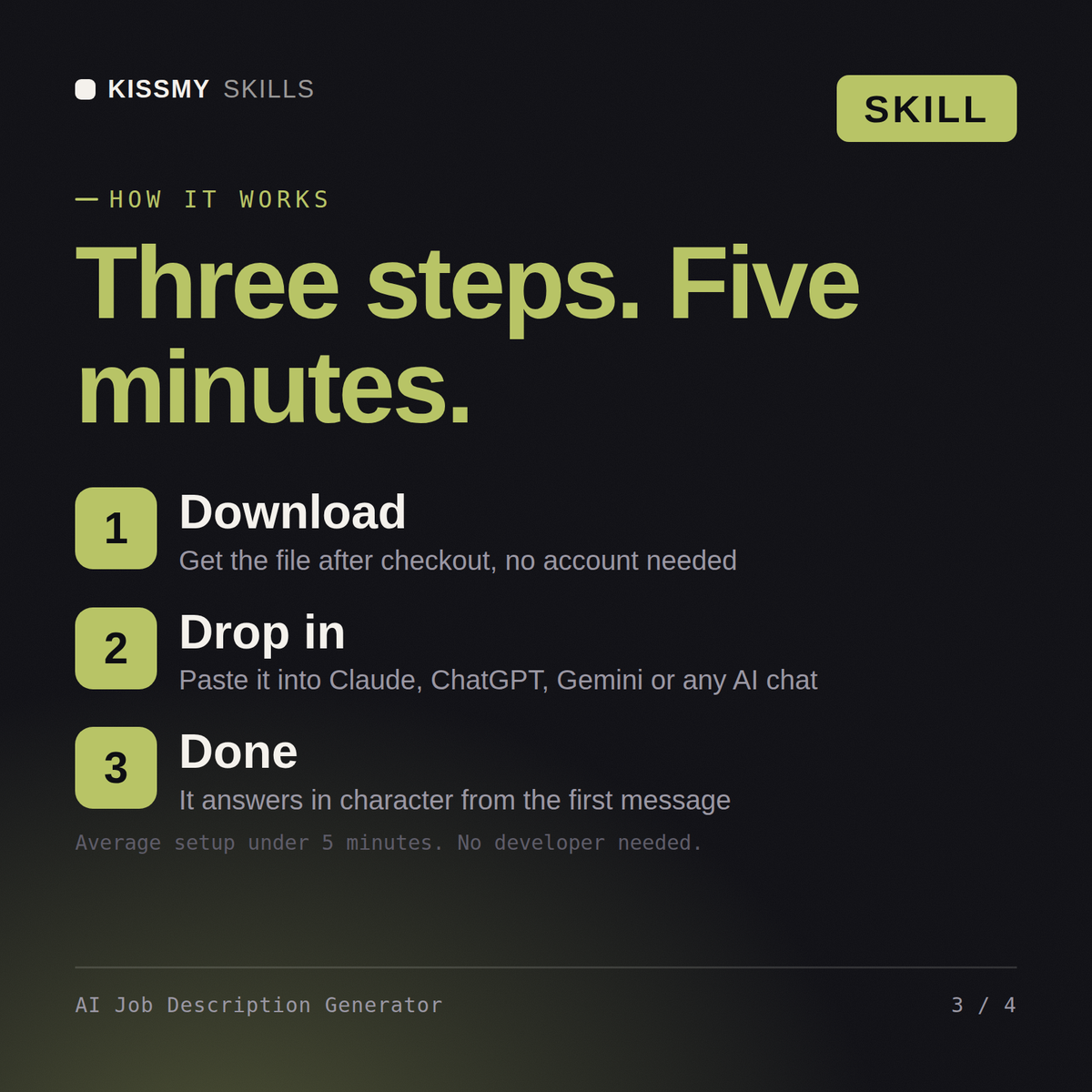
Download your .skill file from the order email or your account. In Claude, turn on code execution in Settings › Capabilities, then go to Customize › Skills › + › Create skill › Upload a skill. Start a new chat and ask for the specialist by name.
Consultants, founders and bookkeepers producing a cash flow statement quarterly
Managers, project leads, finance partners and founders who need budget approval for software, automation, hires or equipment.
Managers, analysts and founders turning raw numbers into a report for leadership
Managers, project leads and EAs turning call transcripts into notes people act on