AI Educational Comic Generator
Teachers, homeschool parents, instructional designers and L&D teams who want short comics that explain one idea correctly.
Prompt setClaude Skills for Healthcare & Science
A wallet card and phone Medical ID a paramedic can read in seconds, built only from your own facts.
$9· one file, yours to keep
Yours to keep · instant download
Or all of them, $12/mo
Medical Emergency Info Card Generator and 2,500+ other specialists, in your AI. Ask for any of them by name.
7 days free, then $12/mo · cancel anytime
One file
Every skill
30-day money-back · secure checkout by Stripe
================================================================================
  KISSMYSKILLS.COM
  AI Medical Emergency Info Card Generator
  Prompt Pack - Instant Use
================================================================================


WHAT YOU JUST BOUGHT
--------------------------------------------------------------------------------
A copy-paste prompt pack that turns the health details you already know
into a clear emergency medical card: a wallet card, a phone lock-screen
summary and a fuller fridge / go-bag sheet, laid out so a paramedic, ER
Make a wallet card and lock-screen text for my mom: on apixaban and has a pacemaker, penicillin causes anaphylaxis, 3 meds from her pharmacy list, son and daughter as contacts.
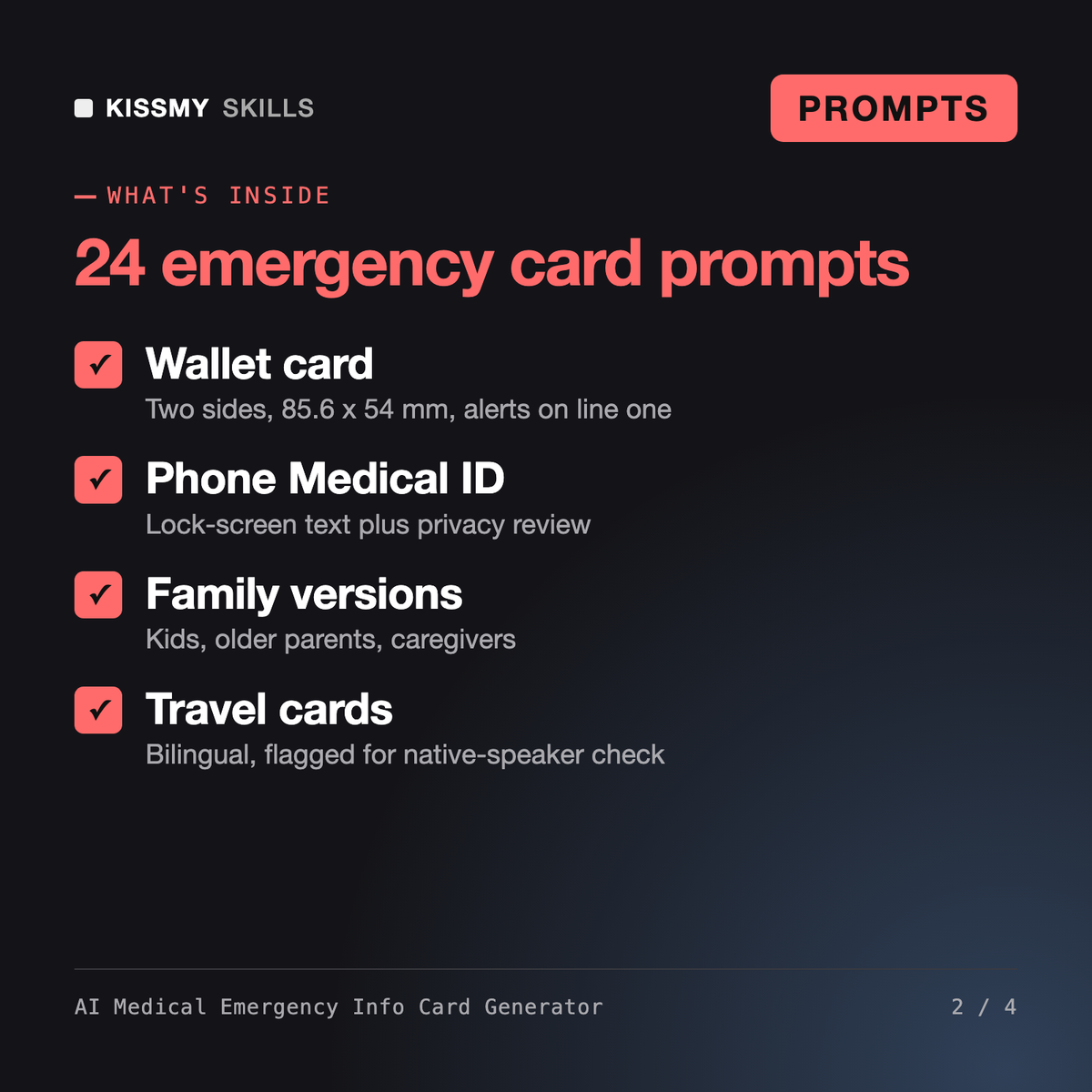
You get: a two-sided wallet card sized for 85.6 x 54 mm with BLOOD THINNER and PACEMAKER as the first alerts → the allergy written as penicillin - anaphylaxis → each medicine copied exactly from the label with strength and frequency → the unknown pacemaker model flagged [CHECK WITH DOCTOR/PHARMACIST] instead of guessed → a 5-line lock-screen version with no address or ID numbers → phone Medical ID entries → a checklist of empty fields.
It gives you 24 ready prompts, a master formula and an assistant prompt that turn your own health details into a wallet emergency card, a lock-screen summary, phone Medical ID entries and a full sheet. It covers conditions, medications with doses, allergies with reaction type, implanted devices, blood type if known, contacts, doctor and where your advance directive is kept.
The Travel Safety Brief Prompt builds a pre-trip safety brief for a destination: risks, health requirements and official sources to verify. This pack is about your personal medical facts: it formats them into cards responders can scan, including translated travel cards and the phone emergency settings, and never adds anything you did not type.
Every prompt tells the AI to use only what you type, never add, infer or correct a condition, medicine or dose, and mark anything unclear with [CHECK WITH DOCTOR/PHARMACIST]. Still check every line against your pharmacy labels before printing. The pack is not medical advice and does not replace your doctor or pharmacist.
Only what helps a responder: critical alerts, allergy with reaction, one contact and a pointer to your phone's Medical ID or emergency information. Leave out your address, date of birth, ID and insurance numbers. One prompt reviews your lock-screen text for privacy, and the pack reminds you to check your phone's settings to enable showing the info when locked.
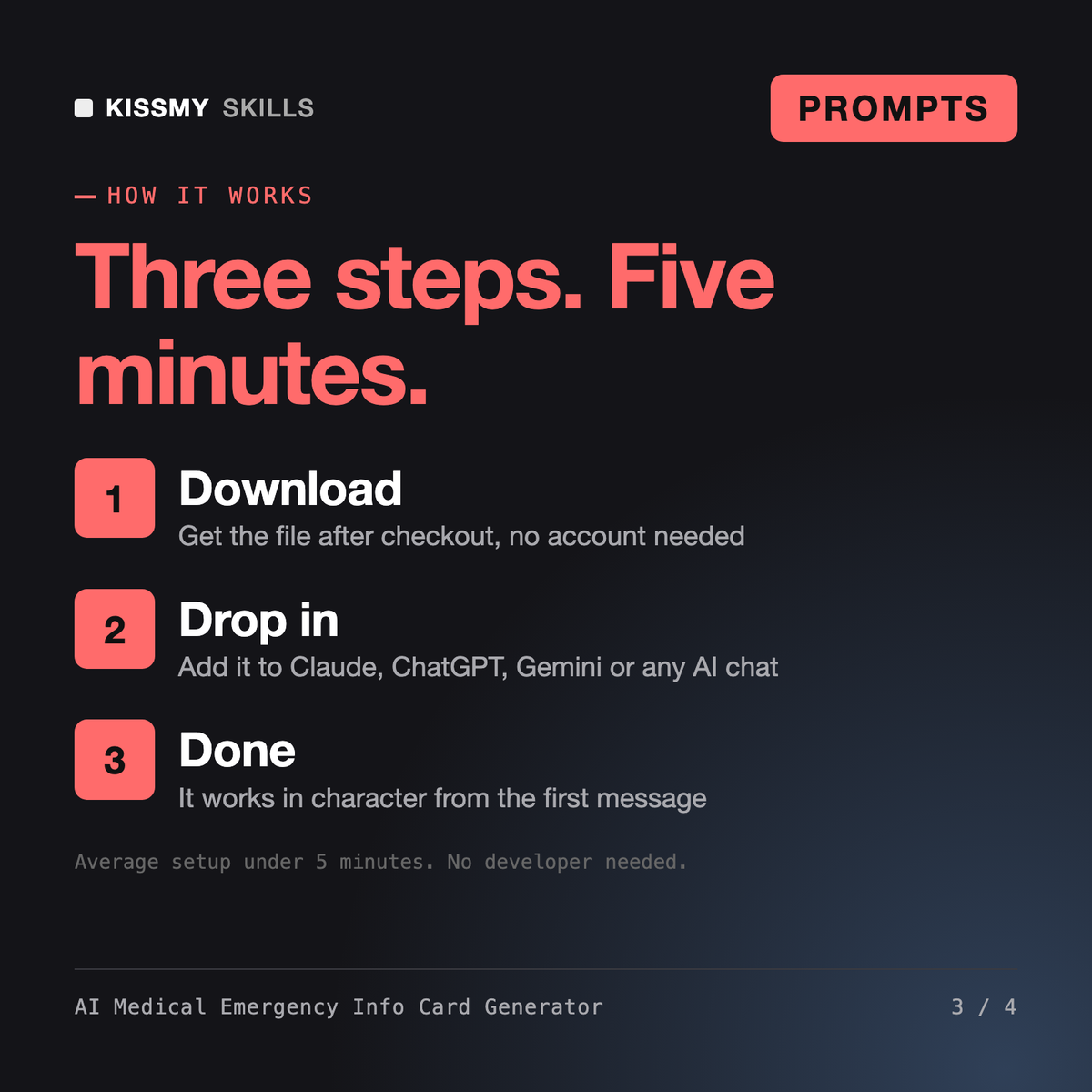
Download your .skill file from the order email or your account. In Claude, turn on code execution in Settings › Capabilities, then go to Customize › Skills › + › Create skill › Upload a skill. Start a new chat and ask for the specialist by name.