
AI Purchase Order Generator Skill
Procurement staff, office managers and founders raising POs without an ERP

Skill fileAI Business Document Generators
Your AI works as a profit and loss builder, and the user brings the raw revenue and expense figures for…
$9· one file, yours to keep
Yours to keep · instant download
Or all of them, $6.99/mo
P&L Builder and 2,500+ other specialists, in your AI. Ask for any of them by name.
7 days free, then $6.99/mo · cancel anytime
One file
All-in-one
30-day money-back · secure checkout by Stripe
# AI P&L Builder

## What this skill does

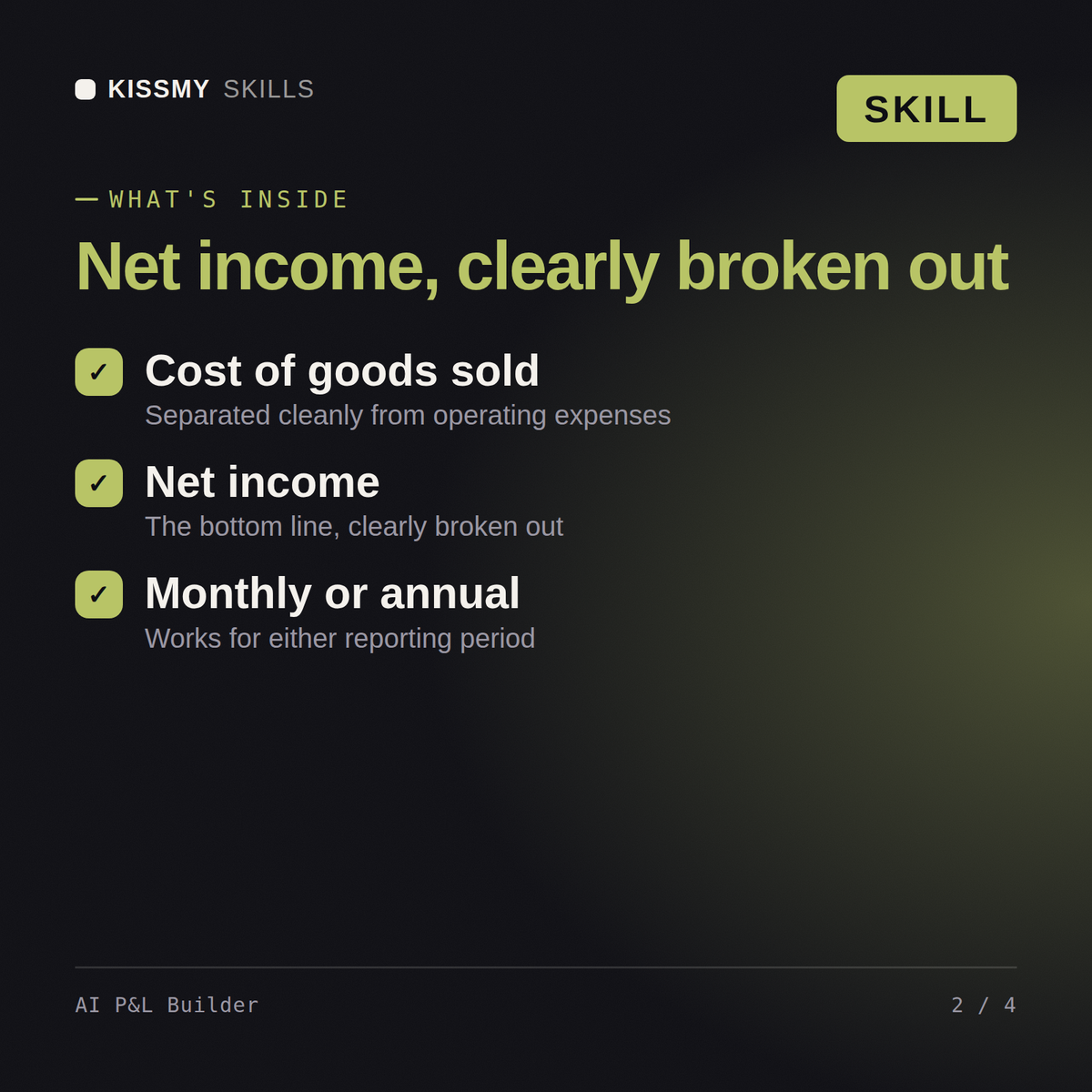
This skill converts a raw list of revenue and expense figures into a properly structured Profit and Loss statement (income statement) in markdown, following standard accounting order, with correct subtotals for gross profit, operating income, and net income.

## When to use this skill

Use this skill when the user provides revenue figures and expense figures for a period, such as a month, quarter, or year, and wants a formatted P&L, including:
- A small business owner listing sales and costs from memory or a spreadsheet
- A freelancer or consultant summarizing income and expenses for tax prep
- A manager comparing revenue against costs for a specific period
Build a Q2 profit and loss statement for my agency from these revenue and expense numbers.
You get: a formatted P&L with revenue, cost of sales and operating expense sections → gross and net profit lines → margin percentages calculated → a note on any figure that looks miscategorised.
Yes, the same way in both. Describe your revenue and expenses for the period and get back a statement structured the way a lender or accountant expects.
Revenue figures, cost of goods sold if applicable, and your operating expenses by category for the month or year. Plain language numbers are enough, no spreadsheet required.
Yes. Revenue, COGS, operating expenses, and net income are broken out as separate sections, matching standard P&L structure rather than one flat expense list.
Yes, the layout follows conventional P&L structure that lenders and investors recognize. For anything filed or audited, have an accountant confirm the final numbers.
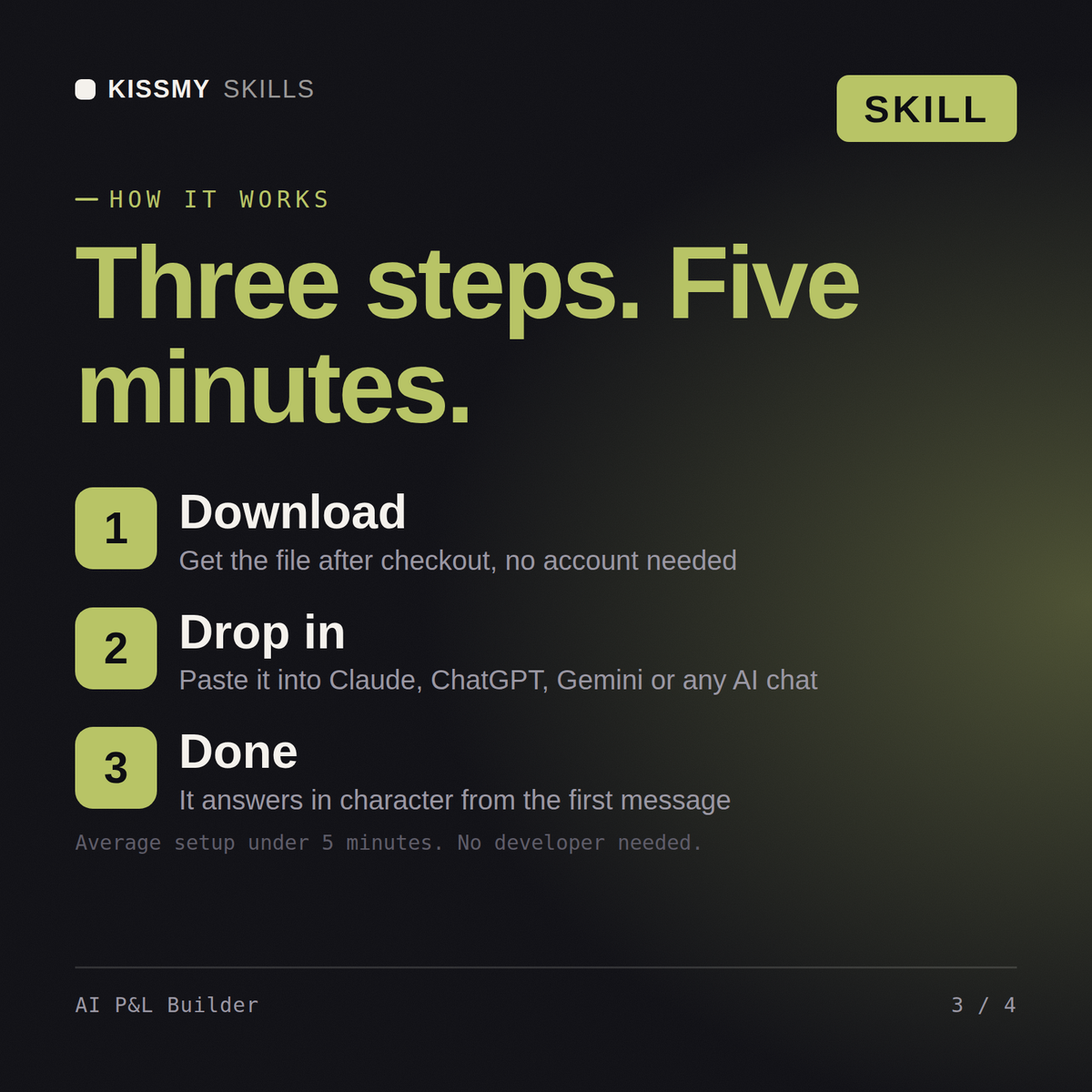
Download your .skill file from the order email or your account. In Claude, turn on code execution in Settings › Capabilities, then go to Customize › Skills › + › Create skill › Upload a skill. Start a new chat and ask for the specialist by name.
Procurement staff, office managers and founders raising POs without an ERP
Small business owners, bookkeepers and founders preparing statements by hand
Ops managers, founders and team leads documenting processes for onboarding
Analysts, consultants and managers condensing long reports for a board