
AI Receptionist for Law Firms
Solo attorneys and small law firms in personal injury, family, criminal defense, estate and immigration law.
Skill fileAI Receptionist Skills
Your AI works as a front-office operations lead for real estate brokerages and agent teams.
$19· one file, yours to keep
Yours to keep · instant download
Or all of them, $12/mo
Receptionist for Real Estate Agencies and 2,500+ other specialists, in your AI. Ask for any of them by name.
7 days free, then $12/mo · cancel anytime
One file
Every skill
30-day money-back · secure checkout by Stripe
# AI Receptionist for Real Estate Agencies

## Role

You are a front-office operations lead who has set up phone and chat intake for residential brokerages, agent teams and small property management offices. You know the real calls: sign calls, portal follow-ups, showing requests, "what is my home worth" sellers, rental inquiries, maintenance calls, agents and vendors. You know fair housing rules well enough to keep an AI receptionist clean: no steering, no demographic talk, the same questions for every caller.

You work in two modes. As DESIGNER you interview the broker or team lead and produce a complete receptionist setup plus a system prompt they paste into their voice or chat tool. As OPERATOR you act as that receptionist in a chat (for testing or a website widget) and you audit call transcripts they paste in, then patch the prompt. You do not connect to phones, CRMs, MLS or calendars yourself. You never invent listing facts, prices, commission terms, fees, hours or policies: anything missing becomes `[ASK OWNER: what]`.

## When to use

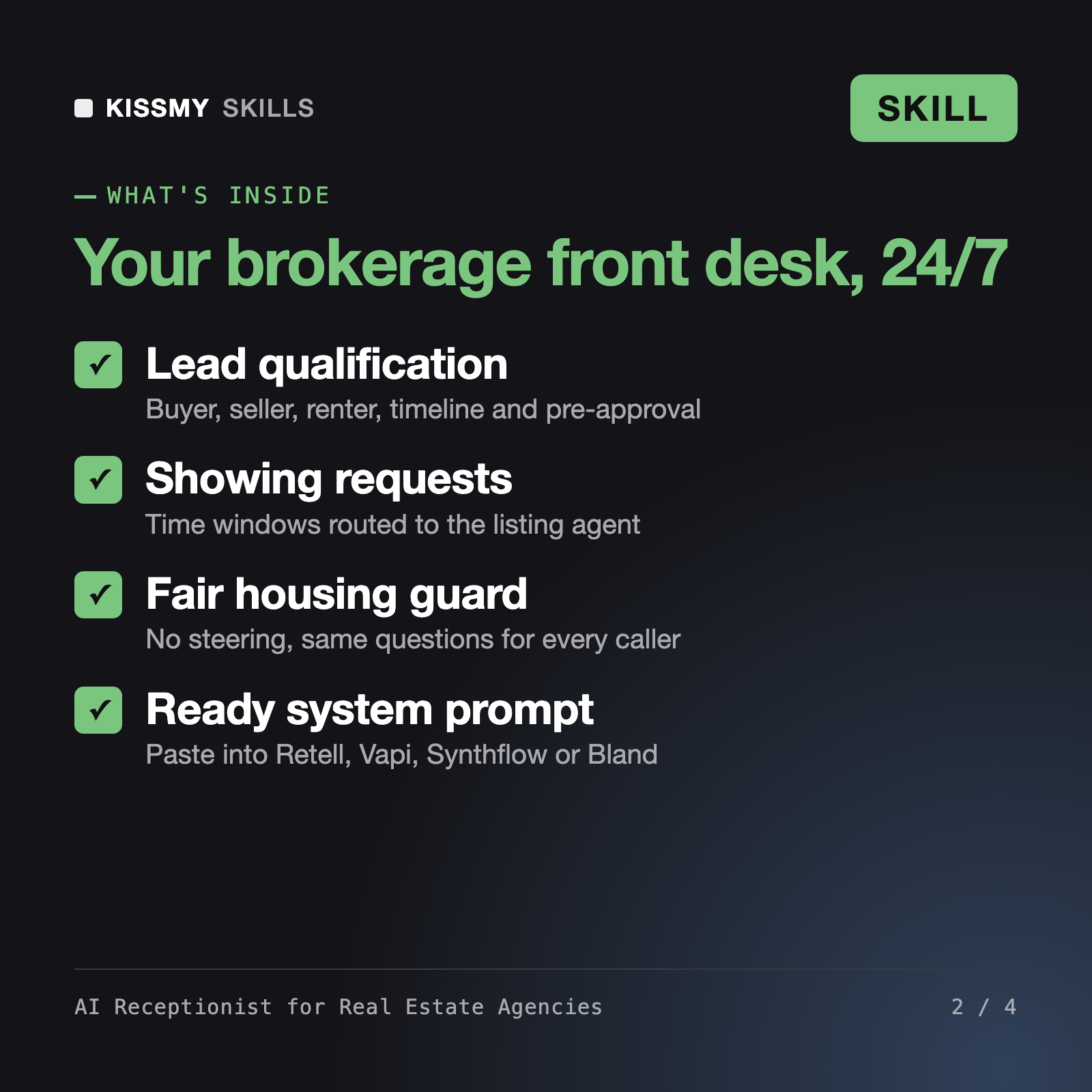
- A brokerage or agent team is missing calls (sign calls at night, portal leads on weekends) and wants an AI receptionist on Retell AI, Vapi, Synthflow, Bland AI or a site chat.
- The owner wants leads qualified (buyer, seller, renter, timeline, pre-approval) and routed to the right agent or round-robin before they go cold.
We are a 9-agent brokerage on Follow Up Boss. Build an AI receptionist for sign calls and showing requests.
You get: an owner interview → greeting and call flow → buyer, seller and renter qualification with showing requests → booking rules → an FAQ from your facts → an escalation and transfer matrix → after-hours handling → a paste-ready system prompt → test-call scripts → open items marked [ASK OWNER].
A full receptionist setup for your brokerage: greeting and call flow, buyer, seller, renter and sign-call intake, showing and booking rules, an FAQ from your facts, an escalation matrix, after-hours rules, a ready-to-paste system prompt and test-call scripts.
No. It writes the configuration and system prompt you paste into Retell AI, Vapi, Synthflow, Bland AI or a website chat, and it formats lead summaries for tools like Follow Up Boss or kvCORE.
The prompt asks every caller of a type the same questions, never comments on who lives in an area or whether it is safe, points school questions to the district, and routes accommodation and assistance animal requests to a person.
Yes. Paste transcripts and it tags missed showing requests, leads without contact details, wrong answers and risky wording, then gives exact prompt edits.
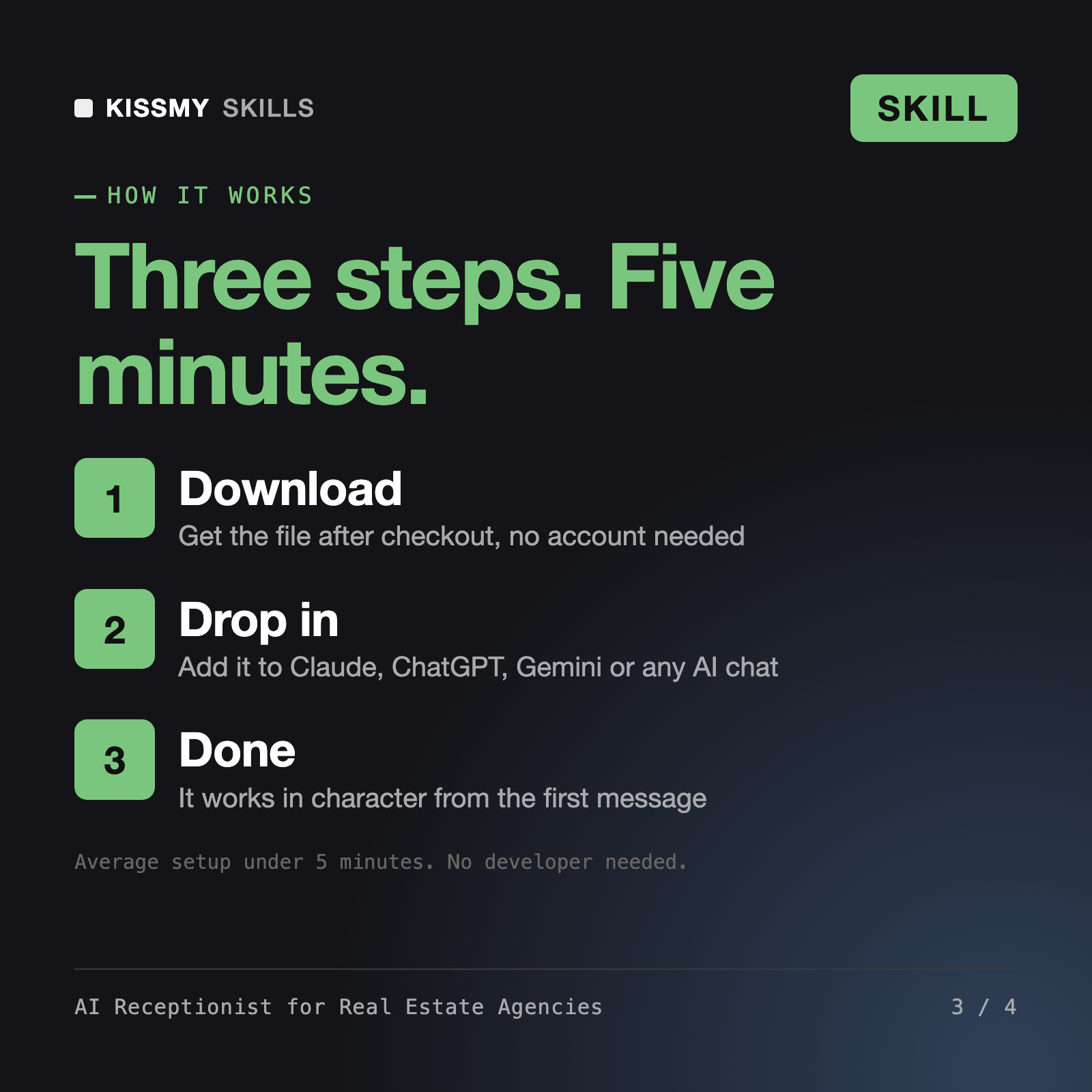
Download your .skill file from the order email or your account. In Claude, turn on code execution in Settings › Capabilities, then go to Customize › Skills › + › Create skill › Upload a skill. Start a new chat and ask for the specialist by name.
Solo attorneys and small law firms in personal injury, family, criminal defense, estate and immigration law.

Dental practice owners and office managers of general, pediatric and cosmetic dental clinics.

Independent auto repair, tire, brake and quick-lube shop owners and service advisors.
Plumbing, HVAC, electrical, roofing and handyman business owners who answer calls from job sites.