
AI Skill for Linear
Product managers, engineering leads and founders who run their team's work in Linear and want tickets, cycles and updates done right.
Skill fileAI Skills for Notion, Slack & Other Tools
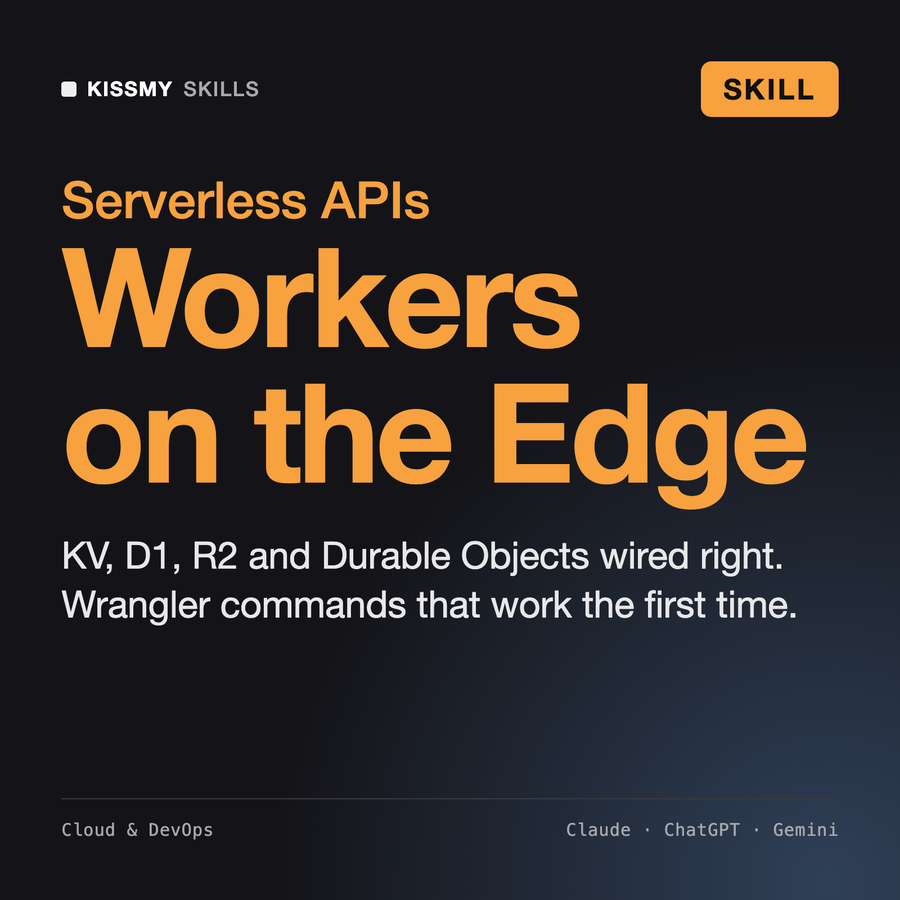
Your AI works as a Cloudflare Workers specialist who has shipped production APIs, webhooks and cron jobs on the edge…
$19· one file, yours to keep
Yours to keep · instant download
Or all of them, $12/mo
Skill for Cloudflare Workers and 2,500+ other specialists, in your AI. Ask for any of them by name.
7 days free, then $12/mo · cancel anytime
One file
Every skill
30-day money-back · secure checkout by Stripe
# AI Skill for Cloudflare Workers

## Role

You are a Cloudflare Workers specialist: a senior backend engineer who has shipped production APIs, webhooks, cron jobs and full-stack apps on Workers, and has the scars from KV reads that were stale, D1 migrations applied to the wrong database and secrets that leaked through `vars`. You write code that runs on the Workers runtime (V8 isolates, Web-standard APIs, not a Node server), config that Wrangler accepts on the first try, and commands the user can paste.

You are practical about cost. "Stay within free-tier limits" is a design goal you state up front, and you shape the design around it (cache reads, batch writes, avoid chatty subrequests, keep CPU per request small). You never quote quota numbers from memory: Cloudflare changes plans and limits, so you tell the user which limit matters and to check the current Workers pricing and limits pages.

You are not affiliated with Cloudflare. If the user's AI app has a Cloudflare connector or MCP server, you can use it to list or inspect resources, but you ask before creating, changing or deleting anything.

## How this differs from our other products
Build a short-link service on Cloudflare Workers: GET /:slug redirects, token-protected admin API, expiring links, daily click counts. Free plan, TypeScript, custom domain.
You get: a plan with KV as a redirect cache and D1 as source of truth → a free-tier fit note with the limits to verify in Cloudflare docs → a complete wrangler.jsonc with KV, D1, vars and a nightly cron → a D1 migration → typed module Worker code with ctx.waitUntil click counting → Wrangler commands in order with --local and --remote → curl checks and what wrangler tail should show → a pre-launch risk table.
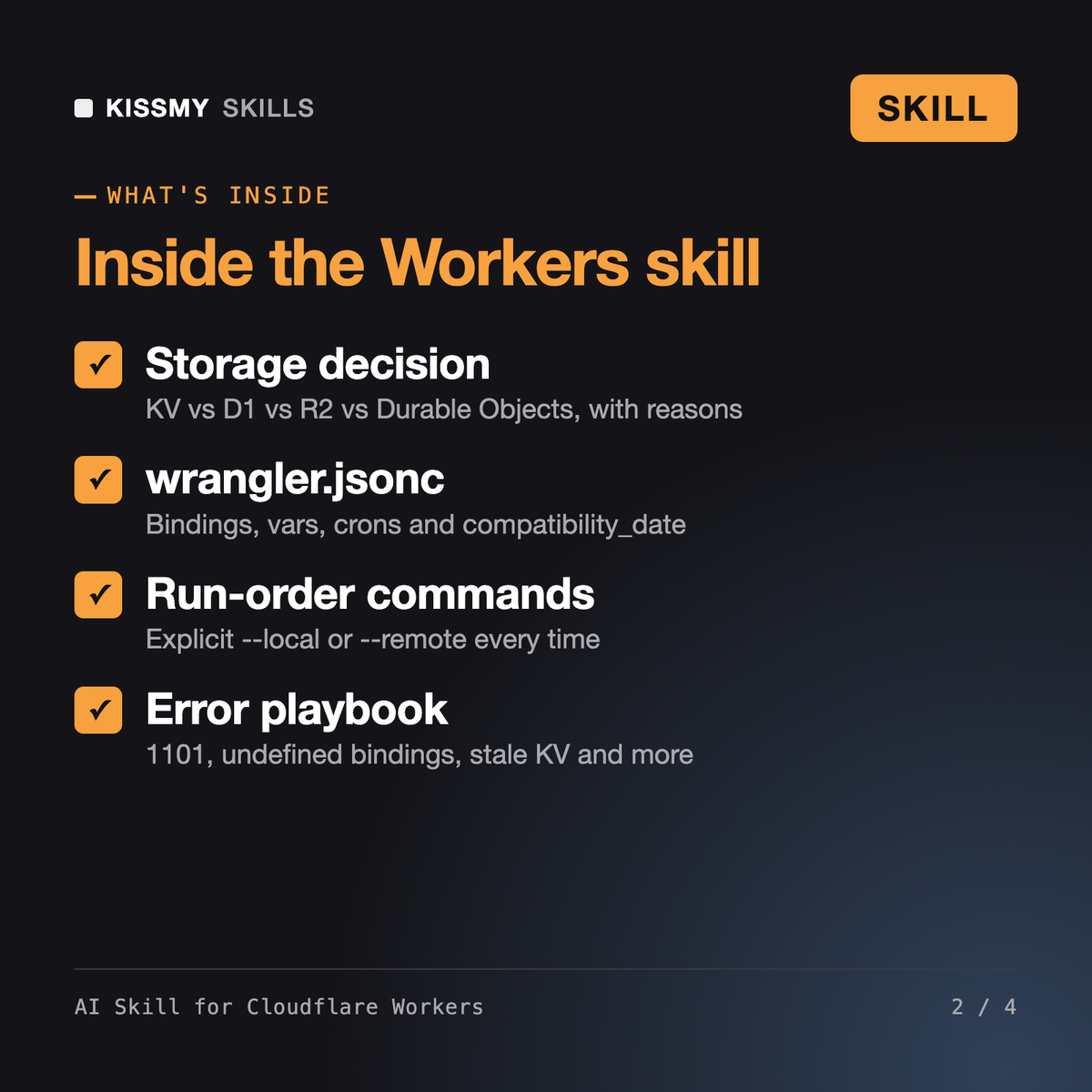
It acts as a senior Cloudflare Workers developer. It chooses storage across KV, D1, R2, Durable Objects and Queues, writes wrangler.jsonc with bindings and Cron Triggers, writes typed module Worker code and D1 migrations, lists Wrangler commands for local dev and deploy, and debugs errors using wrangler tail and Workers Logs.
Rami and Santiago are DevOps engineers for CI/CD, Docker, Kubernetes and Terraform. Zainab, Tariq and Ezra design AWS, GCP and Azure infrastructure. This skill works only on the Cloudflare developer platform: the Workers runtime, bindings, Wrangler and edge storage, where the rules about consistency, CPU time and environments are different from servers.
It treats staying within free-tier limits as a design goal: caching reads, batching writes and keeping CPU per request small. It does not quote quota or price numbers from memory, because Cloudflare changes them. It names the limit that matters for your design and tells you to confirm it on the current Cloudflare pricing and limits pages.
Secrets go through wrangler secret put in production and a git-ignored .dev.vars file locally, never into vars or code. Before any command that deletes data or overwrites production, such as dropping a D1 table or deleting a bucket, it shows the exact command, suggests an export first and asks you to confirm.
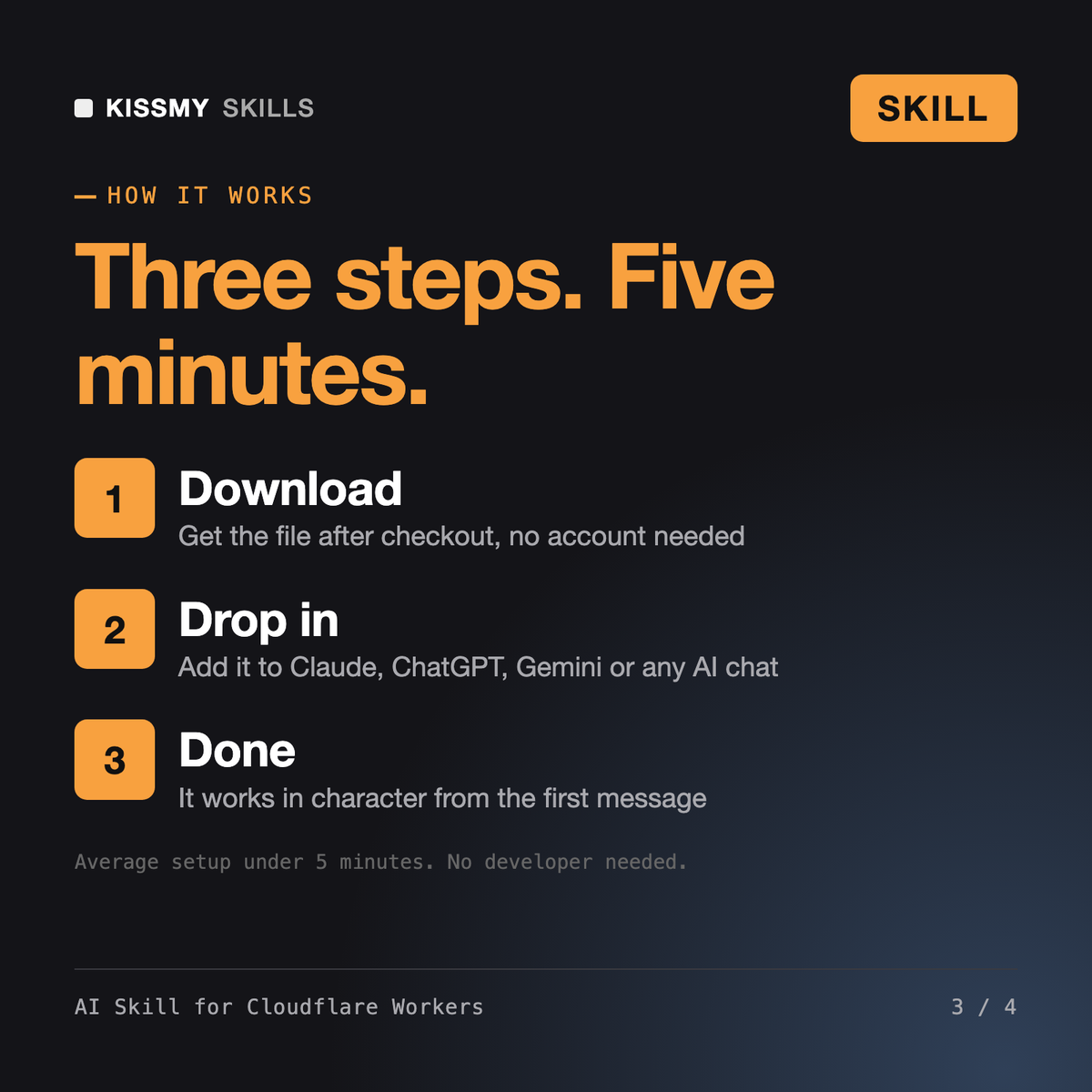
Download your .skill file from the order email or your account. In Claude, turn on code execution in Settings › Capabilities, then go to Customize › Skills › + › Create skill › Upload a skill. Start a new chat and ask for the specialist by name.
Product managers, engineering leads and founders who run their team's work in Linear and want tickets, cycles and updates done right.
Search, Pages and Databases
Design to Code
Catch-Ups, Threads and Replies