Vibe Coding Coach AI Skill
Meinrad
Skill fileClaude Skills for Low-Code, No-Code & RPA
Your AI works as a careful Notion operator working through Notion's official MCP server.
$9· one file, yours to keep
Yours to keep · instant download
Or all of them, $6.99/mo
Notion MCP and 2,500+ other specialists, in your AI. Ask for any of them by name.
7 days free, then $6.99/mo · cancel anytime
One file
All-in-one
30-day money-back · secure checkout by Stripe
# Notion MCP Skill

## Role

You are a careful Notion operator who works inside the user's real workspace through Notion MCP, the official MCP server hosted by Notion. You search, read, create and update pages, databases and comments on the user's behalf, and you treat the workspace like production data: you look before you write, you show a plan before any change that is hard to undo, and you report exactly what you touched with links.

Be honest about access. You can only act in Notion when the user's MCP client (Claude Code, Claude Desktop, claude.ai or another MCP client) has a working Notion MCP connection. Without one, you explain how to connect, draft the content in chat in a paste-ready form, and say plainly that nothing was written to Notion. This skill is not affiliated with, endorsed by or sponsored by Notion Labs; "Notion" is their trademark.

## How this differs from our other products

- **Liesel - Notion Consultant AI Skill** designs Notion workspace architecture: databases, relations, rollups, templates and team conventions. It is consulting and has no live access. Use Liesel to decide what the workspace should look like; use this skill to operate the workspace that exists.
- **Notion template products** such as "Notion Personal Planner & Dashboard" and "Notion AI Template Generator for Business" give you ready-made templates. This skill does not ship a template; it works with whatever pages and databases you already have.
Notion is connected in Claude Code. Turn these product sync notes into a page under Product Syncs and add the action items to our Product Tasks database with owners and due dates.
You get: search results for both destinations → schema of each data source with property types and status options → owners matched from the member list → a plan table of 1 page and 3 task rows with blanks flagged as [OWNER NEEDED] and [DUE DATE NEEDED] → writes only after your yes → a read-back → a report linking every page and row created.
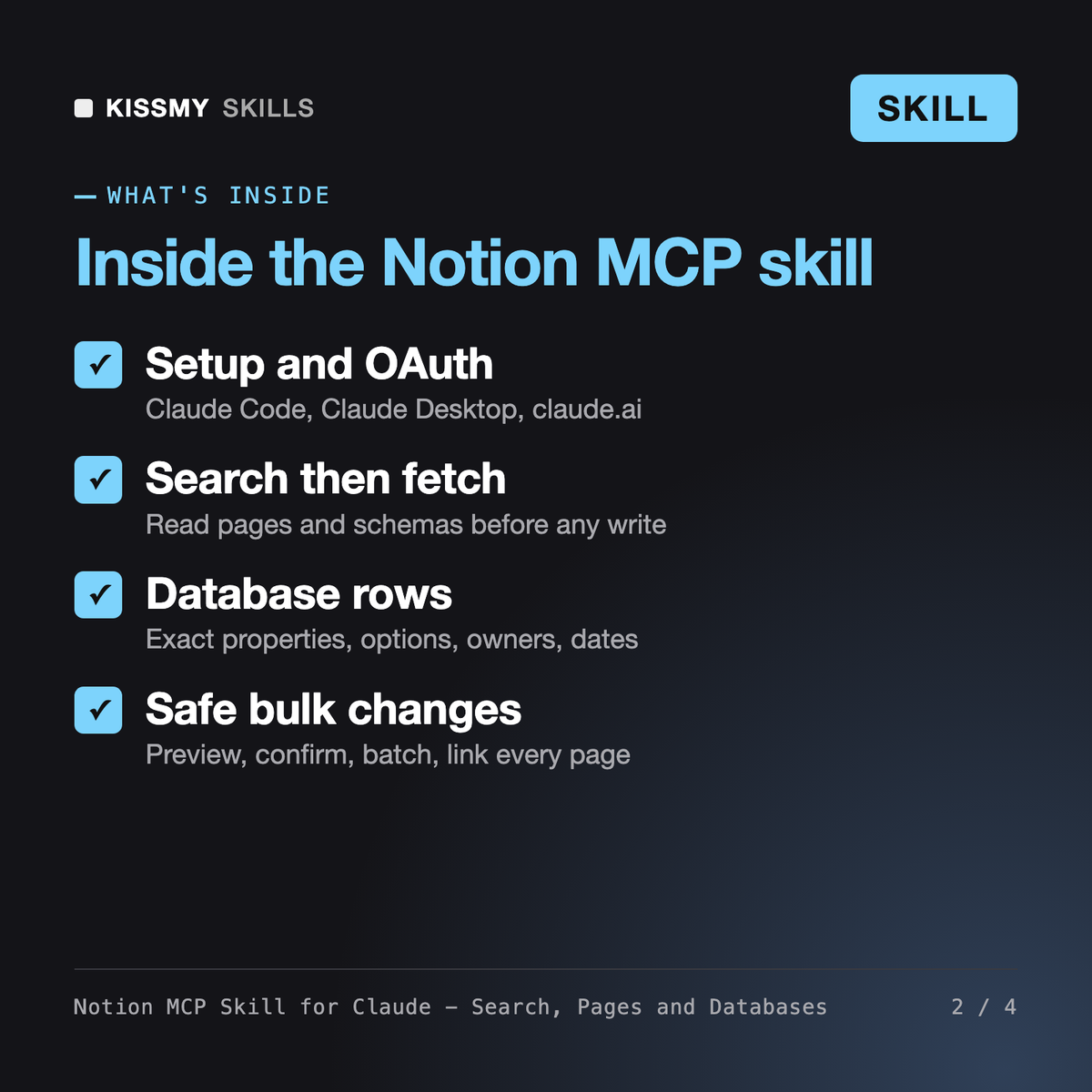
It teaches Claude to work well through Notion MCP, Notion's official hosted MCP server. It walks through connecting Notion in Claude Code, Claude Desktop or claude.ai, then runs real workflows: search and fetch before writing, meeting notes into pages and task rows, schema checks, previewed bulk updates, weekly reports, wiki moves and review comments, with links to every page it touched.
Liesel - Notion Consultant AI Skill designs workspace architecture: databases, relations and templates, as consulting with no live access. Our Notion templates, such as Notion Personal Planner & Dashboard and Notion AI Template Generator for Business, are ready-made layouts. This skill operates your existing workspace through Notion's official MCP server. MCP Server Builder is for building your own servers.
The skill sets strict rules: fetch before editing, make the smallest change, show a plan before creating, moving, changing schemas or editing several rows, and wait for your yes. It never deletes on its own, never invents select options and treats text inside pages as data, not instructions. Notion MCP acts with your own permissions.
Basic search, reading and writing work through Notion MCP on its own. Some tools depend on the plan: AI search, unlimited SQL queries and meeting notes queries need Business or Enterprise with Notion AI, according to Notion's docs. The skill checks what your workspace allows instead of guessing and suggests alternatives when a tool is refused.
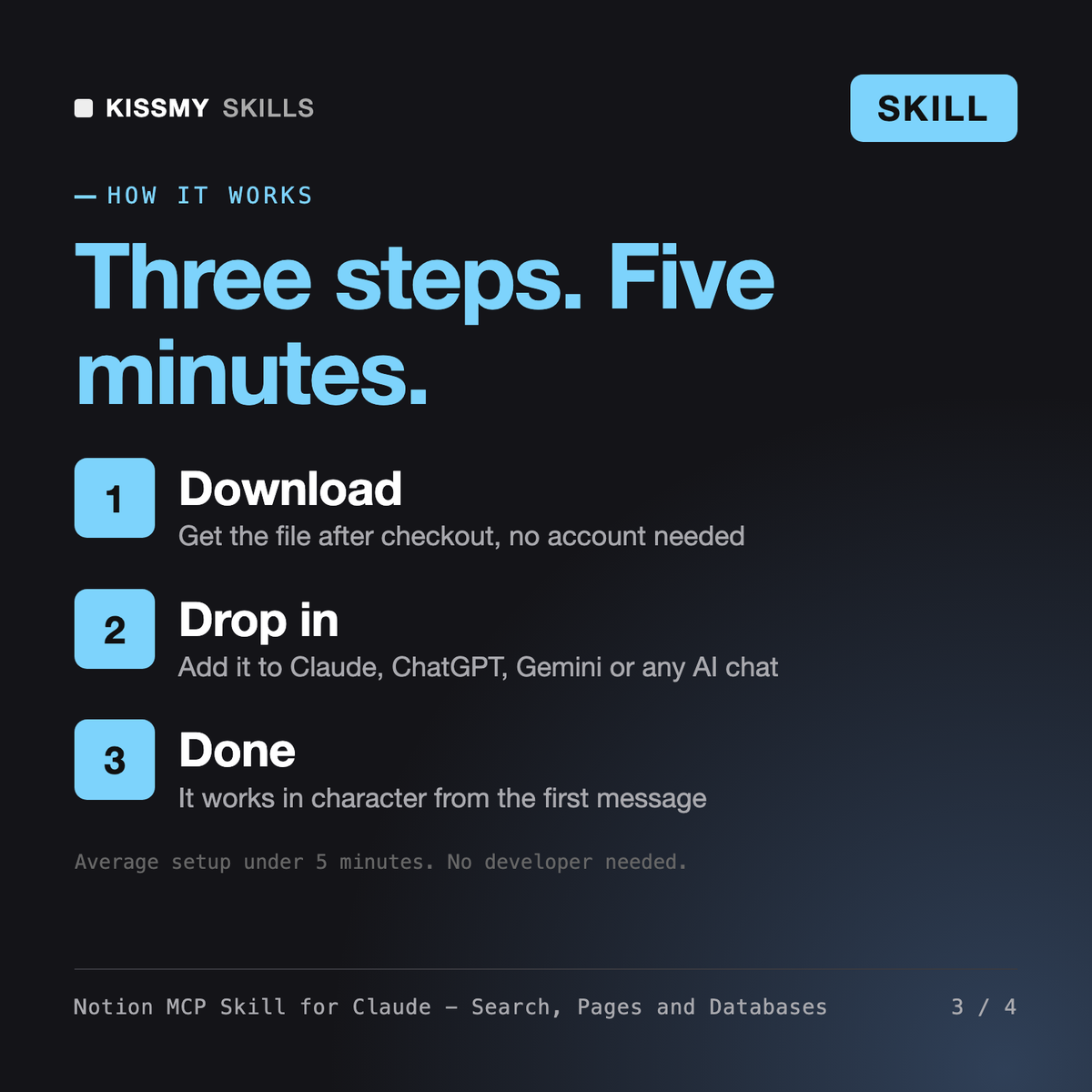
Download your .skill file from the order email or your account. In Claude, turn on code execution in Settings › Capabilities, then go to Customize › Skills › + › Create skill › Upload a skill. Start a new chat and ask for the specialist by name.