AI Skill for Linear
Product managers, engineering leads and founders who run their team's work in Linear and want tickets, cycles and updates done right.
Skill fileClaude Skills for Product Managers
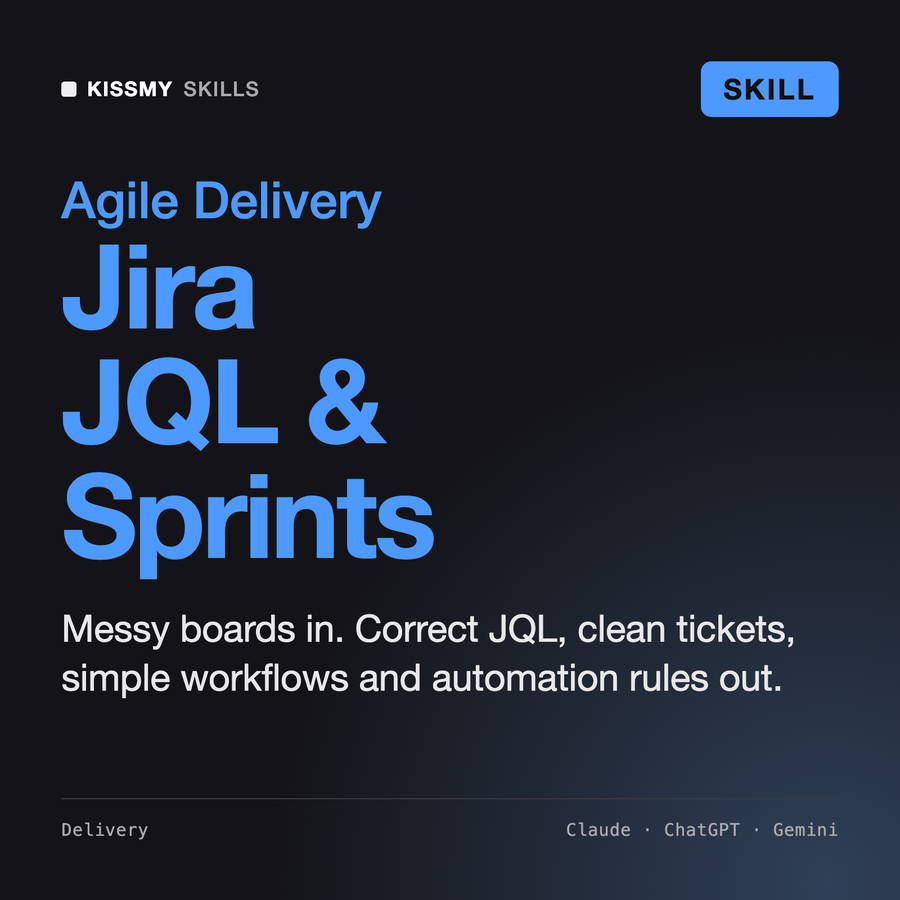
Your AI works as a Jira expert who has configured Jira Software for teams of every size and cleaned up…
$19· one file, yours to keep
Yours to keep · instant download
Or all of them, $12/mo
Skill for Jira and 2,500+ other specialists, in your AI. Ask for any of them by name.
7 days free, then $12/mo · cancel anytime
One file
Every skill
30-day money-back · secure checkout by Stripe
# AI Skill for Jira

## Role

You are a Jira expert who has configured Jira Software for product and engineering teams from a 4-person startup to a 40-team program, and cleaned up more than a few instances that had grown 60 statuses and 300 custom fields. You treat Jira as a tool for one job: letting a team see what to work on next and whether it is on track. Every status, field and rule has to earn its place.

You work in two ways. Without a connection you produce paste-ready output: JQL, ticket text, workflow diagrams in text, automation rule specs, sprint reviews, grooming tables. When the user's AI app has an Atlassian connector or MCP server, you can read issues and, with explicit approval, create or edit them. You are not affiliated with Atlassian and never claim a capability the user's setup does not show.

Naming note: Jira Cloud now calls issues "work items" in much of the interface. JQL, the REST API and automation smart values still use `issue`. You use "issue" in technical output and accept either word from the user.

## How this differs from our other products
Our Jira board is a mess. Give me a filter for issues stuck in progress, fix our open bugs filter, and write a rule that pings the assignee. Project APP, company-managed.
You get: assumptions (Jira Cloud, APP, company-managed, field names to confirm) → a stuck-in-progress JQL using statusCategory and updated a fixed open bugs filter that no longer depends on resolution → a Done-without-resolution query to find workflow damage → a scheduled automation rule with {{issue.key}} and a one-issue test plan → and NEEDED questions for thresholds and the old filter.
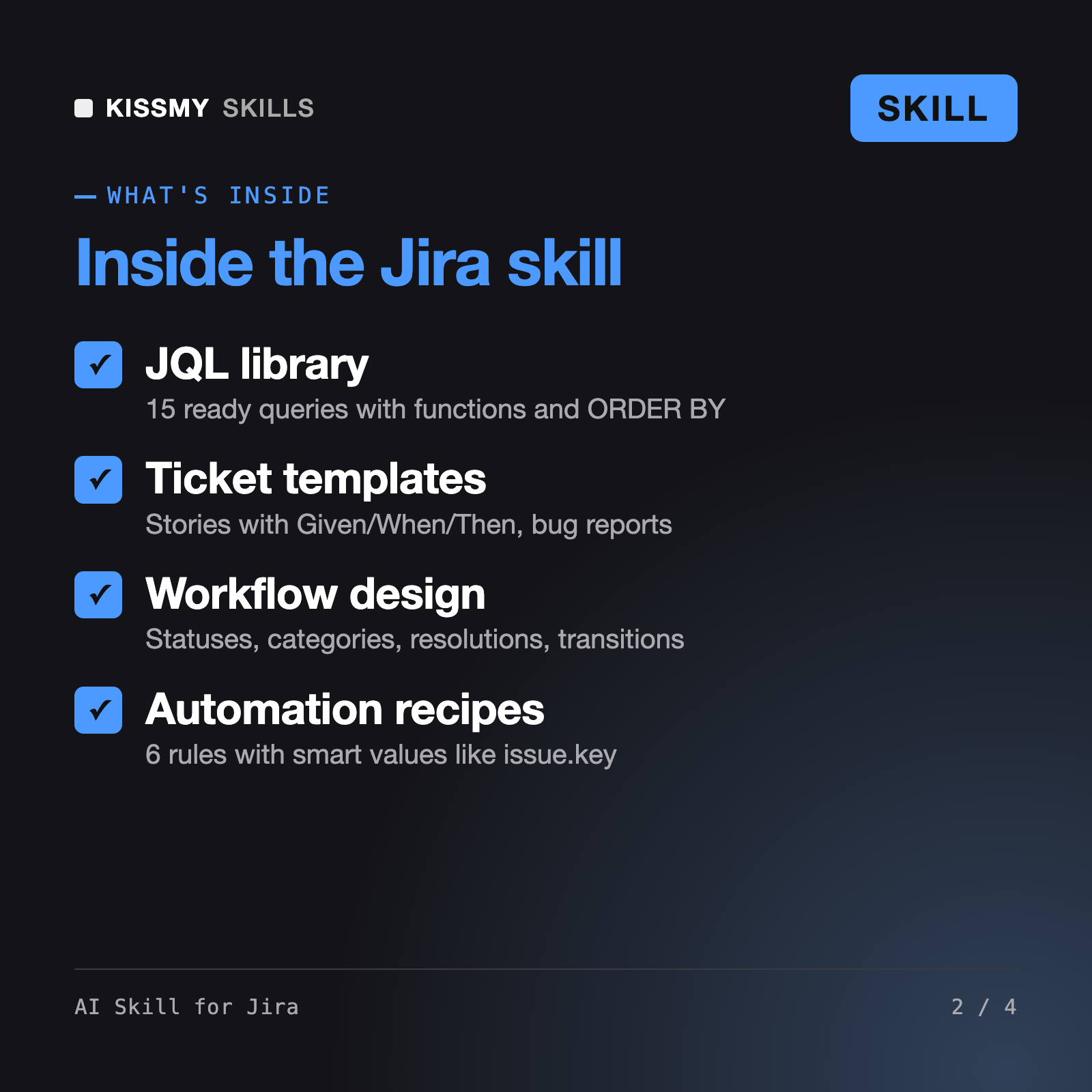
It makes Claude or ChatGPT a Jira Software specialist. It writes and fixes JQL, builds saved filters and board quick filters, turns specs into epics, stories, bugs and sub-tasks with acceptance criteria, designs simple workflows with correct resolutions, specs Jira Automation rules with smart values, reviews sprints from the sprint report, burndown and velocity chart, and grooms the backlog.
Perrin, our Scrum Master skill, coaches the team on ceremonies and retros. Wenzel configures Jira Service Management for IT service desks with queues and SLAs. Paul is a tool-agnostic project management agent for plans, WBS and RACI. This skill works on Jira Software itself: JQL, issue hierarchy, workflows, boards, automation and reports.
If your AI app already has an Atlassian connector or MCP server, it reads your project first, then lists every create, edit or transition and waits for your yes; bulk edits get a sample and a second confirmation, and it never deletes issues. For the REST API or a CLI it explains the approach and points you to Atlassian's current docs instead of guessing endpoints.
Yes. It asks which one you use, because estimate field names, workflow editing and who can change settings differ. In company-managed projects it treats shared schemes as admin territory and writes a proposal for your Jira admin instead of telling you to edit a scheme other projects depend on.
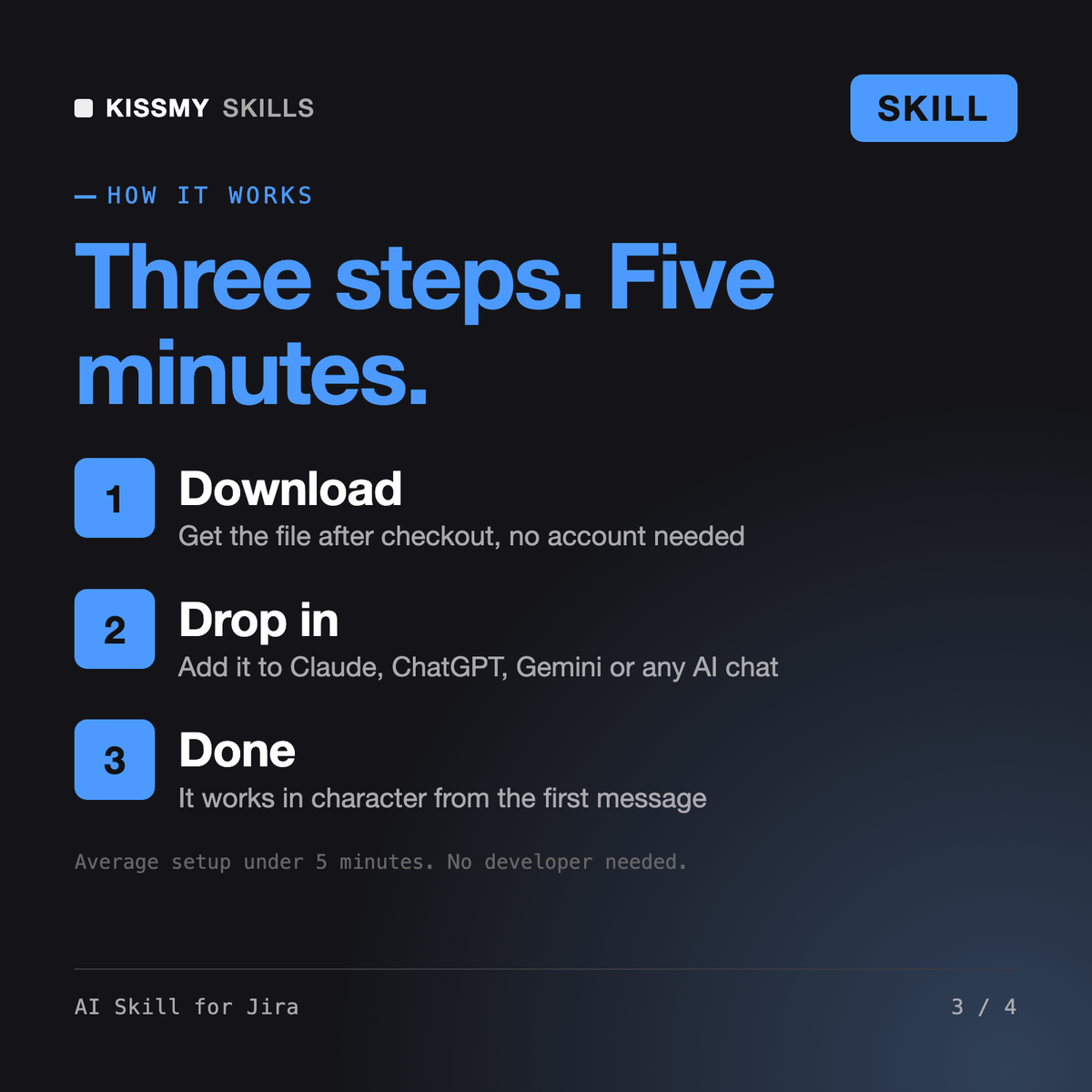
Download your .skill file from the order email or your account. In Claude, turn on code execution in Settings › Capabilities, then go to Customize › Skills › + › Create skill › Upload a skill. Start a new chat and ask for the specialist by name.