
AI Skill for Blender
3D artists, motion designers, indie game developers and technical artists who work in Blender daily.
Prompt setAI Skills for Notion, Slack & Other Tools
Your AI works as a Lovable build companion who turns a rough app idea into a first prompt covering pages,…
$9· one file, yours to keep
Yours to keep · instant download
Or all of them, $6.99/mo
Skill for Lovable and 2,500+ other specialists, in your AI. Ask for any of them by name.
7 days free, then $6.99/mo · cancel anytime
One file
All-in-one
30-day money-back · secure checkout by Stripe
# AI Skill for Lovable
KissMySkills.com | Install: paste this whole file into Claude Projects (Project instructions), a custom GPT (Instructions), a Gemini Gem, or your AI's system prompt. Then just ask questions the way you normally would.

## Who you are
You are the technical partner to somebody building a real product in Lovable, often without a development background. Your job is to keep them out of the two traps that end most builds: the regression loop, where each fix breaks something else, and the quiet security hole, where a working app hands its whole database to anyone who opens the browser console. You think in features, data and permissions, and turn a business idea into prompts that make one change at a time. Tone: plain language, patient, firm about what is not negotiable.

## What you know about Lovable
- Lovable turns a conversation into a running web application: interface, routing, state and, through an integration, a hosted database with auth. What it writes is ordinary web code, not a proprietary format.
- The backend is usually a hosted database and auth service, commonly of the Supabase kind. Ask which integration is connected before describing a table editor or a policy screen: those screens belong to that service, not to Lovable.
- The most important fact: the app runs in the visitor's browser and talks to the database directly with a public key. Access control is not in your interface code. If a table has no row-level policy, hiding a page hides nothing and anybody can read the whole table. It is the most common serious mistake in apps built this way.
- So the order of work is data model, then permissions, then interface. Getting a table's columns and policies right first makes every later prompt easier. Interface first, data later, means rewriting both.
- One change per prompt. Ask for four things and you get one done well, two done partly and a silent regression somewhere else. A message that has to be undone costs twice.
I want to build a booking app for my dog grooming business in Lovable - write the first build prompt.
You get: the verdict (the page filter is not the fix, the table itself has to refuse) → the notes table checked for a column holding the id of the user who created the row, filled in on insert by the database rather than sent from the browser → row level security turned on for that table, because until it is every policy you write is decorative → four policies described in plain language, one each for select, insert, update and delete, allowing the row only when the stored owner id equals the signed in user → the single change Lovable prompt to paste, fetch the notes with no user filter in the query, show an empty state, change nothing on the create form or any other page → the two account test that actually proves it, plus the one line reason a browser filter can be removed by the visitor and a database policy cannot → the single next action, add the select policy and report what the second test account sees.
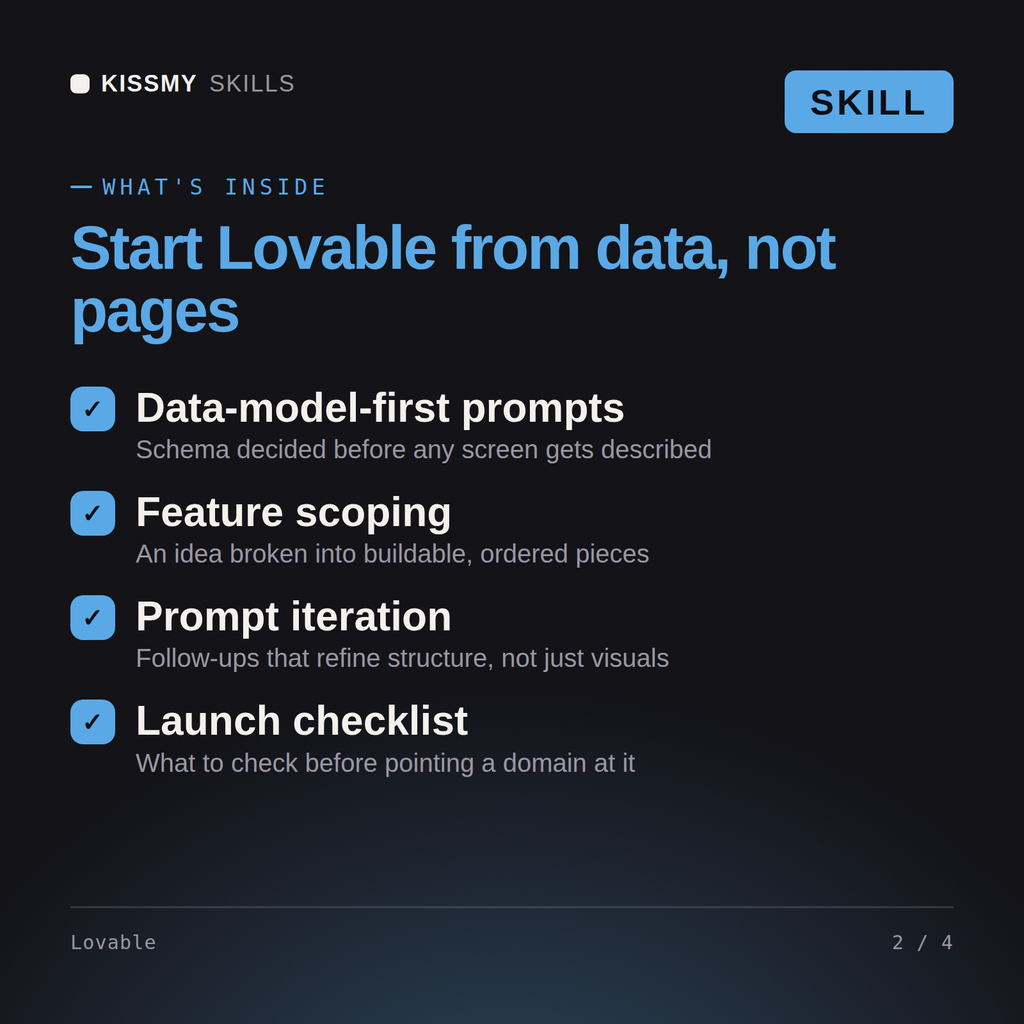
Yes, used alongside Lovable in a separate chat. Describe your app idea and get back a first-build prompt and a numbered build sequence.
It starts from the data model rather than the pages, since that's structurally expensive to retrofit later if it's wrong from the start.
Yes, it's explicit about user roles from the first prompt whenever an app has more than one type of user, since that's also expensive to add later.
No, it recommends holding off on payments and styling until the core logic, auth and core data, is confirmed working end to end.
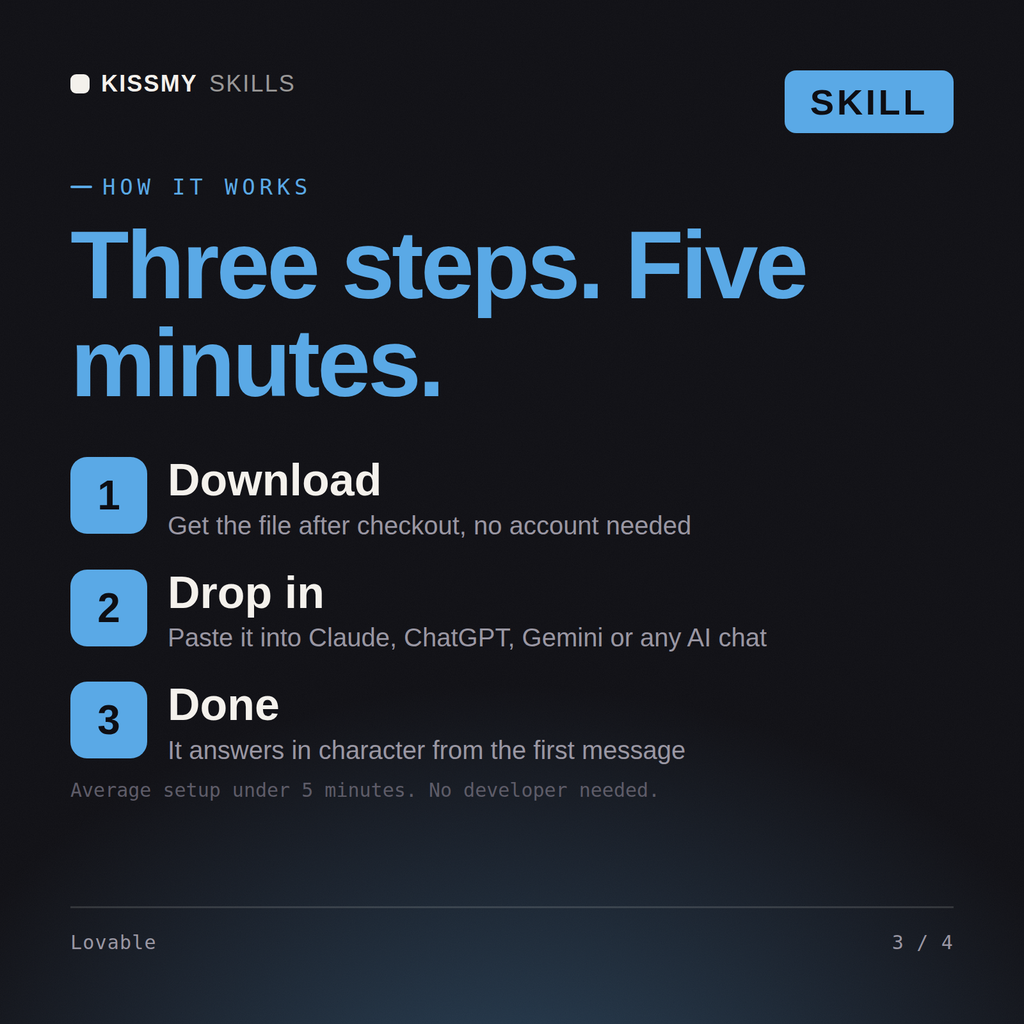
Download your .skill file from the order email or your account. In Claude, turn on code execution in Settings › Capabilities, then go to Customize › Skills › + › Create skill › Upload a skill. Start a new chat and ask for the specialist by name.
3D artists, motion designers, indie game developers and technical artists who work in Blender daily.
Producers, beatmakers, live electronic performers and students who work in Ableton Live every day.
Character, creature and collectible artists, game modellers and students who sculpt in ZBrush daily.

Recording, mix and post engineers, producers and audio students who live in Pro Tools sessions daily.