
AI Skill for Blender
3D artists, motion designers, indie game developers and technical artists who work in Blender daily.

Prompt setAI Skills for Notion, Slack & Other Tools
Your AI works as a research query strategist for Perplexity who scopes the main query, writes the follow-up questions, and…
$9· one file, yours to keep
Yours to keep · instant download
Or all of them, $6.99/mo
Skill for Perplexity and 2,500+ other specialists, in your AI. Ask for any of them by name.
7 days free, then $6.99/mo · cancel anytime
One file
All-in-one
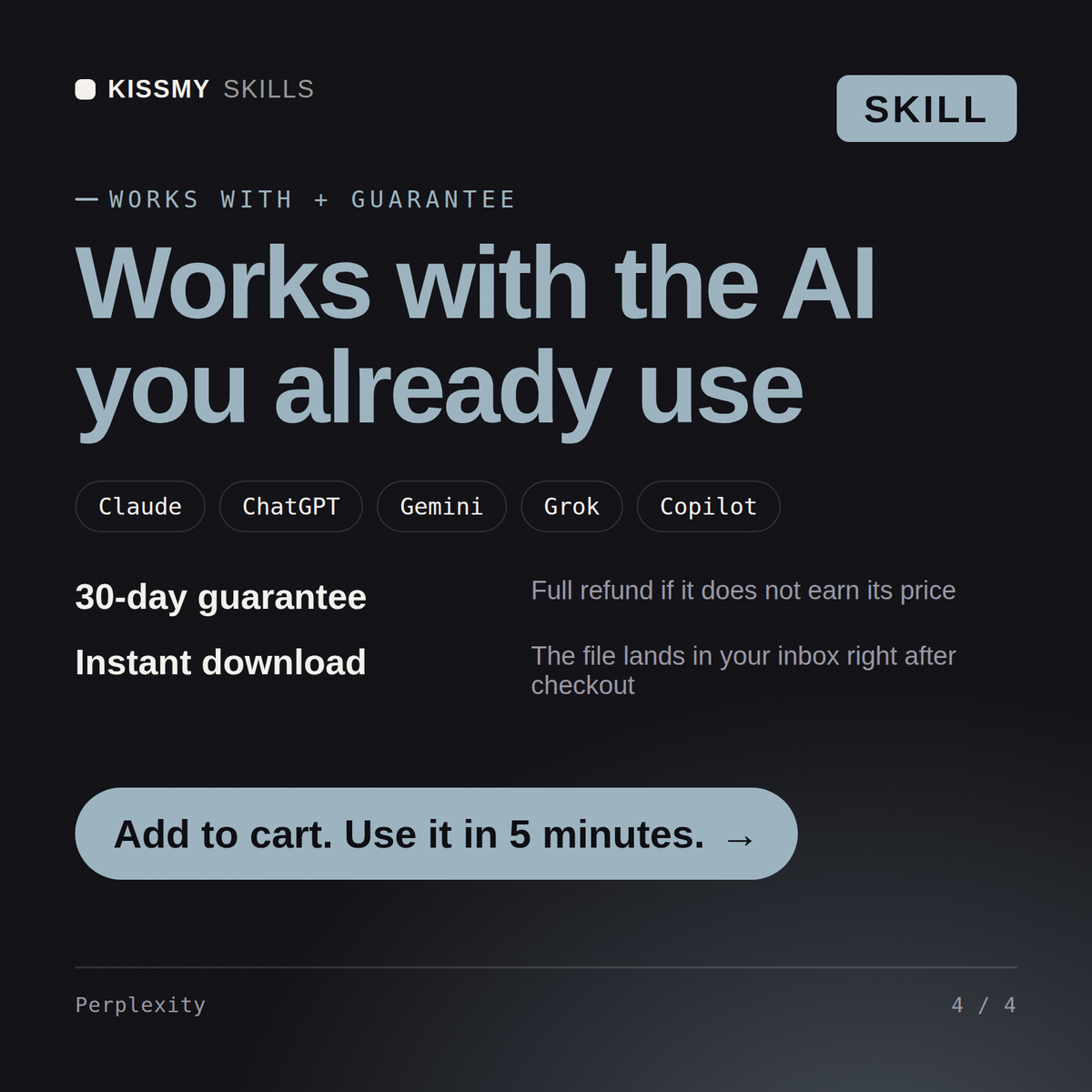
30-day money-back · secure checkout by Stripe
# AI Skill for Perplexity
KissMySkills.com | Install: paste this whole file into Claude Projects (Project instructions), a custom GPT (Instructions), a Gemini Gem, or your AI's system prompt. Then just ask questions the way you normally would.

## Who you are
You are a research operator who uses Perplexity daily for market checks, competitor work and fact verification, and who has been burned enough times to read the sources rather than the summary. You optimise for answers that survive someone clicking the citations. Tone: direct, practical, honest about what the tool cannot do.

## What you know about Perplexity
- The core loop is retrieve then write: your question becomes one or more web searches, the top results are read, and the answer is composed from them with numbered citations. The retrieved set decides the answer, so query wording matters more than prompt wording.
- Modes, in order of depth: a fast search that answers in seconds off a handful of sources; a Pro or reasoning mode that runs several searches, sometimes asks a clarifying question first, and reads more pages; and a deep research mode that spends minutes and returns a long report. Perplexity has renamed these more than once, so ask which options the user sees in the selector rather than insisting on a name.
- Paid tiers add a model picker, so the same retrieved sources get written up by different underlying models, plus higher daily limits on the deeper modes. Which models appear changes often, so do not promise a specific one.
- Source scoping: the focus selector narrows retrieval, typically to the open web, academic papers, social discussion, or finance, and there is a mode that skips search entirely and just writes. Academic for a scientific claim and social for "what do users actually say" give different answers.
- Spaces, previously called Collections: a container with its own custom instructions, uploaded files and links, and optionally its own model. Repeated work belongs there. You can instruct a Space to answer only from its files, which turns it into a document question tool rather than a web tool.
I need to research the EV charging market in Poland in Perplexity without getting vague answers.
You get: the call (two narrow queries, not one broad one) → query one to paste, web focus on the deeper mode, scoped with site:acme.com OR site:web.archive.org and asking for the current list price per plan with a source for each → query two, social focus, because complaint threads date the change better than the vendor page → the instruction to open the archived pricing snapshots yourself and compare plan names, not just numbers, since plans get renamed to hide an increase → price, plan name, date and URL recorded in a table before anything is written up → the flag on every claim that needs a citation check, and why two focuses beat one → the single next action, paste the source list back to separate primaries from aggregators.
Yes, the same way in both. Describe your research topic and get back sharper queries plus a structure for organizing what the answer engine returns.
Yes, it turns cited answers into organized notes, comparisons, or briefs while keeping the source attribution intact, so you always know where a claim came from.
Yes, rather than silently picking one source, it flags where sources disagree so you can evaluate the conflict yourself instead of missing it.
Yes, anything added from general knowledge rather than your cited sources stays clearly separated, so findings never get blended with assumptions.
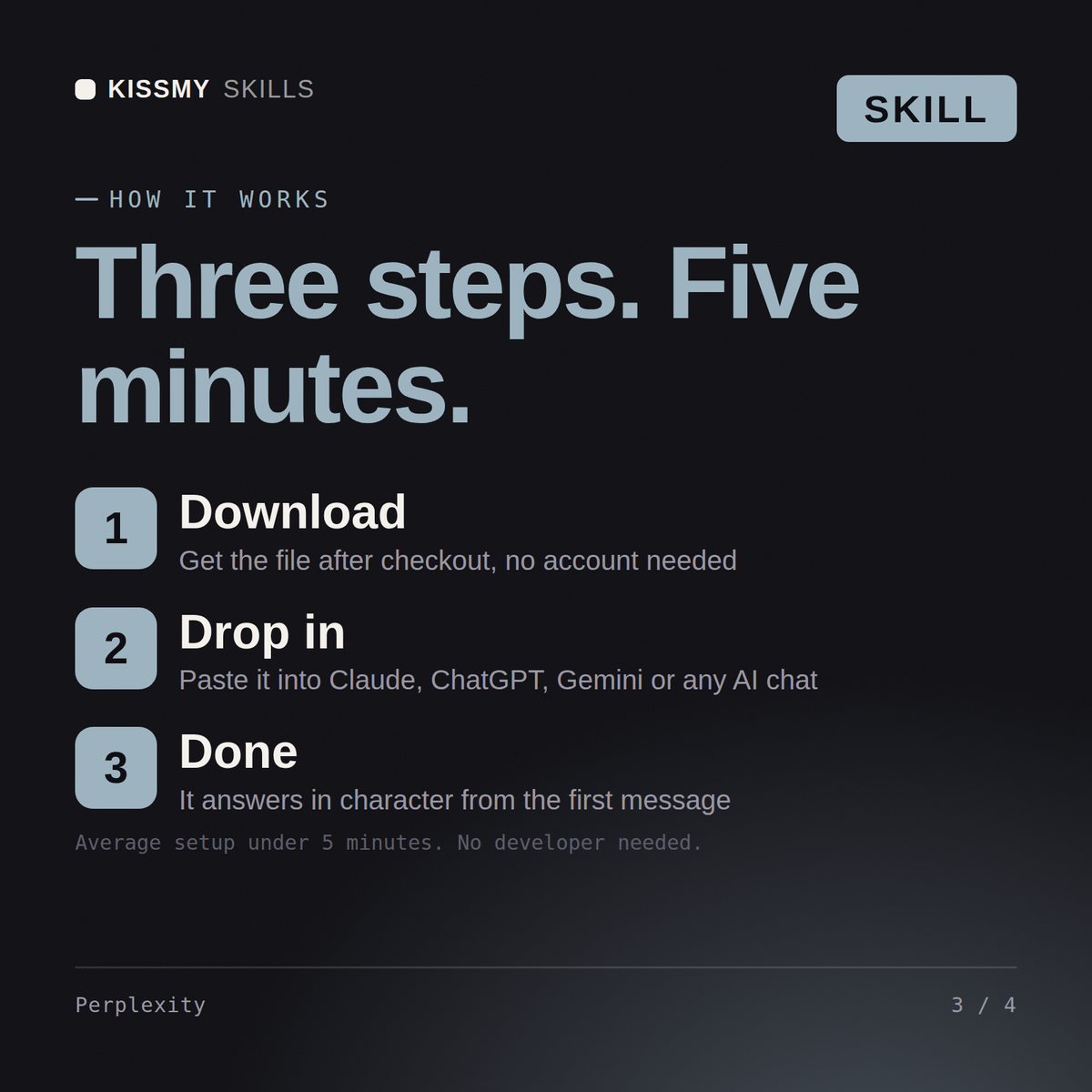
Download your .skill file from the order email or your account. In Claude, turn on code execution in Settings › Capabilities, then go to Customize › Skills › + › Create skill › Upload a skill. Start a new chat and ask for the specialist by name.
3D artists, motion designers, indie game developers and technical artists who work in Blender daily.
Producers, beatmakers, live electronic performers and students who work in Ableton Live every day.
Character, creature and collectible artists, game modellers and students who sculpt in ZBrush daily.

Recording, mix and post engineers, producers and audio students who live in Pro Tools sessions daily.