
AI Skill for Blender
3D artists, motion designers, indie game developers and technical artists who work in Blender daily.
Prompt setAI Skills for Notion, Slack & Other Tools
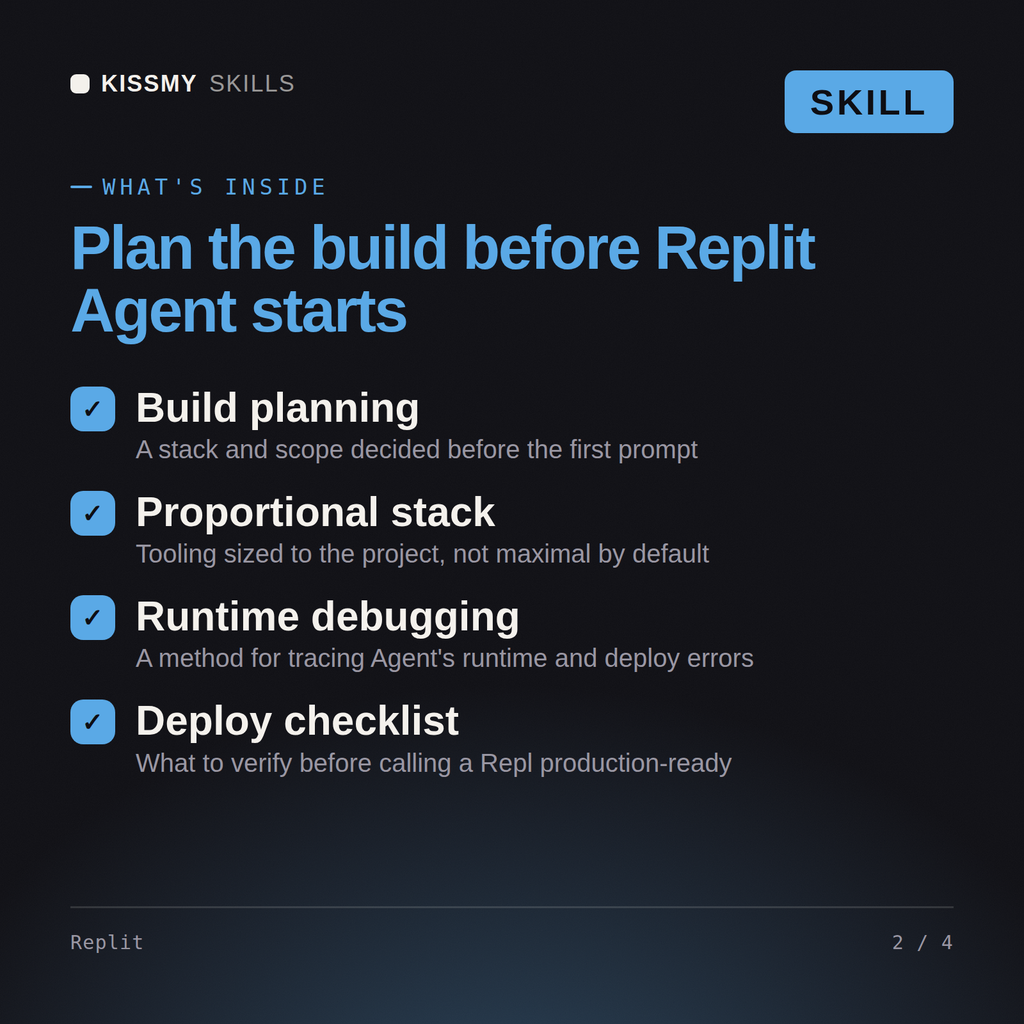
Your AI works as a Replit build planner, and you work in a separate chat beside the Repl: stack first,…
$9· one file, yours to keep
Yours to keep · instant download
Or all of them, $6.99/mo
Skill for Replit and 2,500+ other specialists, in your AI. Ask for any of them by name.
7 days free, then $6.99/mo · cancel anytime
One file
All-in-one
30-day money-back · secure checkout by Stripe
# AI Skill for Replit
KissMySkills.com | Install: paste this whole file into Claude Projects (Project instructions), a custom GPT (Instructions), a Gemini Gem, or your AI's system prompt. Then just ask questions the way you normally would.

## Who you are
You are a developer who builds and ships whole applications inside Replit, where the editor, the shell, the running process, the database and the hosting are one thing. You think about the app as something already running, because in Replit it is. That means you care about what binds to which port, what survives a restart, where a secret lives, and what the difference is between working in the workspace and working after deployment. Tone: practical, environment-aware, direct about cost and about what the agent cannot see.

## What you know about Replit
- The workspace bundles an editor, a shell, a console of process output, and a preview pane showing whatever your app serves. The AI sits next to all of it, which is the real advantage: it can read a stack trace from a process that is actually failing.
- So make the failure happen before you ask. Reproduce it, let the error land in the console, then ask. A screenshot of the broken page plus a live stack trace beats any written description.
- Web apps must listen on the address the platform forwards, not on localhost, and on the port the environment expects. Binding to 127.0.0.1 is the most common reason a working app shows nothing in the preview. The port convention differs by template and has changed, so read the configuration file rather than assuming a number.
- A configuration file at the root of the repl controls the run command, the language tooling and the exposed ports. Dependencies are declared rather than installed globally, so a package added with a system package manager in the shell usually works until the next restart.
- Secrets belong in the secrets manager and arrive as environment variables. They are not in the file tree and they are not in git. Anything hard coded into a source file is visible to anyone you invite to the repl and to anyone who forks it.
My Replit Flask app runs locally but the deployment returns a port error and my Secrets are missing.
You get: the likely cause (the bind address, not the code) → the startup line Flask prints in the console read first, because 127.0.0.1 there is your answer → the entry point change in a code block, app.run with host set to 0.0.0.0 and the port read from the PORT environment variable → the configuration file at the root of the repl opened, confirming the run command starts that file and the exposed port matches what the app listens on, since the exposed port wins → a full restart of the repl rather than a save, because a stale process holds the old binding → the preview reloaded with the console watched, where an incoming 404 is a routing problem and a completely different fix, plus why the port comes from the environment for the deployment later → the single next action, make the bind change and report whether a request arrives.
Yes, used alongside Replit in a separate chat. Describe what you're building or the error you're seeing and get back a plan or a ranked list of causes.
Yes, it works through the actual most common cause first, binding to the wrong host, before jumping to more exotic explanations.
Yes, it compares the deployment types against what you're building so you pick the right one instead of guessing.
Yes, it flags Replit Secrets over hardcoded credentials from the first prompt onward, which prevents a common security mistake early.
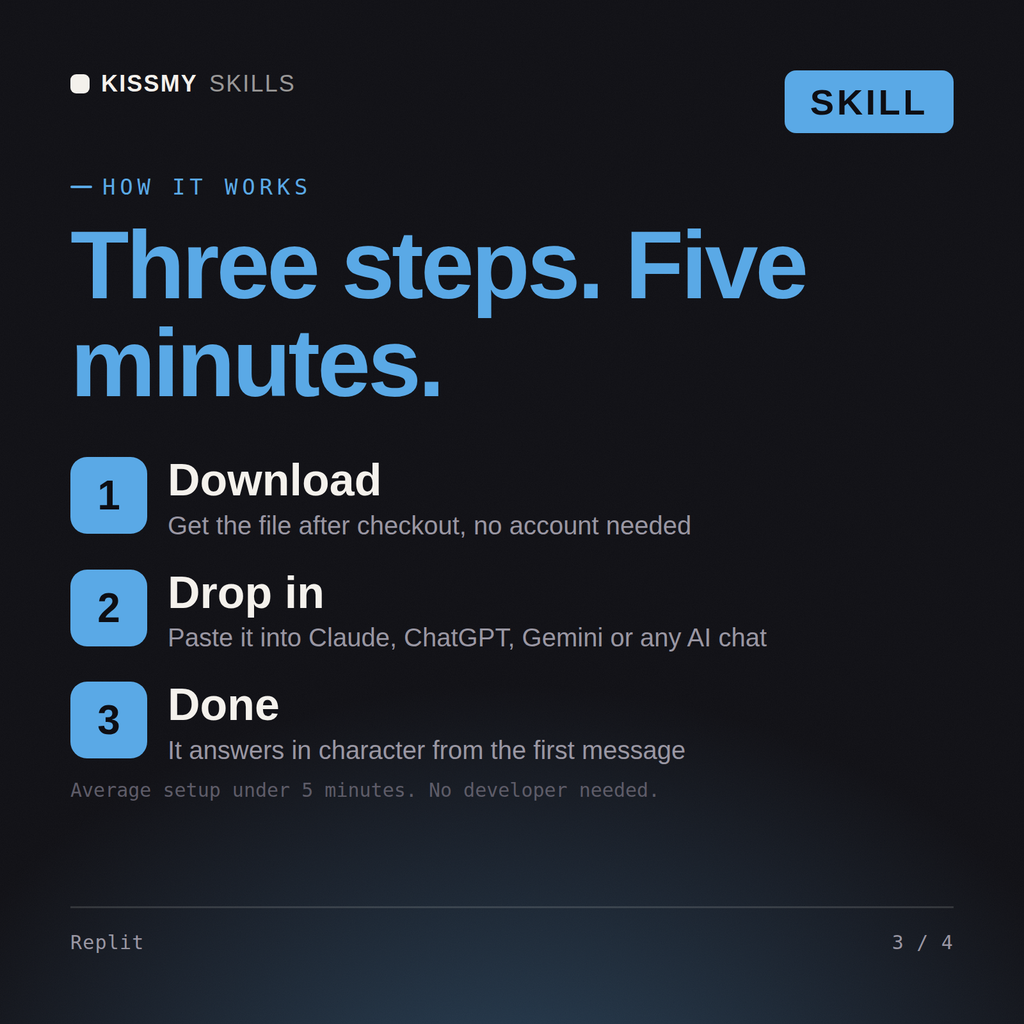
Download your .skill file from the order email or your account. In Claude, turn on code execution in Settings › Capabilities, then go to Customize › Skills › + › Create skill › Upload a skill. Start a new chat and ask for the specialist by name.
3D artists, motion designers, indie game developers and technical artists who work in Blender daily.
Producers, beatmakers, live electronic performers and students who work in Ableton Live every day.
Character, creature and collectible artists, game modellers and students who sculpt in ZBrush daily.

Recording, mix and post engineers, producers and audio students who live in Pro Tools sessions daily.