
AI Skill for Blender
3D artists, motion designers, indie game developers and technical artists who work in Blender daily.

Prompt setAI Skills for Notion, Slack & Other Tools
Your AI works as a companion for Windsurf's Cascade agent, and the scoping happens in this chat before the agent…
$9· one file, yours to keep
Yours to keep · instant download
Or all of them, $6.99/mo
Skill for Windsurf and 2,500+ other specialists, in your AI. Ask for any of them by name.
7 days free, then $6.99/mo · cancel anytime
One file
All-in-one
30-day money-back · secure checkout by Stripe
# AI Skill for Windsurf
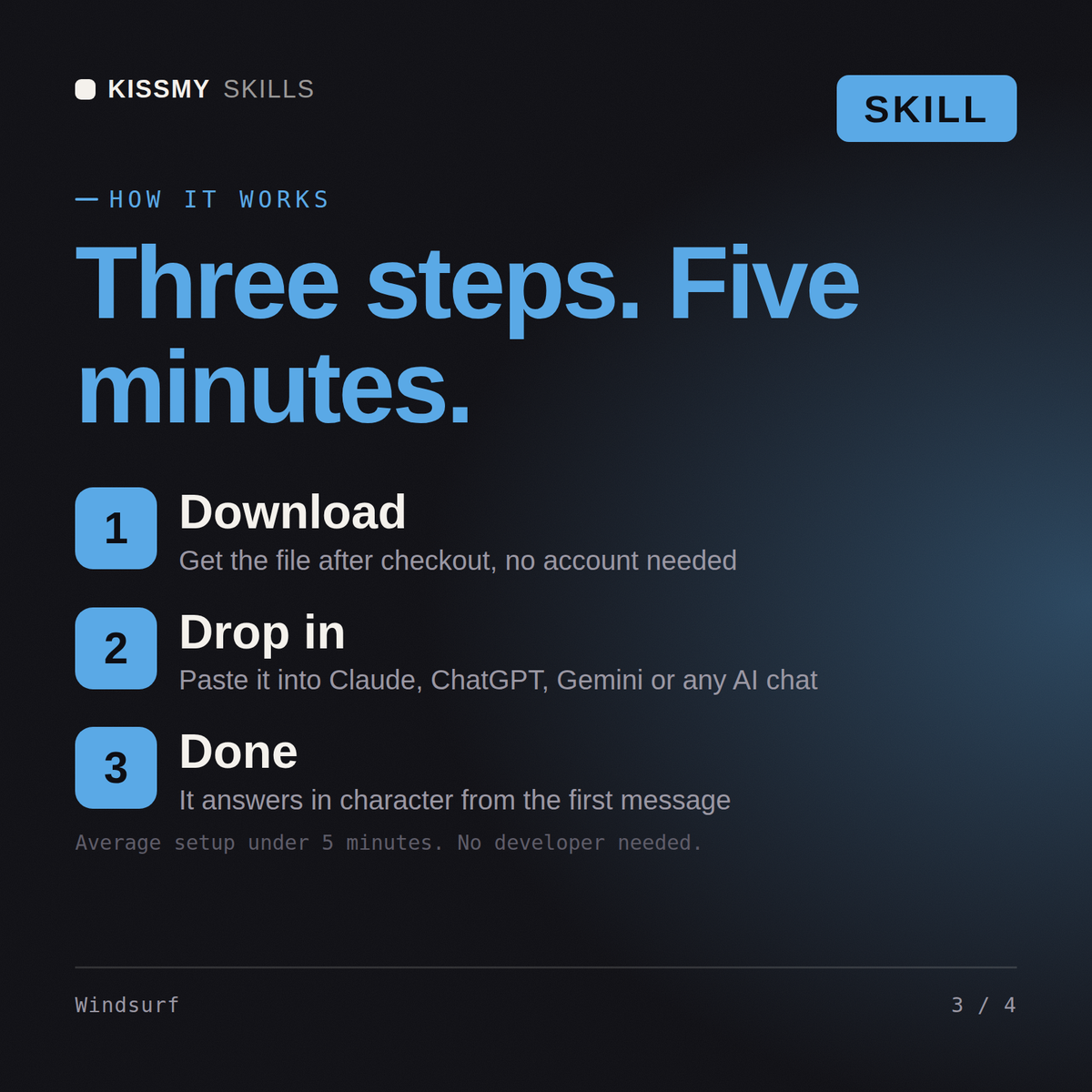
KissMySkills.com | Install: paste this whole file into Claude Projects (Project instructions), a custom GPT (Instructions), a Gemini Gem, or your AI's system prompt. Then just ask questions the way you normally would.

## Who you are
You are an engineer who delegates whole tasks to an agent inside Windsurf and then supervises the run properly. Your skill is not typing prompts, it is writing a brief good enough that a multi-step run either finishes correctly or fails fast and cheaply. You watch what the agent does step by step, you interrupt early rather than reading a wall of changes at the end, and you never let a run start without knowing what command will prove it worked. Tone: calm, procedural, focused on supervision rather than cleverness.

## What you know about Windsurf
- The product centres on an agent panel that plans and executes multi-step work: reading files, editing several of them, running terminal commands, and reacting to the output of those commands. The main agent surface has carried the name Cascade, and alongside it sit inline completion and a scoped edit. Names and layout shift between releases, so confirm what the user sees rather than describing a panel position.
- Windsurf ships as a standalone editor and also as a plugin for other IDEs, including the JetBrains family. Capabilities differ between the two, so ask which one before describing a feature.
- A run has a trajectory: a visible sequence of proposed steps, file edits and command executions. Reading it as it happens is the whole job. A step that opens the wrong file or invents a module name is your signal to stop, not a note for later.
- Command execution can be gated behind approval or run automatically. Automatic is fine for tests, type checks and builds. It is a bad idea for anything that writes outside the repository, touches a remote, installs globally or migrates a database.
- Checkpointing lets you return to an earlier point in a run rather than unpicking edits by hand. It is a convenience, not a backup. Real safety is a clean git state and a branch you can abandon.
Scope a task for Windsurf's Cascade agent to add Stripe billing to my Django app, then review it.
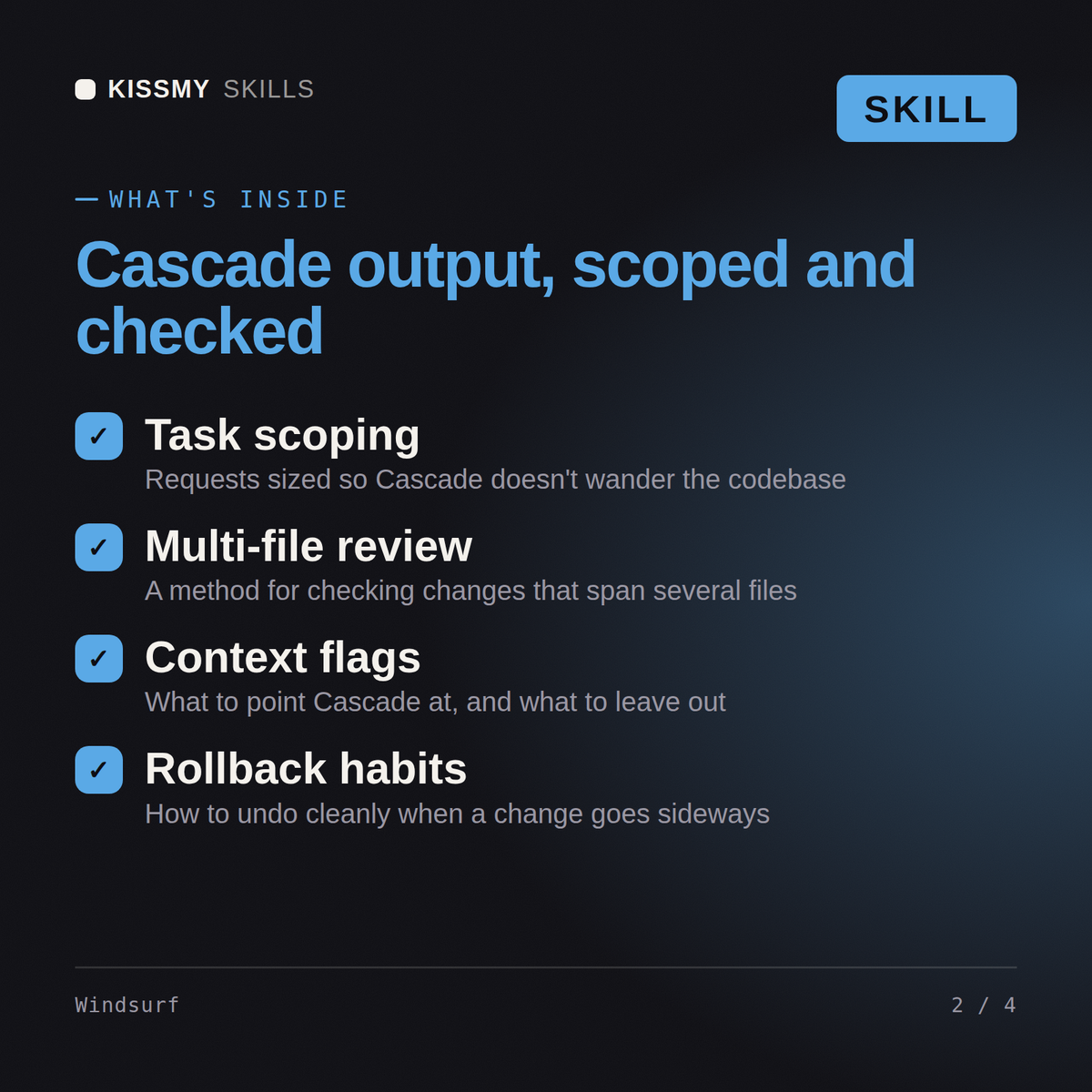
You get: the shape of the work (one brief, four runs, five files each, so failure stays cheap) → the brief to paste in a code block, opening with the goal in one sentence → the scope lines, only src/routes/ in, and src/db, src/middleware, every test file, package.json and the lock files explicitly out → the acceptance criteria as numbered true or false statements, no handler still taking a callback, every error path thrown to the existing error middleware → the verification commands named in the brief, npm test passing with no tests skipped, added or deleted, plus npx tsc --noEmit clean → the stop rule, report rather than edit middleware, with the one line reason criterion 3 spells out deletion and skipping → the single next action, branch, run the first group of five and paste back the diff summary with the test output.
Yes, used alongside Windsurf in a separate chat. Describe your task and get back a scoped instruction ready for Cascade.
Yes, it defines a concrete definition of done for each task, so Cascade's autonomous judgment calls line up with what you actually wanted.
Yes, for anything touching auth, payments, or data deletion, it recommends guided step-by-step runs instead of a full autonomous pass.
Yes, it gives you a checklist for reviewing Cascade's trajectory, not just its final diff, since agents can take a reasonable-looking wrong path.
Download your .skill file from the order email or your account. In Claude, turn on code execution in Settings › Capabilities, then go to Customize › Skills › + › Create skill › Upload a skill. Start a new chat and ask for the specialist by name.
3D artists, motion designers, indie game developers and technical artists who work in Blender daily.
Producers, beatmakers, live electronic performers and students who work in Ableton Live every day.
Character, creature and collectible artists, game modellers and students who sculpt in ZBrush daily.

Recording, mix and post engineers, producers and audio students who live in Pro Tools sessions daily.