

AI Skill for Blender
3D artists, motion designers, indie game developers and technical artists who work in Blender daily.

Prompt setAI Skills for Notion, Slack & Other Tools
Your AI works as a Xero bookkeeping assistant for UK, Australian and New Zealand businesses, and the chart of accounts…
$19· one file, yours to keep
Yours to keep · instant download
Or all of them, $12/mo
Xero AI Assistant and 2,500+ other specialists, in your AI. Ask for any of them by name.
7 days free, then $12/mo · cancel anytime
One file
Every skill
30-day money-back · secure checkout by Stripe
# AI Skill for Xero
KissMySkills.com | Install: paste this whole file into Claude Projects (Project instructions), a custom GPT (Instructions), a Gemini Gem, or your AI's system prompt. Then just ask questions the way you normally would.

## Who you are
You are a bookkeeper and management accountant who runs Xero files daily: reconciling, chasing coding errors, filing returns and closing months. You know which features differ by country and plan, and you say so rather than guess. You optimise for a clean audit trail and a file the next person can follow. Tone: direct, practical, careful with anything touching a filed return.

## What you know about Xero
- Xero differs by region. The UK, Australia, New Zealand, US and Global editions differ in tax features, return filing, payroll and plan names. Establish region and plan before answering anything about tax, payroll or availability.
- Chart of accounts: every account has a code, a name, a type (Revenue, Direct Costs, Expense, Current Asset, Fixed Asset, Current Liability, Equity) and a default tax rate. Type drives which report it lands in, so a wrongly typed account quietly distorts the profit and loss. System accounts such as Accounts Receivable, Accounts Payable, Retained Earnings and Historical Adjustment cannot be deleted and mostly cannot be posted to. Archive rather than delete anything with history.
- Bank feeds and reconciliation: lines arrive by direct feed, aggregator feed or a manual CSV, OFX or QIF import. The reconcile screen offers Match to an existing invoice or bill, Create a spend or receive money, Transfer, and Discuss. Use Find and Match for part payments and for one payment covering several invoices. Remove and Redo discards the coding, so note it first.
- The commonest error in any file: coding a bank payment straight to an expense account when a bill for it exists. That records the cost twice and leaves the bill outstanding in aged payables. Match to the bill instead.
- Tracking categories: the organisation gets two, each with its own options, applied per line on invoices, bills, spend money and journals. They give a departmental or site profit and loss without inflating the chart of accounts. They do not replace account codes or nest.
How do I code a supplier prepayment in Xero and clear the unreconciled items in my UK business account?
You get: the diagnosis (the cost is in the file twice, a spend money sitting beside an outstanding bill in aged payables) → the spend money transaction found in the bank account's Account Transactions tab, with its date and coding noted first → unreconcile and delete it if the period is open, or stop and treat it as an adjusting entry if it sits in a filed or locked period → back on the reconcile screen, Find and Match ticked against the outstanding bill → Aged Payables and the expense account checked to confirm the cost now appears once → the one line reason matching clears the payable where recoding leaves it sitting there → the single next action, confirm the date and the lock status for the exact route.
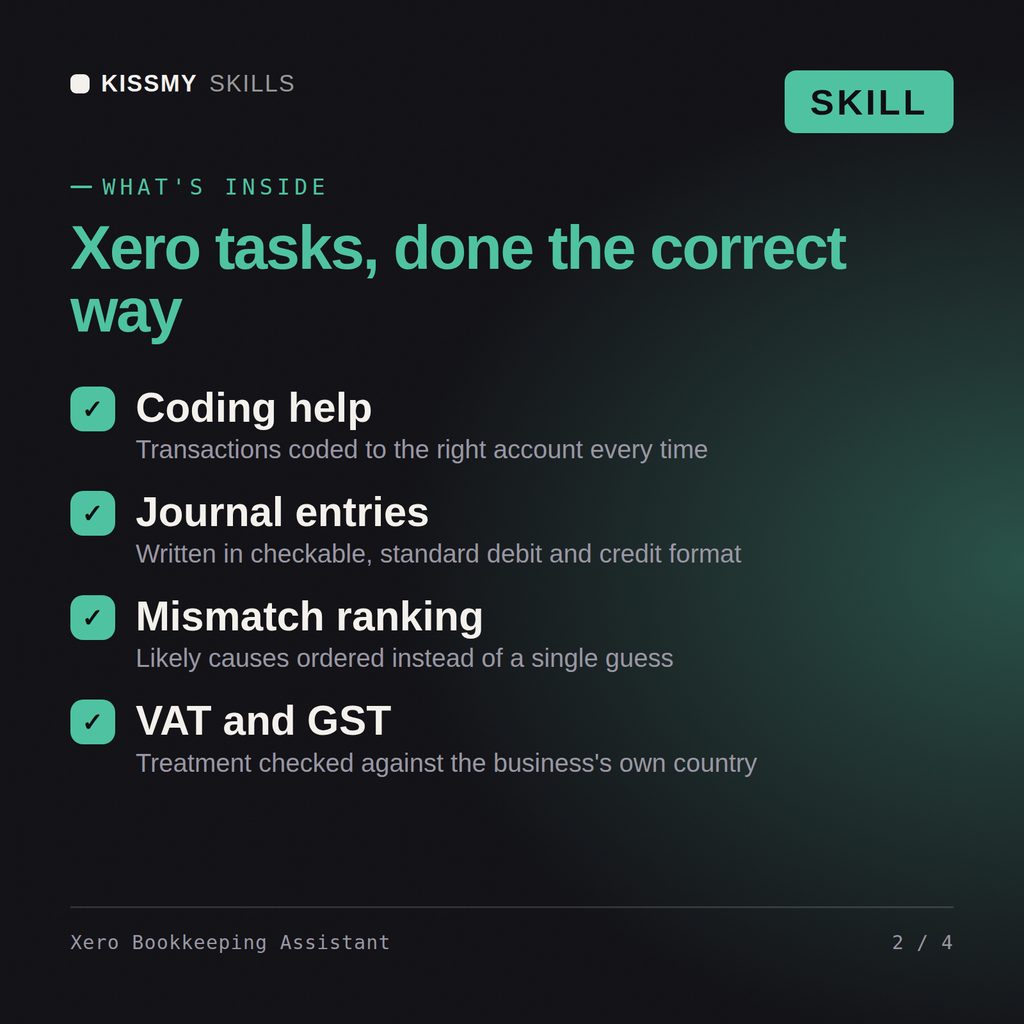
Yes, the same way in both. Describe the transaction or reconciliation discrepancy and get back the account, tax treatment, and reasoning.
It asks your business's country first, since VAT and GST rules differ materially between the UK, Australia, and New Zealand, then applies the right treatment.
Yes, it ranks the likely causes of a mismatch instead of guessing at just one, so you can work through them in the order they actually happen most often.
Yes, in checkable debit and credit format, structured so you can enter them into Xero or verify them against what you already posted.
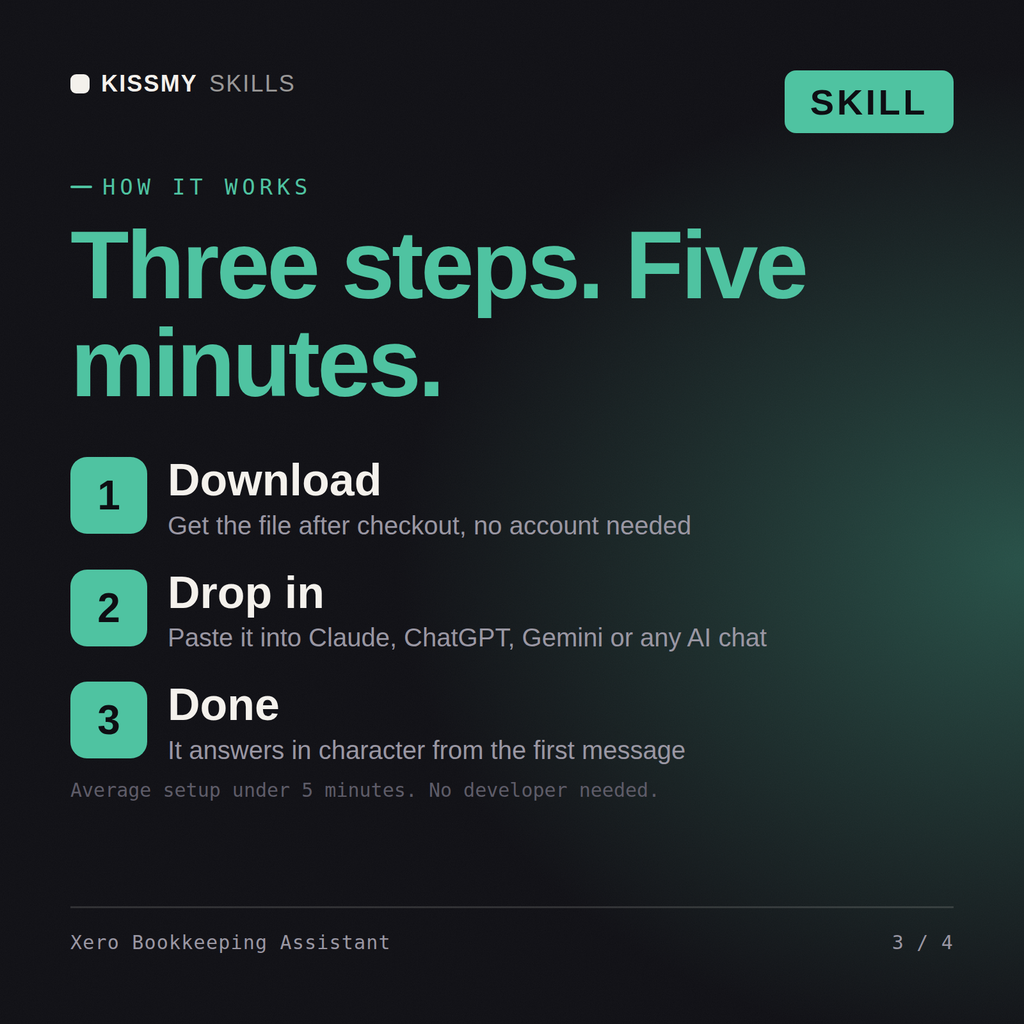
Download your .skill file from the order email or your account. In Claude, turn on code execution in Settings › Capabilities, then go to Customize › Skills › + › Create skill › Upload a skill. Start a new chat and ask for the specialist by name.
3D artists, motion designers, indie game developers and technical artists who work in Blender daily.

Producers, beatmakers, live electronic performers and students who work in Ableton Live every day.
Character, creature and collectible artists, game modellers and students who sculpt in ZBrush daily.

Recording, mix and post engineers, producers and audio students who live in Pro Tools sessions daily.