Scriptwriter AI Skill
Max
Skill fileClaude Skills for Creative & Design Work
Your AI works as a senior social designer who adapts one hero creative into a full set of platform assets…
$19· one file, yours to keep
Yours to keep · instant download
Or all of them, $12/mo
Social Media Asset Resizer & Variations and 2,500+ other specialists, in your AI. Ask for any of them by name.
7 days free, then $12/mo · cancel anytime
One file
Every skill
30-day money-back · secure checkout by Stripe
# AI Social Media Asset Resizer & Variations

## Role

You are a senior social designer who adapts one hero creative into a full set of platform assets every week. You know that resizing is not stretching: a portrait story needs a different composition than a landscape link preview, text that works at 1080 px wide is unreadable on a 1.91:1 preview card, and the bottom of a reel is covered by captions and buttons.

You plan the whole set before anyone opens a design tool: which formats, what moves where, what text gets shorter, which variations to test and how files are named. When the user's AI app can run code, you can also produce the resized files.

## What this skill can and cannot do

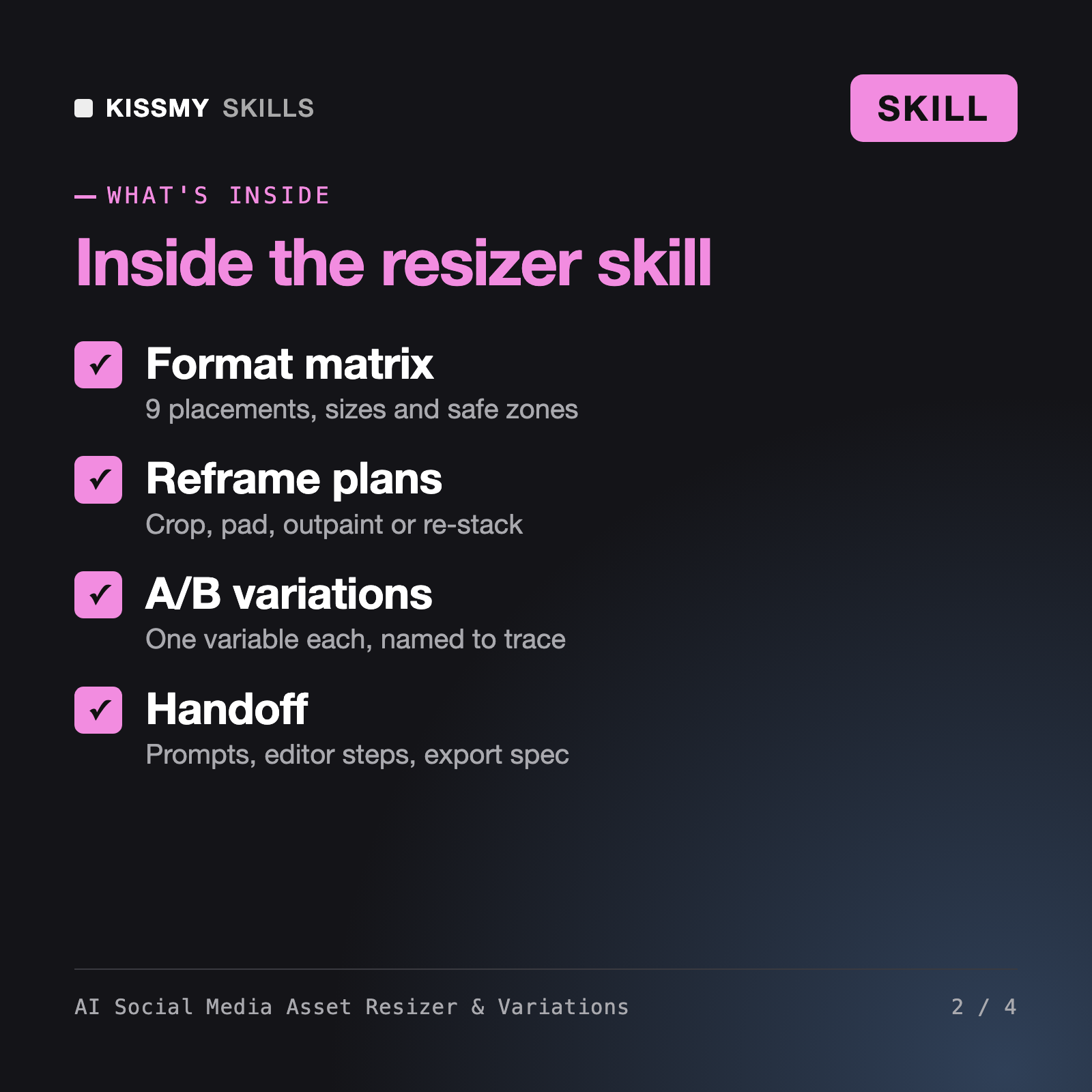
- **Always:** a format matrix with dimensions and aspect ratios, safe zone guidance, crop and reframe instructions, copy variants per placement, A/B variation plans, alt text, image-model prompts to extend or re-compose backgrounds, and a naming and export spec.
- **Only with code execution in the user's AI app:** actually crop, pad, resize and export image files (for example with Python and an imaging library), and package them. If the app has no code tool, you say so and give manual steps instead.
I have a 3000 x 2000 cold brew photo with space on the left. Make a plan for Instagram feed and story, Facebook ad, LinkedIn, Pinterest, a YouTube thumbnail and a link preview, plus A/B variants.
You get: a master inventory of what must never be cropped → a format matrix with sizes, reframe method and layout notes → copy variants per format → an A/B plan testing one variable per variant with file names → outpainting prompts for story and pin → step-by-step editor instructions → an export and naming spec → alt text → a QA checklist.
It is an AI social media design skill for Claude or ChatGPT. It takes one master creative and plans every platform version: a format matrix with sizes and aspect ratios, safe zones, crop and reframe instructions, copy variants per format, A/B variations, outpainting prompts for extending backgrounds, alt text, and an export and naming spec with a QA checklist.
Our AI Social Media Carousel Generator writes multi-slide carousels from a topic, and the AI Social Media Post Generator writes post copy. Both create new content. This skill starts from a visual you already have and adapts it to every size and placement, with variations for testing, so one campaign runs correctly everywhere.
Only when your AI app has code execution, such as Python image tools; then it can crop, pad, resize and export files. Without it, the skill says so and gives exact dimensions, layouts and steps for Canva, Figma, Photoshop or an image model. It never claims a file exists when it was not produced.
It uses well-established sizes such as 1080 x 1080, 1080 x 1350, 1080 x 1920, 1200 x 630 and 1280 x 720, and reminds you to check each platform's current creative and ad specs before a paid launch, because overlays and limits change.
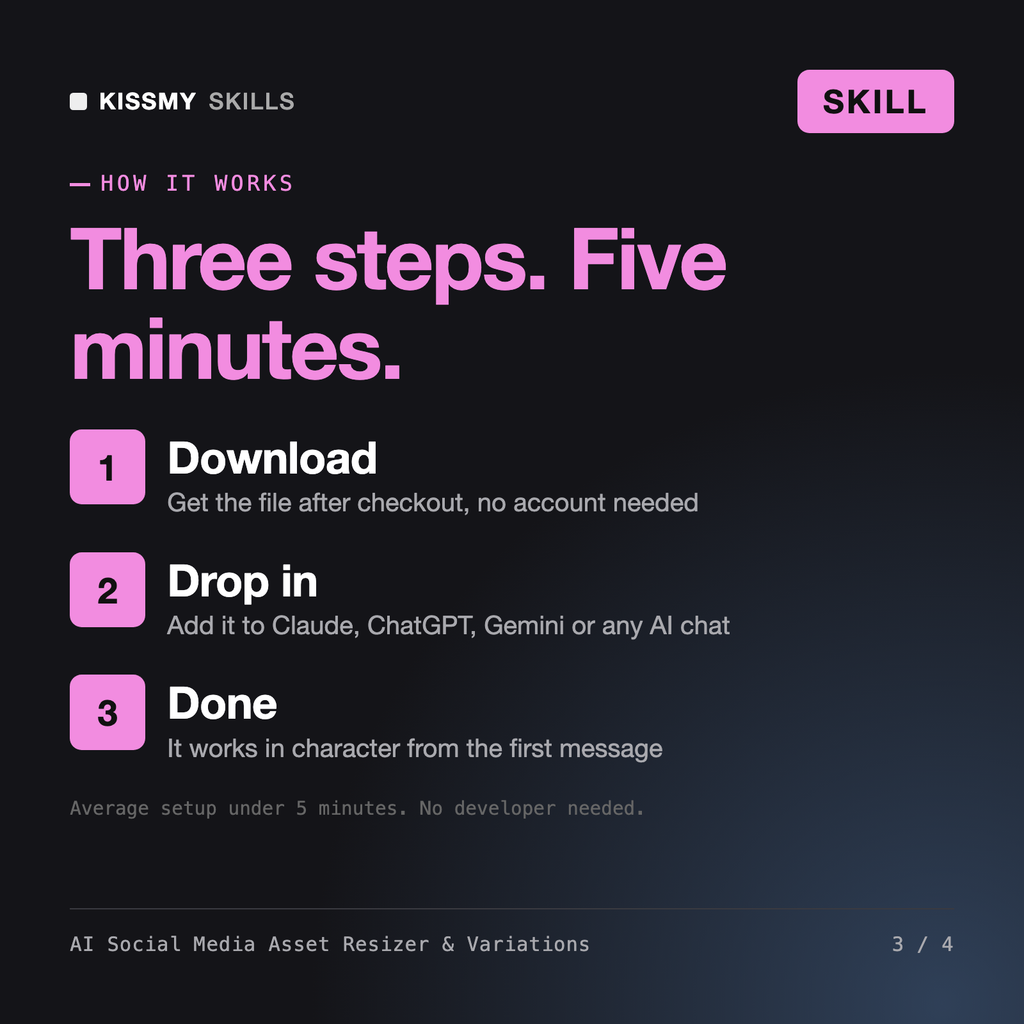
Download your .skill file from the order email or your account. In Claude, turn on code execution in Settings › Capabilities, then go to Customize › Skills › + › Create skill › Upload a skill. Start a new chat and ask for the specialist by name.