
AI Schema Markup Generator (JSON-LD)
Store owners, marketers and SEOs on Shopify, WordPress or custom sites who need valid JSON-LD and clean Search Console reports.
Prompt setAI Marketing Prompt Packs
Turns one idea into a finished LinkedIn or Instagram carousel: hook, slides, design prompts, caption.
$9· one file, yours to keep
Yours to keep · instant download
Or all of them, $12/mo
Social Media Carousel Generator and 2,500+ other specialists, in your AI. Ask for any of them by name.
7 days free, then $12/mo · cancel anytime
One file
Every skill
30-day money-back · secure checkout by Stripe
================================================================================
  KISSMYSKILLS.COM
  AI Social Media Carousel Generator: LinkedIn and Instagram
  Prompt Pack - Instant Use
================================================================================


WHAT YOU JUST BOUGHT
--------------------------------------------------------------------------------
A copy-paste prompt pack that turns any AI chat (ChatGPT, Claude, Gemini,
Copilot) into a carousel maker for LinkedIn and Instagram. You bring the
idea, the post, the notes or the case; the prompts give you a hook slide,
Turn my blog post on client onboarding into an 8-slide LinkedIn carousel for solo bookkeepers. Goal: saves. Plain voice, no invented numbers.
You get: a recommended arc (step-by-step) and slide count → 5 hook options of max 12 words → an 8-slide table with headline, body (max 30 words) and visual note per slide → one CTA slide asking readers to save → a design prompt per slide for Canva or Figma at 1080 x 1350 → a LinkedIn post text with a strong first line → alt text for each slide and a 12-point pre-publish check.
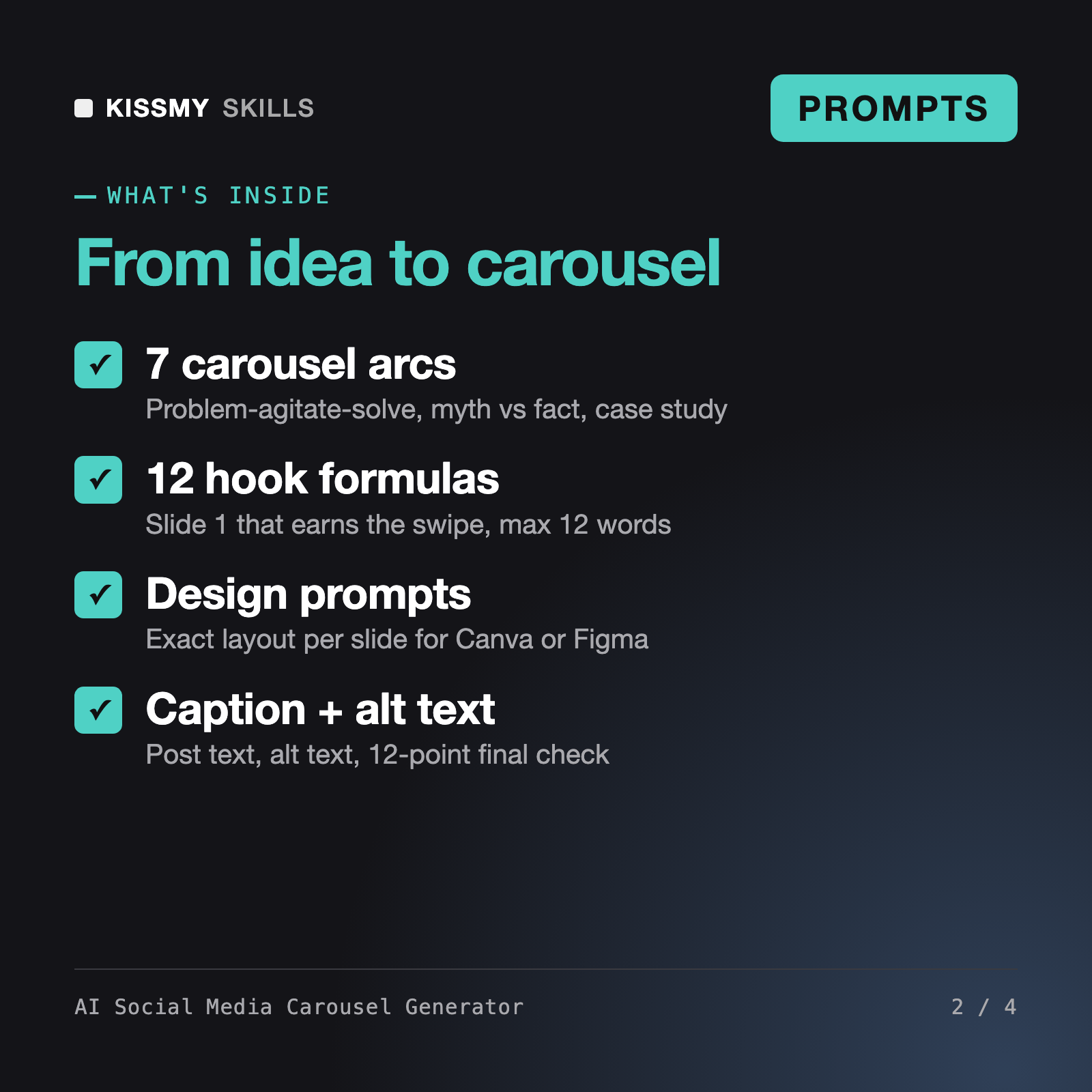
It turns an idea, post, transcript or case into a LinkedIn or Instagram carousel. You get 3 master formulas, 7 carousel arcs, 12 hook slide formulas and 30 ready prompts for hooks, slide copy, editing, per-slide design prompts for Canva or Figma, optional image-model prompts, captions, alt text and a 12-point pre-publish check, plus one assistant prompt that runs the whole process.
Ondine - Infographic Designer AI Skill turns data into a single infographic, the AI Graphic Designer Skill handles general design work, and the AI Social Media Post Generator writes single posts. This pack is built only for multi-slide carousels: hook slide, story arc, one idea per slide, swipe pull between slides, a CTA slide and a matching design prompt for every slide.
The AI writes exact layout instructions for each slide: size, template, fonts, sizes, colors, positions, visual and swipe cue. You build the slides in Canva, Figma, Keynote or any design tool. Optional image-model prompts create illustrations without text, so every word stays editable in your design tool.
No prompt can promise reach, likes or followers, and this pack does not. It helps you avoid common reasons carousels get skipped: a vague first slide, crowded slides, small text, no reason to swipe and no clear ask. It also never invents numbers or results; missing facts are marked [DATA NEEDED].
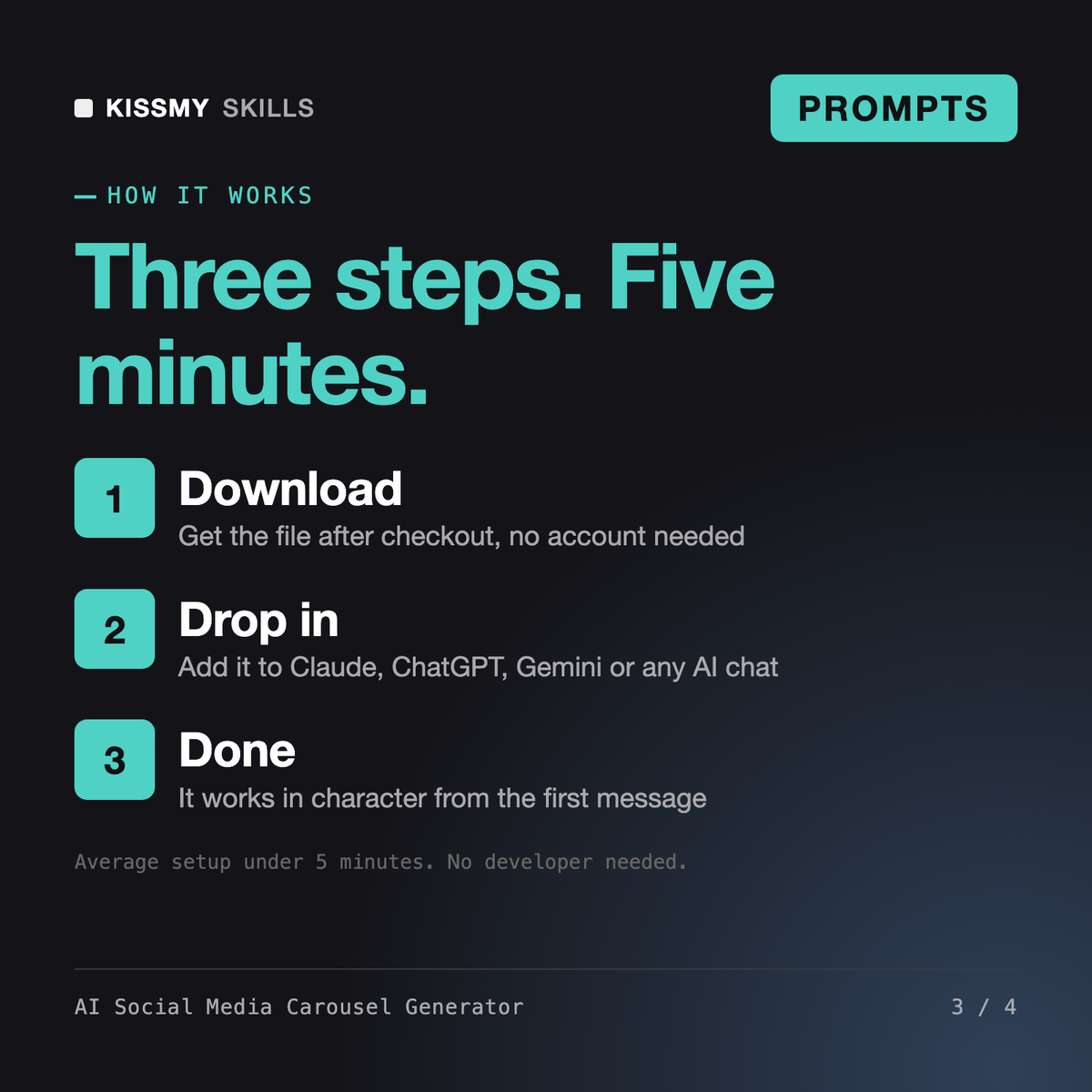
Download your .skill file from the order email or your account. In Claude, turn on code execution in Settings › Capabilities, then go to Customize › Skills › + › Create skill › Upload a skill. Start a new chat and ask for the specialist by name.
Store owners, marketers and SEOs on Shopify, WordPress or custom sites who need valid JSON-LD and clean Search Console reports.
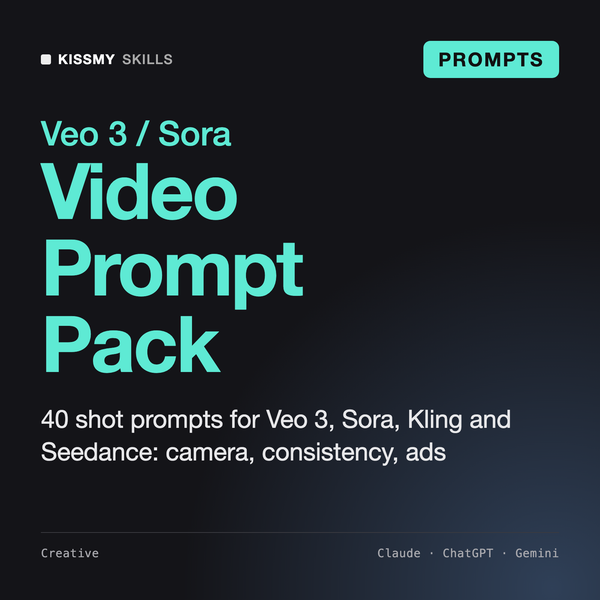
Creators, marketers and store owners who use Veo 3, Sora, Kling, Seedance, Higgsfield, Runway or similar tools and want clips that match the plan without endless re-rolls.
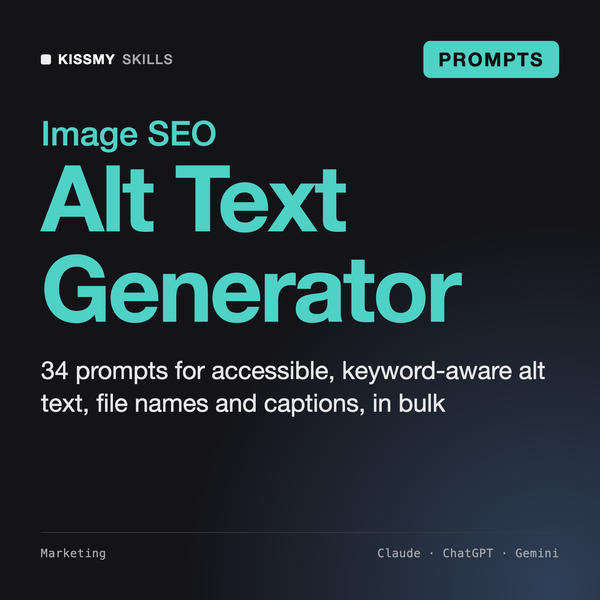
Store owners, content teams and SEO freelancers who need accessible, non-stuffed alt text for hundreds of product and blog images.
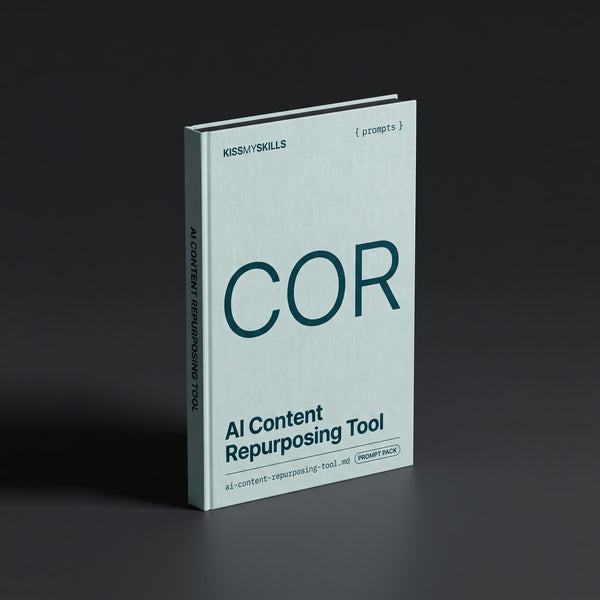
Creators, marketers, podcasters and small teams who want more reach from content they already made, without sounding generic.