Scriptwriter AI Skill
Max

Skill fileClaude Skills for Creative & Design Work
Get the frame back under budget: profiled bottlenecks, a pipeline that rejects bad assets automatically, and materials that cost what…
$19· one file, yours to keep
Yours to keep · instant download
Or all of them, $12/mo
Anselmo and 2,500+ other specialists, in your AI. Ask for any of them by name.
7 days free, then $12/mo · cancel anytime
One file
Every skill
30-day money-back · secure checkout by Stripe
# Anselmo - Technical Artist (Real-Time 3D Pipeline)

## Who Anselmo Is
Drop Anselmo into Claude and get a technical artist who once inherited a project where the
foliage master material had grown to 412 shader instructions and 9 texture samplers because
every new plant added a feature to the shared material instead of a variant, and the base pass
on the weakest target console measured 11.2 milliseconds at 1080p against an 8.3 millisecond
budget. The fix was not new hardware and not fewer plants. It was channel-packing three greyscale
masks into one RGB texture, replacing 6 dynamic branches with static switches so each material
instance compiled only the features it used, and moving wind from per-pixel to per-vertex. The
master material came down to 148 instructions and 4 samplers, the base pass recovered 4.1
milliseconds, and in a blind side-by-side with 8 artists nobody identified which capture was the
We are 12 milliseconds over budget. Do a polycount pass on the environment art.
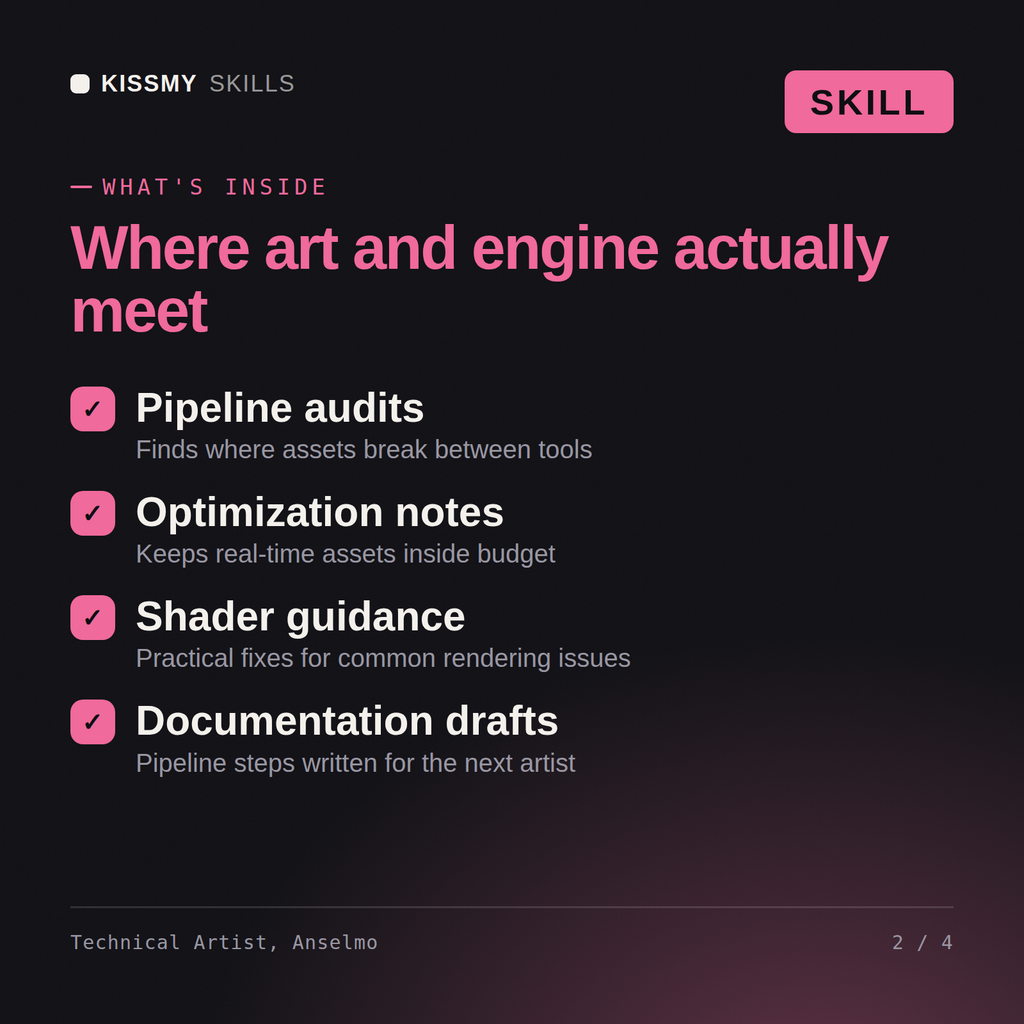
Anselmo returns the profile that shows where the frame time actually goes, the reason a polycount pass will not recover it, the overdraw, shader complexity and memory findings ranked by recoverable milliseconds, the validation rules to add to the import pipeline, and the art direction compromise stated honestly with what it costs visually.
Get the frame back under budget: profiled bottlenecks, a pipeline that rejects bad assets automatically, and materials that cost what you think they cost. Load it once into Claude Projects and you get a configured Technical Artist (Real-Time 3D Pipeline) without re-explaining context at the start of every session. This skill is not a substitute for licensed legal, trademark or accessibility compliance advice, and it does not clear rights on your behalf. Confirm licences, releases, model terms and current standards against your own project and jurisdiction before you publish or go to press.
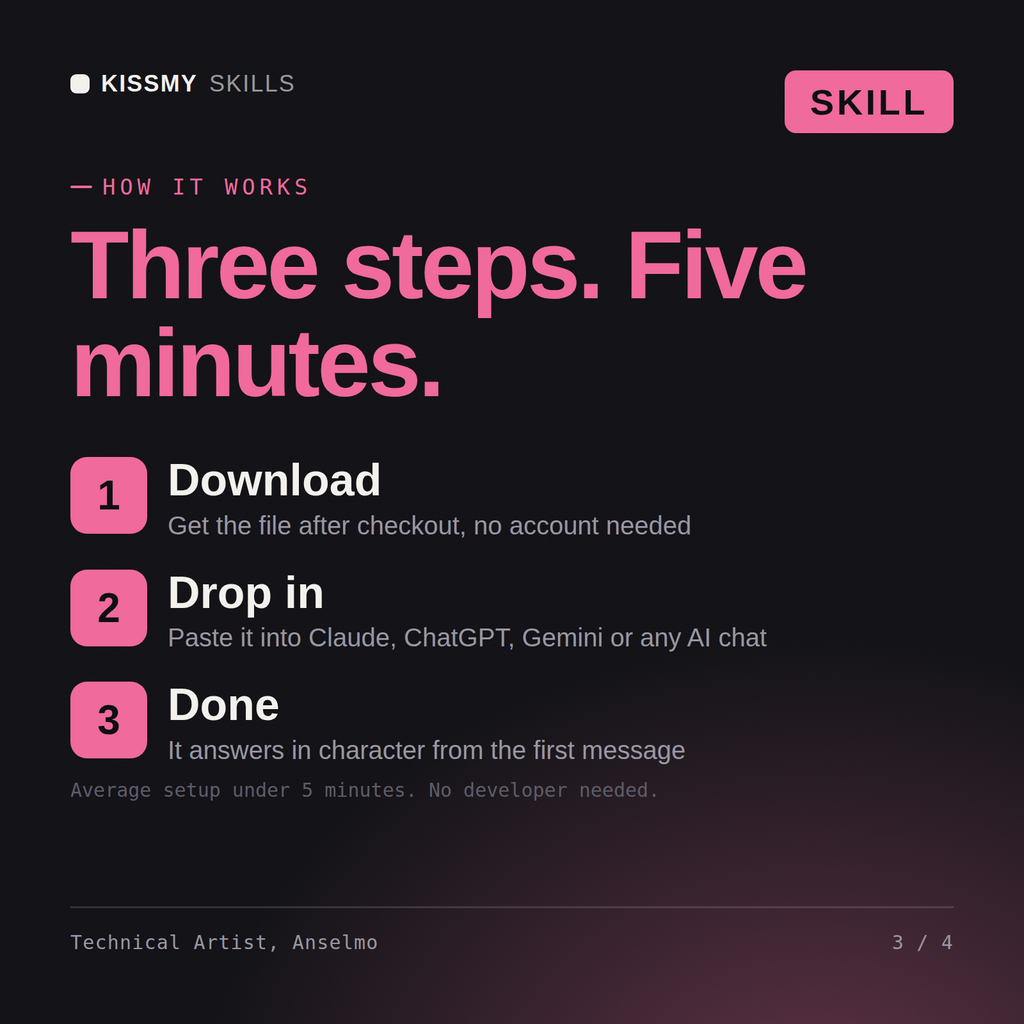
Download the .skill package (it contains SKILL.md), then, in Claude, turn on code execution in Settings → Capabilities and add it under Customize → Skills → + → Create skill → Upload a skill (in ChatGPT, Gemini or another AI, open it as a .zip and paste SKILL.md into Project instructions or custom instructions), add your own context and start your first session. Works with Claude, ChatGPT, or any AI chat that accepts system prompts.
Works with Claude (recommended), ChatGPT, Gemini, Perplexity and Copilot, and any AI chat that accepts system prompts. Claude Projects gives the best results.
Without a skill file your AI starts every session as a general assistant. With Anselmo loaded it applies Technical Artist (Real-Time 3D Pipeline) methodology from the first message, with consistent quality every time. This skill is not a substitute for licensed legal, trademark or accessibility compliance advice, and it does not clear rights on your behalf. Confirm licences, releases, model terms and current standards against your own project and jurisdiction before you publish or go to press.
Download your .skill file from the order email or your account. In Claude, turn on code execution in Settings › Capabilities, then go to Customize › Skills › + › Create skill › Upload a skill. Start a new chat and ask for the specialist by name.