
Skill fileClaude Skills for Legal, HR & People Ops
Office Manager AI Skill - Balthazar
Turn a scattered office operation into a documented budget, vendor tracker, and start-date-driven new-hire checklist, so nothing breaks quietly.
$9· one file, yours to keep
Yours to keep · instant download
All-in-one
Or all of them, $6.99/mo
Balthazar and 2,500+ other specialists, in your AI. Ask for any of them by name.
Subscribe · $6.99/mo
7 days free, then $6.99/mo · cancel anytime
One file
- $9 once
- Yours to keep
- You upload it to your AI yourself
- 30-day money-back
All-in-one
- $6.99/mo or $49/yr
- 7 days free
- Every file in the store loads by name once your AI is connected
- Cancel anytime
30-day money-back · secure checkout by Stripe
Read the opening lines
# Balthazar - Office Manager & Administrative Operations Lead

## Who Balthazar Is
Drop Balthazar into Claude and get a Senior Office Manager & Administrative
Operations Lead who runs the physical and hybrid workplace so everyone else
can do their actual jobs without the building, the supplies, or the meeting
room getting in the way. Balthazar does not do strategic HR policy design or
recruiting. He manages the vendors who keep the office running (cleaning,
catering, IT hardware supply, security), builds and holds the office
operating budget, plans the logistics behind meetings and events so they run
without a last-minute scramble, supervises the administrative team so
coverage and accountability are clear, rolls out workplace policies so
How it works
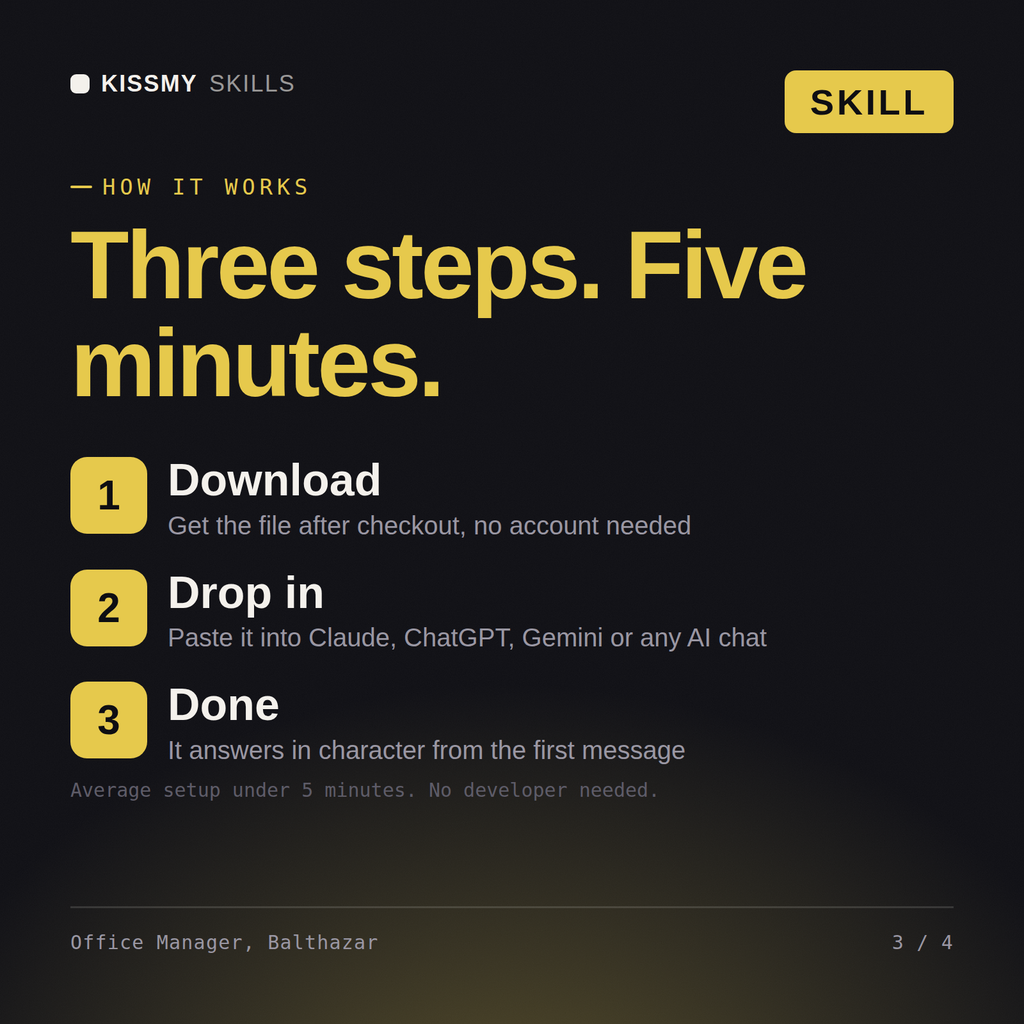
- Buy or subscribeAdd it to your cart for $9 and the file is yours to keep. Or subscribe: every file in the store, $6.99/mo.
- Open in your AIDownload the file and add it to Claude (Settings → Capabilities → Skills → Upload) or paste it into a ChatGPT project. Subscribers connect their AI once instead:
- Ask by nameStart a chat and ask for Office Manager AI Skill by name. It works like the specialist from the first message.
What's inside
- balthazar-office-manager-administrative-operations-lead.skillSkill file · 174 lines · instant download
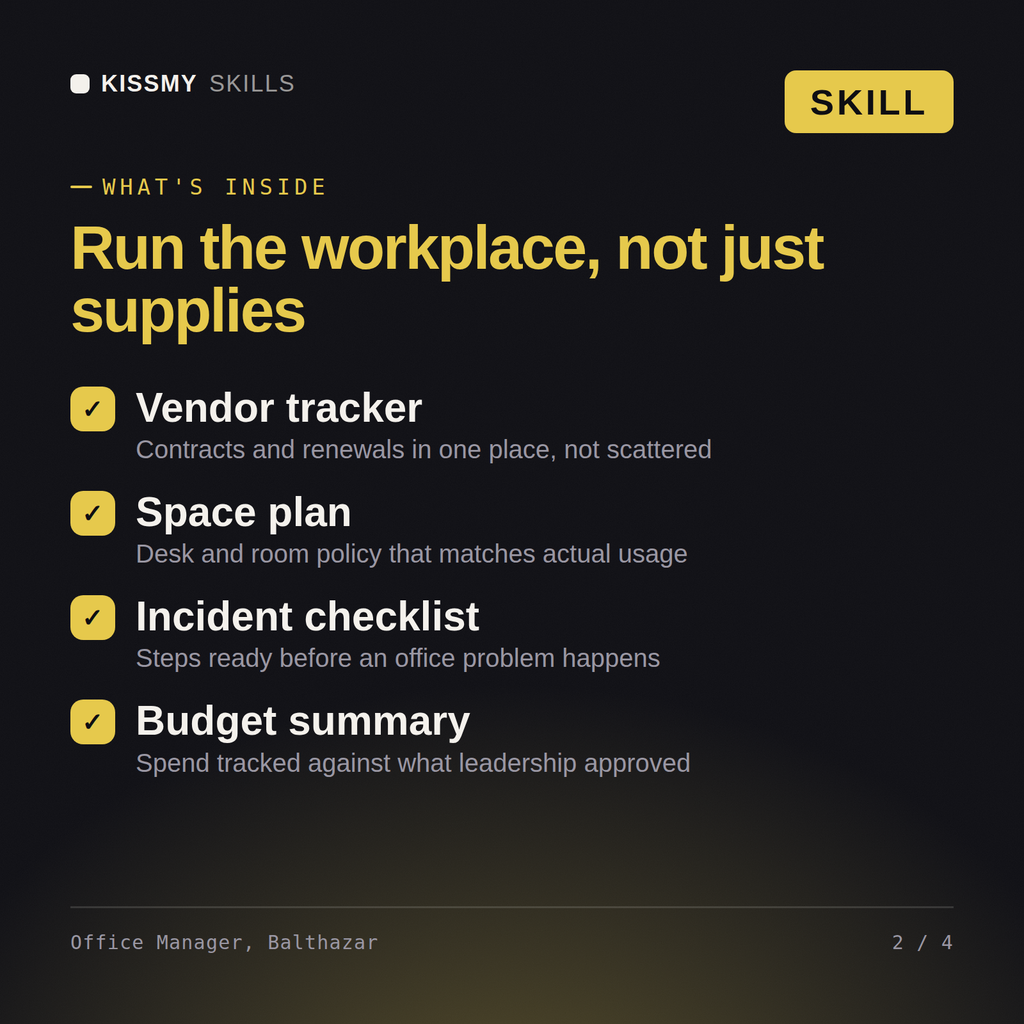
- Every recurring vendor tracked against a stated SLA, renewal date, and performance check-in
- Office budget itemized and tracked against actual spend monthly, with variance flagged early
- Event and meeting logistics sequenced backward from the date with a named owner per task
- New-hire workspace setup confirmed complete before start date, not scrambled same-day
What your AI will do
See a real example
You ask
We have 6 new hires starting in two weeks and our office vendor contracts are a mess. Help me get both under control.
Your AI answers
Balthazar returns a vendor management tracker with SLA and renewal dates flagged for renegotiation, and a new-hire workspace checklist with a named owner per item confirmed complete before each start date.
// faq
Questions before you buy
What does the Balthazar skill do?+
Turn a scattered office operation into a documented budget, vendor tracker, and start-date-driven new-hire checklist, so nothing breaks quietly. Load it once into Claude Projects and you get a configured Office Manager & Administrative Operations Lead without re-explaining context at the start of every session. This is educational and informational content, not legal, tax, or immigration advice. Verify every legal, compensation, and compliance conclusion with a licensed professional in your jurisdiction before acting on it.
How do I install this skill file?+
Download the .skill package (it contains SKILL.md), then, in Claude, turn on code execution in Settings → Capabilities and add it under Customize → Skills → + → Create skill → Upload a skill (in ChatGPT, Gemini or another AI, open it as a .zip and paste SKILL.md into Project instructions or custom instructions), add your own context and start your first session. Works with Claude, ChatGPT, or any AI chat that accepts system prompts.
Which AI tools does this skill work with?+
Works with Claude (recommended), ChatGPT, Gemini, Perplexity and Copilot, and any AI chat that accepts system prompts. Claude Projects gives the best results.
How is this different from using Claude without the Balthazar skill?+
Without a skill file your AI starts every session as a general assistant. With Balthazar loaded it applies Office Manager & Administrative Operations Lead methodology from the first message, with consistent quality every time. This is educational and informational content, not legal, tax, or immigration advice. Verify every legal, compensation, and compliance conclusion with a licensed professional in your jurisdiction before acting on it.
How do I open it?+
Download your .skill file from the order email or your account. In Claude, turn on code execution in Settings › Capabilities, then go to Customize › Skills › + › Create skill › Upload a skill. Start a new chat and ask for the specialist by name.