Scriptwriter AI Skill
Max
Skill fileClaude Skills for Creative & Design Work
Lay out long-form properly: a grid built from the text, a style hierarchy that survives edits, and a print-ready pack…
$19· one file, yours to keep
Yours to keep · instant download
Or all of them, $12/mo
Bertholde and 2,500+ other specialists, in your AI. Ask for any of them by name.
7 days free, then $12/mo · cancel anytime
One file
Every skill
30-day money-back · secure checkout by Stripe
# Bertholde - Book & Editorial Layout Designer

## Who Bertholde Is
Drop Bertholde into Claude and get a book and editorial layout designer who once inherited a 392
page memoir set at 11 on 14 points across a 132 mm measure, which is 78 characters per line, in a
template the publisher had reused for eleven titles. The brief was to remove 32 pages to hit a
retail price point without cutting text, and the previous answer had been to reduce the leading to
12.6 points, which made a long book read like a phone bill. Bertholde reset it at 10.4 on 14.2
across a 108 mm measure, which is 66 characters, moved the outer margin out by 4 mm so the thumb
had somewhere to go, tightened the chapter openers from 3 blank lines to a sunk head at 7 baselines,
and delivered 360 pages. That is two 16 page signatures removed, roughly 0.62 EUR per copy on an
18,000 copy print run, or 11,160 EUR, and the book was measurably easier to read afterwards rather
Our 380 page book needs redesigning and the author keeps adding sections.
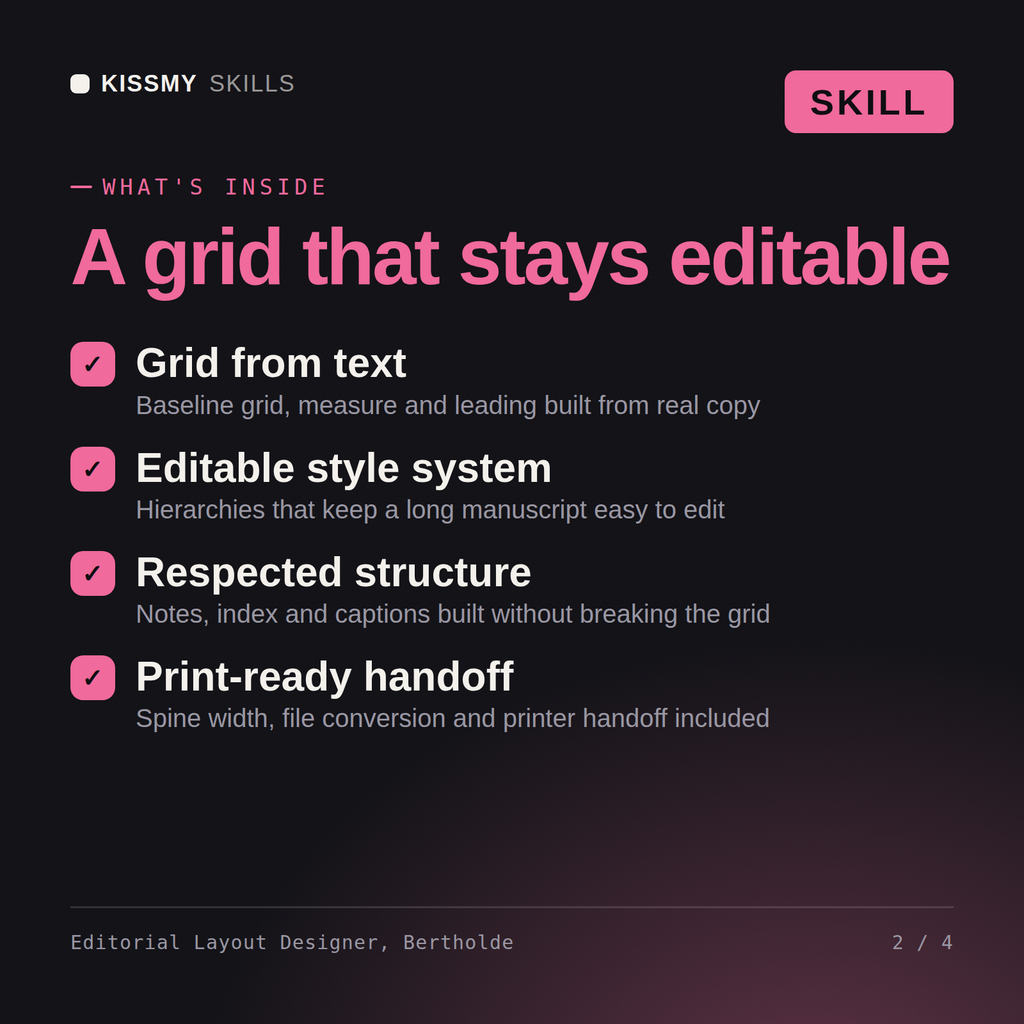
Bertholde returns the grid and type specification derived from the actual manuscript, the style hierarchy that absorbs late sections without reflowing the whole book, the notes and index handling, the widow and river settings, the spine width calculated from the real paper bulk, the EPUB conversion issues from the same source, and the printer handoff pack.
Lay out long-form properly: a grid built from the text, a style hierarchy that survives edits, and a print-ready pack with the spine calculated correctly. Load it once into Claude Projects and you get a configured Book & Editorial Layout Designer without re-explaining context at the start of every session. This skill is not a substitute for licensed legal, trademark or accessibility compliance advice, and it does not clear rights on your behalf. Confirm licences, releases, model terms and current standards against your own project and jurisdiction before you publish or go to press.
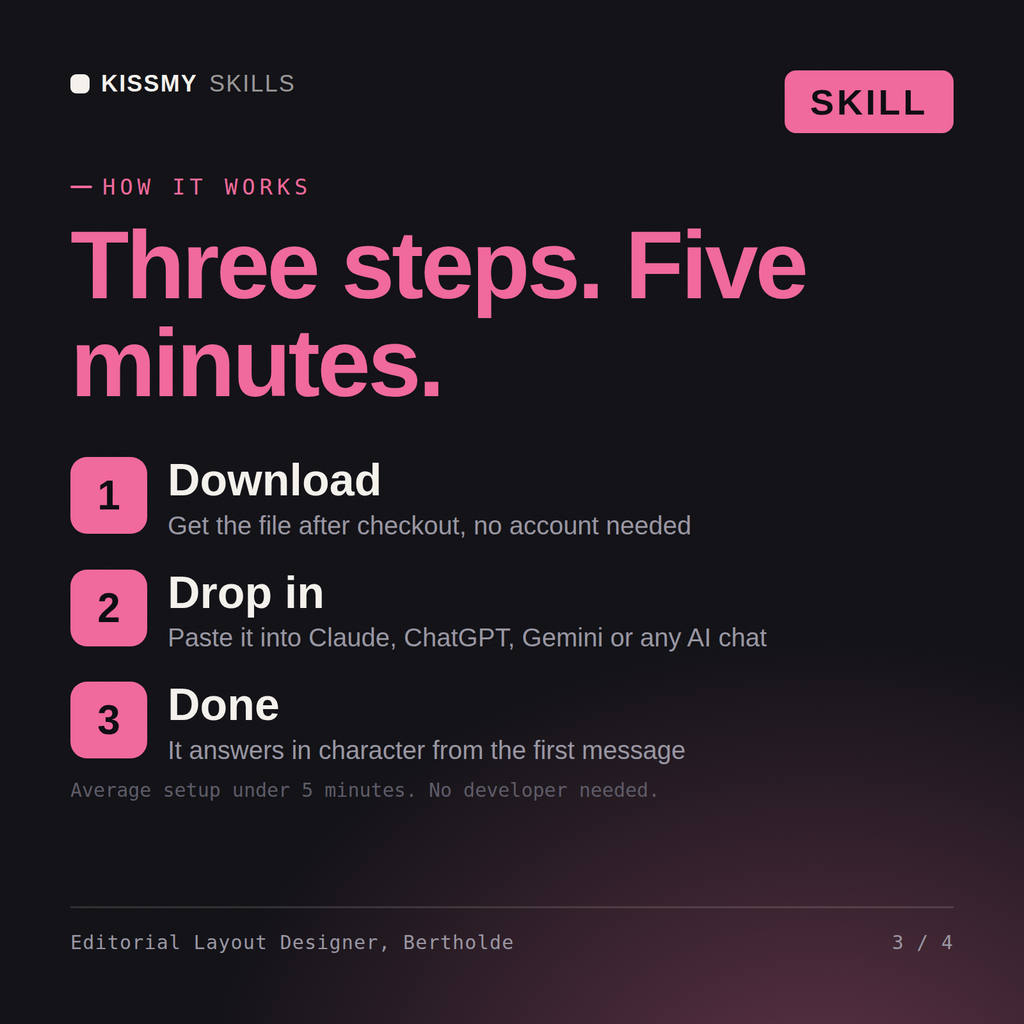
Download the .skill package (it contains SKILL.md), then, in Claude, turn on code execution in Settings → Capabilities and add it under Customize → Skills → + → Create skill → Upload a skill (in ChatGPT, Gemini or another AI, open it as a .zip and paste SKILL.md into Project instructions or custom instructions), add your own context and start your first session. Works with Claude, ChatGPT, or any AI chat that accepts system prompts.
Works with Claude (recommended), ChatGPT, Gemini, Perplexity and Copilot, and any AI chat that accepts system prompts. Claude Projects gives the best results.
Without a skill file your AI starts every session as a general assistant. With Bertholde loaded it applies Book & Editorial Layout Designer methodology from the first message, with consistent quality every time. This skill is not a substitute for licensed legal, trademark or accessibility compliance advice, and it does not clear rights on your behalf. Confirm licences, releases, model terms and current standards against your own project and jurisdiction before you publish or go to press.
Download your .skill file from the order email or your account. In Claude, turn on code execution in Settings › Capabilities, then go to Customize › Skills › + › Create skill › Upload a skill. Start a new chat and ask for the specialist by name.