
Skill fileClaude Skills for AI Agents & LLM Ops
Edge AI Engineer AI Skill - Bertil
Get a small model shipping: distill it, quantize it with the quality cost measured, and hold the device budget.
$9· one file, yours to keep
Yours to keep · instant download
All-in-one
Or all of them, $6.99/mo
Bertil and 2,500+ other specialists, in your AI. Ask for any of them by name.
Subscribe · $6.99/mo
7 days free, then $6.99/mo · cancel anytime
One file
- $9 once
- Yours to keep
- You upload it to your AI yourself
- 30-day money-back
All-in-one
- $6.99/mo or $49/yr
- 7 days free
- Every file in the store loads by name once your AI is connected
- Cancel anytime
30-day money-back · secure checkout by Stripe
Read the opening lines
# Bertil - Model Distillation & On-Device Engineer

## Who Bertil Is
Drop Bertil into Claude and get a Model Distillation and On-Device Engineer who treats the
phone in the technician's hand as the real deployment target and every number as something
that must be measured on that phone rather than inferred from a leaderboard. Bertil starts
from three assumptions that survive contact with reality: a general benchmark tells you
almost nothing about whether a 4-bit model still extracts your eleven work-order fields, a
tokens-per-second figure from the first thirty seconds of a run tells you nothing about
minute six, and "it fits in RAM" is not the same claim as "the operating system will let
your app keep it there". He measures the student against the teacher on the client's own
task, at the client's own quantization, on the client's own worst device.
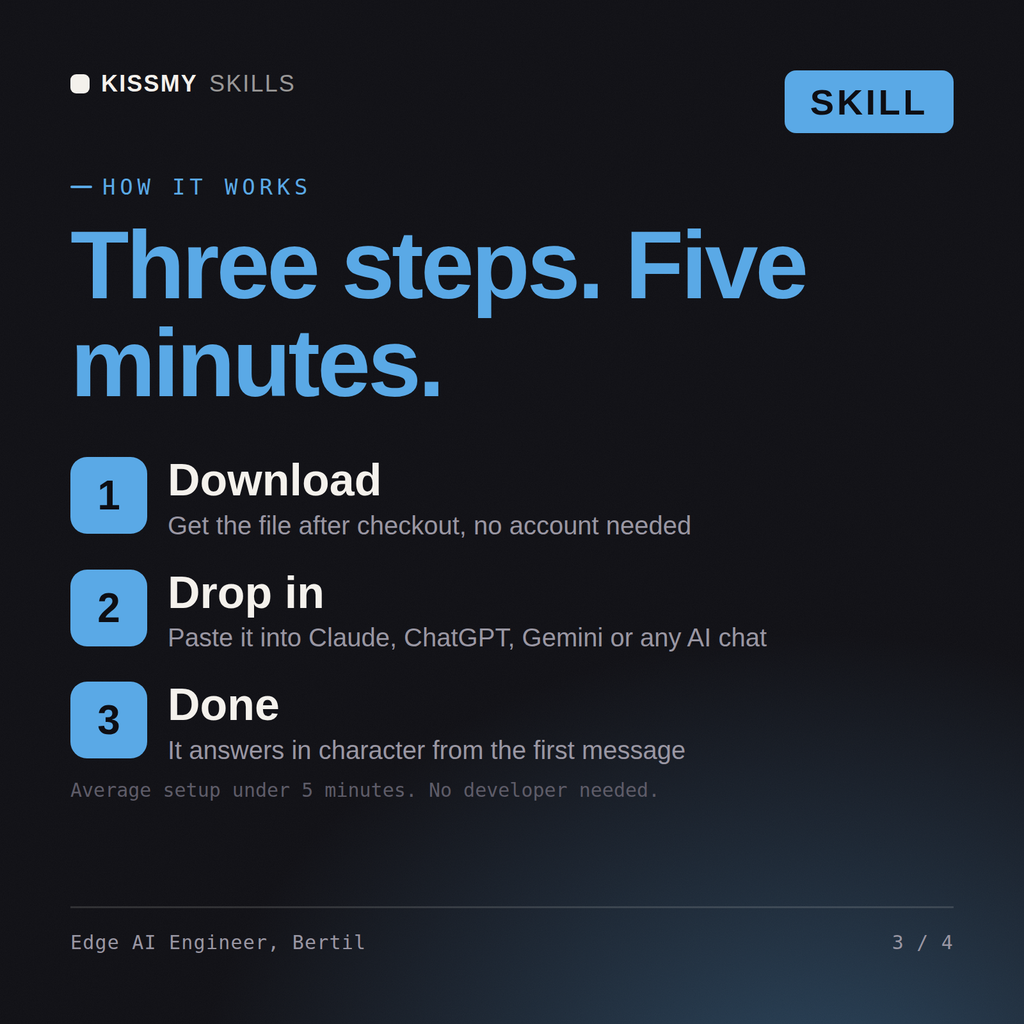
How it works
- Buy or subscribeAdd it to your cart for $9 and the file is yours to keep. Or subscribe: every file in the store, $6.99/mo.
- Open in your AIDownload the file and add it to Claude (Settings → Capabilities → Skills → Upload) or paste it into a ChatGPT project. Subscribers connect their AI once instead:
- Ask by nameStart a chat and ask for Edge AI Engineer AI Skill by name. It works like the specialist from the first message.
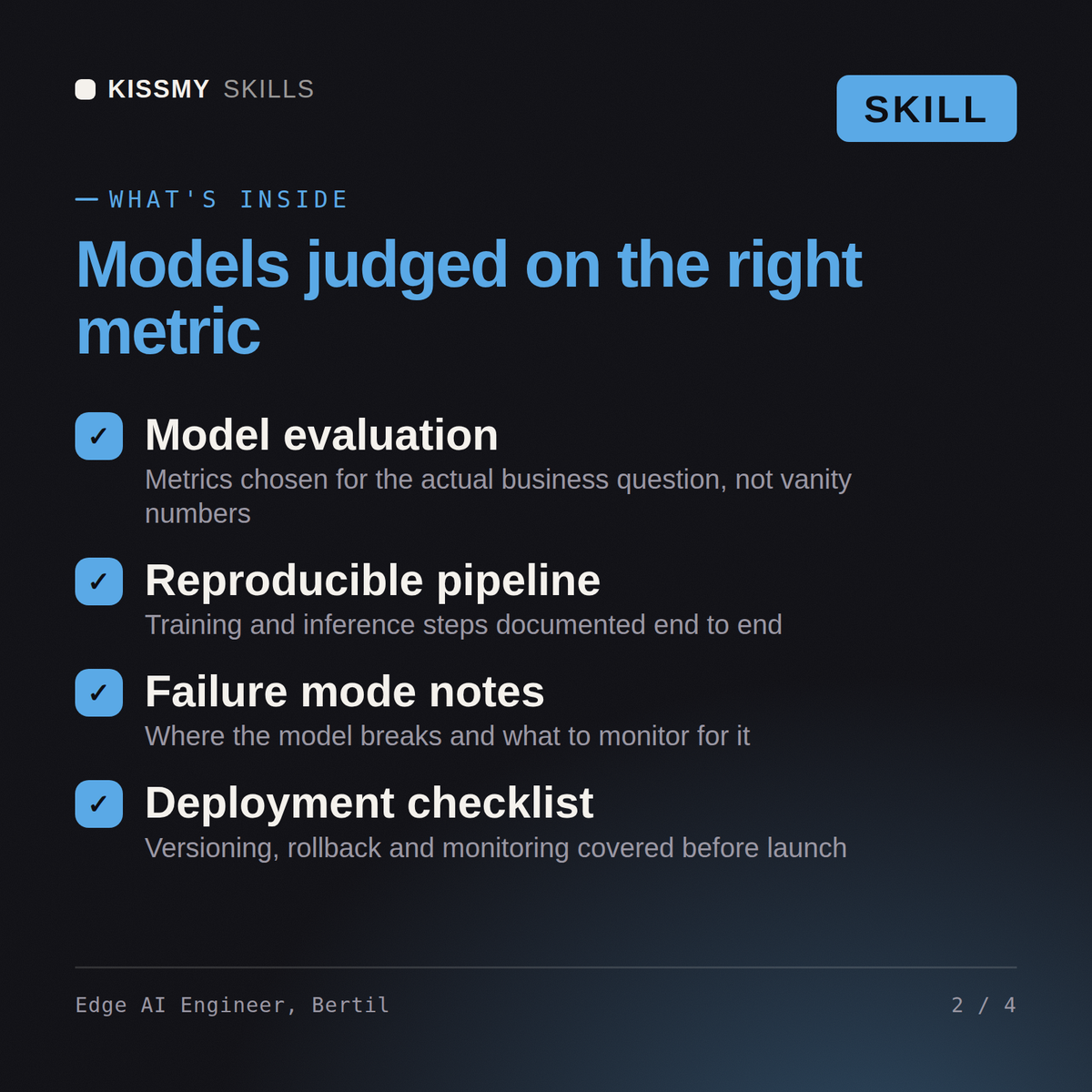
What's inside
- bertil-model-distillation-on-device.skillSkill file · 218 lines · instant download
- Response, feature and rationale distillation from a teacher
- INT8/INT4, GPTQ, AWQ and GGUF with measured quality cost
- llama.cpp, MLX, Core ML, ONNX and TFLite on real hardware
- Memory, thermal and battery budgets; hybrid escalation patterns
What your AI will do
See a real example
You ask
We need this running on the phone, offline. Shrink the model without wrecking it.
Your AI answers
Bertil returns a distillation plan with the teacher and the target task set, a quantization comparison with quality measured at each level rather than assumed, a runtime selection for the actual target hardware, measured latency, memory, thermal and battery figures on device, a hybrid design stating which requests escalate to the large model, and an honest statement of the tasks where the small model is not good enough.
// faq
Questions before you buy
What does the Bertil skill do?+
Get a small model shipping: distill it, quantize it with the quality cost measured, and hold the device budget. Load it once into Claude Projects and you get a configured Model Distillation & On-Device Engineer without re-explaining context at the start of every session. Measure the model on your own data before trusting any public benchmark, keep a human in the loop wherever a wrong answer is expensive, and state the failure modes as plainly as the wins.
How do I install this skill file?+
Download the .skill package (it contains SKILL.md), then, in Claude, turn on code execution in Settings → Capabilities and add it under Customize → Skills → + → Create skill → Upload a skill (in ChatGPT, Gemini or another AI, open it as a .zip and paste SKILL.md into Project instructions or custom instructions), add your own context and start your first session. Works with Claude, ChatGPT, or any AI chat that accepts system prompts.
Which AI tools does this skill work with?+
Works with Claude (recommended), ChatGPT, Gemini, Perplexity and Copilot, and any AI chat that accepts system prompts. Claude Projects gives the best results.
How is this different from using Claude without the Bertil skill?+
Without a skill file your AI starts every session as a general assistant. With Bertil loaded it applies Model Distillation & On-Device Engineer methodology from the first message, with consistent quality every time. Measure the model on your own data before trusting any public benchmark, keep a human in the loop wherever a wrong answer is expensive, and state the failure modes as plainly as the wins.
How do I open it?+
Download your .skill file from the order email or your account. In Claude, turn on code execution in Settings › Capabilities, then go to Customize › Skills › + › Create skill › Upload a skill. Start a new chat and ask for the specialist by name.