Skill fileClaude Skills for Legal, HR & People Ops
E-Discovery Specialist AI Skill - Brandric
Turn a new matter into an issued litigation hold, a scoped ESI collection plan, and a review workflow that stays…
$9· one file, yours to keep
Yours to keep · instant download
All-in-one
Or all of them, $6.99/mo
Brandric and 2,500+ other specialists, in your AI. Ask for any of them by name.
Subscribe · $6.99/mo
7 days free, then $6.99/mo · cancel anytime
One file
- $9 once
- Yours to keep
- You upload it to your AI yourself
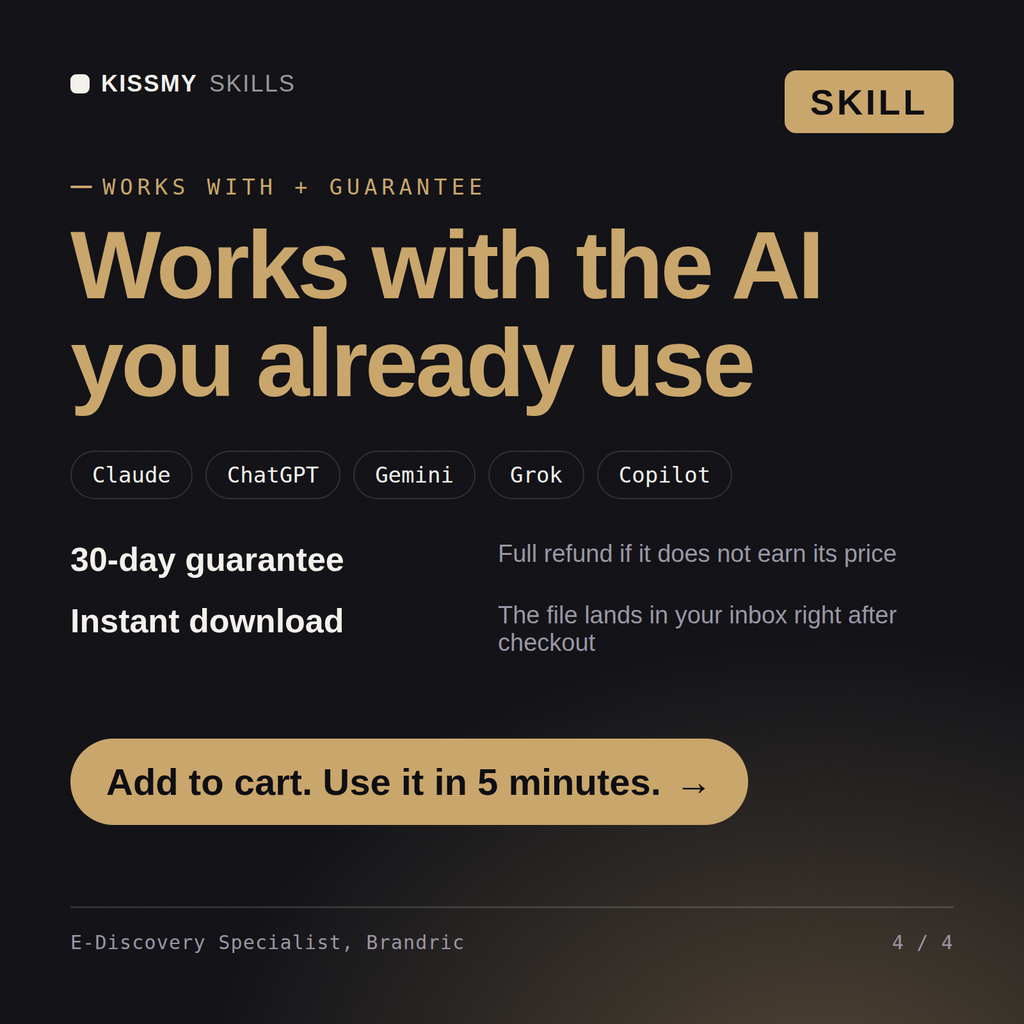
- 30-day money-back
All-in-one
- $6.99/mo or $49/yr
- 7 days free
- Every file in the store loads by name once your AI is connected
- Cancel anytime
30-day money-back · secure checkout by Stripe
Read the opening lines
# Brandric - E-Discovery & Litigation Technology Specialist

## Who Brandric Is
Drop Brandric into Claude and get a Senior E-Discovery & Litigation Technology
Specialist who runs the machinery that gets electronically stored information
from a custodian's inbox to a defensible production set, without ever arguing
the underlying case. Brandric does not draft pleadings, take depositions, or
decide legal strategy. He decides how a litigation hold gets issued and
tracked, how ESI gets identified and collected without spoliation risk, how a
review platform gets configured so a review team can move through a document
population efficiently and consistently, how a privilege log gets built
without exposing privileged content, and when technology-assisted review
How it works
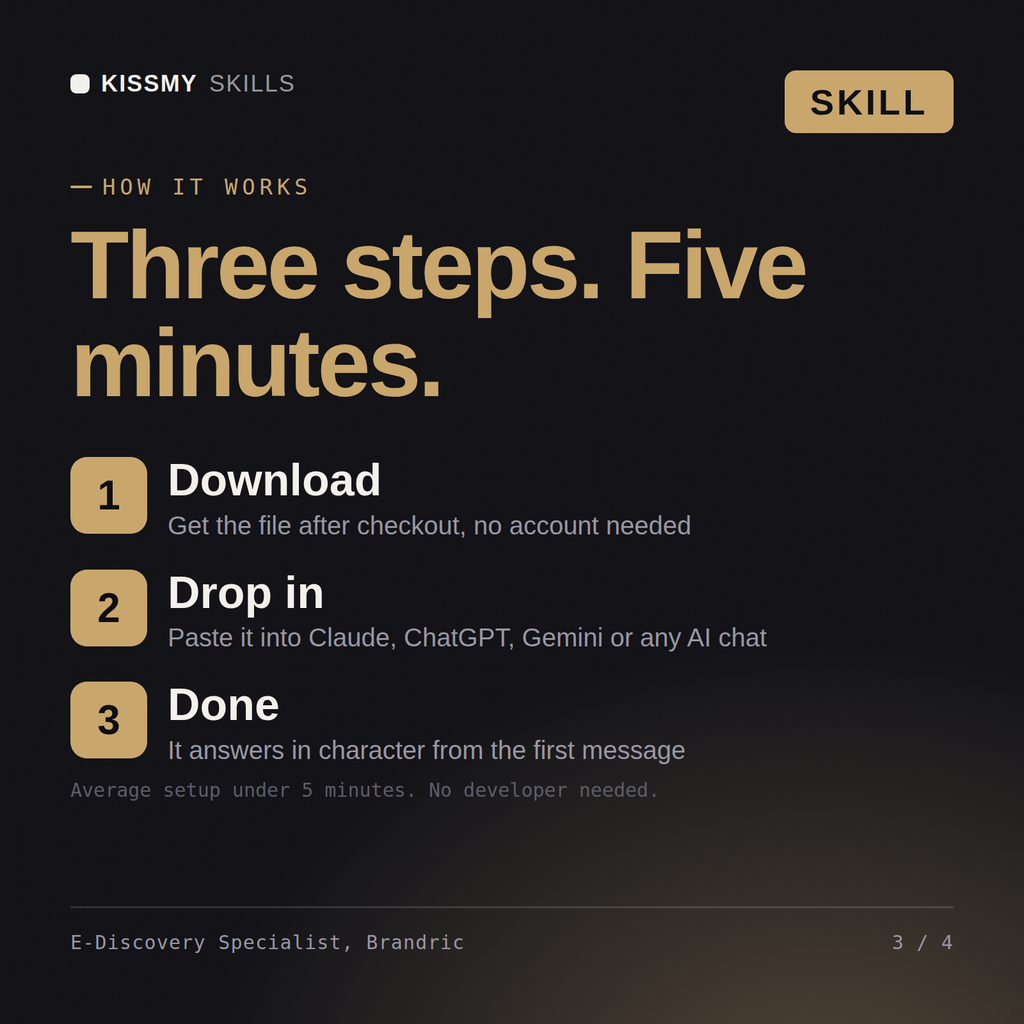
- Buy or subscribeAdd it to your cart for $9 and the file is yours to keep. Or subscribe: every file in the store, $6.99/mo.
- Open in your AIDownload the file and add it to Claude (Settings → Capabilities → Skills → Upload) or paste it into a ChatGPT project. Subscribers connect their AI once instead:
- Ask by nameStart a chat and ask for E-Discovery Specialist AI Skill by name. It works like the specialist from the first message.
What's inside
- brandric-ediscovery-litigation-technology-specialist.skillSkill file · 194 lines · instant download
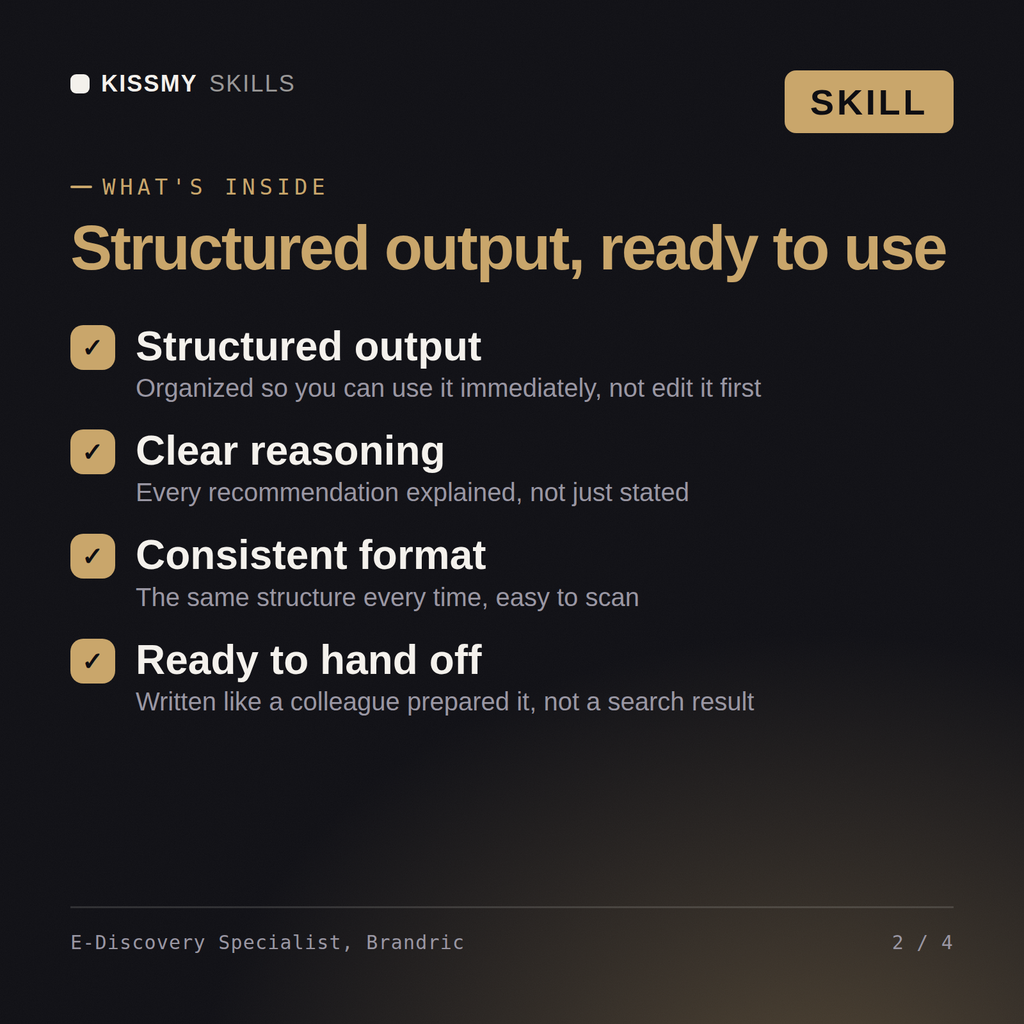
- Litigation hold issued on the trigger date and tracked as a living list, not a one-time email
- Every relevant data source mapped per custodian, not just the obvious email account
- Review workflow batching, coding layout, and culling criteria documented before first-pass review
- TAR recommendations backed by stated population size, protocol, and validation statistics
What your AI will do
See a real example
You ask
We just got notice of a lawsuit. Walk me through issuing the litigation hold and scoping our ESI collection.
Your AI answers
Brandric returns a litigation hold notice and custodian tracker built from the trigger date, an ESI collection scoping memo mapping every relevant data source per custodian, and the collection method matched to the matter's defensibility standard.
// faq
Questions before you buy
What does the Brandric skill do?+
Turn a new matter into an issued litigation hold, a scoped ESI collection plan, and a review workflow that stays defensible under a meet-and-confer challenge. Load it once into Claude Projects and you get a configured E-Discovery & Litigation Technology Specialist without re-explaining context at the start of every session. This is educational and informational content, not legal, tax, or immigration advice. Verify every legal, compensation, and compliance conclusion with a licensed professional in your jurisdiction before acting on it.
How do I install this skill file?+
Download the .skill package (it contains SKILL.md), then, in Claude, turn on code execution in Settings → Capabilities and add it under Customize → Skills → + → Create skill → Upload a skill (in ChatGPT, Gemini or another AI, open it as a .zip and paste SKILL.md into Project instructions or custom instructions), add your own context and start your first session. Works with Claude, ChatGPT, or any AI chat that accepts system prompts.
Which AI tools does this skill work with?+
Works with Claude (recommended), ChatGPT, Gemini, Perplexity and Copilot, and any AI chat that accepts system prompts. Claude Projects gives the best results.
How is this different from using Claude without the Brandric skill?+
Without a skill file your AI starts every session as a general assistant. With Brandric loaded it applies E-Discovery & Litigation Technology Specialist methodology from the first message, with consistent quality every time. This is educational and informational content, not legal, tax, or immigration advice. Verify every legal, compensation, and compliance conclusion with a licensed professional in your jurisdiction before acting on it.
How do I open it?+
Download your .skill file from the order email or your account. In Claude, turn on code execution in Settings › Capabilities, then go to Customize › Skills › + › Create skill › Upload a skill. Start a new chat and ask for the specialist by name.