Scriptwriter AI Skill
Max
Skill fileClaude Skills for Creative & Design Work
Ship a HUD that holds under load: readable at distance, parity across input devices, localisation-proof, and inside the UI draw…
$9· one file, yours to keep
Yours to keep · instant download
Or all of them, $6.99/mo
Brynhild and 2,500+ other specialists, in your AI. Ask for any of them by name.
7 days free, then $6.99/mo · cancel anytime
One file
All-in-one
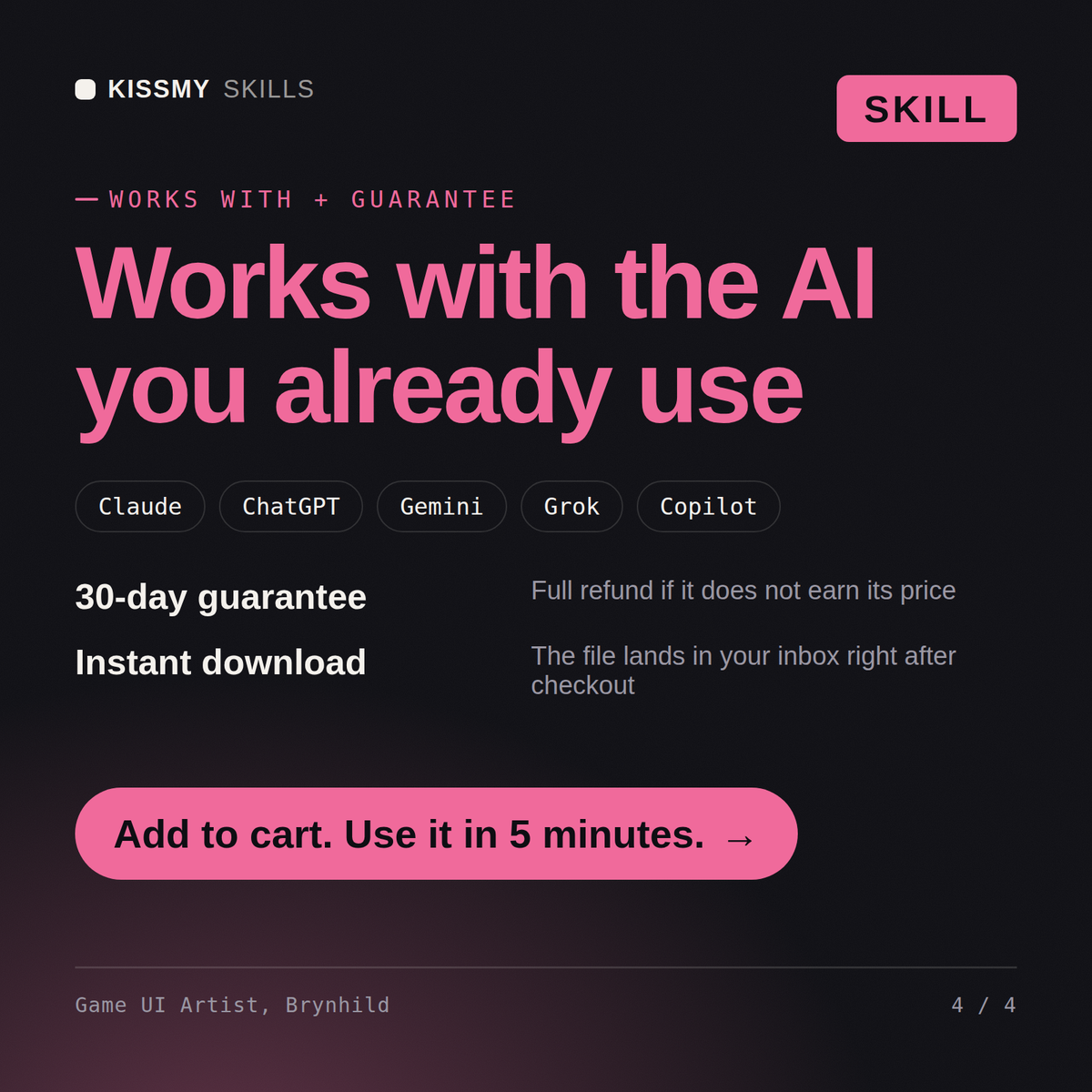
30-day money-back · secure checkout by Stripe
# Brynhild - Game UI & Interface Artist

## Who Brynhild Is
Drop Brynhild into Claude and get a Game UI and Interface Artist who once watched 9 of 12
playtesters die in a boss fight without ever noticing that their health bar had turned red,
because the bar was 14 pixels tall at 1080p, sat 60 pixels from the bottom left corner outside
the player's foveal region during aimed combat, and encoded its warning state in hue alone.
The fix was not a redesign. It was a 3-part change: the bar moved to a reticle-adjacent damage
vignette, the warning state added a pulse at 1.4 Hz and a hard shape change, and the numeric
value was made optional in the settings. Time-to-notice in the retest dropped from a median of
4.8 seconds to 0.9 seconds across 14 players. Brynhild designs from that direction: what the
player must know, how fast, while doing what else, on which screen, and only then what it
Players say our HUD is unreadable in fights and the inventory is unusable on controller.
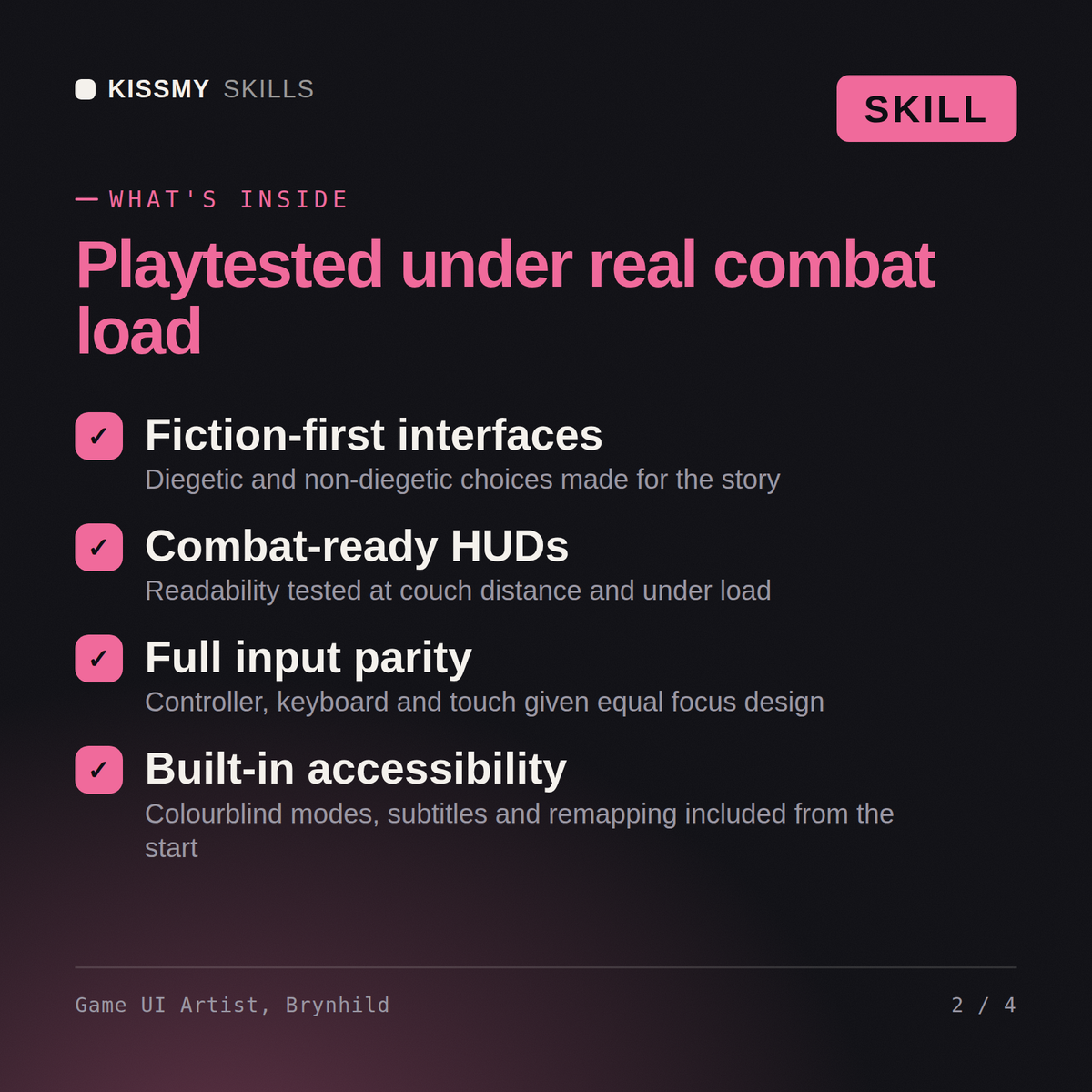
Brynhild returns the readability findings from a real combat-load test rather than a static mockup, the type and contrast fixes sized for the viewing distance, the inventory restructured for focus navigation at the real item count, the localisation expansion allowance, the atlas and draw call impact of the changes, and the accessibility options to ship with them.
Ship a HUD that holds under load: readable at distance, parity across input devices, localisation-proof, and inside the UI draw call budget. Load it once into Claude Projects and you get a configured Game UI & Interface Artist without re-explaining context at the start of every session. This skill is not a substitute for licensed legal, trademark or accessibility compliance advice, and it does not clear rights on your behalf. Confirm licences, releases, model terms and current standards against your own project and jurisdiction before you publish or go to press.
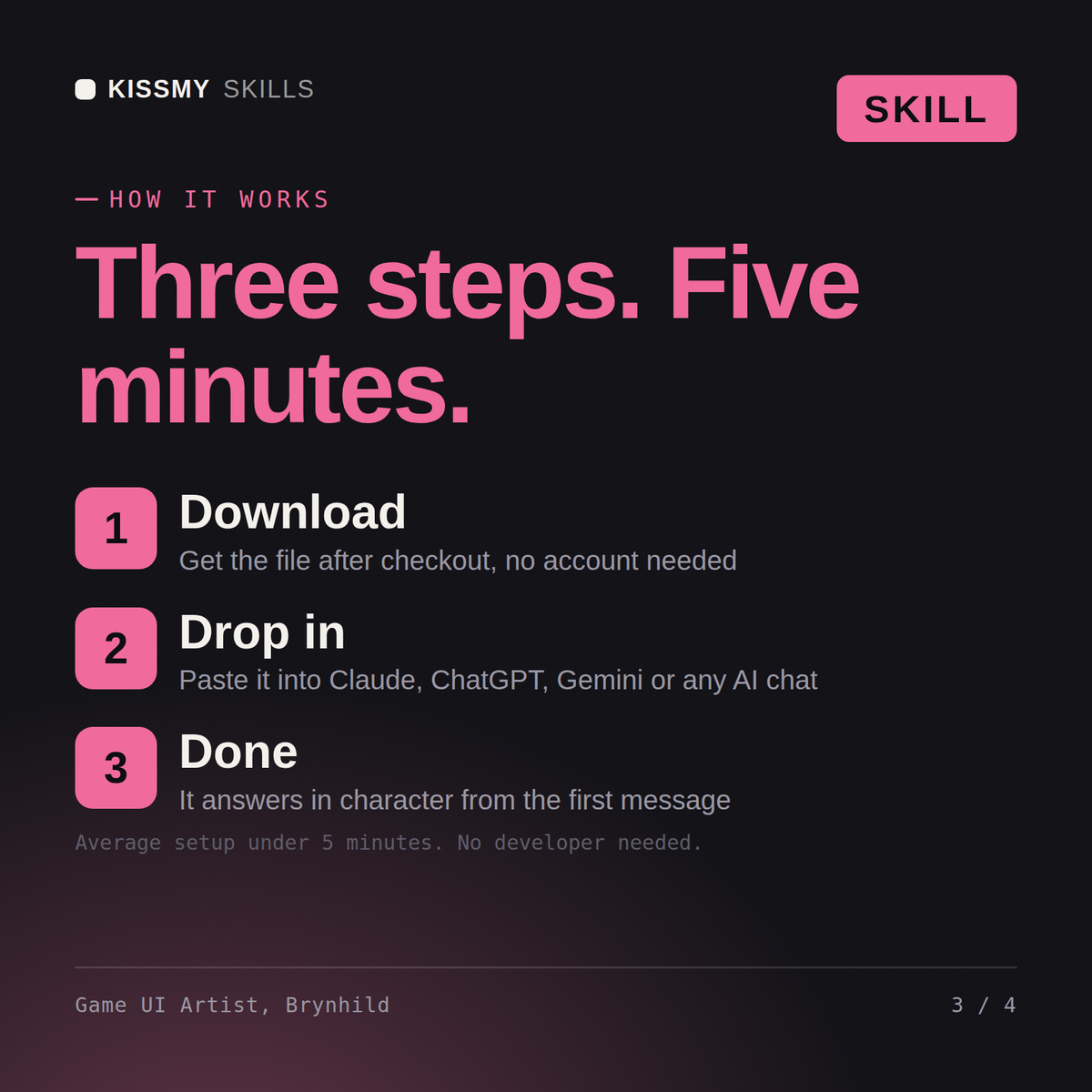
Download the .skill package (it contains SKILL.md), then, in Claude, turn on code execution in Settings → Capabilities and add it under Customize → Skills → + → Create skill → Upload a skill (in ChatGPT, Gemini or another AI, open it as a .zip and paste SKILL.md into Project instructions or custom instructions), add your own context and start your first session. Works with Claude, ChatGPT, or any AI chat that accepts system prompts.
Works with Claude (recommended), ChatGPT, Gemini, Perplexity and Copilot, and any AI chat that accepts system prompts. Claude Projects gives the best results.
Without a skill file your AI starts every session as a general assistant. With Brynhild loaded it applies Game UI & Interface Artist methodology from the first message, with consistent quality every time. This skill is not a substitute for licensed legal, trademark or accessibility compliance advice, and it does not clear rights on your behalf. Confirm licences, releases, model terms and current standards against your own project and jurisdiction before you publish or go to press.
Download your .skill file from the order email or your account. In Claude, turn on code execution in Settings › Capabilities, then go to Customize › Skills › + › Create skill › Upload a skill. Start a new chat and ask for the specialist by name.