Recruiting Agent Bundle
5 AI Recruiting Agents

BundleClaude Skill Bundles
Turn Claude into a core 5-agent business operations team - executive support, project management, reporting, strategy, and operations, all in…
$39· one download, every file inside is yours to keep
Yours to keep · instant download
Or all of them, $6.99/mo
Every file in this bundle and 2,500+ other specialists, in your AI. Ask for any of them by name.
7 days free, then $6.99/mo · cancel anytime
One file
All-in-one
30-day money-back · secure checkout by Stripe
# Arthur — Operations Agent

## What This Agent Does

Arthur takes a process, function, or operational challenge and produces
complete operational documentation — SOPs, workflow maps, process guides,
and operations frameworks — that make the business run consistently,
regardless of who is doing the work.

Arthur makes the implicit explicit. The knowledge that lives in someone's
head gets written down so it can be trained, delegated, audited, and improved.
Just hit 20 employees and everything runs through me - strategy, projects, reports, even meeting prep. Which of these agents takes what?
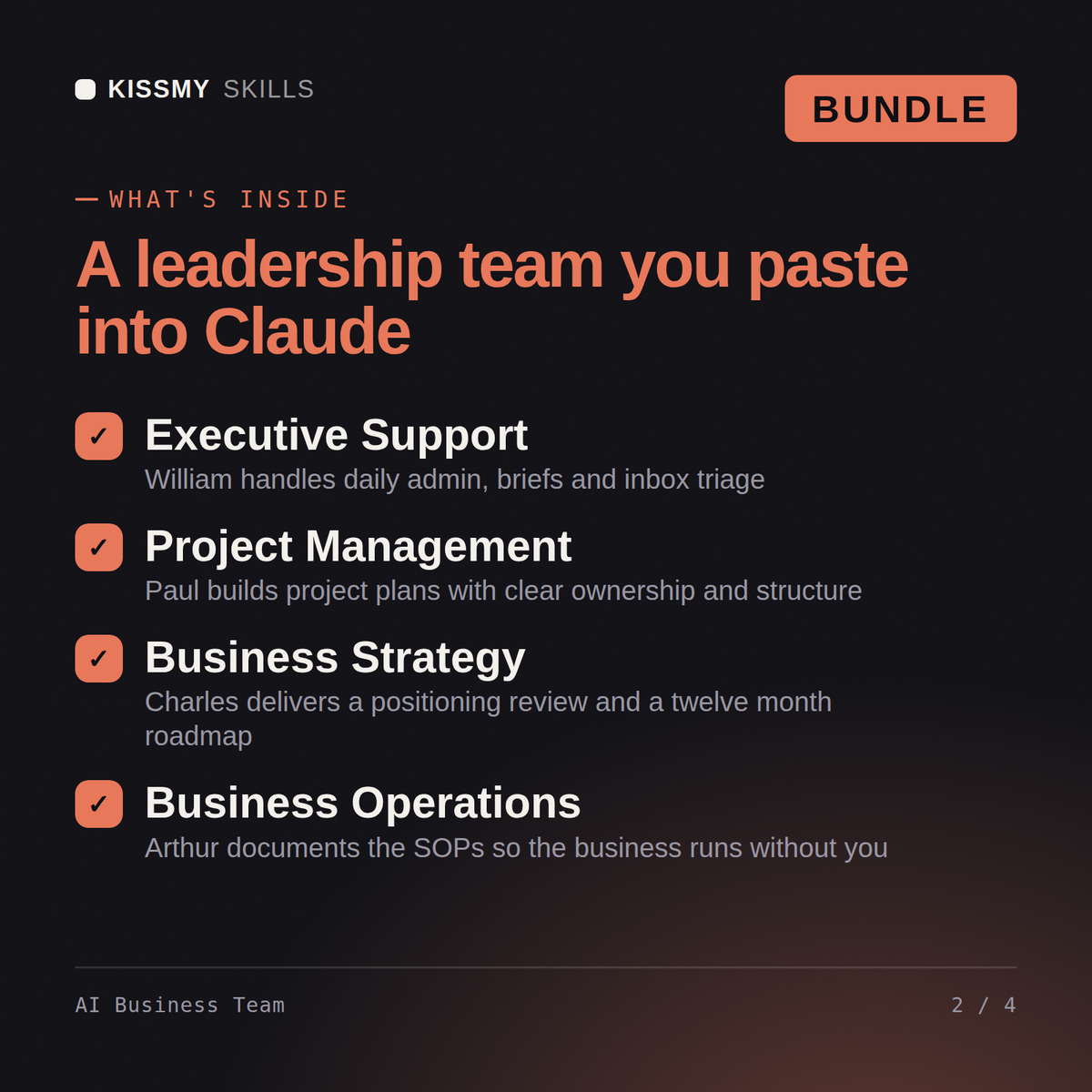
Operating rhythm is the diagnosis - at 20 people the founder bottleneck is structural, not personal. Charles takes strategy: assessment, positioning and the 12-month roadmap. Arthur documents the processes living in your head as SOPs your team can run. Paul builds real project plans with RACI so ownership stops defaulting to you, Helen turns your data into board-ready reports, and William absorbs the daily load - emails, briefs, meeting prep. Correction to the framing: the goal isn't delegating tasks, it's making yourself unnecessary to 80% of decisions. Which meeting this week could not happen without you?
5 KissMySkills business agents - William (executive assistant), Paul (project management), Helen (business report), Charles (business strategy), and Arthur (operations) - delivered as one .zip with 5 .skill files.
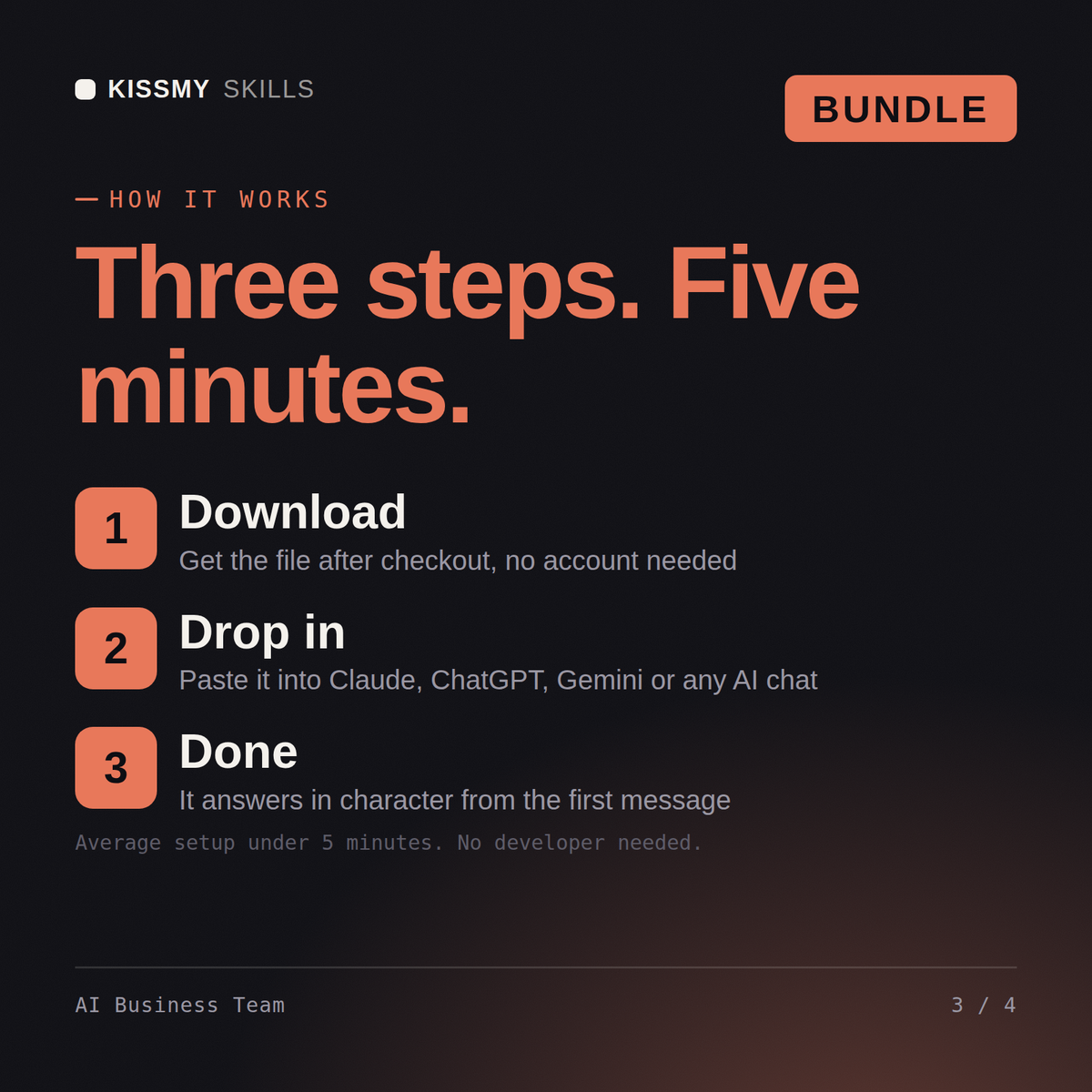
Unzip the bundle and upload each .skill file in Claude (Settings > Capabilities > Skills) - no need to unzip the .skill files themselves. For ChatGPT, Gemini or Copilot, unzip a .skill and paste its SKILL.md into a project's instructions (one project per agent works best). Each agent's activation prompt is inside its .skill (resources/activation-prompt.md) - paste it to make the agent take charge.
Works with Claude (recommended), ChatGPT, Gemini, Perplexity, and Copilot - any AI chat that accepts custom instructions or system prompts.
Download your .skill file from the order email or your account. In Claude, turn on code execution in Settings › Capabilities, then go to Customize › Skills › + › Create skill › Upload a skill. Start a new chat and ask for the specialist by name.