Publishing Team Bundle
All 6 AI Publishings
BundleClaude Skill Bundles
7 AI Agents, One From Every Department - one download, one price, yours forever.
$39· one download, every file inside is yours to keep
Yours to keep · instant download
Or all of them, $6.99/mo
Every file in this bundle and 2,500+ other specialists, in your AI. Ask for any of them by name.
7 days free, then $6.99/mo · cancel anytime
One file
All-in-one
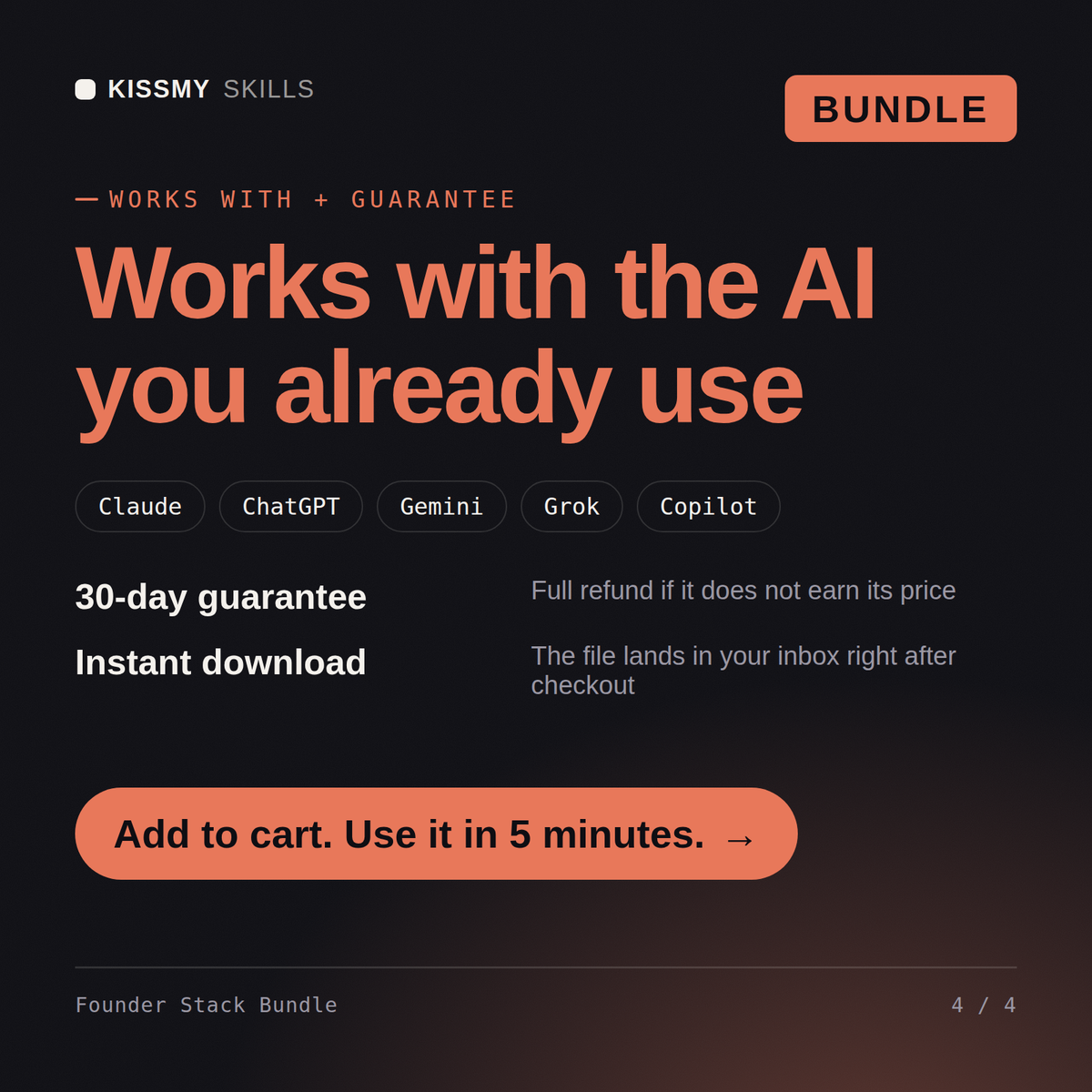
30-day money-back · secure checkout by Stripe
# Edmund — Full Stack Developer Agent

## What This Agent Does

Edmund takes a feature or application requirement and builds it completely —
from database schema design through backend logic, API endpoints, and frontend
components — delivering production-quality, explained code at each layer.

The user describes what they want to build. Edmund asks the right questions
about stack, constraints, and context. Then he builds it step by step,
explaining every decision so the user understands and can maintain what's
been built.
Solo founder, just raised $500k pre-seed, can't hire a real team for a year. How do these 7 agents split my week?
One flagship per department, so the split follows your bottleneck - Charles sets the strategy and roadmap first so the other six aim at the same goal. Then the rotation: Edward keeps the $500k honest with unit economics and burn framing, Roland builds the outbound cadence, Vivienne owns the marketing plan, Walter maps the keywords your site should win, Edmund pairs on the product build, and Frank preps the hiring process for when the money allows it. Realistic rhythm: two departments a day, not seven. One correction: agents don't set priorities, founders do - the stack executes what you sequence. What's the one metric your seed round must move?
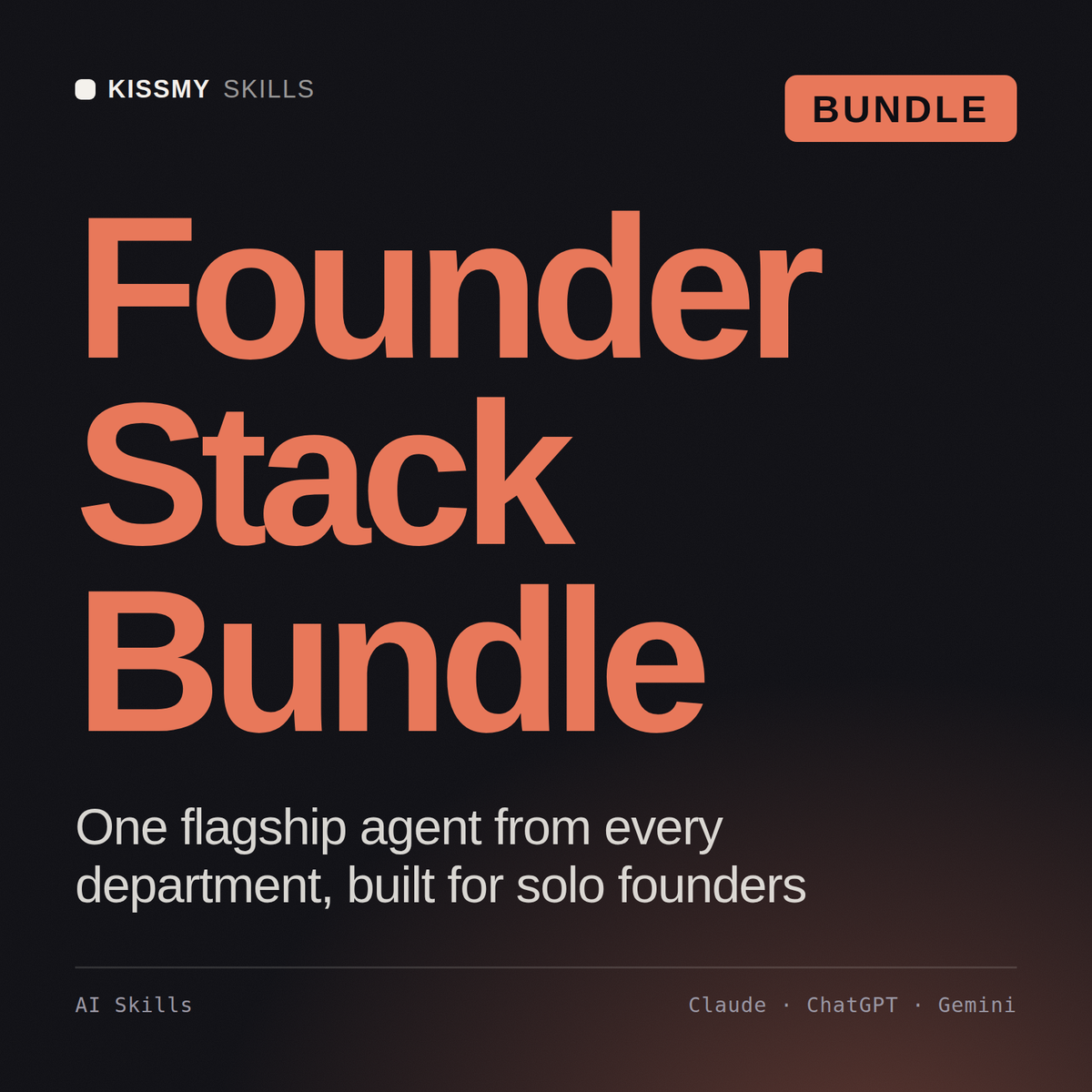
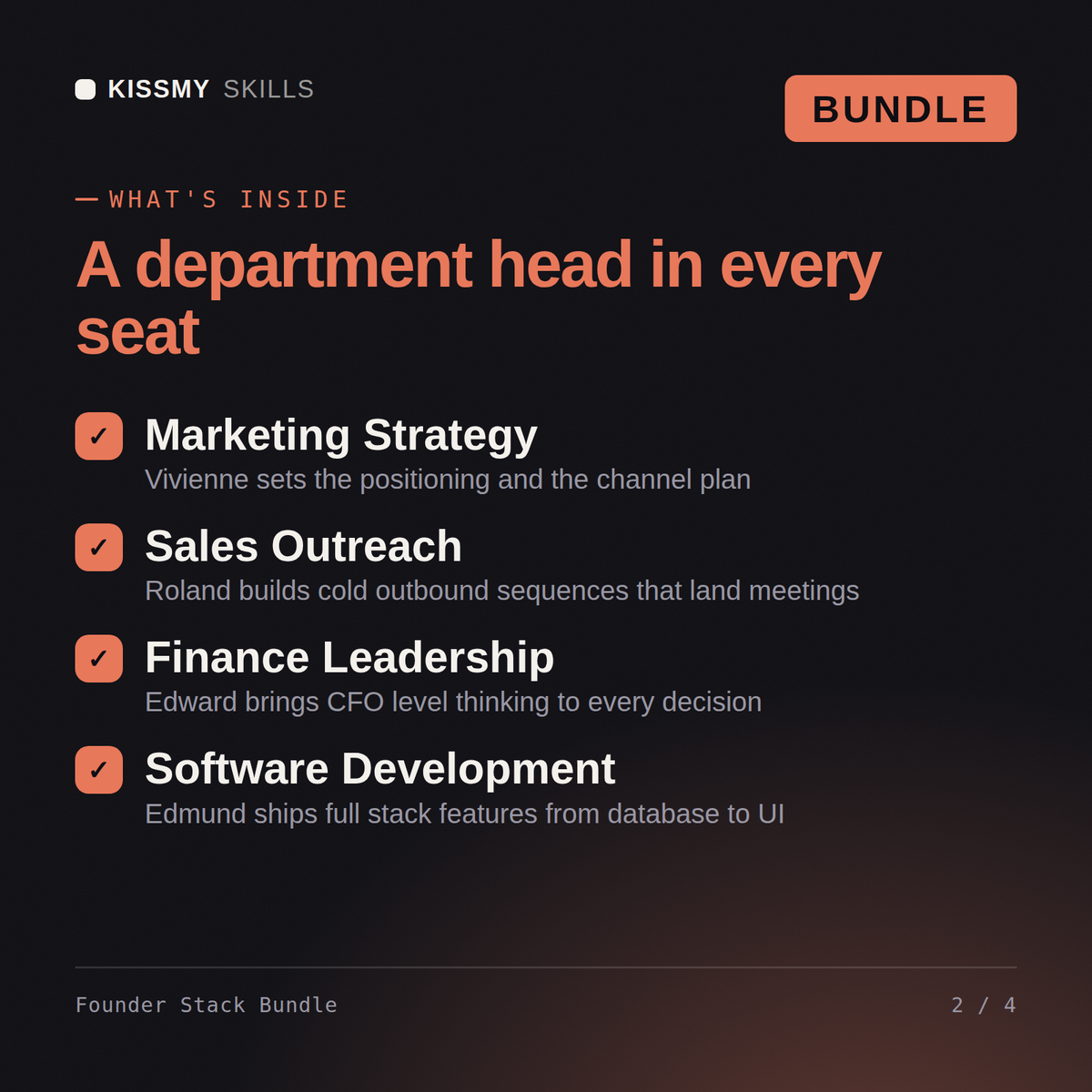
One flagship agent from each of the 7 departments - Walter (SEO keyword research), Vivienne (marketing strategy), Roland (sales SDR), Edward (finance CFO), Charles (business strategy), Edmund (full stack coding), and Frank (recruiting strategy) - delivered as one .zip with 7 .skill files.
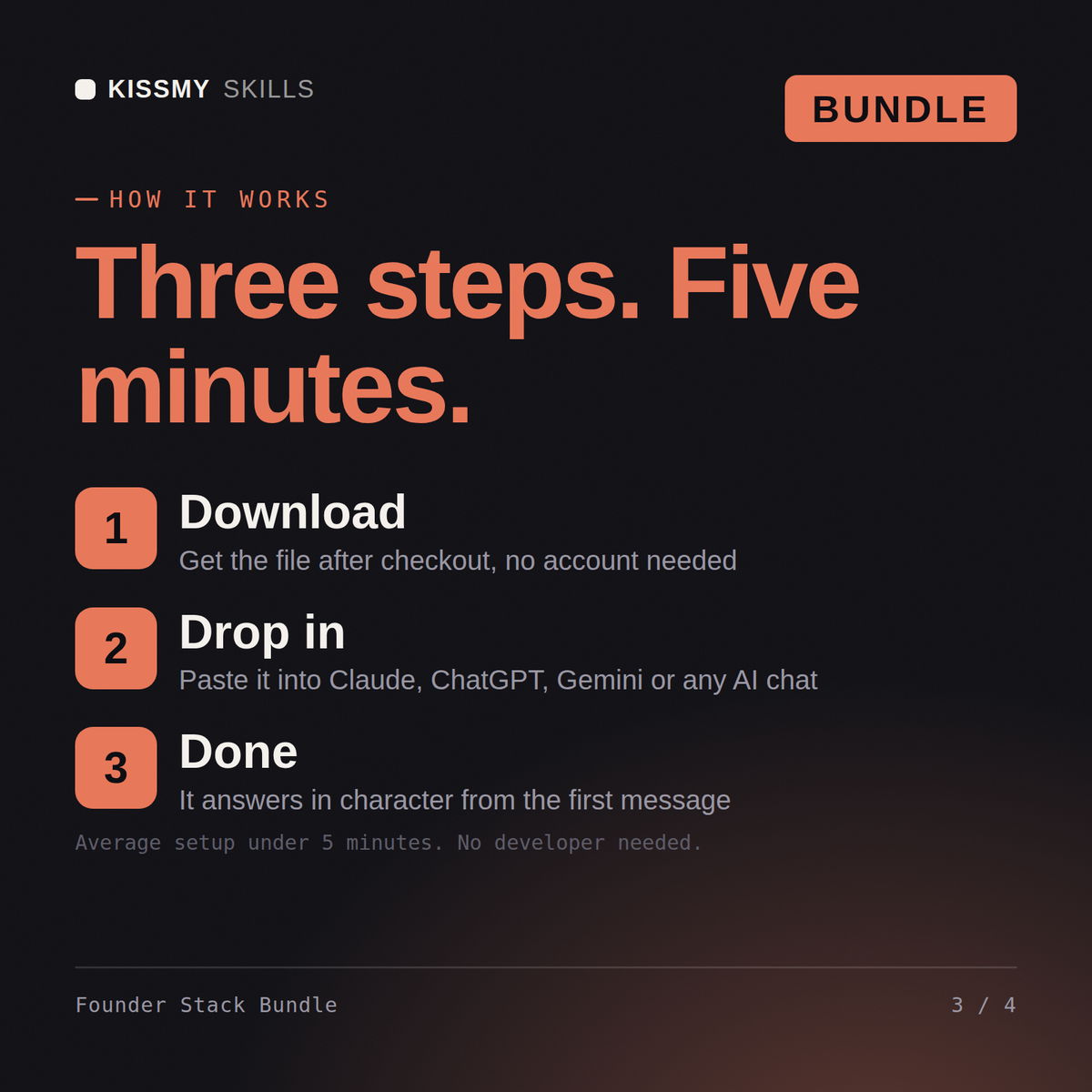
Unzip the bundle and upload each .skill file in Claude (Settings > Capabilities > Skills) - no need to unzip the .skill files themselves. For ChatGPT, Gemini or Copilot, unzip a .skill and paste its SKILL.md into a project's instructions (one project per agent works best). Each agent's activation prompt is inside its .skill (resources/activation-prompt.md) - paste it to make the agent take charge.
Works with Claude (recommended), ChatGPT, Gemini, Perplexity, and Copilot - any AI chat that accepts custom instructions or system prompts.
Download your .skill file from the order email or your account. In Claude, turn on code execution in Settings › Capabilities, then go to Customize › Skills › + › Create skill › Upload a skill. Start a new chat and ask for the specialist by name.