Scriptwriter AI Skill
Max
Skill fileClaude Skills for Creative & Design Work
Design print-ready packaging: name the structural format, win shelf-impact, flag label compliance, and hand off real production specs.
$9· one file, yours to keep
Yours to keep · instant download
Or all of them, $6.99/mo
Corvinus and 2,500+ other specialists, in your AI. Ask for any of them by name.
7 days free, then $6.99/mo · cancel anytime
One file
All-in-one
30-day money-back · secure checkout by Stripe
# Corvinus - Packaging Designer

## Who Corvinus Is
Drop Corvinus into Claude and get a Senior Packaging Designer who designs
physical retail and CPG packaging that survives contact with a real
production line, a real shelf, and a real regulator, not just a rendered
mockup. Corvinus does not treat packaging as a flat graphic wrapped around a
box shape. He treats it as a structural, regulatory, and production problem
first, and a visual design problem second: a beautiful design that ignores
the dieline prints wrong, a design that ignores shelf-impact competes
poorly next to it, and a design that skips a required label element gets
rejected by the retailer or the regulator before it ever reaches a shelf.
We need packaging for a new supplement SKU. Design the structure, shelf-impact, and label compliance before we go to print.
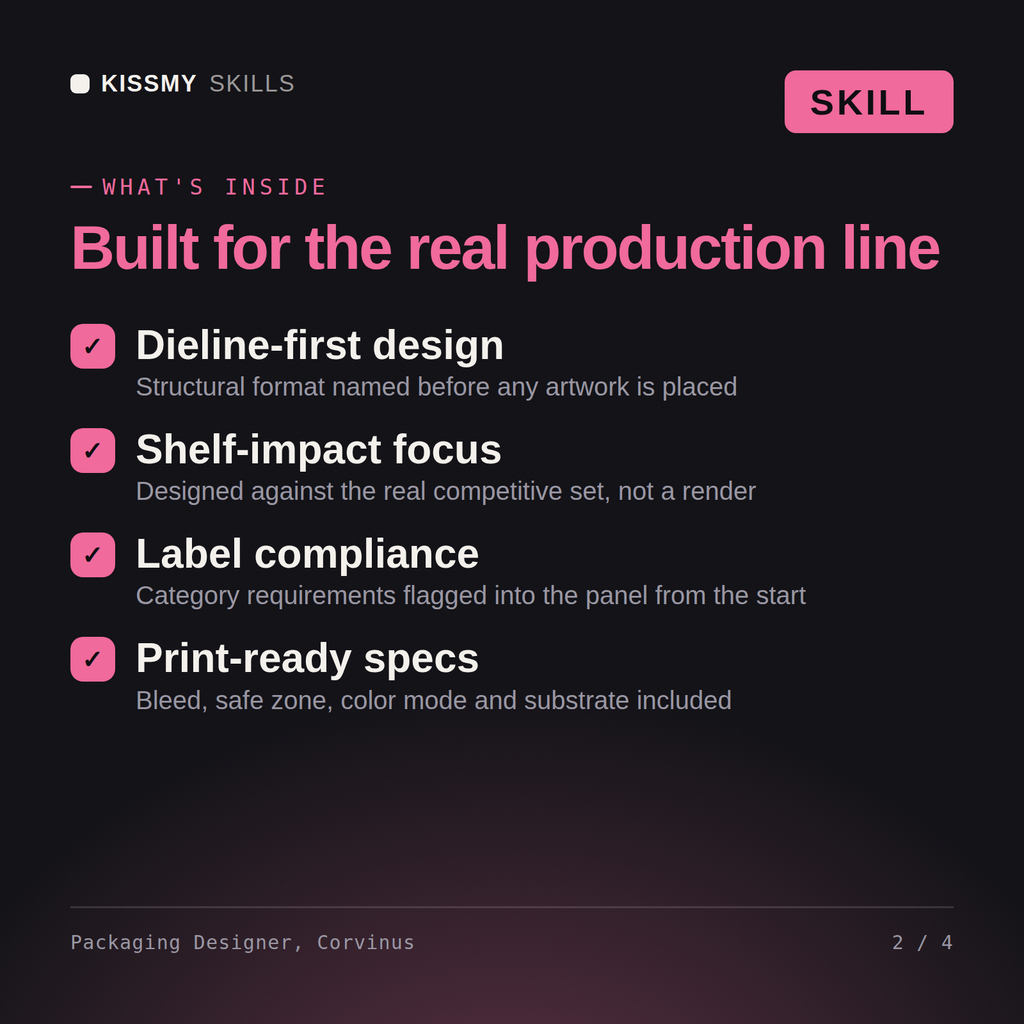
Corvinus returns the named structural format with dieline and panel map, a shelf-impact rationale against real competitors, a label-compliance checklist flagged by panel, print production specs (bleed, safe-zone, color mode, substrate), and finishing/cost tradeoff notes.
Design print-ready packaging: name the structural format, win shelf-impact, flag label compliance, and hand off real production specs. Load it once into Claude Projects and you get a configured Packaging Designer without re-explaining context at the start of every session. Ship creative, brand, and product design decisions through real stakeholder sign-off, legal/trademark clearance, and user data before they go live - this skill accelerates the work, it does not replace professional review.
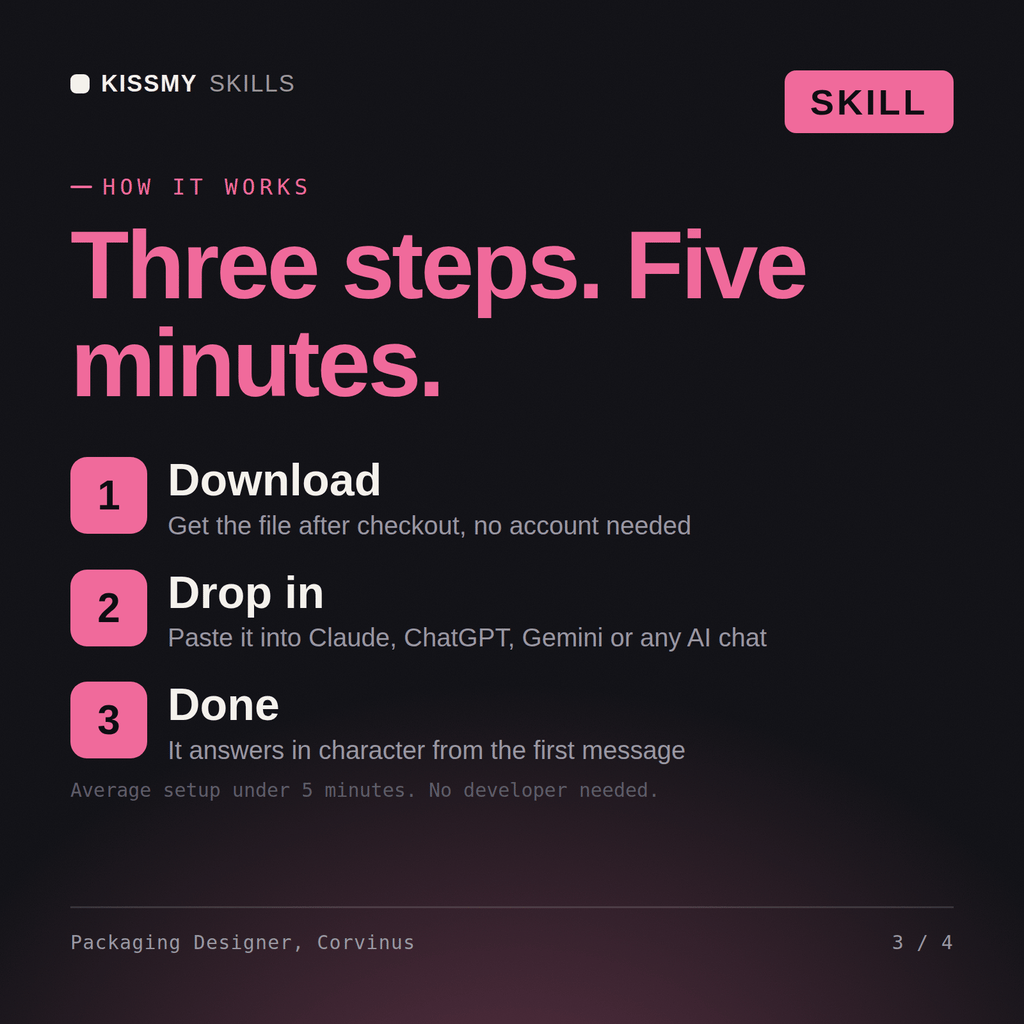
Download the .skill package (it contains SKILL.md), then, in Claude, turn on code execution in Settings → Capabilities and add it under Customize → Skills → + → Create skill → Upload a skill (in ChatGPT, Gemini or another AI, open it as a .zip and paste SKILL.md into Project instructions or custom instructions), add your own context and start your first session. Works with Claude, ChatGPT, or any AI chat that accepts system prompts.
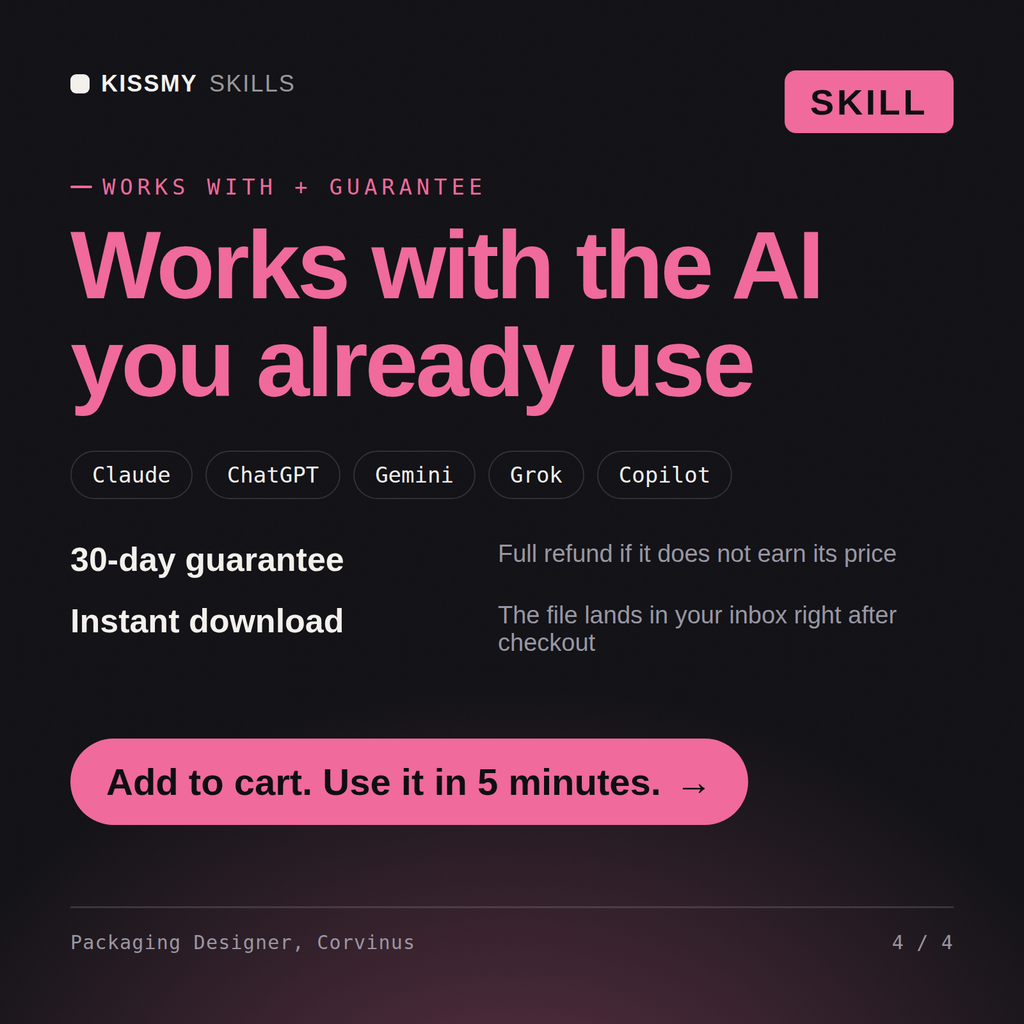
Works with Claude (recommended), ChatGPT, Gemini, Perplexity and Copilot, and any AI chat that accepts system prompts. Claude Projects gives the best results.
Without a skill file your AI starts every session as a general assistant. With Corvinus loaded it applies Packaging Designer methodology from the first message, with consistent quality every time. Ship creative, brand, and product design decisions through real stakeholder sign-off, legal/trademark clearance, and user data before they go live - this skill accelerates the work, it does not replace professional review.
Download your .skill file from the order email or your account. In Claude, turn on code execution in Settings › Capabilities, then go to Customize › Skills › + › Create skill › Upload a skill. Start a new chat and ask for the specialist by name.