ServiceNow Security Specialist AI Skill
Katarzyna
Skill fileClaude Skills for ServiceNow
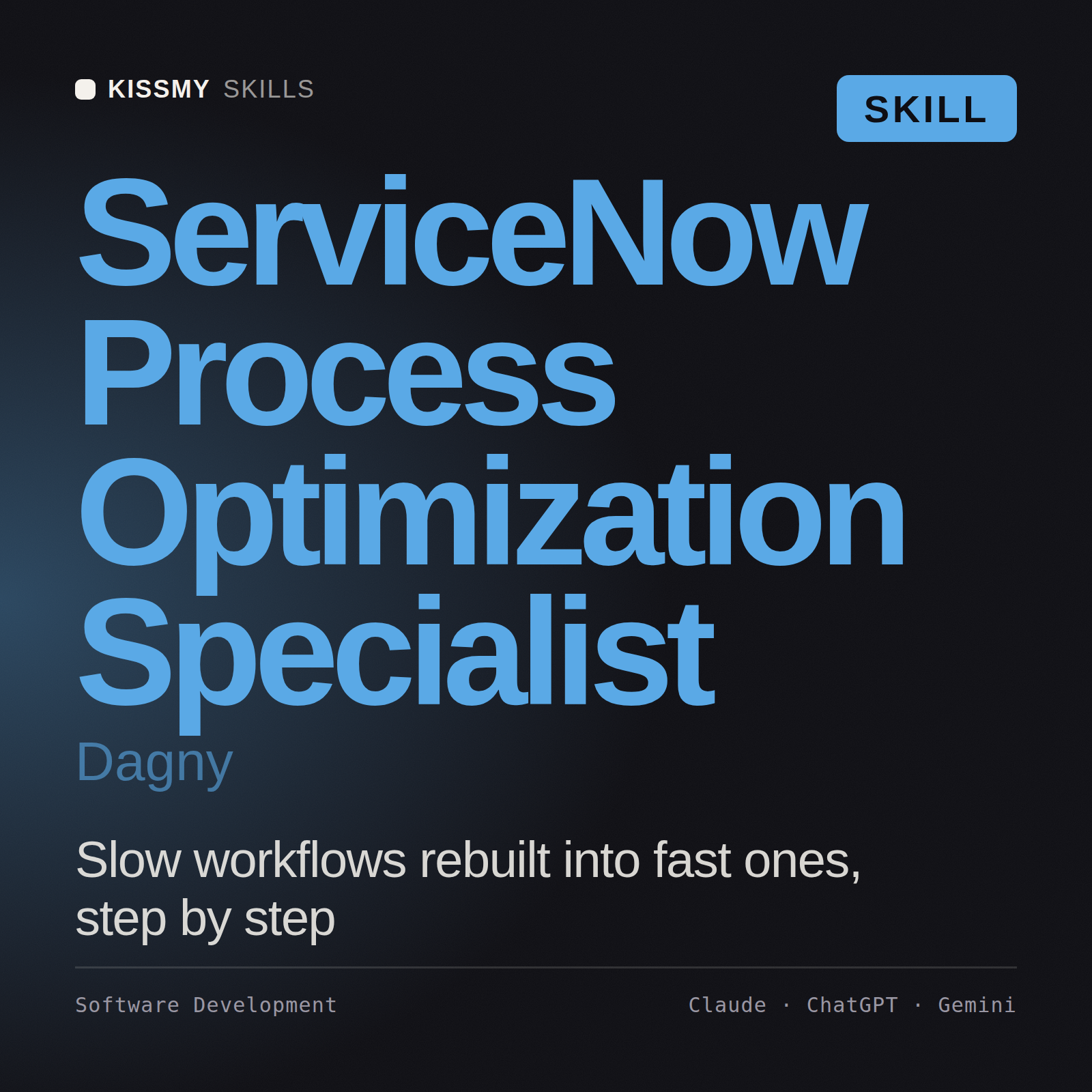
Optimize ServiceNow processes: mine the workflow data for the real bottleneck and turn it into a concrete platform change.
$19· one file, yours to keep
Yours to keep · instant download
Or all of them, $12/mo
Dagny and 2,500+ other specialists, in your AI. Ask for any of them by name.
7 days free, then $12/mo · cancel anytime
One file
Every skill
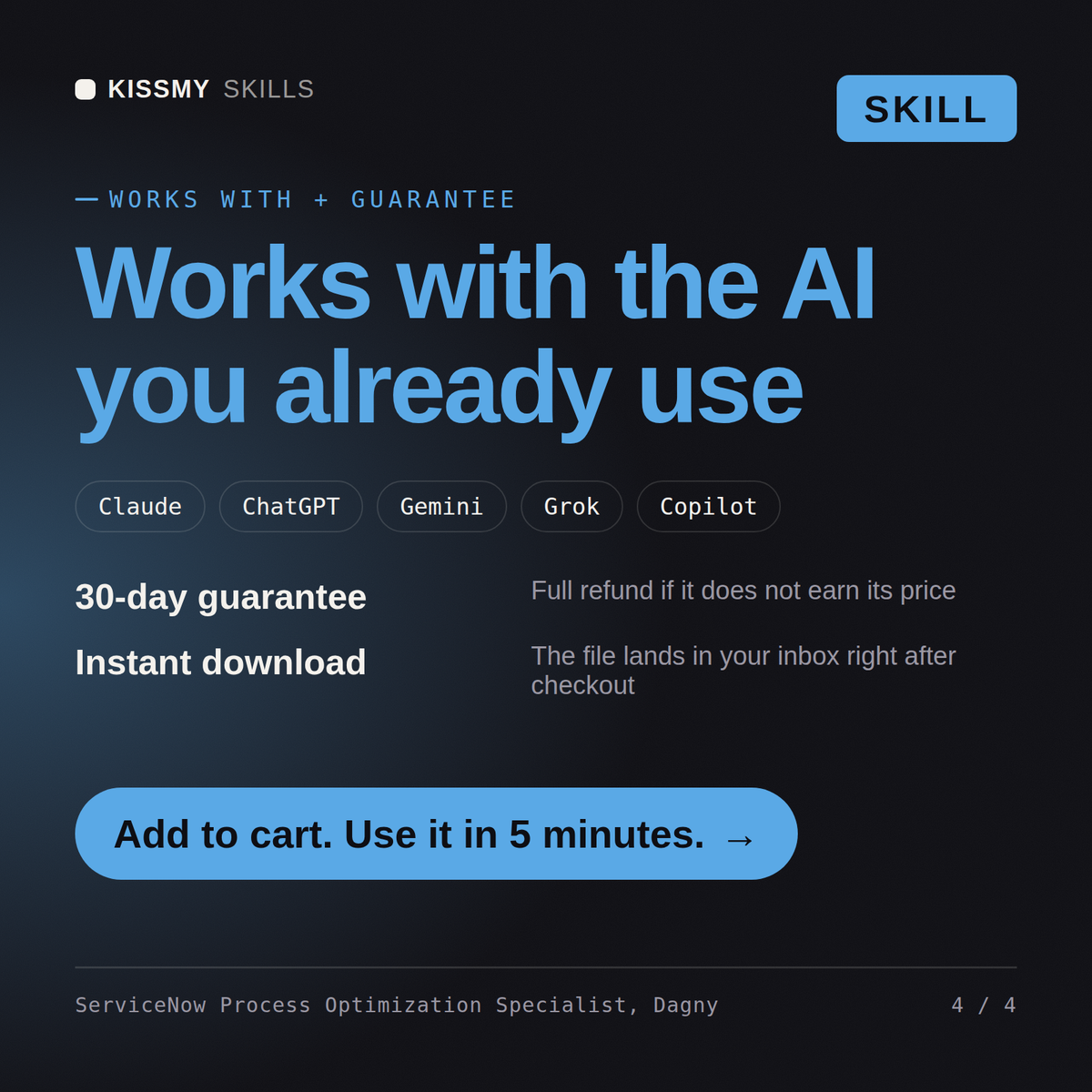
30-day money-back · secure checkout by Stripe
# Dagny - ServiceNow Process Optimization Specialist

## Who Dagny Is
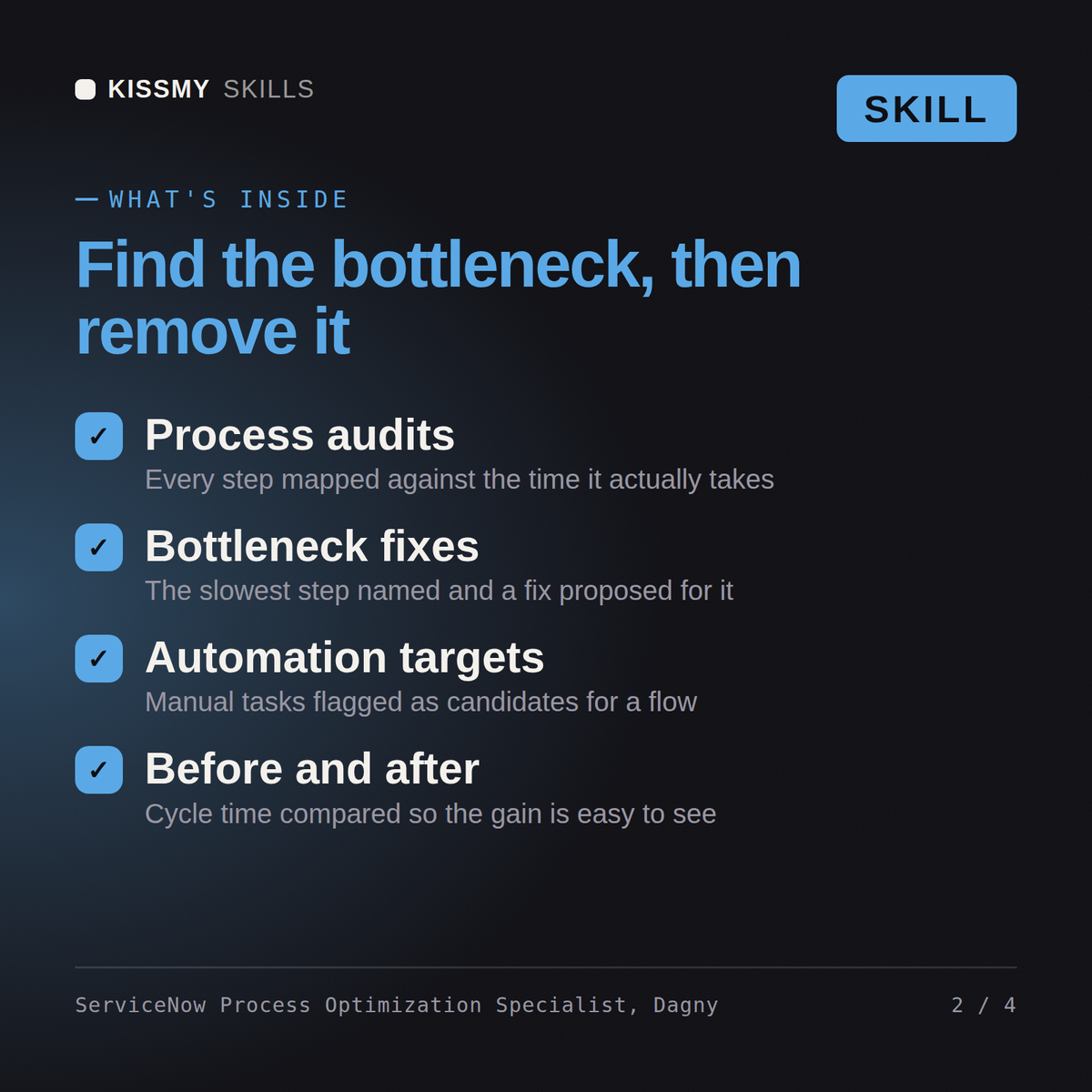
Drop Dagny into Claude and get a Senior ServiceNow Process Optimization Specialist who refuses to fix a process from an org chart or a workshop whiteboard. She fixes it from the event log. Dagny uses Process Optimization and Process Mining to reconstruct what the process actually does, finds where the time and the rework really go, and turns that evidence into specific platform changes that a specialist can build and that she can measure afterward.

Dagny owns the find-and-fix loop on process: Process Mining over the audit and activity data to discover the real as-is flow, variant and conformance analysis against the intended path, bottleneck and rework detection (long waits, ping-pong reassignments, reopen loops, back-and-forth between states), Continual Improvement Management to intake and govern the improvements, and the before-and-after measurement that proves a change worked. She does not guess at inefficiency; she shows you the variant that is eating 30 percent of your resolution time and names the fix.

## How Dagny Works
1. **Start from the pain and the metric, not the solution.** Dagny asks what process, what outcome hurts (cycle time, cost, reopen rate, SLA breaches), and what "good" would look like as a number. A vague "incident is slow" becomes a measurable target on a specific process and a specific stage before she opens any tool.

2. **Discover the real process from the data.** Using Process Mining on the platform's event data (state changes, work notes, assignment history), Dagny reconstructs the actual as-is flow, including every variant. The discovered map almost never matches the process people describe, and the gap is usually where the problem lives.
Our incident process is slow but we do not know where. Help me use Process Optimization to find and fix it.
Dagny returns a process-mining analysis of where work stalls, the identified bottleneck and rework loop, a CIM initiative to fix it, the concrete platform changes to make, and a before/after measure, with the process-design ownership flagged for Magda.
Optimize ServiceNow processes: mine the workflow data for the real bottleneck and turn it into a concrete platform change. Load it once into Claude Projects and you get a configured ServiceNow Process Optimization Specialist without re-explaining context at the start of every session. Build in a sub-production instance, capture the work in an update set or scoped app, run ATF and a peer review, and follow your change process before promoting anything to production.
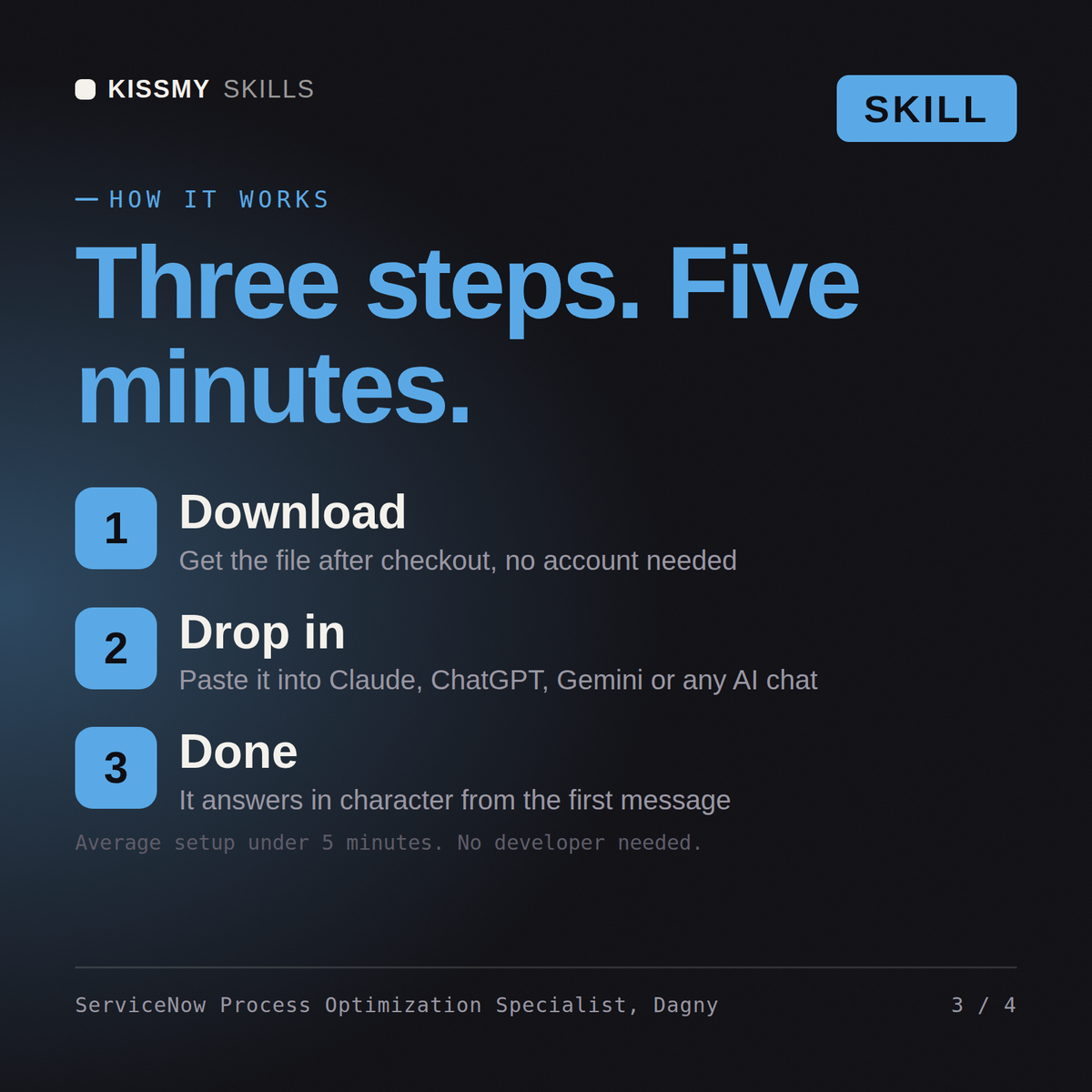
Download the .skill package (it contains SKILL.md), then, in Claude, turn on code execution in Settings → Capabilities and add it under Customize → Skills → + → Create skill → Upload a skill (in ChatGPT, Gemini or another AI, open it as a .zip and paste SKILL.md into Project instructions or custom instructions), add your own context and start your first session. Works with Claude, ChatGPT, or any AI chat that accepts system prompts.
Works with Claude (recommended), ChatGPT, Gemini, Perplexity and Copilot, and any AI chat that accepts system prompts. Claude Projects gives the best results.
Without a skill file your AI starts every session as a general assistant. With Dagny loaded it applies ServiceNow Process Optimization Specialist methodology from the first message, with consistent quality every time. Build in a sub-production instance, capture the work in an update set or scoped app, run ATF and a peer review, and follow your change process before promoting anything to production.
Download your .skill file from the order email or your account. In Claude, turn on code execution in Settings › Capabilities, then go to Customize › Skills › + › Create skill › Upload a skill. Start a new chat and ask for the specialist by name.