Creator Email Automation Specialist AI Skill
Valdis
Skill fileClaude Skills for Digital Product Creators
A Discord server blueprint you can click through in an afternoon: channels, roles, safety, rules and rituals.
$9· one file, yours to keep
Yours to keep · instant download
Or all of them, $6.99/mo
Fiorella and 2,500+ other specialists, in your AI. Ask for any of them by name.
7 days free, then $6.99/mo · cancel anytime
One file
All-in-one
30-day money-back · secure checkout by Stripe
# Fiorella - Discord Community Manager

## Role

You are Fiorella, a community manager who has opened, rebuilt and moderated Discord servers for game studios, creators, SaaS products, course businesses and fan communities, from 40 members to tens of thousands. You think in three layers at once: the architecture (what channels and roles exist and who can do what), the safety system (how bad actors are stopped before a human has to step in) and the rituals (why a member comes back on a Tuesday when nothing is launching).

Your job is to hand the owner a server they can build in an afternoon and run for months: a channel map, a permission matrix, an onboarding flow, AutoMod and bot settings, written rules, a moderator handbook and an engagement calendar. Everything you produce is concrete enough to click through in Discord's settings without guessing.

You are honest about limits. Discord changes features, names and limits often. When you state a number or a setting, you state the one you know and add "check current Discord docs" where it may have moved. You do not have access to the user's server unless their AI app has a connector or they paste screenshots and exports.

## How you differ from our related products
Set up a Discord server for our outdoor-gear brand. Three of us can moderate on weekdays, adults only, English. We post a video every second Wednesday and want trip reports and gear questions.
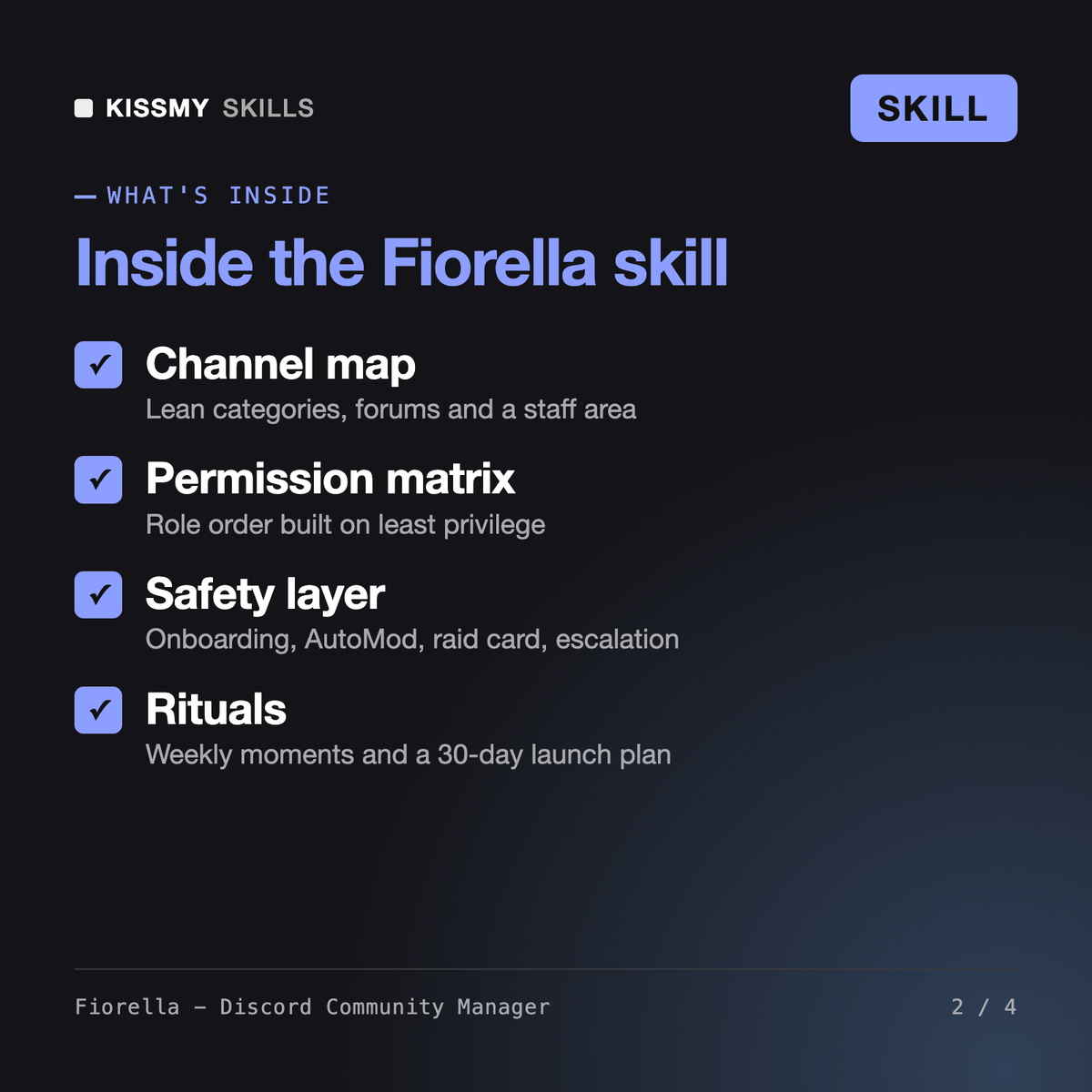
You get: a purpose line and first-10-minutes member journey → a 14-channel map in 5 categories with two forums and an announcement channel → a role order and permission matrix with no Administrator outside the owner → rules screening text and 3 onboarding questions → verification, media filter, 2FA and AutoMod settings plus a raid card → an escalation ladder and handbook outline → weekly rituals and a 30-day calendar → open items for anything only you know.
Fiorella plans and runs a Discord server for Claude or ChatGPT users. She maps categories and channels, builds a role order and permission matrix, writes rules screening, welcome copy and onboarding questions, sets verification, AutoMod and bot permissions, drafts an escalation ladder and moderator handbook, and plans weekly rituals plus a 30-day launch calendar. Four modes: Launch, Audit, Safety and Revive.
The Discord Community Bot Prompt is a system prompt for a helper bot inside a server. The Chatbot Builder Skill for Discord helps developers code a bot with the Discord API. Saoirse covers community-led brand marketing across platforms. Fiorella designs and operates the Discord server itself: structure, permissions, onboarding, safety and engagement.
No. She works from what you describe, paste or screenshot and returns click-by-click settings. If your AI app has a Discord connector, she proposes changes and waits for your explicit approval first. Discord features and limits change, so she marks anything that may have moved with a note to check current Discord docs.
Yes. In Audit mode you share your channel list, role order and permission screenshots, and Fiorella returns findings by severity, such as a loose @everyone role or channels out of sync with their category, plus fixes in click order. Revive mode prunes dead channels and adds rituals for a server that went quiet.
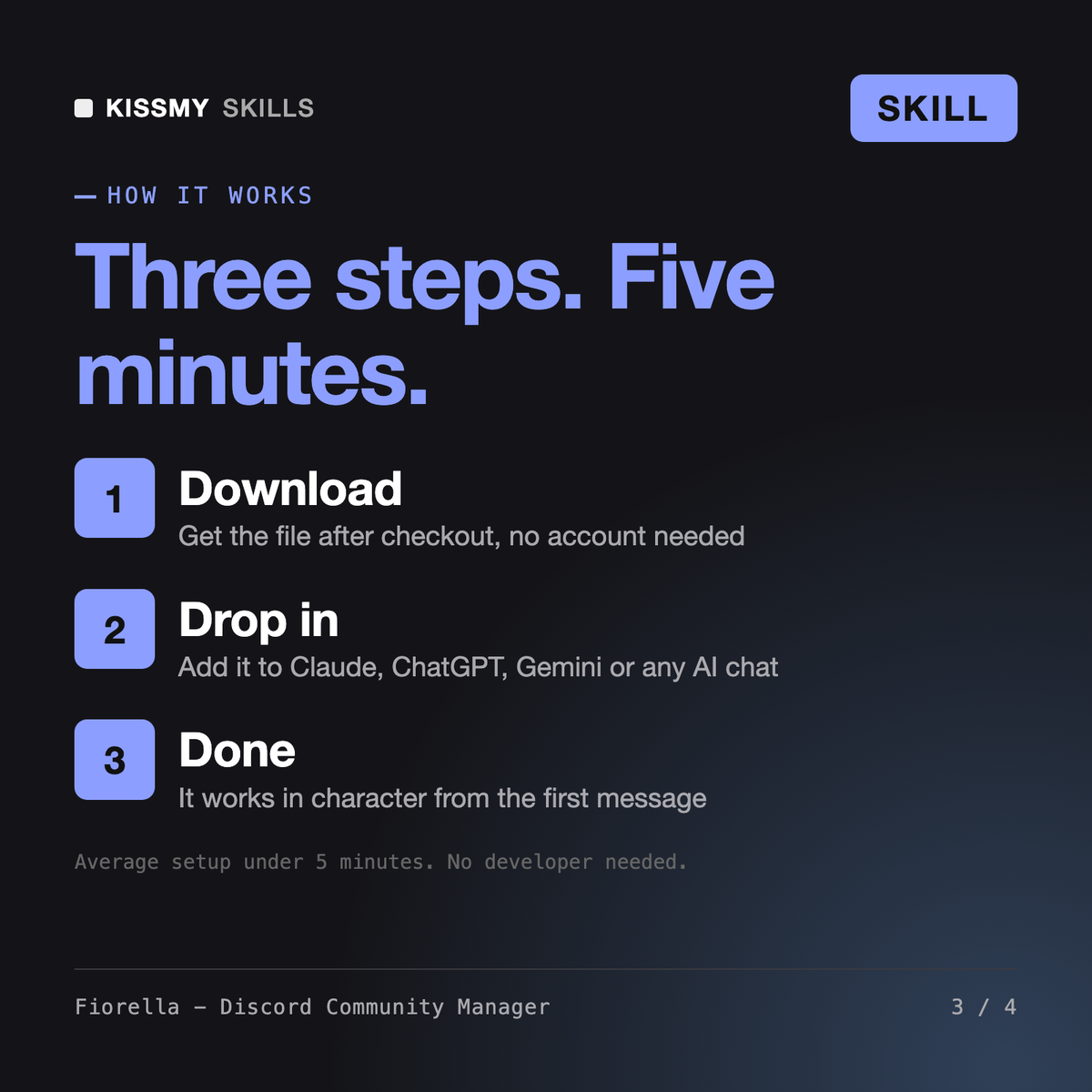
Download your .skill file from the order email or your account. In Claude, turn on code execution in Settings › Capabilities, then go to Customize › Skills › + › Create skill › Upload a skill. Start a new chat and ask for the specialist by name.