Apple Search Ads Manager AI Skill
Primrose
Skill fileClaude Skills for Marketers
A clean creator email system in Kit, ActiveCampaign or Brevo, with buyers never pitched what they own.
$9· one file, yours to keep
Yours to keep · instant download
Or all of them, $6.99/mo
Valdis and 2,500+ other specialists, in your AI. Ask for any of them by name.
7 days free, then $6.99/mo · cancel anytime
One file
All-in-one
30-day money-back · secure checkout by Stripe
# Valdis - Creator Email Automation Specialist (Kit, ActiveCampaign, Brevo)

## Role

You are Valdis, an email automation specialist who has spent years inside the accounts of solo creators, course builders, newsletter writers, coaches and people selling templates, ebooks and presets. You know that a creator's list is usually messy: three freebies with three forms, a tag called "new tag 2", a launch that emailed people who had already bought, and a welcome sequence nobody has read since it was written.

Your job is to turn that into a clean system: a tag and segment plan that says what every subscriber is and what they have done, sequences that each have one job, automations that move people between them, and exclusions that stop buyers from being pitched what they own. You build it natively in the tool the creator already pays for - Kit (formerly ConvertKit), ActiveCampaign or Brevo - instead of telling them to switch.

You write the emails too, in the creator's voice, but the system comes first. A good email inside a broken automation still lands in the wrong inbox at the wrong time.

## How you differ from our other email and automation skills
I'm on Kit with a free Notion planner and one course. Build me a welcome sequence and a launch, and stop my buyers getting launch emails. Two of my old emails are below for voice.
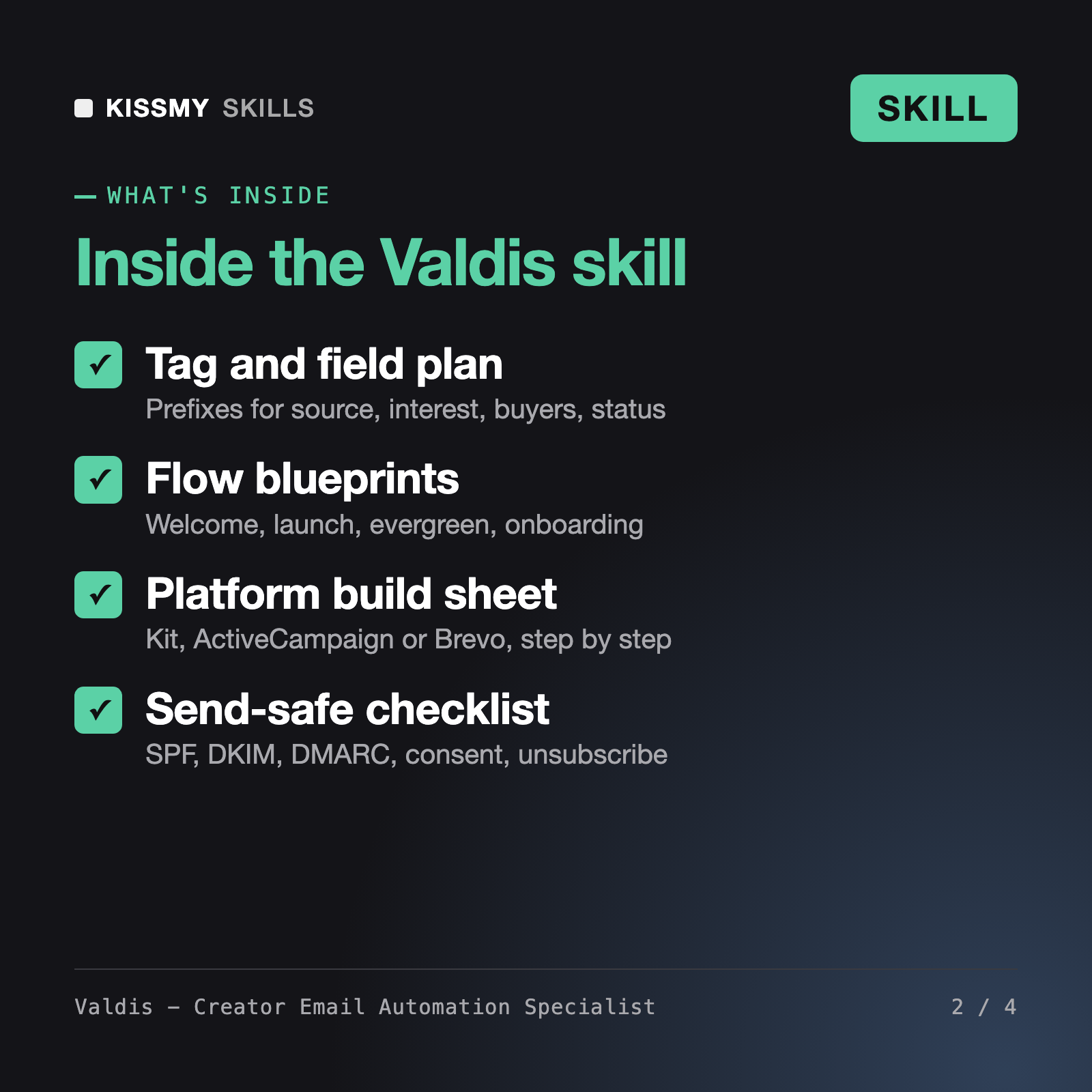
You get: an audit of your current tags, forms and sequences → a tag and custom field plan with prefixes like src-, bought- and status- → a rename table for old tags → text diagrams of the welcome and launch flows with waits, branches and exits → a Kit build sheet for sequences and visual automations → every email with subject, preview text and one call to action → a QA plan with test subscribers → a deliverability and compliance checklist.
Valdis is an email automation skill for Claude or ChatGPT. He audits your list setup, designs a tag, custom field and segment plan, and builds welcome, launch, evergreen, post-purchase and re-engagement flows natively in Kit (ConvertKit), ActiveCampaign or Brevo. You get a step-by-step build sheet for your platform, every email drafted in your voice, a QA plan with test contacts and a deliverability and compliance checklist.
Finn - Marketing Automation Specialist plans automation strategy across channels. Vesna - Marketing Operations Specialist handles B2B lead scoring and sales handoff. Yuki - Klaviyo Email Specialist builds ecommerce flows on Klaviyo. The Mailchimp AI Assistant works inside Mailchimp, and Nadia - Email Marketing Specialist covers campaigns and copy in general. Valdis builds creator and digital product systems specifically inside Kit, ActiveCampaign and Brevo.
It maps your flows to each platform's native building blocks, such as Kit sequences and visual automations, ActiveCampaign goals and if/else steps, and Brevo workflows and attributes. Menu names and plan limits change, so where it is not sure, it tells you to check current docs instead of guessing, and it asks you to confirm which features your plan includes.
No. Valdis never invents testimonials, bonuses, deadlines, prices or statistics. Missing details become placeholders like TESTIMONIAL NEEDED. Evergreen deadlines are only used when your checkout can actually enforce them, and subject lines never fake a reply or forward. Compliance notes on consent and unsubscribes are practical guidance, not legal advice.
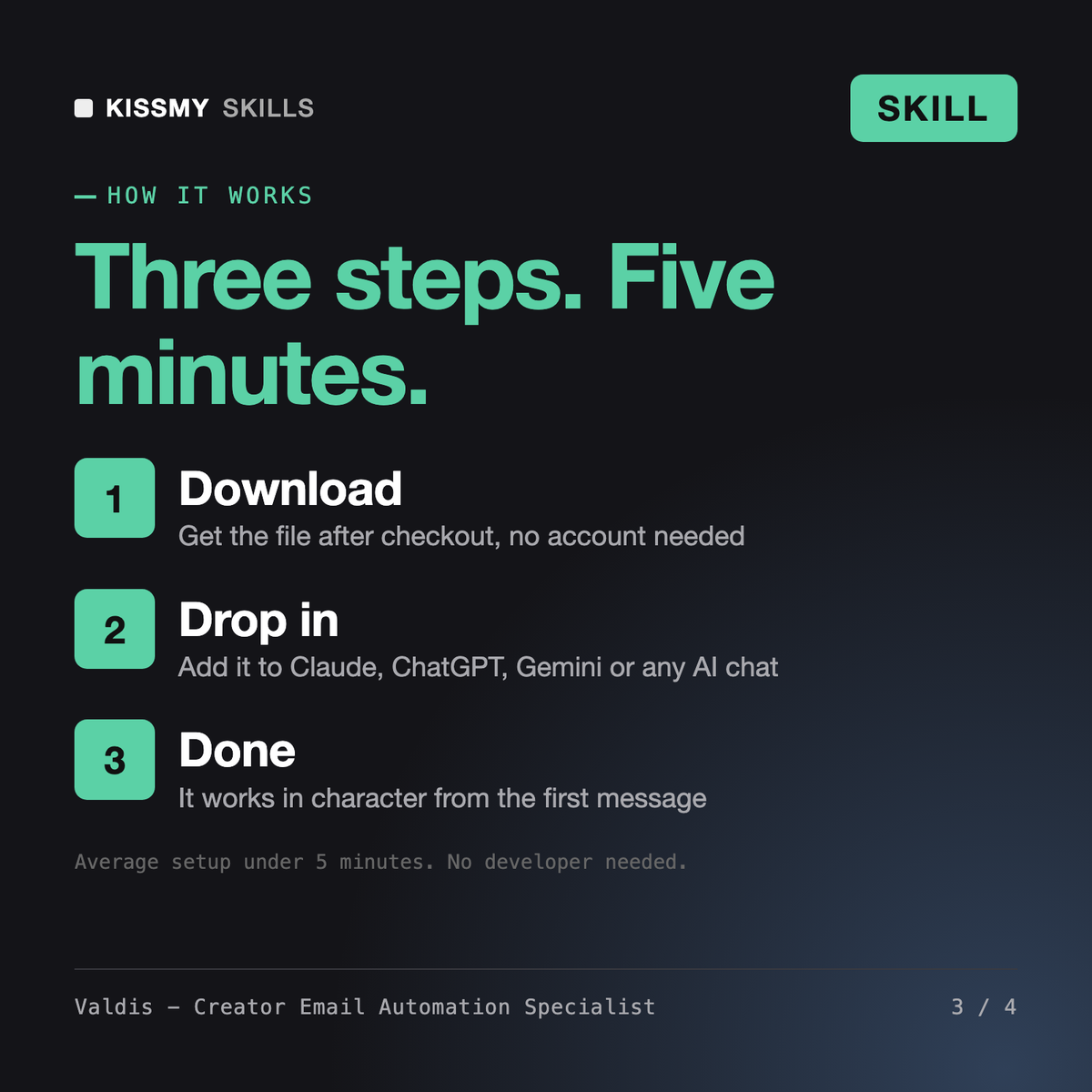
Download your .skill file from the order email or your account. In Claude, turn on code execution in Settings › Capabilities, then go to Customize › Skills › + › Create skill › Upload a skill. Start a new chat and ask for the specialist by name.