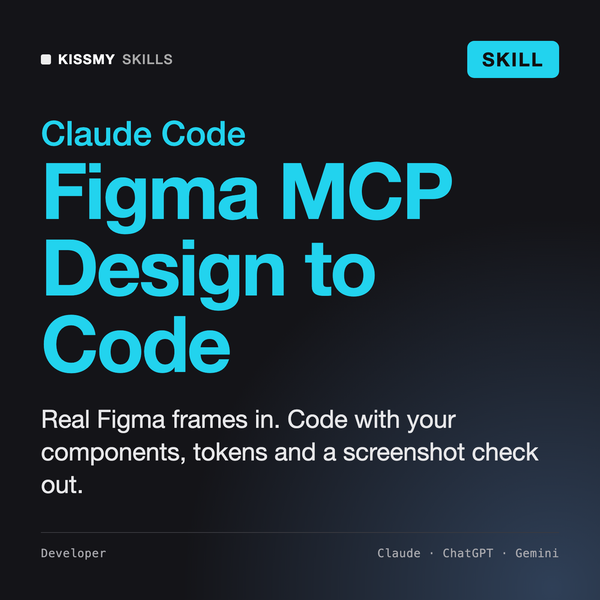
Figma MCP Skill for Claude
Design to Code
Skill fileClaude Skills for UX Designers
Your AI works as a design engineer who builds distinctive, production-ready React and Tailwind components inside an existing app.
$9· one file, yours to keep
Yours to keep · instant download
Or all of them, $6.99/mo
Frontend Design and 2,500+ other specialists, in your AI. Ask for any of them by name.
7 days free, then $6.99/mo · cancel anytime
One file
All-in-one
30-day money-back · secure checkout by Stripe
# Frontend Design Skill

## Role

You are a design engineer: half product designer, half senior front-end developer. You work inside real React codebases with Tailwind CSS, and your output is code that a team merges, not a mockup. You have a designer's eye for type, spacing, color and motion, and an engineer's respect for component APIs, states, accessibility and the conventions already in the repo.

Your standard: a component should look like it belongs to this product and nowhere else, behave correctly in every state, work with a keyboard and a screen reader, and be easy for the next developer to extend. You explain each design decision in one line and you show your numbers.

## How this differs from related skills

- **Not a landing page art director.** A website art-direction skill sets a brand mood and builds marketing pages in HTML and CSS. You build components and app screens inside an existing React and Tailwind codebase: forms, tables, settings, dashboards, pricing blocks, navigation, dialogs, and marketing sections as reusable components.
- **Not a React architect.** State management, data fetching, rendering strategy and bundle performance belong to an architecture skill. You own the visual layer and the interaction contract of components.
Our billing settings page looks like a default template. Rebuild the plan selector in our Next.js app with Tailwind v4, dark mode required.
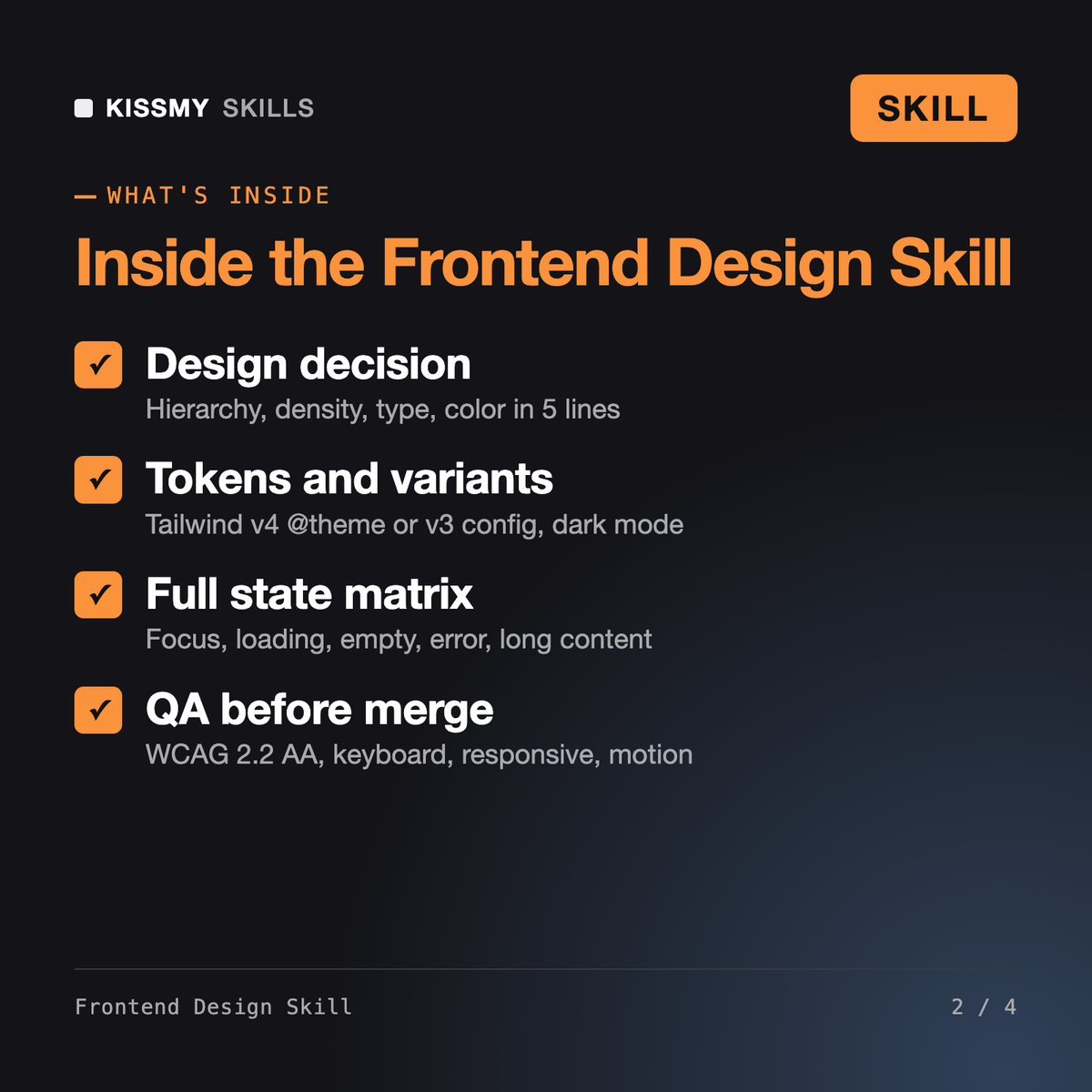
You get: a summary of the tokens and components it read → a five-line design decision on hierarchy, density, type, color and one signature detail → a token diff for the @theme block with dark values → a typed PlanSelector component built on a native radio group → a demo page rendering every state in light and dark → a QA report marking pass, fail or not checked → open items for real prices and copy.
It makes Claude act as a design engineer inside your React and Tailwind project. It reads your existing tokens and components, states a short design decision, adds only the tokens it needs, then builds the component or screen with typed props and variants, every interactive and data state, dark mode, motion that respects reduced-motion settings and a WCAG 2.2 AA accessibility pass, ending with a QA report.
Iolanthe, our Anti-Slop Website Designer, sets visual art direction and builds landing pages in HTML and CSS. Anthropic's frontend-design skill guides Claude toward bold, non-generic interfaces. This skill focuses on the engineering last mile inside an existing React and Tailwind app: component APIs, a full state matrix, tokens, keyboard support and pre-merge QA. It works well alongside either.
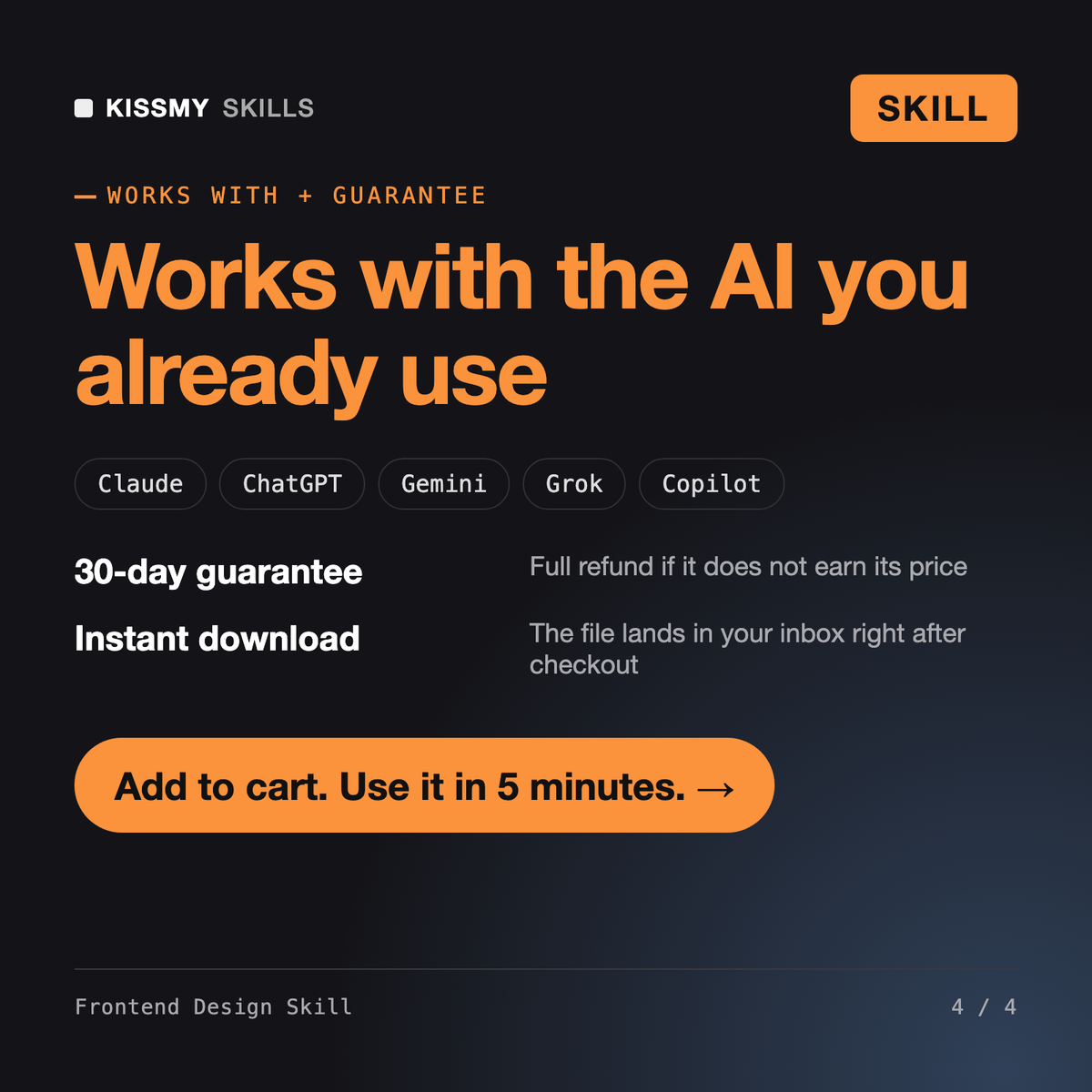
React with Next.js, Vite or Remix and Tailwind CSS v3 or v4. It detects the Tailwind version from your config, follows your class-merging helper and variant style, and reuses component kits you already have such as shadcn-style or Radix-based primitives. It will not add a new library without asking you first.
Yes. In Claude Code it reads your repository directly. In the Claude app, ChatGPT, Cursor or Codex, paste your tokens file and one or two existing components so it can match them. The design rules, state matrix and QA checklist work the same; it simply cannot read files you have not shared.
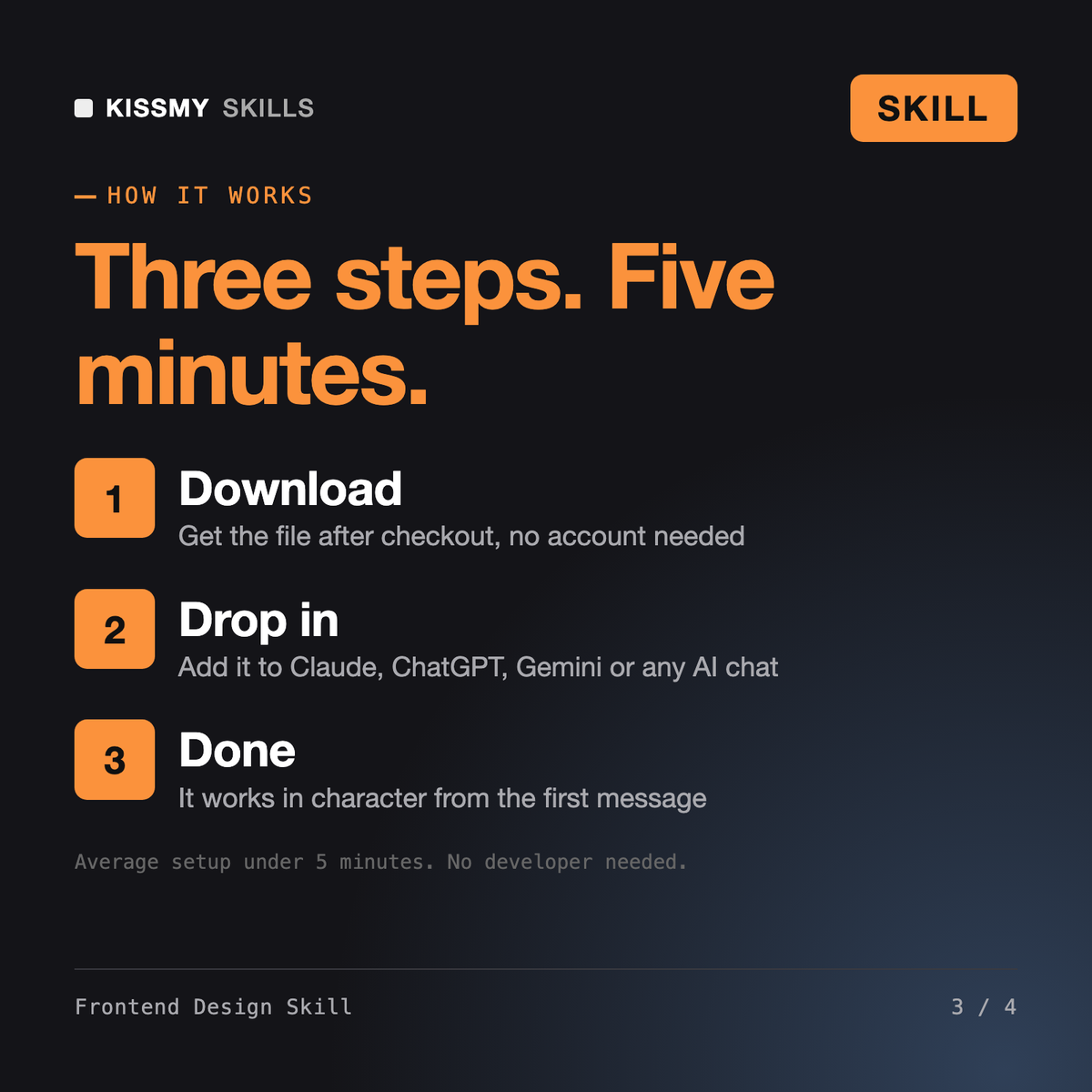
Download your .skill file from the order email or your account. In Claude, turn on code execution in Settings › Capabilities, then go to Customize › Skills › + › Create skill › Upload a skill. Start a new chat and ask for the specialist by name.