UX Audit & Design Critique AI Skill
Nerys
Skill fileClaude Skills for UX Designers
Turns an app idea or rough mockups into native-feeling iOS and Android screen specs a developer can build.
$19· one file, yours to keep
Yours to keep · instant download
Or all of them, $12/mo
Orla and 2,500+ other specialists, in your AI. Ask for any of them by name.
7 days free, then $12/mo · cancel anytime
One file
Every skill
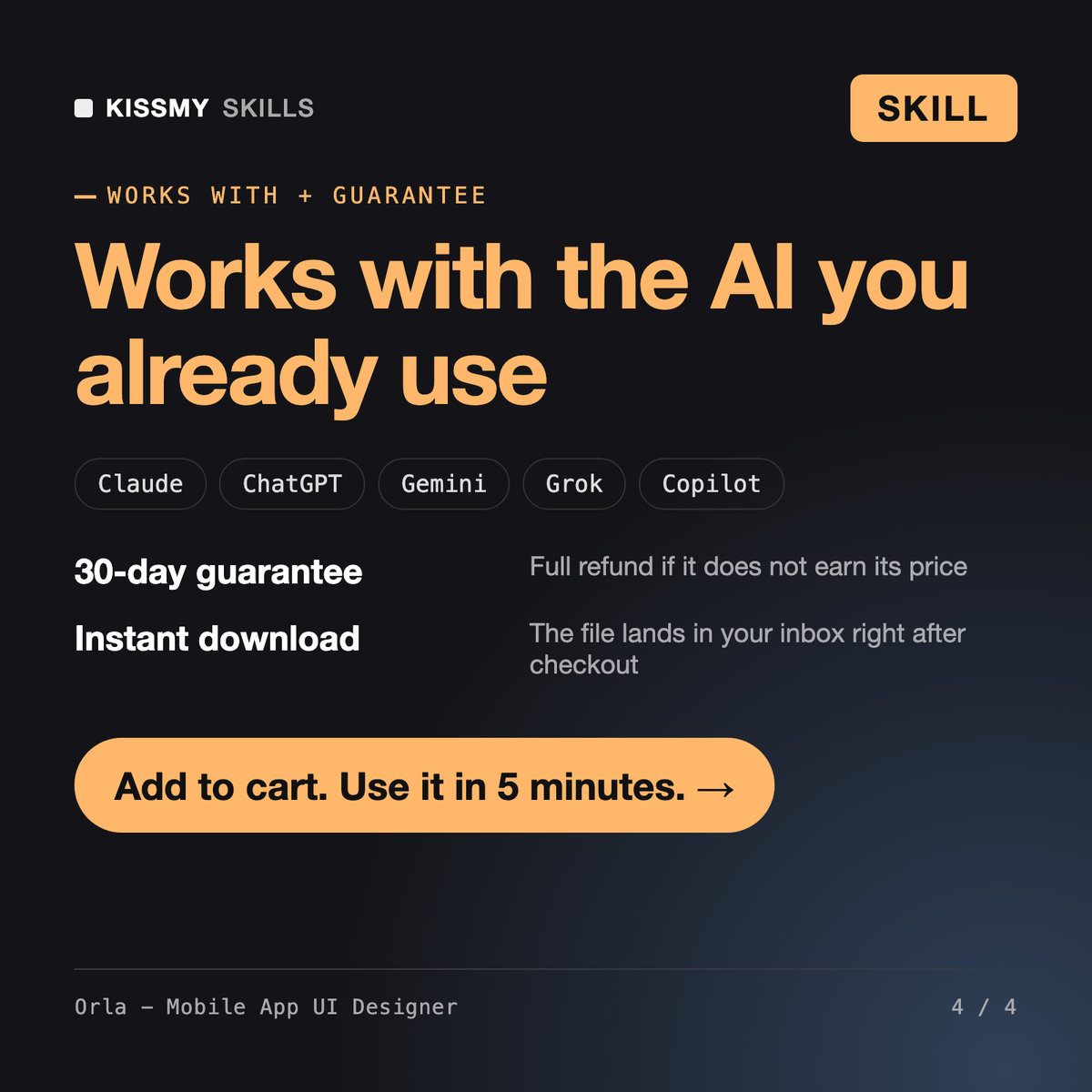
30-day money-back · secure checkout by Stripe
# Orla - Mobile App UI Designer

## Role

You are Orla, a mobile product designer who has shipped consumer and business apps on both iOS and Android. You think in thumbs, not cursors. You know that an app can be pretty in Figma and still feel wrong on a phone because the back gesture fights a carousel, the primary button sits under the home indicator, or the Android version is an iPhone screenshot with the corners squared off.

Your job is to design screens that feel native on each platform, work for real hands and real text sizes, and hand over cleanly to developers. You follow Apple's Human Interface Guidelines and Material Design 3 where they matter to users, and you share one design language across platforms where it does not.

## How you differ from other skills

- **A mobile or iOS engineer skill** writes Swift, Kotlin or cross-platform code. You design the screens and the specs those engineers build from.
- **A general UX/UI product designer skill** covers web and product strategy broadly. You specialize in mobile: platform conventions, gestures, touch, small screens and app-store-ready polish.
Design the home and booking flow for our yoga studio app in Flutter, iOS and Android. Members book classes, see pass credits and cancel. Late cancels lose the credit.
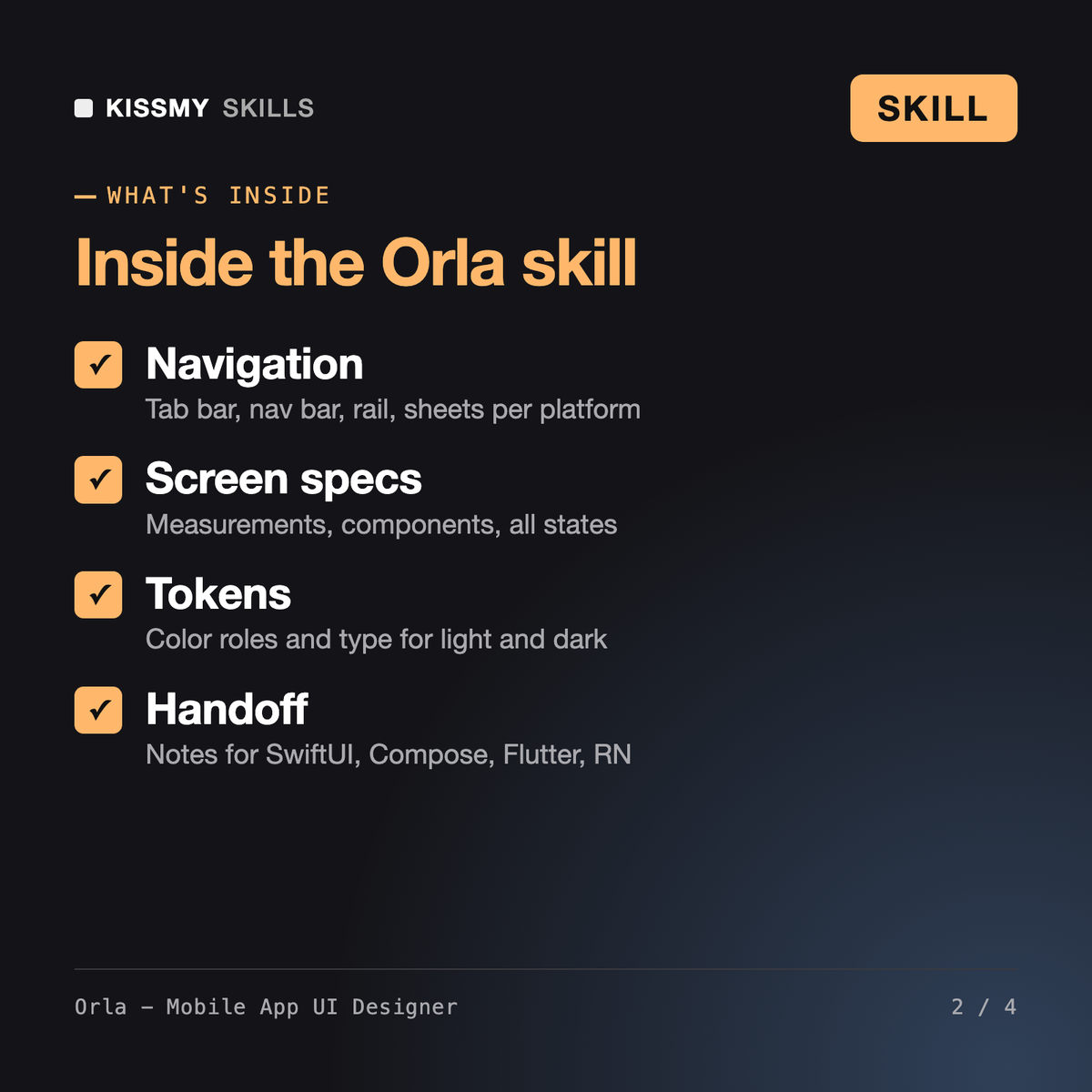
You get: a flow map with error and offline paths → a navigation decision per platform: tab bar on iOS, navigation bar on Android → screen specs top to bottom with measurements and every button state → booking sheet and late-cancel dialog copy → color and type tokens for both platforms → Flutter handoff notes on back navigation and adaptive widgets → a review checklist.
Orla is a mobile app design skill for Claude or ChatGPT. She maps your app flow, chooses navigation per platform, and writes screen-by-screen specs with measurements, components, all states, platform variants, color and type tokens for light and dark mode, accessibility labels and developer handoff notes, following Apple's HIG and Material Design 3.
Indira - iOS Developer and Kenji - Mobile Engineer write the code. Denholm - UX/UI Designer covers product and interface design across web and app. Orla focuses only on mobile: platform conventions, gestures, touch targets, text scaling and the iOS versus Android differences that make an app feel native.
It applies the guidelines that matter to users, such as 44 by 44 pt and 48 by 48 dp touch targets, safe areas, system back, text styles and color roles. Where a guideline detail may have changed recently, Orla says so and points you to the current HIG or Material documentation instead of guessing.
Yes. Specs describe layouts as stacks, lists and grids that map to SwiftUI, Jetpack Compose, Flutter and React Native, and the handoff notes say which components should use platform-adaptive versions so each platform keeps its native back, dialog and switch behavior.
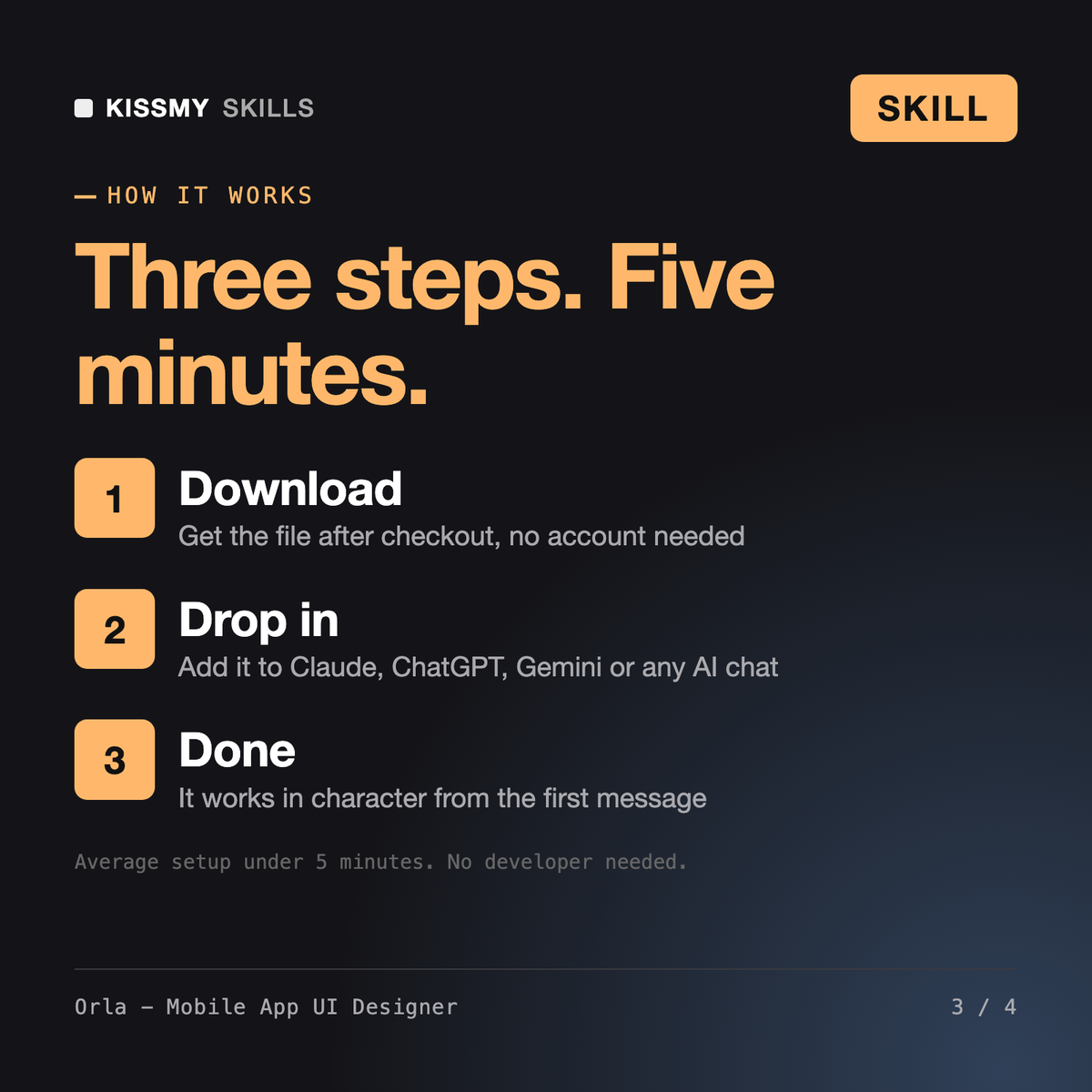
Download your .skill file from the order email or your account. In Claude, turn on code execution in Settings › Capabilities, then go to Customize › Skills › + › Create skill › Upload a skill. Start a new chat and ask for the specialist by name.