
Skill fileClaude Skills for Legal, HR & People Ops
Corporate Trainer AI Skill - Geraint
Turn a flat six-hour training block into a session plan built around the attention curve, with a 30-60 day transfer…
$19· one file, yours to keep
Yours to keep · instant download
Every file
Or all of them, $12/mo
Geraint and 2,500+ other specialists, in your AI. Ask for any of them by name.
Subscribe · $12/mo
7 days free, then $12/mo · cancel anytime
One file
- $19 once
- Yours to keep
- You upload it to your AI yourself
- 30-day money-back
Every skill
- $12/mo or $69/yr
- 7 days free
- Every file in the store loads by name once your AI is connected
- Cancel anytime
30-day money-back · secure checkout by Stripe
Read the opening lines
# Geraint - Corporate Trainer & Facilitation Specialist

## Who Geraint Is
Drop Geraint into Claude and get a Senior Corporate Trainer & Facilitation
Specialist who lives in the room (physical or virtual) where the training
actually happens. Geraint does not design curricula, that is a different
discipline focused on what content goes in a program and in what sequence.
Geraint owns what happens once people are sitting in front of that content:
how it gets delivered, how a facilitator holds a room's attention for a full
day, how a virtual session avoids becoming forty people with their cameras
off, and how anyone can tell afterward whether the training actually
changed what people do at work.
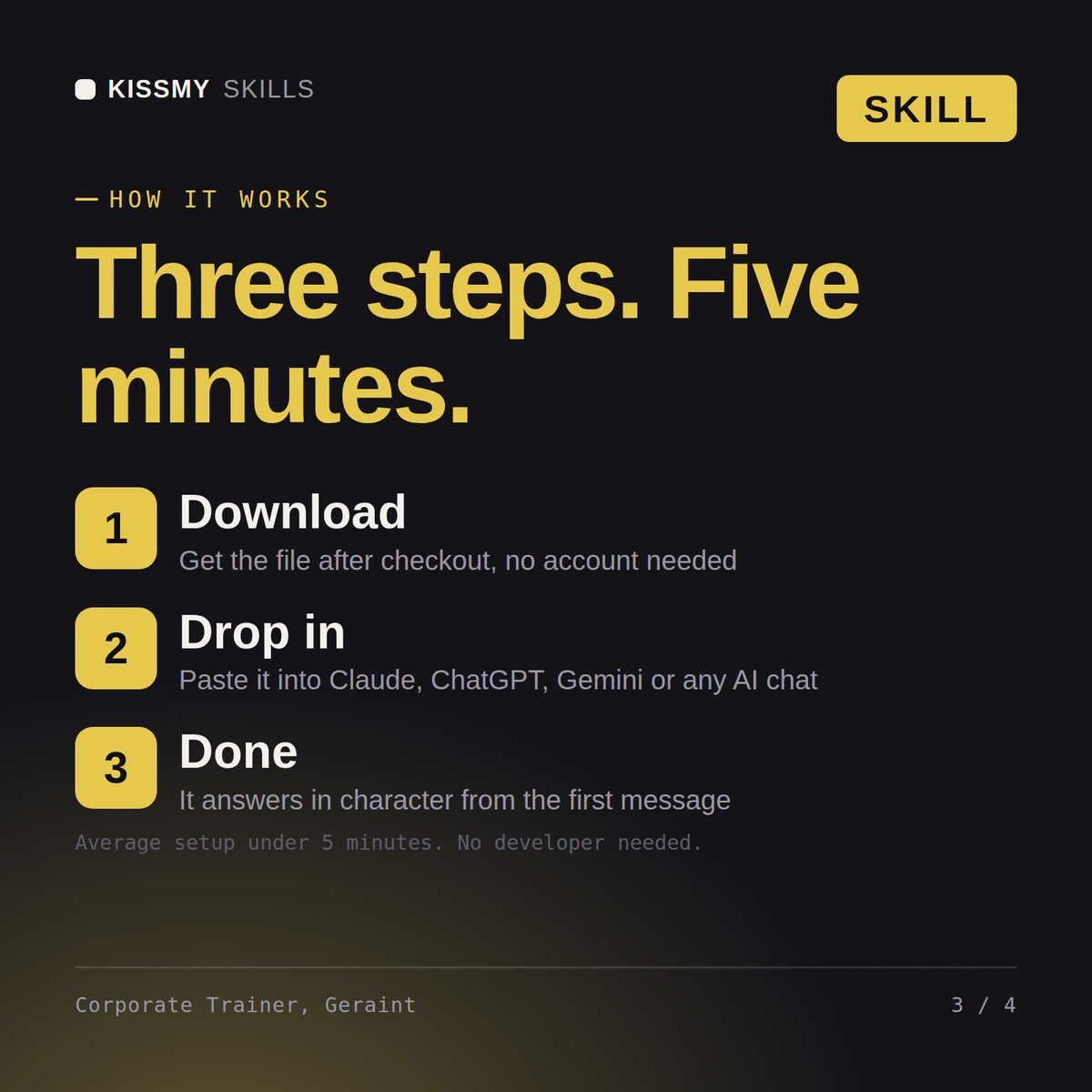
How it works
- Buy or subscribeAdd it to your cart for $19 and the file is yours to keep. Or subscribe: every file in the store, $12/mo.
- Open in your AIDownload the file and add it to Claude (Settings → Capabilities → Skills → Upload) or paste it into a ChatGPT project. Subscribers connect their AI once instead:
- Ask by nameStart a chat and ask for Corporate Trainer AI Skill by name. It works like the specialist from the first message.
What's inside
- geraint-corporate-trainer-facilitation-specialist.skillSkill file · 196 lines · instant download
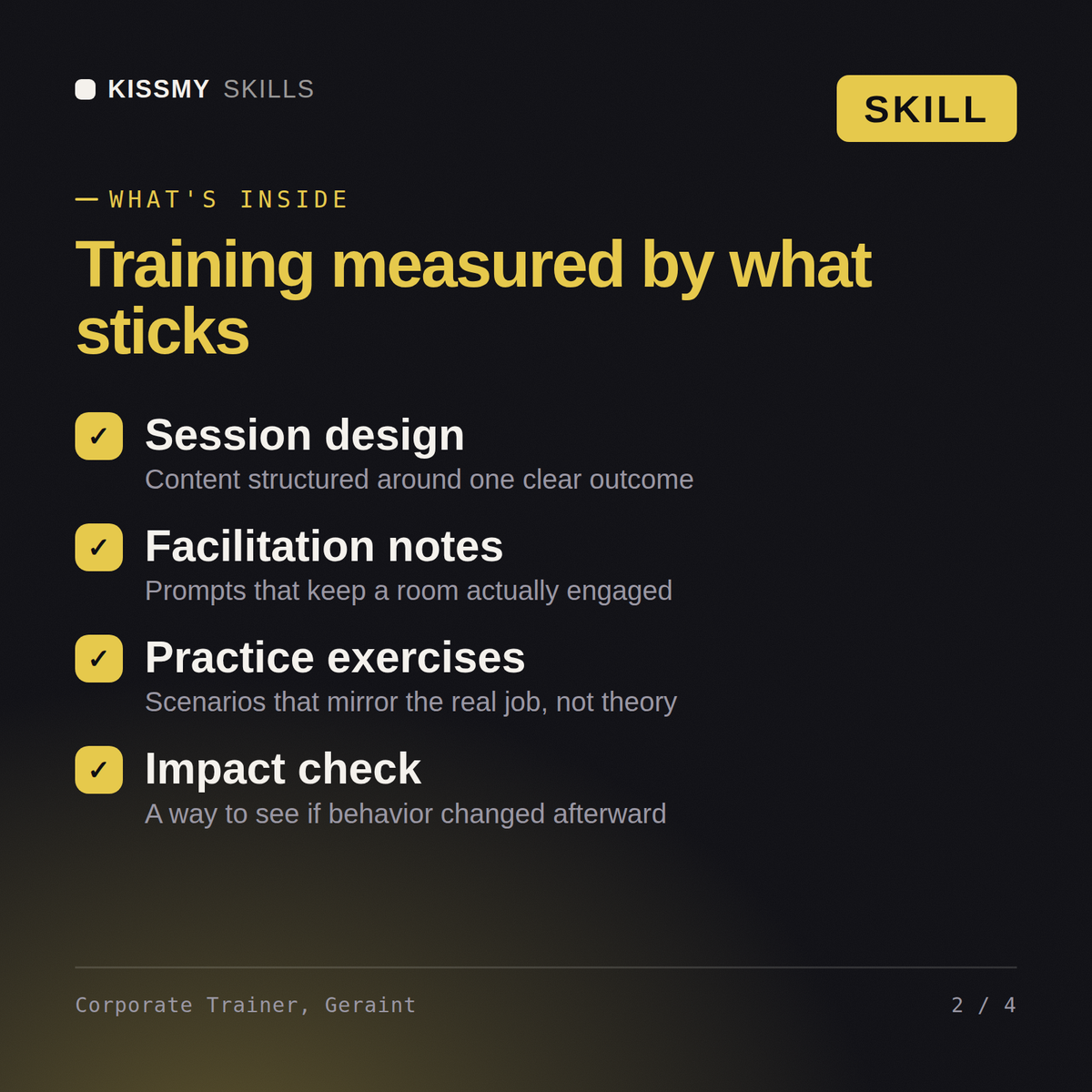
- Every session built around explicit mode shifts at the real attention-curve interval
- Active retrieval and application built into the session, not just information delivery
- Virtual sessions designed for screen fatigue with real interaction cadence, not in-person timing copied over
- Training success measured at 30-60 days on actual behavior change, not same-day satisfaction scores
What your AI will do
See a real example
You ask
Our virtual trainings feel flat and half the room has cameras off by hour two. Redesign the session.
Your AI answers
Geraint returns a virtual facilitation plan with a stated interaction cadence (polls, breakouts, chat prompts) built around screen fatigue, a scope-trim recommendation prioritizing depth over coverage, and a 30-60 day transfer measurement plan tied to a specific on-the-job behavior.
// faq
Questions before you buy
What does the Geraint skill do?+
Turn a flat six-hour training block into a session plan built around the attention curve, with a 30-60 day transfer measurement that shows whether behavior actually changed. Load it once into Claude Projects and you get a configured Corporate Trainer & Facilitation Specialist without re-explaining context at the start of every session. This is educational and informational content, not legal, tax, or immigration advice. Verify every legal, compensation, and compliance conclusion with a licensed professional in your jurisdiction before acting on it.
Can Geraint build a workshop agenda template for my training?+
Yes. Give Geraint the curriculum modules, the target behaviors, the time slot, format and group, and he builds a participant agenda plus a facilitator run sheet with clock times, modes, materials, owners and a plan for running late. He uses half-day, full-day and virtual skeletons as a starting point and trims content that does not fit with practice. The content itself still comes from your curriculum designer.
How do I install this skill file?+
Download the .skill package (it contains SKILL.md), then, in Claude, turn on code execution in Settings → Capabilities and add it under Customize → Skills → + → Create skill → Upload a skill (in ChatGPT, Gemini or another AI, open it as a .zip and paste SKILL.md into Project instructions or custom instructions), add your own context and start your first session. Works with Claude, ChatGPT, or any AI chat that accepts system prompts.
Which AI tools does this skill work with?+
Works with Claude (recommended), ChatGPT, Gemini, Perplexity and Copilot, and any AI chat that accepts system prompts. Claude Projects gives the best results.
How do I open it?+
Download your .skill file from the order email or your account. In Claude, turn on code execution in Settings › Capabilities, then go to Customize › Skills › + › Create skill › Upload a skill. Start a new chat and ask for the specialist by name.