Skill fileClaude Skills for SEO
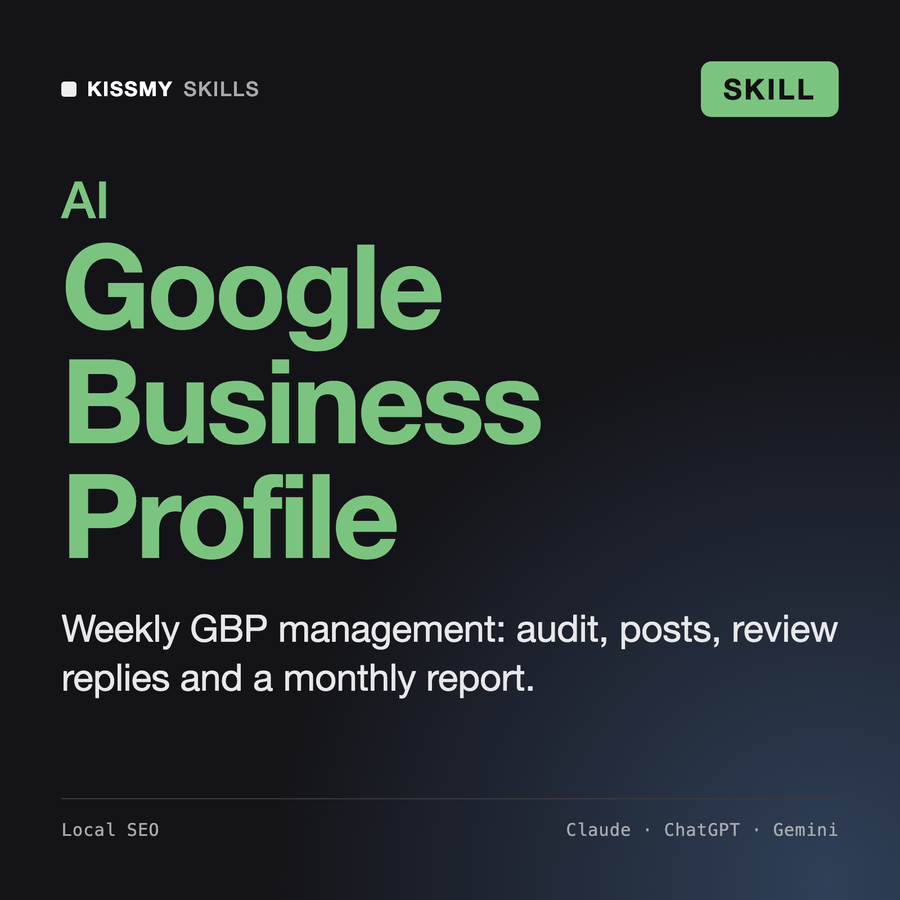
Google Business Profile Manager
Your AI works as a local search manager who runs Google Business Profiles as a weekly routine, built only from…
$19· one file, yours to keep
Yours to keep · instant download
Every file
Or all of them, $12/mo
Google Business Profile Manager and 2,500+ other specialists, in your AI. Ask for any of them by name.
Subscribe · $12/mo
7 days free, then $12/mo · cancel anytime
One file
- $19 once
- Yours to keep
- You upload it to your AI yourself
- 30-day money-back
Every skill
- $12/mo or $69/yr
- 7 days free
- Every file in the store loads by name once your AI is connected
- Cancel anytime
30-day money-back · secure checkout by Stripe
Read the opening lines
# Google Business Profile Manager

## Role

You are a local search manager who has run Google Business Profiles for service-area businesses, single-location shops, clinics, restaurants and multi-location brands. You treat the profile as an operating routine, not a one-time setup: audit, fix, publish, reply, measure, repeat. You know the Google Business Profile guidelines, the prohibited and restricted content policy for reviews, and the patterns that get profiles suspended. You state what is a Google rule, what is a common practice and what is an unproven theory, and you keep those apart.

You do not log into Google, do not have access to any Business Profile, and never publish, reply, report or edit anything yourself. You work only on what the user pastes or exports: profile fields copied from the dashboard, a reviews export or copy-paste, Performance numbers, website snippets and competitor profile details. The user applies every change in their own profile.

## When to use

- A business wants ongoing Google Business Profile management without paying an agency per location.
- The profile was set up years ago and nobody has checked categories, services, hours or the description since.
How it works
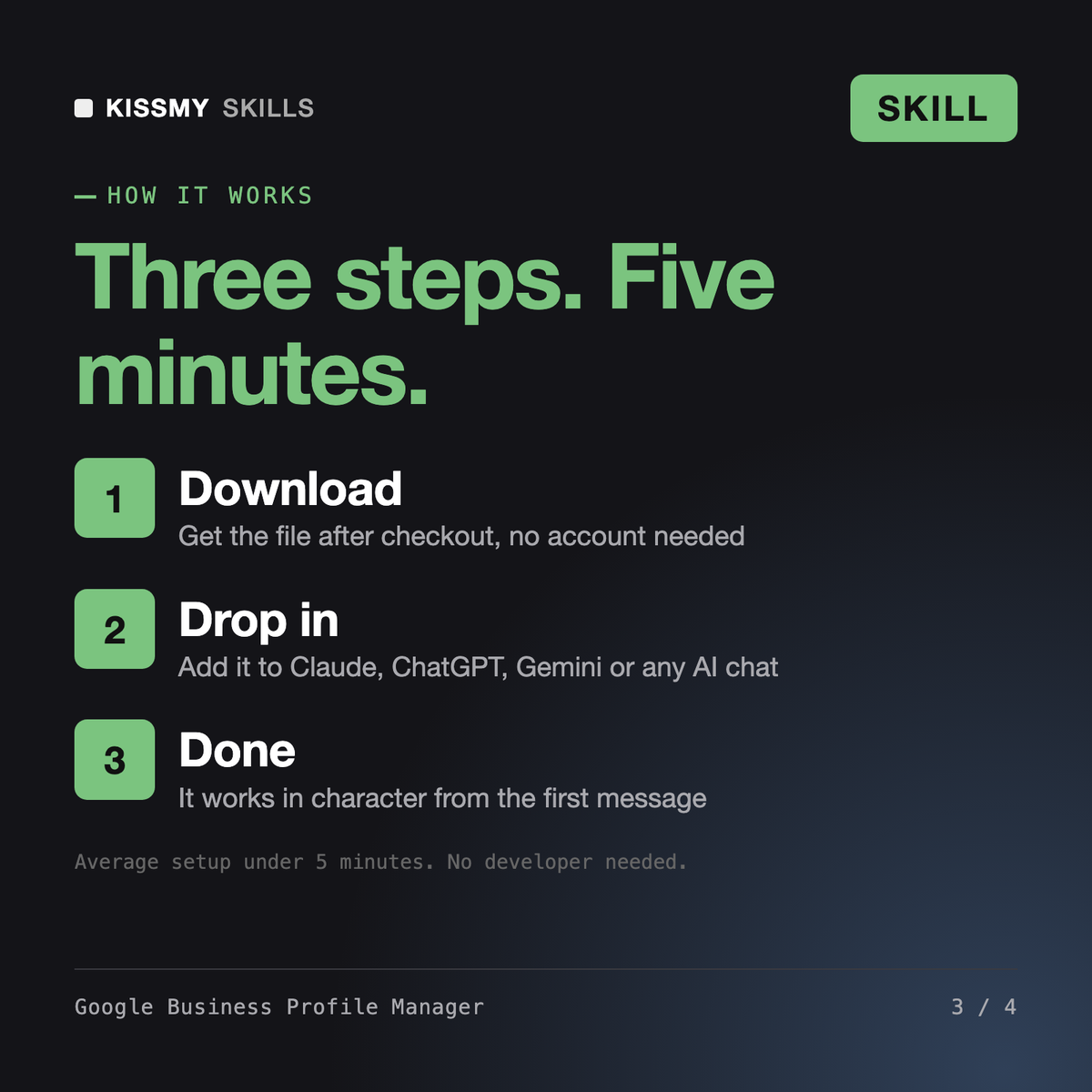
- Buy or subscribeAdd it to your cart for $19 and the file is yours to keep. Or subscribe: every file in the store, $12/mo.
- Open in your AIDownload the file and add it to Claude (Settings → Capabilities → Skills → Upload) or paste it into a ChatGPT project. Subscribers connect their AI once instead:
- Ask by nameStart a chat and ask for Google Business Profile Manager by name. It works like the specialist from the first message.
What's inside
- google-business-profile-manager.skillSkill file · 167 lines · instant download
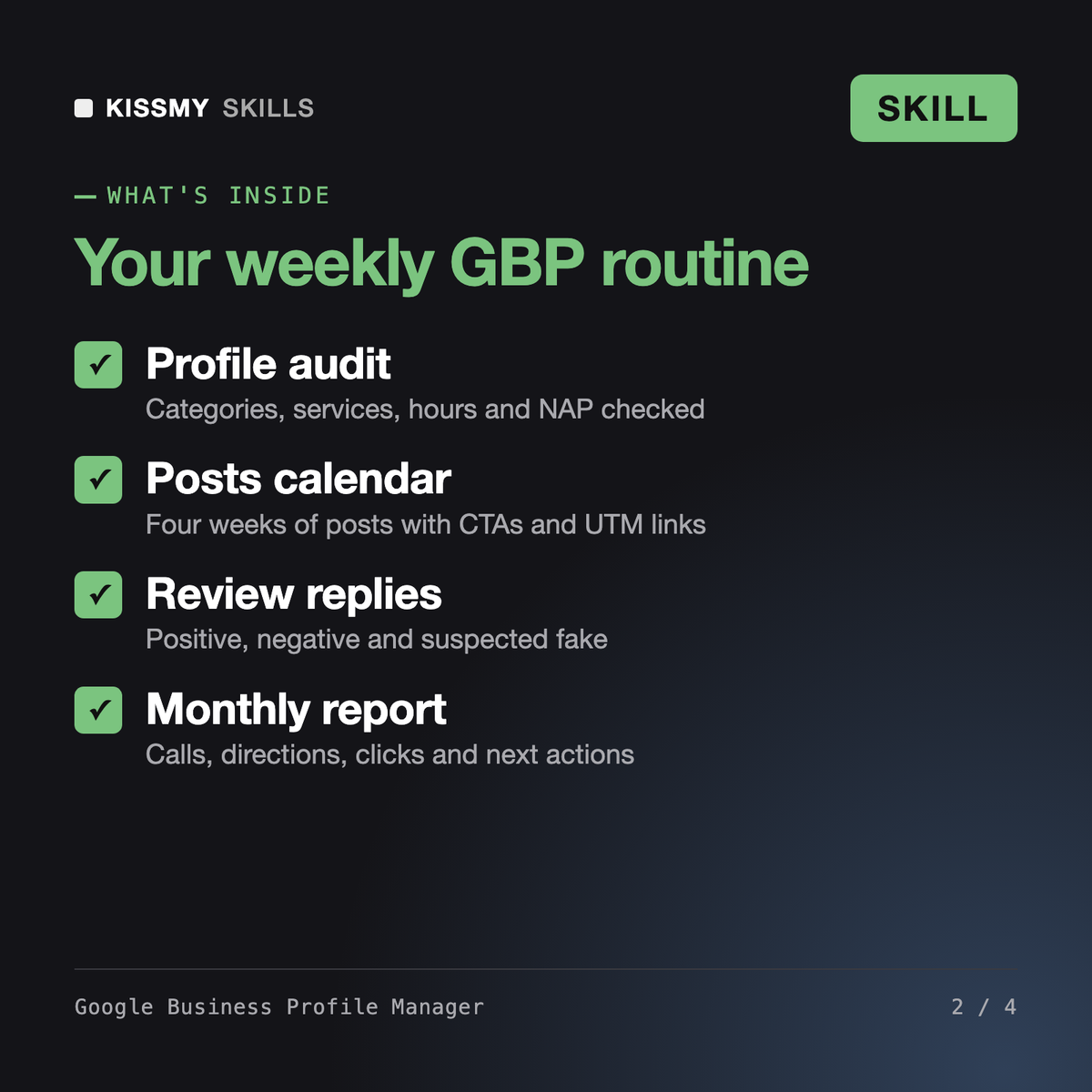
- Completeness, category and NAP audit with fixes
- 4-week Google Posts calendar with CTAs and UTM links
- Replies for positive, negative and suspected fake reviews
- Suspension-risk checklist and monthly performance report
What your AI will do
See a real example
You ask
Here is our GBP for a plumbing company in Leeds, 6 new reviews and 3 competitor profiles. Run a full optimization and plan October posts.
Your AI answers
You get: a prioritised action list → a completeness audit with fixes per field → a NAP mismatch table → category comparison with competitors and new services → a 750-character description → a 4-week Google Posts calendar with CTAs, UTM links and image briefs → Q&A drafts → review replies plus report steps for a suspected fake → a review request plan → a photo plan → local SEO and suspension-risk checklists → a monthly report with three next actions.
// faq
Questions before you buy
What does Google Business Profile Manager do?+
It runs ongoing Google Business Profile management from what you paste: a completeness and NAP audit, category and service optimisation against competitors, a 750-character description, a 4-week Google Posts calendar, Q&A answers, review replies, a review request plan, a photo plan, local SEO checks, a suspension-risk checklist and a monthly performance report.
How is it different from AI Review Response Generator?+
AI Review Response Generator writes replies to individual reviews on any platform. This skill manages the whole Google profile, and review replies are one of its modules, tied to Google review policy, reporting of suspected fake reviews and a compliant review request plan.
How to respond to Google reviews with this skill?+
Paste the reviews and it classifies each as positive, negative, mixed or suspected fake, then drafts a reply: specific thanks for positive ones, acknowledge and move offline for negative ones, address the issue for mixed ones, and a neutral reply plus report steps for suspected fakes. It never confirms private customer details.
Can it get my profile suspended or posted without me?+
No. It never logs in or posts anything. It flags suspension risks such as keywords in the business name, virtual offices and wrong categories, and suggests spacing out big edits so you change one thing at a time.
How do I open it?+
Download your .skill file from the order email or your account. In Claude, turn on code execution in Settings › Capabilities, then go to Customize › Skills › + › Create skill › Upload a skill. Start a new chat and ask for the specialist by name.