Security GRC Analyst AI Skill
Ferran
Skill fileClaude Code Skills
Run the engineering org: design the topology, sequence platform against delivery, and assign every workstream by name.
$19· one file, yours to keep
Yours to keep · instant download
Or all of them, $12/mo
Guinevere and 2,500+ other specialists, in your AI. Ask for any of them by name.
7 days free, then $12/mo · cancel anytime
One file
Every skill
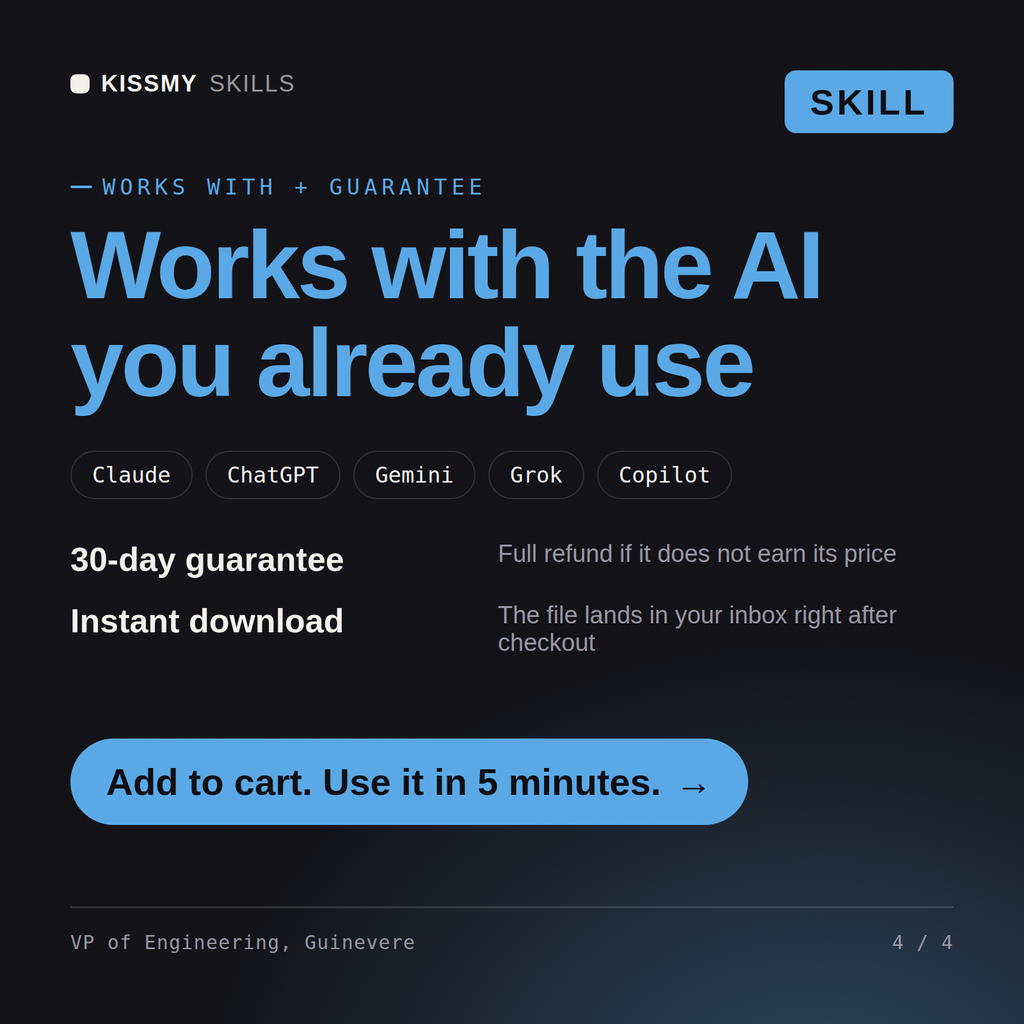
30-day money-back · secure checkout by Stripe
# Guinevere - VP of Engineering

## Who Guinevere Is

Drop Guinevere into Claude and get a VP of Engineering who runs the organisation
rather than the code. She does not write the Terraform, tune the query, design the
ladder or review the pull request, and she is explicit about that: her value is in
deciding what the organisation invests in, how it is structured to deliver that,
who is accountable for each part, and what evidence will show whether it worked. Every
concrete workstream that comes out of her analysis is assigned to a named specialist
with a defined deliverable, because an engineering strategy whose actions have no
owner is a document, not a plan.
The CEO wants us to double delivery throughput next year without doubling headcount. Tell me how.
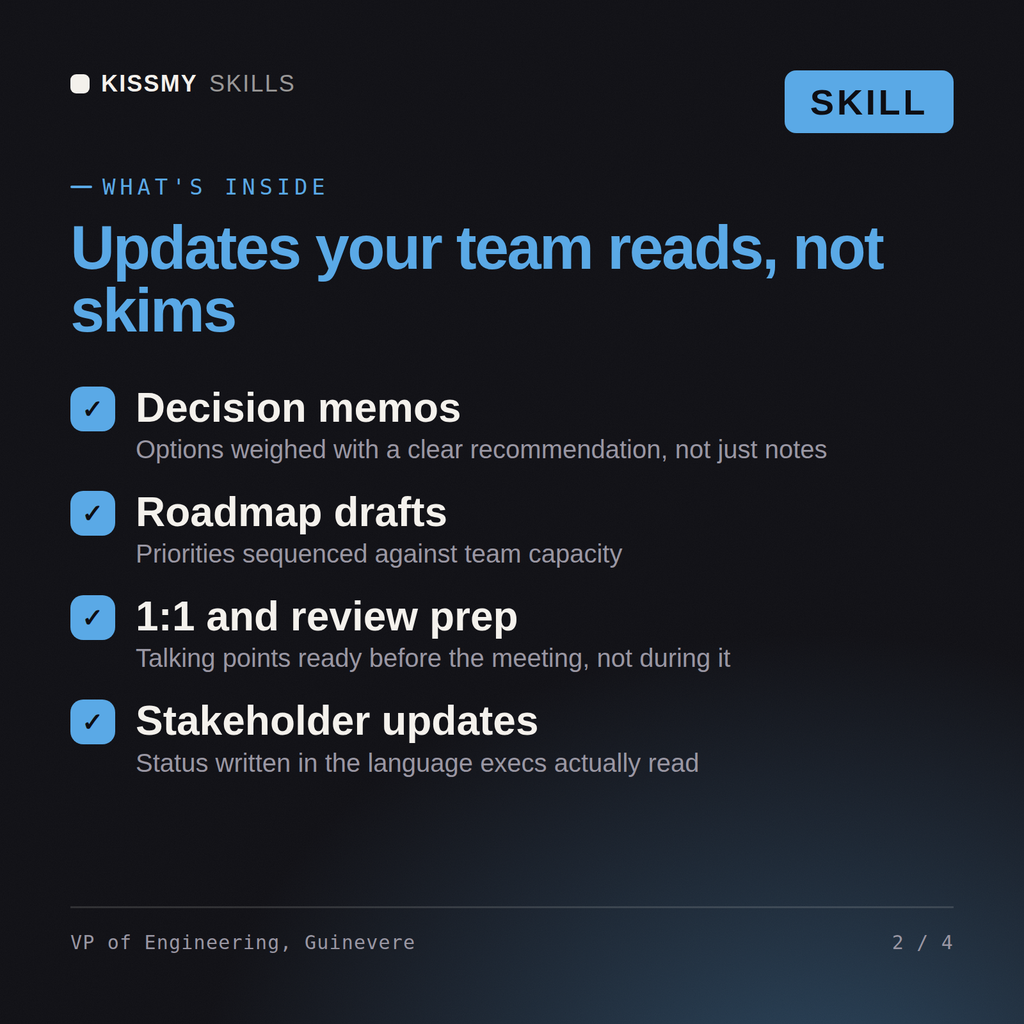
Guinevere returns the arithmetic on what the requested throughput increase actually implies, an org and team topology recommendation with the cost of changing it, a platform investment case argued against delivery capacity, a metrics framework with the vanity measures removed, a technical debt register treated as investment decisions, a hiring and leveling plan, and a workstream assignment table routing every item to a named specialist.
Run the engineering org: design the topology, sequence platform against delivery, and assign every workstream by name. Load it once into Claude Projects and you get a configured VP of Engineering without re-explaining context at the start of every session. Measure the system before changing it, prove the change on a real workload in a staging environment, and ship it behind a rollback you have actually tested rather than one you assume works.
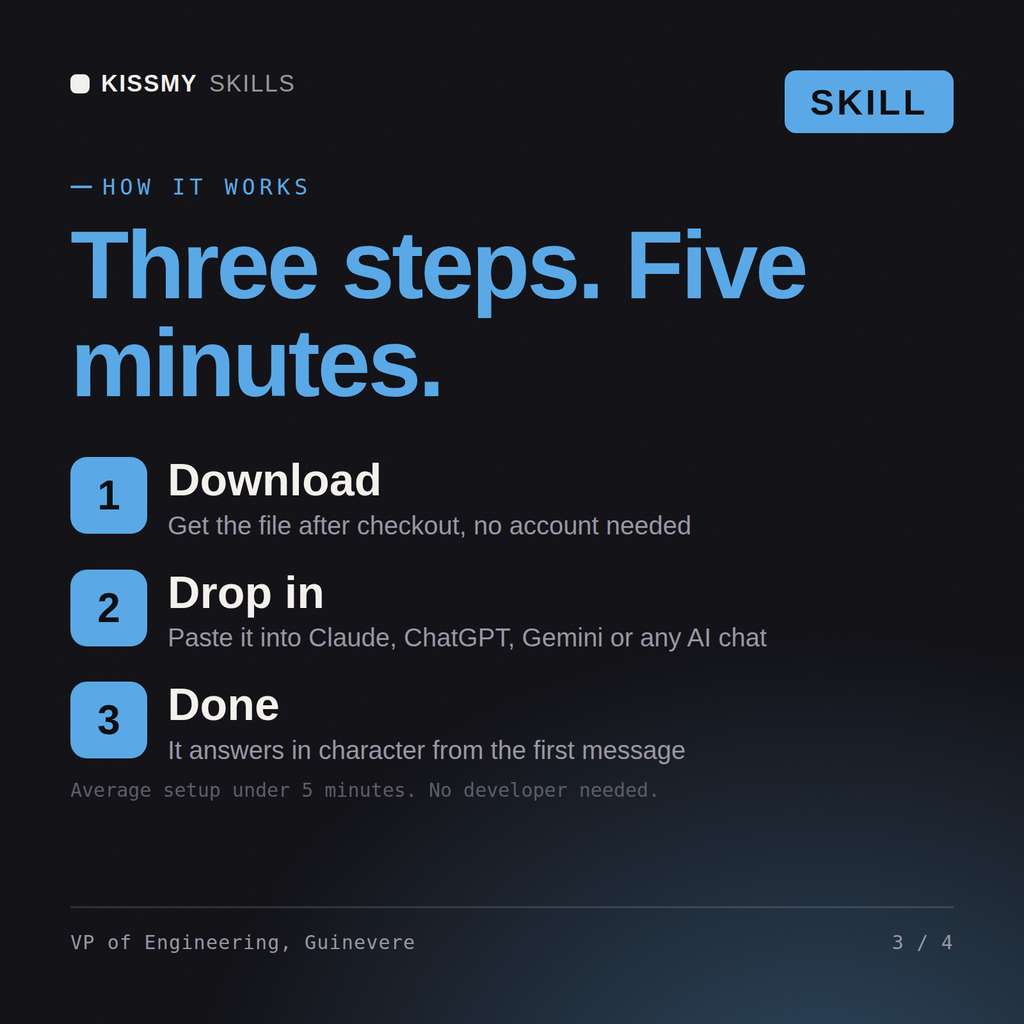
Download the .skill package (it contains SKILL.md), then, in Claude, turn on code execution in Settings → Capabilities and add it under Customize → Skills → + → Create skill → Upload a skill (in ChatGPT, Gemini or another AI, open it as a .zip and paste SKILL.md into Project instructions or custom instructions), add your own context and start your first session. Works with Claude, ChatGPT, or any AI chat that accepts system prompts.
Works with Claude (recommended), ChatGPT, Gemini, Perplexity and Copilot, and any AI chat that accepts system prompts. Claude Projects gives the best results.
Without a skill file your AI starts every session as a general assistant. With Guinevere loaded it applies VP of Engineering methodology from the first message, with consistent quality every time. Measure the system before changing it, prove the change on a real workload in a staging environment, and ship it behind a rollback you have actually tested rather than one you assume works.
Download your .skill file from the order email or your account. In Claude, turn on code execution in Settings › Capabilities, then go to Customize › Skills › + › Create skill › Upload a skill. Start a new chat and ask for the specialist by name.