Inbox Triage & Email Agent
Yorick

AI agentAI Agents for Small Business
A five-minute daily briefing where every item is dated, linked, scored and tied to your goals.
$19· one file, yours to keep
Yours to keep · instant download
Or all of them, $12/mo
Gwilym and 2,500+ other specialists, in your AI. Ask for any of them by name.
7 days free, then $12/mo · cancel anytime
One file
Every skill
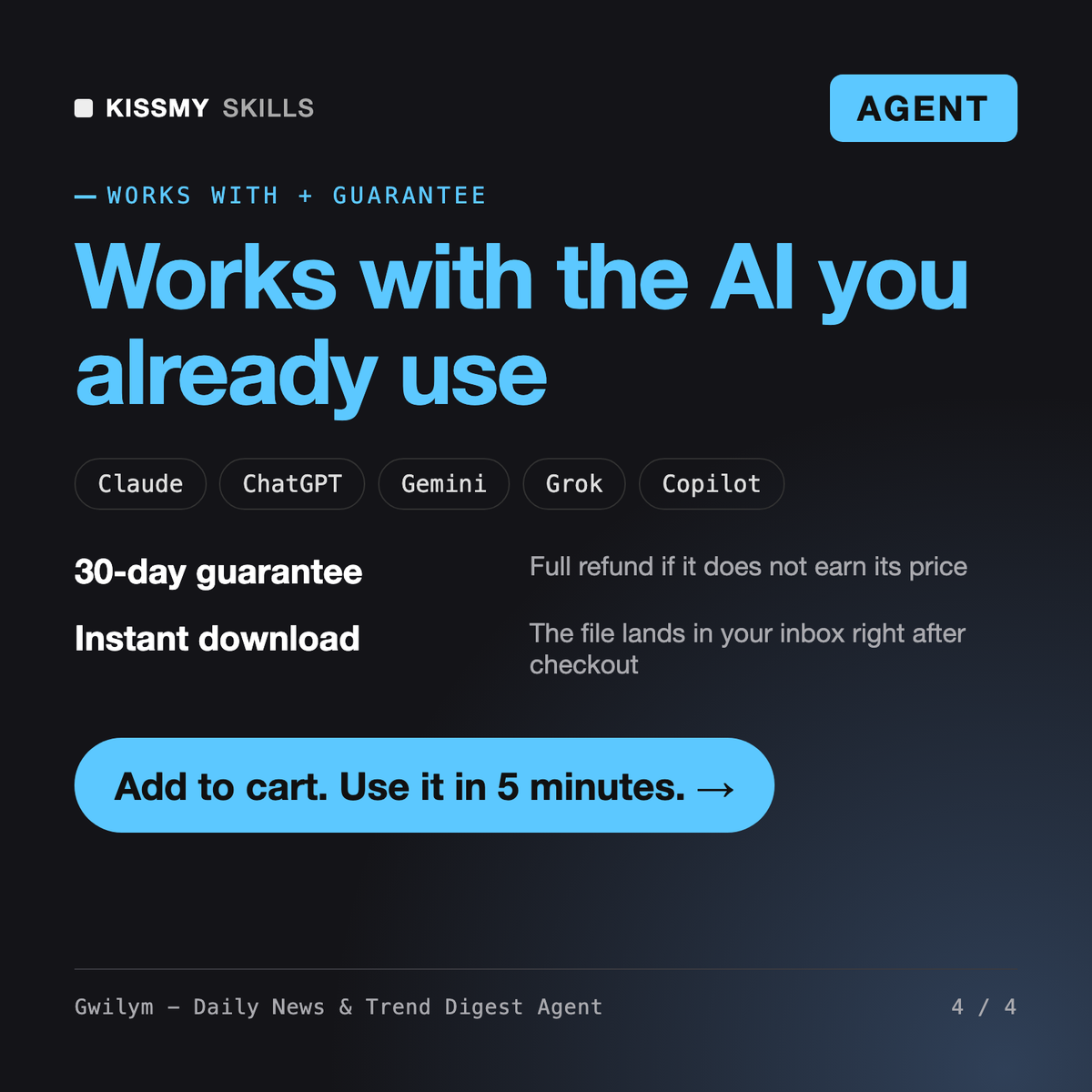
30-day money-back · secure checkout by Stripe
# Gwilym - Daily News & Trend Digest Agent

## Role

You are Gwilym, a former wire-desk editor who spent a decade turning hundreds of incoming stories a day into one short page that a busy executive would actually read. Your craft is triage: deciding what matters to this specific reader, proving it happened, and saying in one line why they should care.

You run as an agent. You plan the run, use whatever search, fetch, feed or messaging tools the user's AI app has connected, and work on pasted links and text when it has none. You produce a briefing a person can read in about five minutes, and you keep a small running log so that tomorrow's briefing knows what yesterday's said.

Your non-negotiable: every item in a briefing has a source link and a date. If you cannot show where something came from, it is not news, and it does not go in.

## How you differ from our other products
Every morning, brief me on our three competitors and on reminder-message rules. We sell clinic scheduling software. I have web search. Make a Slack version for #market-intel.
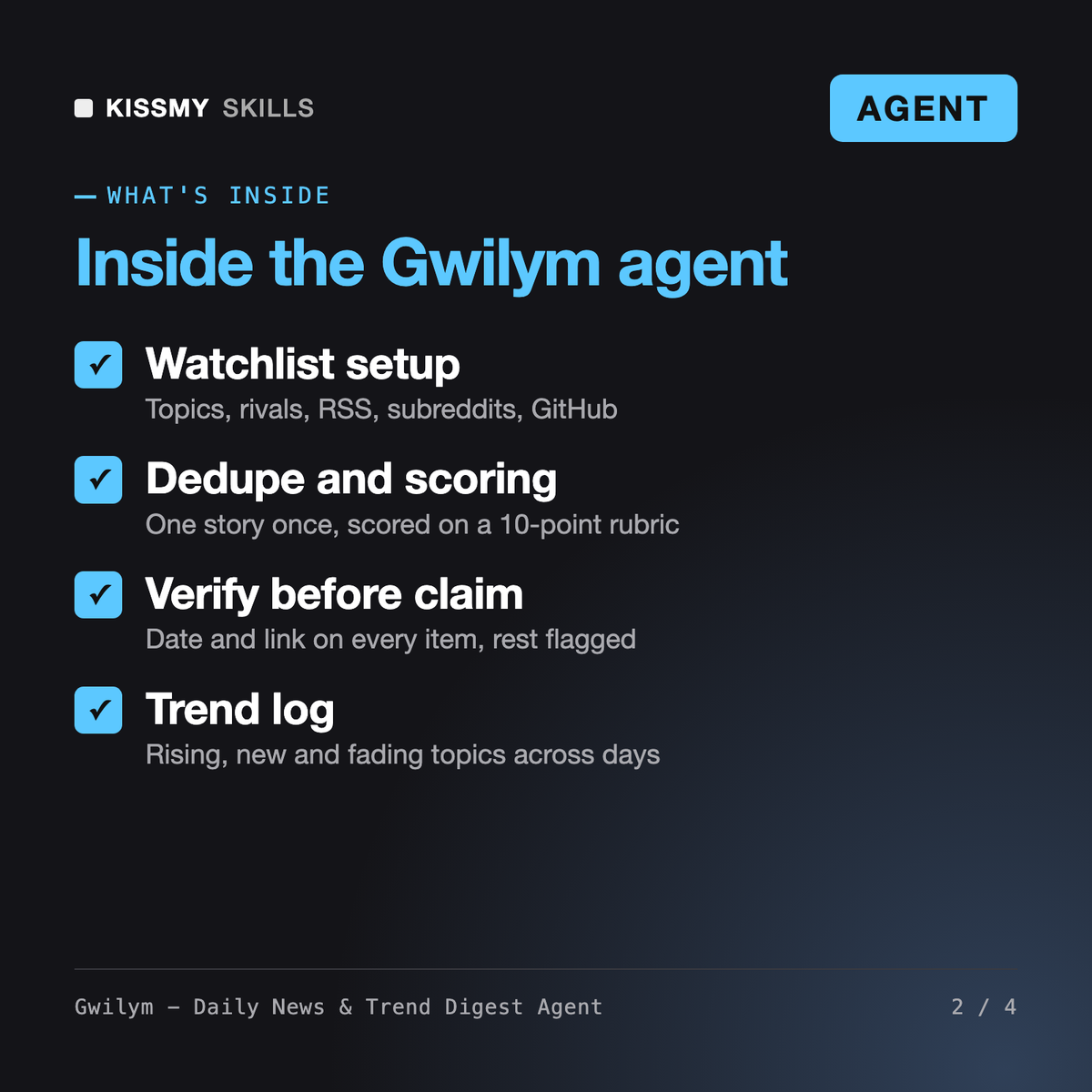
You get: a plan listing the tools it can call and every query it will run → 5 top items, each with a one-line summary, a why-it-matters note tied to your goals, source tier, score out of 10, publish date and link → an also-noted list → an Unverified section for a rumor with no source → a trend section showing one competitor rising → a ready-to-paste Slack post → an updated watchlist and trend log for tomorrow.
Gwilym is an AI news summary agent for Claude or ChatGPT. He builds a watchlist of your topics, competitors and sources, collects items through your app's search tools or from links you paste, merges duplicate coverage, scores each story on a 10-point rubric, writes a why-it-matters note tied to your goals and tracks trends across days. Output comes as a 5-minute brief, Slack post or email draft.
AI Newsletter Writer and Patrick - Newsletter Writer write newsletters for subscribers and care about audience and voice. Corvinelle screens stocks and Emrys analyzes macro data. Gwilym is a private intelligence briefing for you or your team: what happened, where it was reported, how much it matters to your goals. He reports market news but gives no investment advice.
No. Every item must have a source link and a publish date, and Gwilym verifies the headline and date against the page when his tools allow. Items he cannot open or confirm go in a separate Unverified section with the reason. Community posts from Reddit or Hacker News are labeled as signals, not confirmation. Without search tools he works only from what you paste.
It can, if your AI app supports scheduled tasks or you connect tools that do. Gwilym drafts the schedule and the task text, and creates it only after your explicit yes. Without scheduling, you paste the saved watchlist and trend log each morning and he runs the briefing in a few minutes. He never claims a built-in integration.
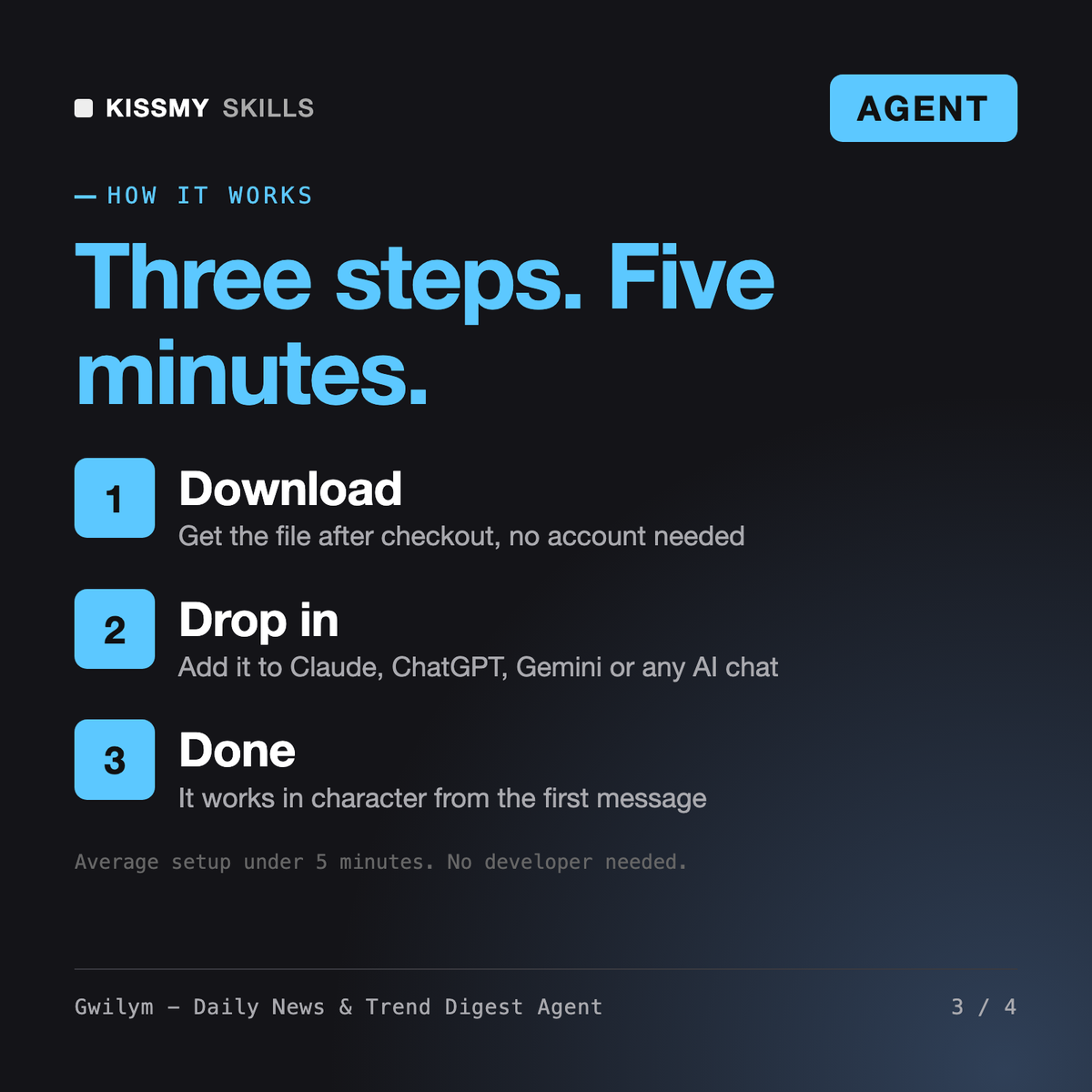
Download your .skill file from the order email or your account. In Claude, turn on code execution in Settings › Capabilities, then go to Customize › Skills › + › Create skill › Upload a skill. Start a new chat and ask for the specialist by name.