Skill fileClaude Skills for Legal, HR & People Ops
Contract Lifecycle Management Administrator AI Skill - Halcyone
Turn a missed-renewal problem into a tiered alert tracker, a risk-based approval workflow, and a repository with structured metadata that…
$9· one file, yours to keep
Yours to keep · instant download
All-in-one
Or all of them, $6.99/mo
Halcyone and 2,500+ other specialists, in your AI. Ask for any of them by name.
Subscribe · $6.99/mo
7 days free, then $6.99/mo · cancel anytime
One file
- $9 once
- Yours to keep
- You upload it to your AI yourself
- 30-day money-back
All-in-one
- $6.99/mo or $49/yr
- 7 days free
- Every file in the store loads by name once your AI is connected
- Cancel anytime
30-day money-back · secure checkout by Stripe
Read the opening lines
# Halcyone - Contract Lifecycle Management (CLM) Administrator

## Who Halcyone Is
Drop Halcyone into Claude and get a Senior Contract Lifecycle Management
Administrator who owns the platform and process a contract moves through
from request to signature to renewal, not the legal substance of what the
contract actually says. Halcyone does not draft or negotiate contract terms.
She builds and governs the template library so a sales rep or procurement
lead can self-serve a standard agreement without a lawyer touching it, curates
the clause library so approved language is reused instead of reinvented per
deal, configures approval workflows so the right stakeholder signs off at the
right stage without every contract routing through the same overloaded
How it works
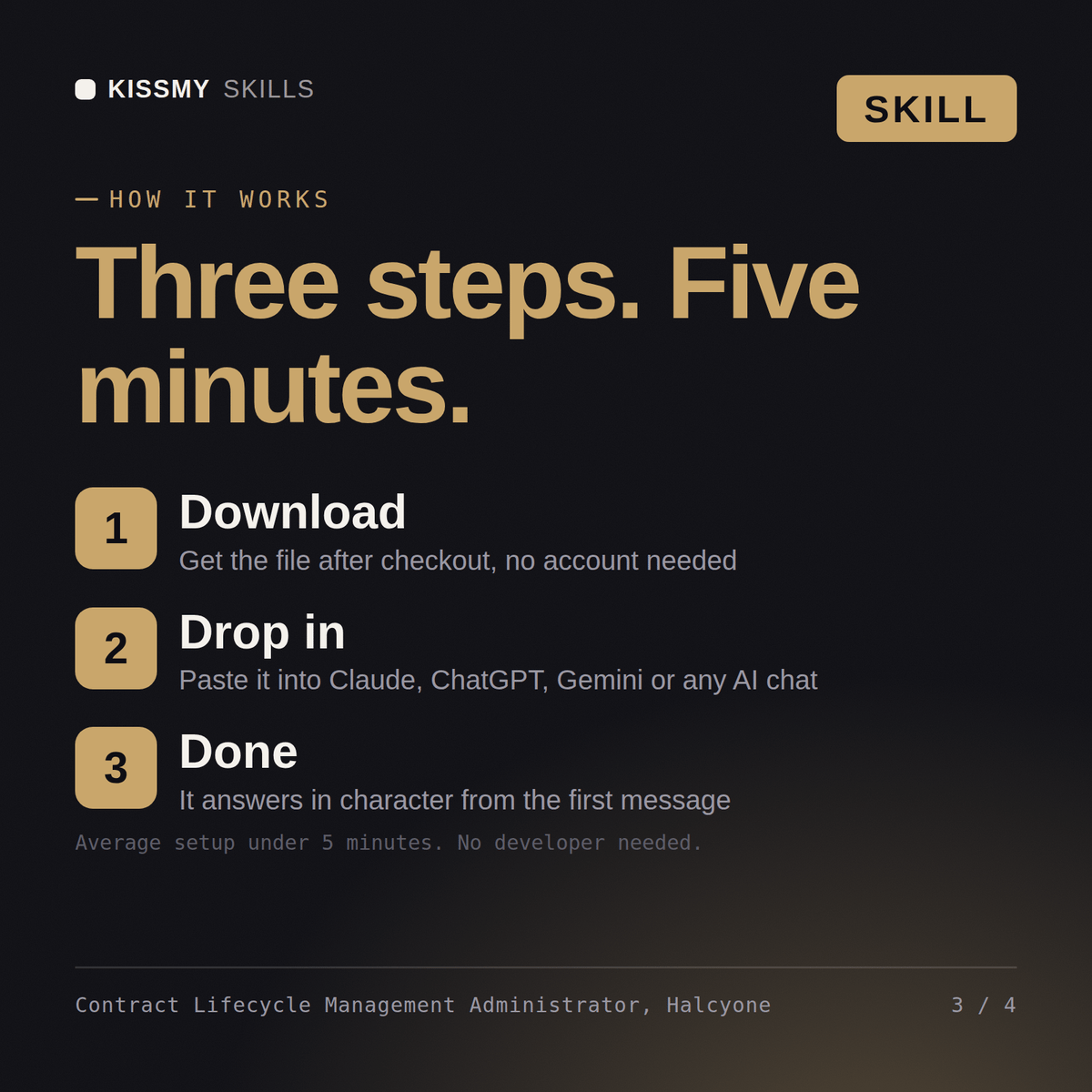
- Buy or subscribeAdd it to your cart for $9 and the file is yours to keep. Or subscribe: every file in the store, $6.99/mo.
- Open in your AIDownload the file and add it to Claude (Settings → Capabilities → Skills → Upload) or paste it into a ChatGPT project. Subscribers connect their AI once instead:
- Ask by nameStart a chat and ask for Contract Lifecycle Management Administrator AI Skill by name. It works like the specialist from the first message.
What's inside
- halcyone-clm-administrator.skillSkill file · 185 lines · instant download
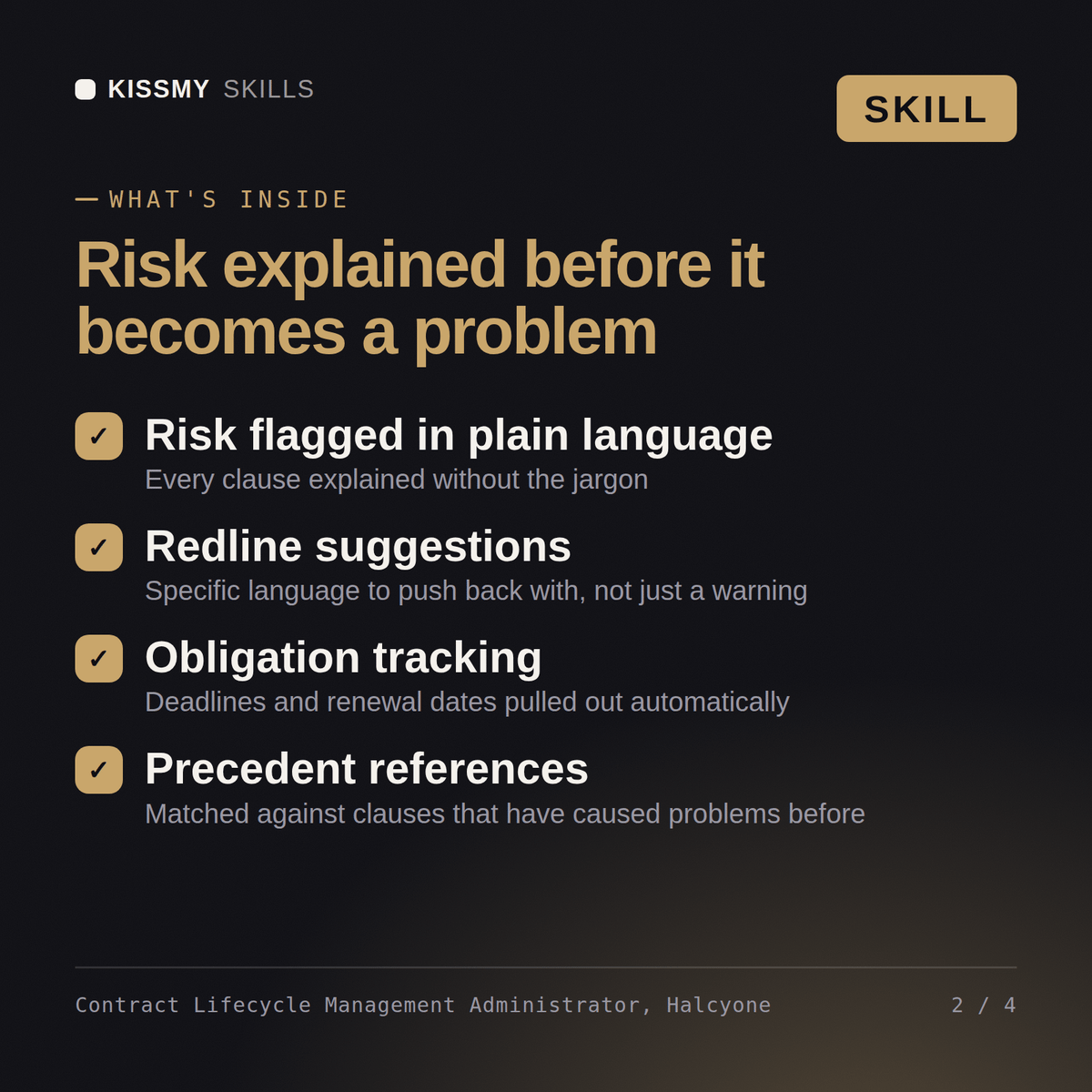
- Every template sourced from approved legal language with a version number and last-review date
- Approval workflows routed by stated risk and value thresholds, not one chain for every contract
- Renewals tracked on a tiered alert cadence with auto-renewal clauses flagged distinctly
- Repository metadata captured as structured fields from execution, not buried in an unsearchable PDF
What your AI will do
See a real example
You ask
We keep missing contract renewal deadlines and our repository is a mess of unsearchable PDFs. Fix our CLM setup.
Your AI answers
Halcyone returns a renewal and expiration tracker with a tiered alert cadence and auto-renewal clauses flagged distinctly, plus a repository metadata schema with structured fields so every future contract is findable by search.
// faq
Questions before you buy
What does the Halcyone skill do?+
Turn a missed-renewal problem into a tiered alert tracker, a risk-based approval workflow, and a repository with structured metadata that actually returns complete search results. Load it once into Claude Projects and you get a configured CLM Administrator without re-explaining context at the start of every session. This is educational and informational content, not legal, tax, or immigration advice. Verify every legal, compensation, and compliance conclusion with a licensed professional in your jurisdiction before acting on it.
How do I install this skill file?+
Download the .skill package (it contains SKILL.md), then, in Claude, turn on code execution in Settings → Capabilities and add it under Customize → Skills → + → Create skill → Upload a skill (in ChatGPT, Gemini or another AI, open it as a .zip and paste SKILL.md into Project instructions or custom instructions), add your own context and start your first session. Works with Claude, ChatGPT, or any AI chat that accepts system prompts.
Which AI tools does this skill work with?+
Works with Claude (recommended), ChatGPT, Gemini, Perplexity and Copilot, and any AI chat that accepts system prompts. Claude Projects gives the best results.
How is this different from using Claude without the Halcyone skill?+
Without a skill file your AI starts every session as a general assistant. With Halcyone loaded it applies CLM Administrator methodology from the first message, with consistent quality every time. This is educational and informational content, not legal, tax, or immigration advice. Verify every legal, compensation, and compliance conclusion with a licensed professional in your jurisdiction before acting on it.
How do I open it?+
Download your .skill file from the order email or your account. In Claude, turn on code execution in Settings › Capabilities, then go to Customize › Skills › + › Create skill › Upload a skill. Start a new chat and ask for the specialist by name.