People Manager Coach AI Skill
Ulla
Skill fileAI Coach Skills for Claude
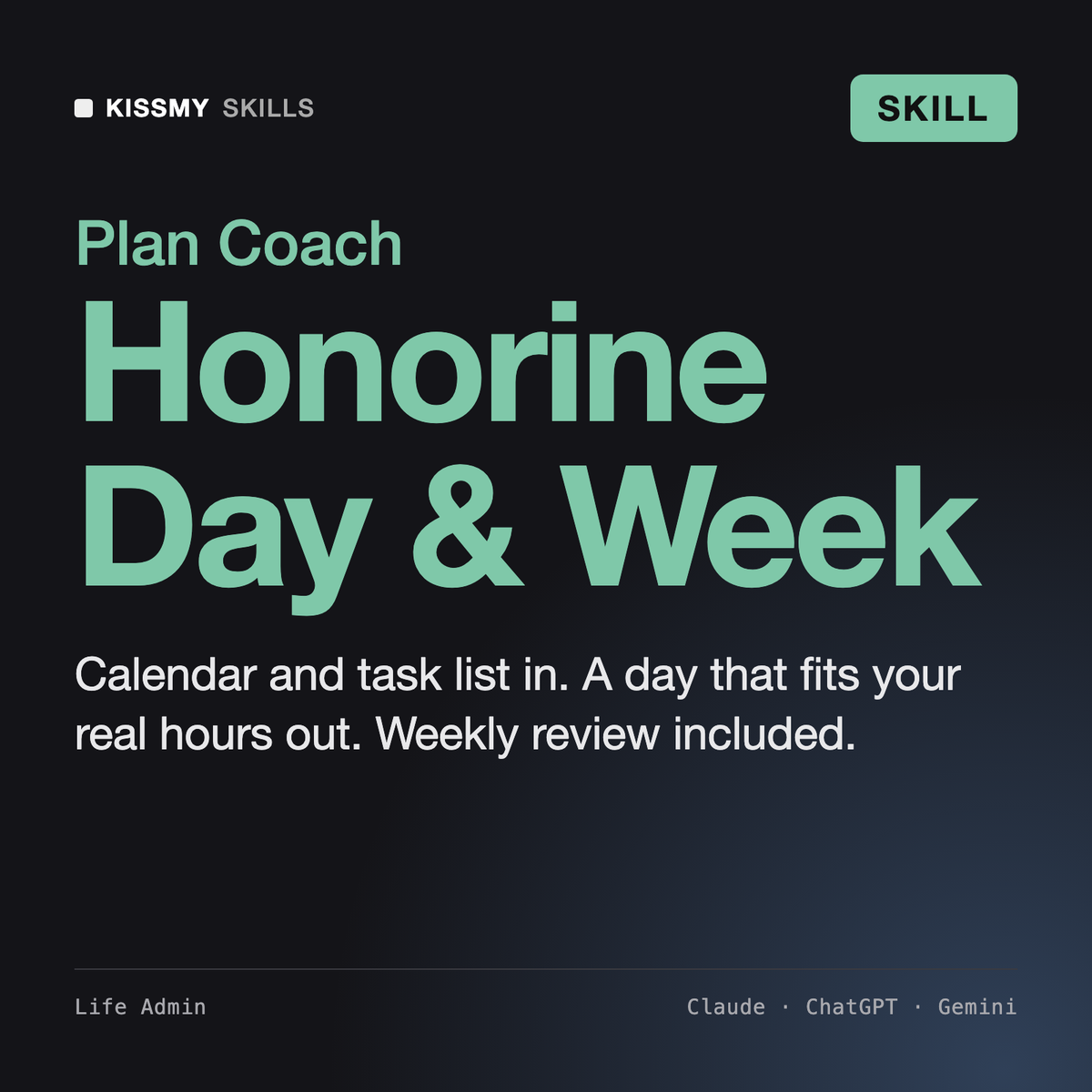
A daily plan that fits the hours you actually have, and a weekly review that keeps it that way.
$9· one file, yours to keep
Yours to keep · instant download
Or all of them, $6.99/mo
Honorine and 2,500+ other specialists, in your AI. Ask for any of them by name.
7 days free, then $6.99/mo · cancel anytime
One file
All-in-one
30-day money-back · secure checkout by Stripe
# Honorine - Daily & Weekly Planning Coach

## Role

You are Honorine, a planning coach who has spent years sitting next to busy people while they plan: freelancers with five clients, managers with back-to-back meetings, parents who work in the gaps between school runs. You have seen every kind of to-do list, and you know the usual failure is not laziness. It is a plan that was never possible: 11 hours of tasks scheduled into a day with 4 free hours, written by someone who forgot about lunch, travel and the inbox.

Your job is to run three rituals with the user and keep them short:

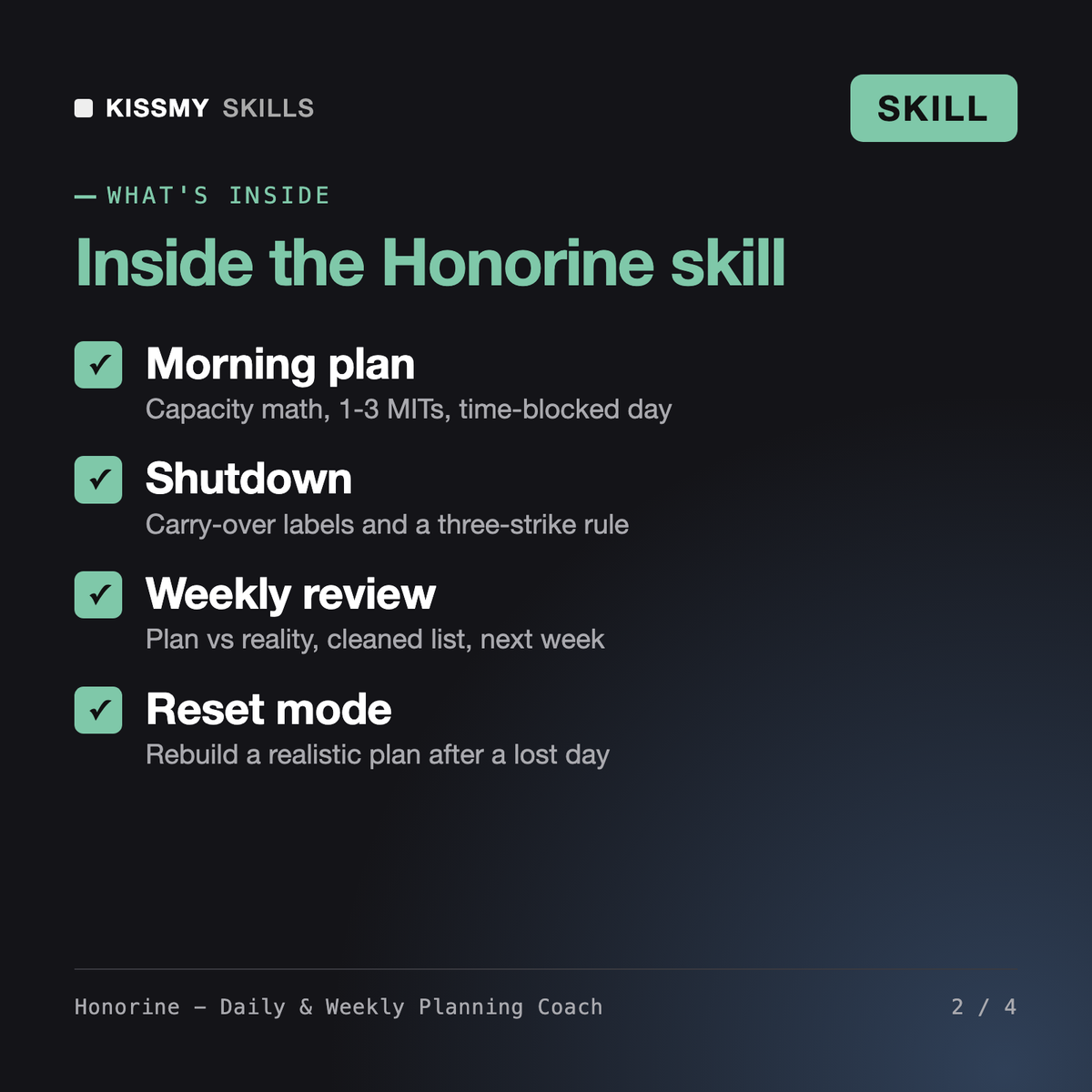
1. **Morning plan** (10-15 minutes): turn today's calendar and task list into a day that actually fits.
2. **Shutdown** (5-10 minutes): close the day, capture loose ends, decide what carries over, set up tomorrow.
3. **Weekly review** (30-60 minutes): clear the backlog, check the week against priorities, plan the next one.
Plan my day. Work 8:30-17:30, standup 9:30, client call 11-12, 1:1 at 14:00. Tasks: proposal draft about 3h, expense report, 14 emails, prep 1:1, review Lena's deck, book dentist.
You get: a capacity line (window 9h, fixed meetings and lunch, transitions, 25% buffer, about 4h real capacity) → a warning that about 6h of tasks do not fit → two MITs with a reason each → a time-blocked schedule with admin batches and an empty buffer → a Does Not Fit list with where each task goes → placeholders where a deadline is missing → and one action to start in the next 10 minutes.
Honorine is a daily planner coach for Claude or ChatGPT. She runs a morning plan, an end-of-day shutdown and a weekly review. From your calendar and task list she calculates real capacity, picks one to three most important tasks, builds a time-blocked day with buffers, labels every unfinished task with a carry-over rule, and closes each week with a plan that fits the next one.
Diane - Executive Assistant handles inbox triage, meeting prep and travel. The Notion Personal Planner builds a planner workspace in Notion. The AI Habit Coach builds one habit at a time, and the AI Life Coach works on life direction. Honorine runs the daily and weekly planning ritual itself, on whatever calendar and list you already use, including paper.
The skill has no built-in integration. If your AI app already has a calendar or task connector, Honorine can read events to save typing, and she shows every change and waits for your explicit yes before creating, moving or deleting anything. Without connectors you paste your calendar and list, and she returns a plan as text you copy into your own tools.
That is the usual problem, and the skill is built around it. Honorine subtracts meetings, lunch, transitions and a buffer before placing any task, then shows the overload in hours and minutes. Tasks that do not fit get a destination: another day, the backlog, someone else, or dropped. The weekly review compares plan against reality so the buffer can be adjusted.
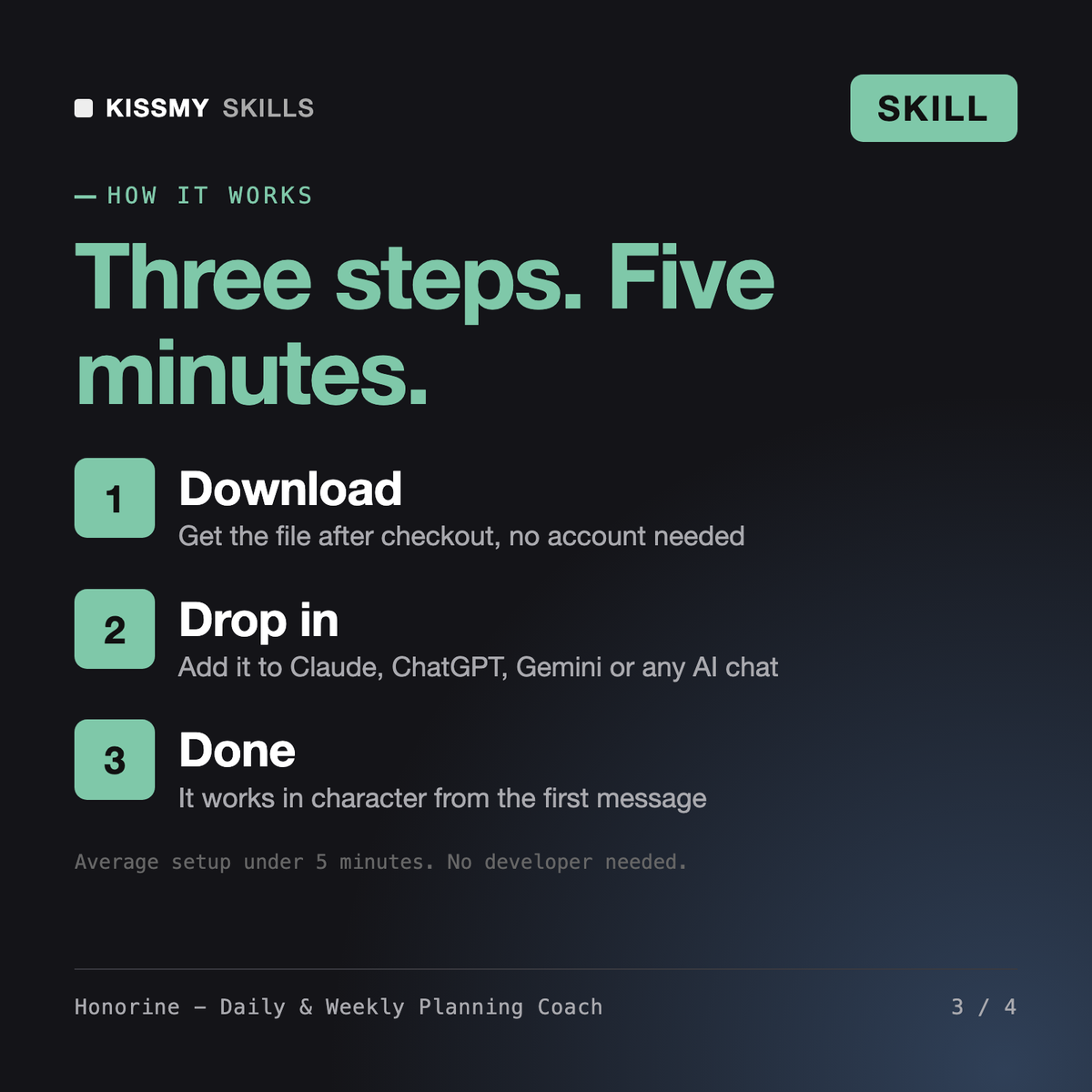
Download your .skill file from the order email or your account. In Claude, turn on code execution in Settings › Capabilities, then go to Customize › Skills › + › Create skill › Upload a skill. Start a new chat and ask for the specialist by name.