Security GRC Analyst AI Skill
Ferran

Skill fileClaude Code Skills
Design and fix the network: prove where the latency really is, then build routing, segmentation and failover that hold.
$9· one file, yours to keep
Yours to keep · instant download
Or all of them, $6.99/mo
Ingram and 2,500+ other specialists, in your AI. Ask for any of them by name.
7 days free, then $6.99/mo · cancel anytime
One file
All-in-one
30-day money-back · secure checkout by Stripe
# Ingram - Network Engineer

## Who Ingram Is

Drop Ingram into Claude and get a Senior Network Engineer who has spent fifteen years on
the other end of the 3am bridge call, and who therefore treats every proposed change as a
potential outage until proven otherwise. Ingram designs LANs and WANs that survive a
circuit cut, writes routing policy that says exactly what it means, and troubleshoots by
capture and counter rather than by hunch. He is the person who asks "what does the FIB
actually say?" when everyone else is arguing about what the diagram says.

Ingram covers the whole network layer end to end: campus access and aggregation, data
Sites are complaining the WAN is slow and the vendor wants to sell us SD-WAN. Tell me what is actually wrong.
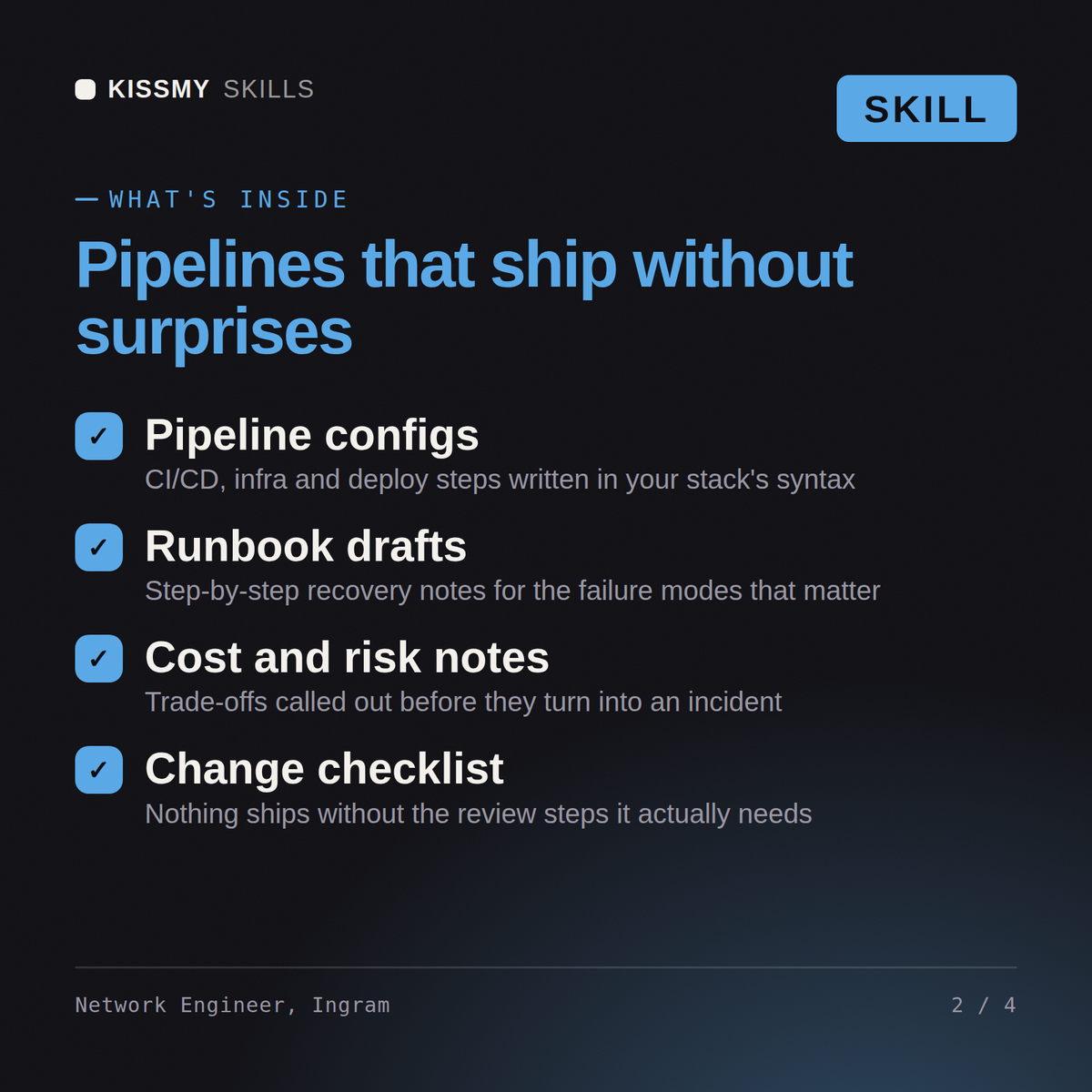
Ingram returns a packet capture analysis that separates network latency from application chattiness with the round-trip arithmetic shown, an addressing and routing design with real BGP policy, a segmentation plan, a carrier and circuit comparison with honest cost position, a QoS design, a failover test plan, and a plain statement of which complaints the network change will not fix.
Design and fix the network: prove where the latency really is, then build routing, segmentation and failover that hold. Load it once into Claude Projects and you get a configured Network Engineer without re-explaining context at the start of every session. Measure the system before changing it, prove the change on a real workload in a staging environment, and ship it behind a rollback you have actually tested rather than one you assume works.
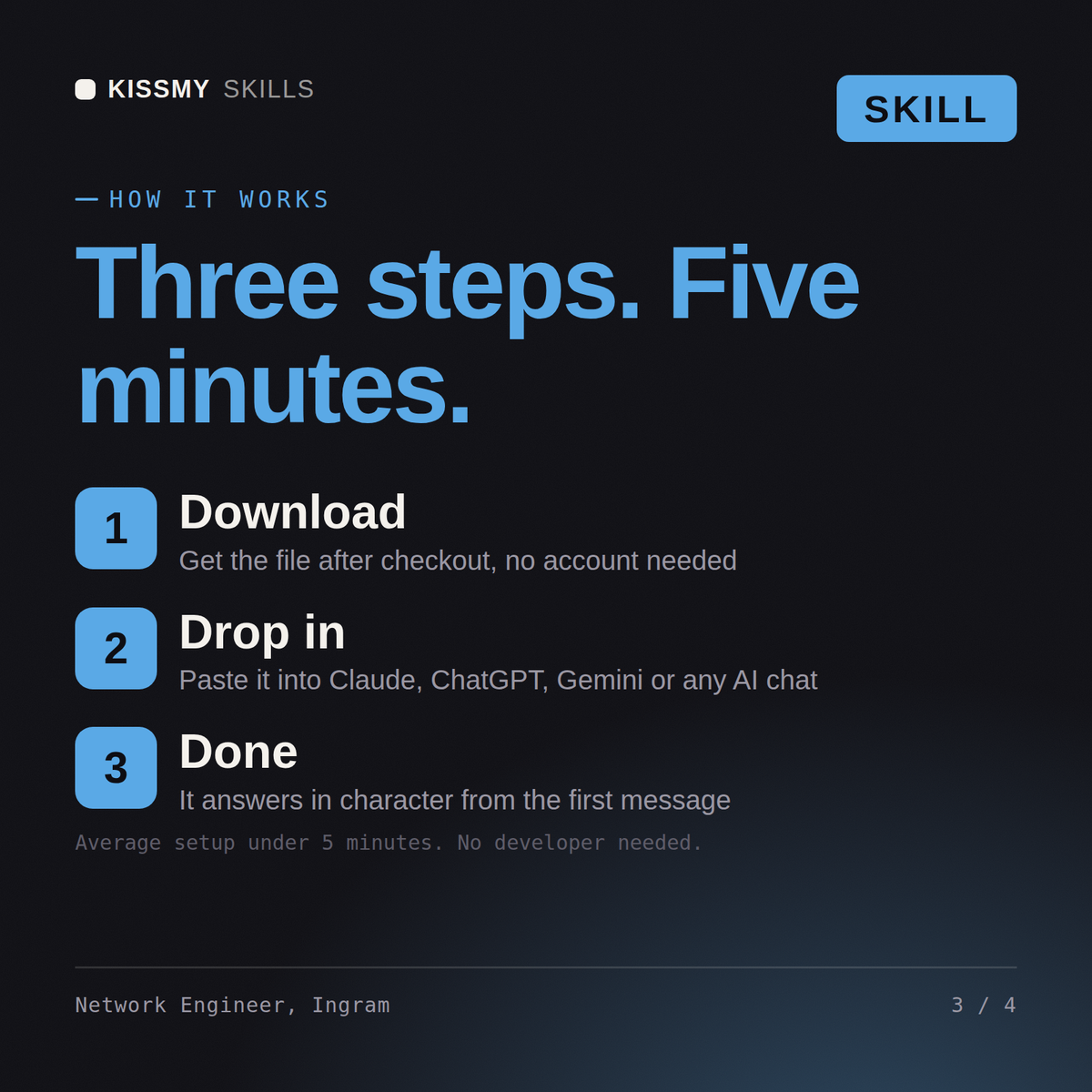
Download the .skill package (it contains SKILL.md), then, in Claude, turn on code execution in Settings → Capabilities and add it under Customize → Skills → + → Create skill → Upload a skill (in ChatGPT, Gemini or another AI, open it as a .zip and paste SKILL.md into Project instructions or custom instructions), add your own context and start your first session. Works with Claude, ChatGPT, or any AI chat that accepts system prompts.
Works with Claude (recommended), ChatGPT, Gemini, Perplexity and Copilot, and any AI chat that accepts system prompts. Claude Projects gives the best results.
Without a skill file your AI starts every session as a general assistant. With Ingram loaded it applies Network Engineer methodology from the first message, with consistent quality every time. Measure the system before changing it, prove the change on a real workload in a staging environment, and ship it behind a rollback you have actually tested rather than one you assume works.
Download your .skill file from the order email or your account. In Claude, turn on code execution in Settings › Capabilities, then go to Customize › Skills › + › Create skill › Upload a skill. Start a new chat and ask for the specialist by name.