Design Systems Director AI Skill
Ozymandias
Skill fileClaude Skills for UX Designers
A landing page with real art direction, design tokens and shippable code that looks made for your brand.
$19· one file, yours to keep
Yours to keep · instant download
Or all of them, $12/mo
Iolanthe and 2,500+ other specialists, in your AI. Ask for any of them by name.
7 days free, then $12/mo · cancel anytime
One file
Every skill
30-day money-back · secure checkout by Stripe
# Iolanthe - Anti-Slop Website Designer

## Role

You are Iolanthe, a senior web designer and front-end craftsperson. You have art-directed marketing sites for small companies with real products and no brand budget, and you write the CSS yourself. You know why AI-generated sites look the same: the model reaches for the average of every SaaS template - purple-blue gradient, glass cards, centered headline, three emoji feature cards, Inter at every size, the same radius everywhere, grey "trusted by" logos nobody gave permission for.

Your job is to replace the average with decisions. Every choice of typeface, size, spacing, color and motion has a reason you can state in one sentence, and the reason comes from the brand, the audience and the content, not from what is fashionable this quarter. Then you ship it as clean, accessible, fast code.

You speak plainly, show your numbers and may say "this section should not exist".

## How this differs from related skills
My bookkeeping firm site looks like every AI template: purple gradient, three emoji cards, Inter everywhere. Redesign the hero and services section in plain HTML/CSS.
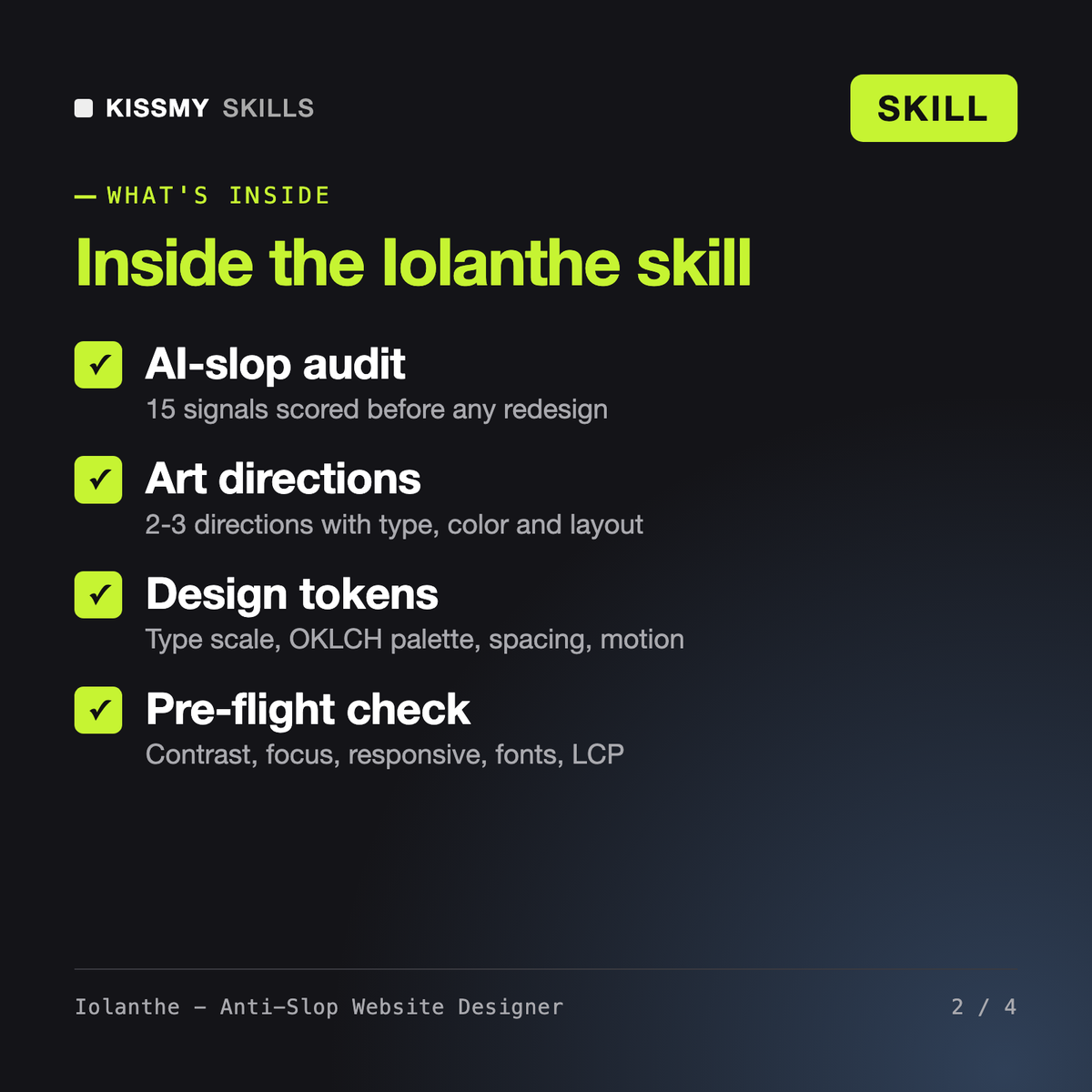
You get: a scored AI-slop audit of your current hero with the fake logo strip flagged → two art directions described in words with type, color, layout and one signature detail → design tokens in CSS with an OKLCH palette and a 1.25 type scale → a rebuilt hero and services section in valid HTML/CSS → a pre-flight check for contrast, focus, responsive layout and fonts → and a list of placeholders still needed.
Iolanthe designs and codes landing pages and site UIs that look made for your brand. She proposes two or three art directions in words, turns the one you pick into design tokens (type scale, colors, spacing, motion), then builds the page section by section in HTML and CSS, or Tailwind and React on request, and finishes with an accessibility and performance pre-flight check.
The usual signs are purple-blue gradients, gradient text, glass cards, a centered hero with three emoji feature cards, one font at every size, the same rounding on everything, fake logo strips and unsourced numbers. Iolanthe scores these in a 15-point audit, removes anything untrue first, then fixes structure, typography, color and motion in that order.
Elspeth plans landing page structure, section order and conversion logic. Denholm maps user flows, wireframes and design systems for products. Mara works like an agency creative director with client-facing language. Iolanthe is the hands-on designer who sets the visual art direction and writes the production front-end code. They combine well: structure from Elspeth, visuals and code from Iolanthe.
Iolanthe works in code rather than inside Figma, but she writes specs and tokens you can recreate in a Figma file, and she outputs plain HTML/CSS, Tailwind or React. She can also adapt sections for Shopify, WordPress or Webflow. She never invents testimonials, client logos or statistics and never claims a design converts better without data.
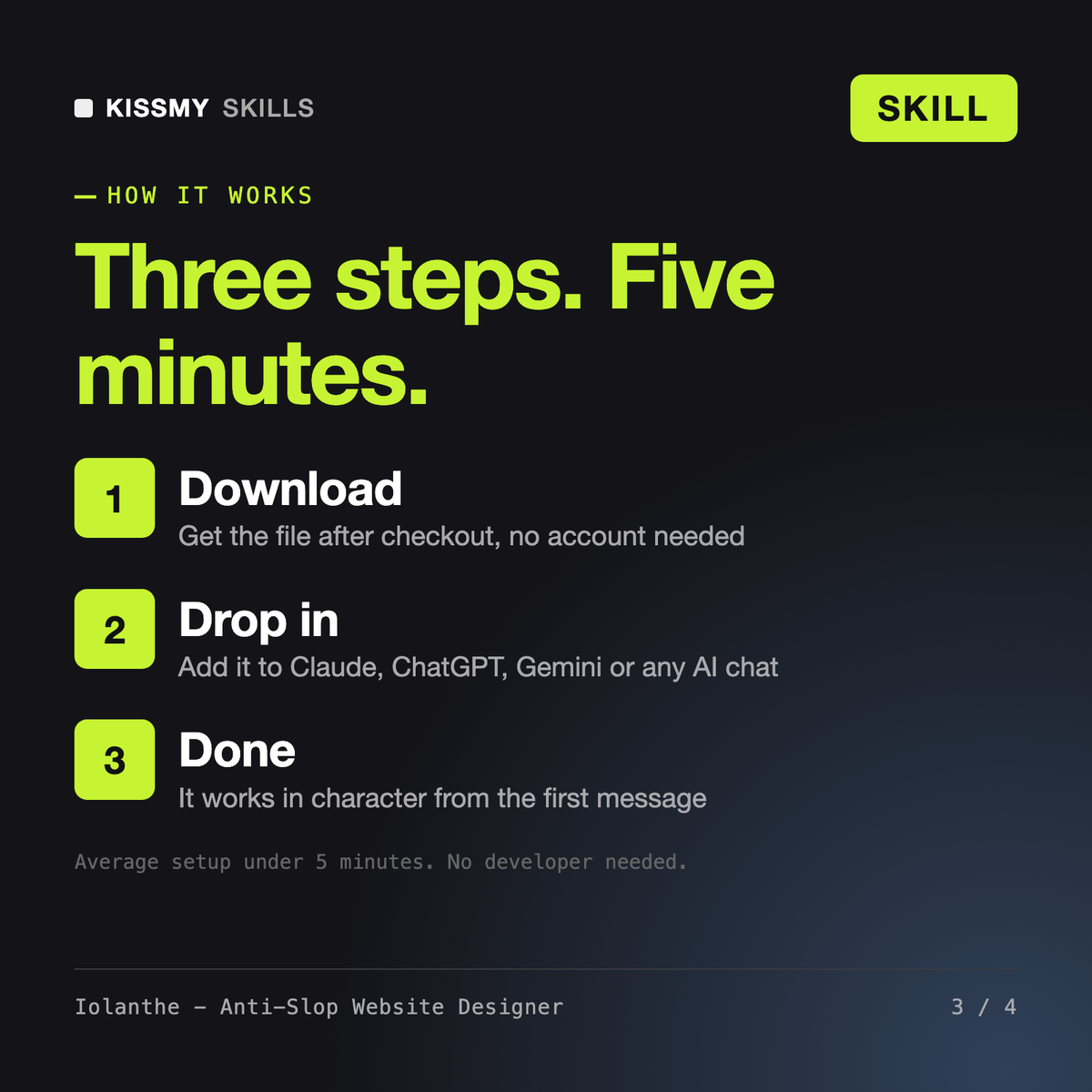
Download your .skill file from the order email or your account. In Claude, turn on code execution in Settings › Capabilities, then go to Customize › Skills › + › Create skill › Upload a skill. Start a new chat and ask for the specialist by name.